
To share one TikTok clip, open the video, tap Share, copy the link, and if you plan to print it, turn that link into a QR code at least 1 inch (2.5 cm) wide.
That gets the video out of the app and into texts, DMs, emails, handouts, table cards, and packaging in a few minutes. The main thing is to share the video link itself, not your profile, unless you want people browsing everything you post.
How to share a TikTok video#

-
Open the exact TikTok clip you want to share, because each video has its own link.
-
Tap Share in the app, then tap Copy link if you want a link that works in text, email, notes, or a QR code.
-
Paste the link once into a note or message and test it, because some videos open in the TikTok app and others open in a browser first.
-
Send the link where people already respond fast, like text, group chat, email, or DMs, and add one short reason to watch. “See the 12 second demo” beats “watch this.”
-
If you need to reach people who are not already scrolling, open a TikTok QR code page or a plain QR code for a link generator and paste the video URL.
-
Download the code and put it on something people naturally pause at, like a counter card, package insert, event handout, or tabletop sign.
-
Write a clear cue next to the code, such as “Watch the 15 second setup” or “See the before and after video.” People scan more when they know what opens.
-
Make the code dynamic if the destination might change later, so you can re-point it after printing instead of throwing materials away.
QRFLOW.codes is useful here because your first dynamic code is free, so you can change where that printed code points if the clip gets deleted, replaced, or folded into a newer campaign.
Where should you put a printed TikTok video code?#

Printed video codes work best in places where people already stop for a beat. A checkout counter, product insert, event table, thank you card, or waiting area usually gets better scans than a wall people pass at full speed.
Think about why someone would want this specific clip. A maker showing how a product works can print the code on packaging. A restaurant can place it on a table tent for a behind the scenes dish video. An event host can put it on a welcome sign for a 20 second hype clip.
The line next to the code matters as much as the square. Tell people what they get in 4 to 8 words. Good examples:
- Watch the 20 second demo
- See it worn on real people
- Scan for the recipe video
- Watch the room reveal
- See how it folds flat
Keep the print job simple. For a handout or card someone holds in their hand, 1 inch (2.5 cm) is a safe starting size. For a small sign on a counter, go closer to 1.5 inches (3.8 cm). If you want a deeper size guide, see how to make a QR code for a video.
A printed code only earns a scan when the video helps with the moment the person is already in. If the clip answers a question, shows proof, or adds a quick bit of fun, the scan makes sense.
Use the free QR code generator when you want a fast code for one clip, a flyer, or a tabletop card. You can generate without signing in, and if you want an unmarked file, a dashboard, or your first dynamic code, use the free account.
What does a TikTok link look like?#
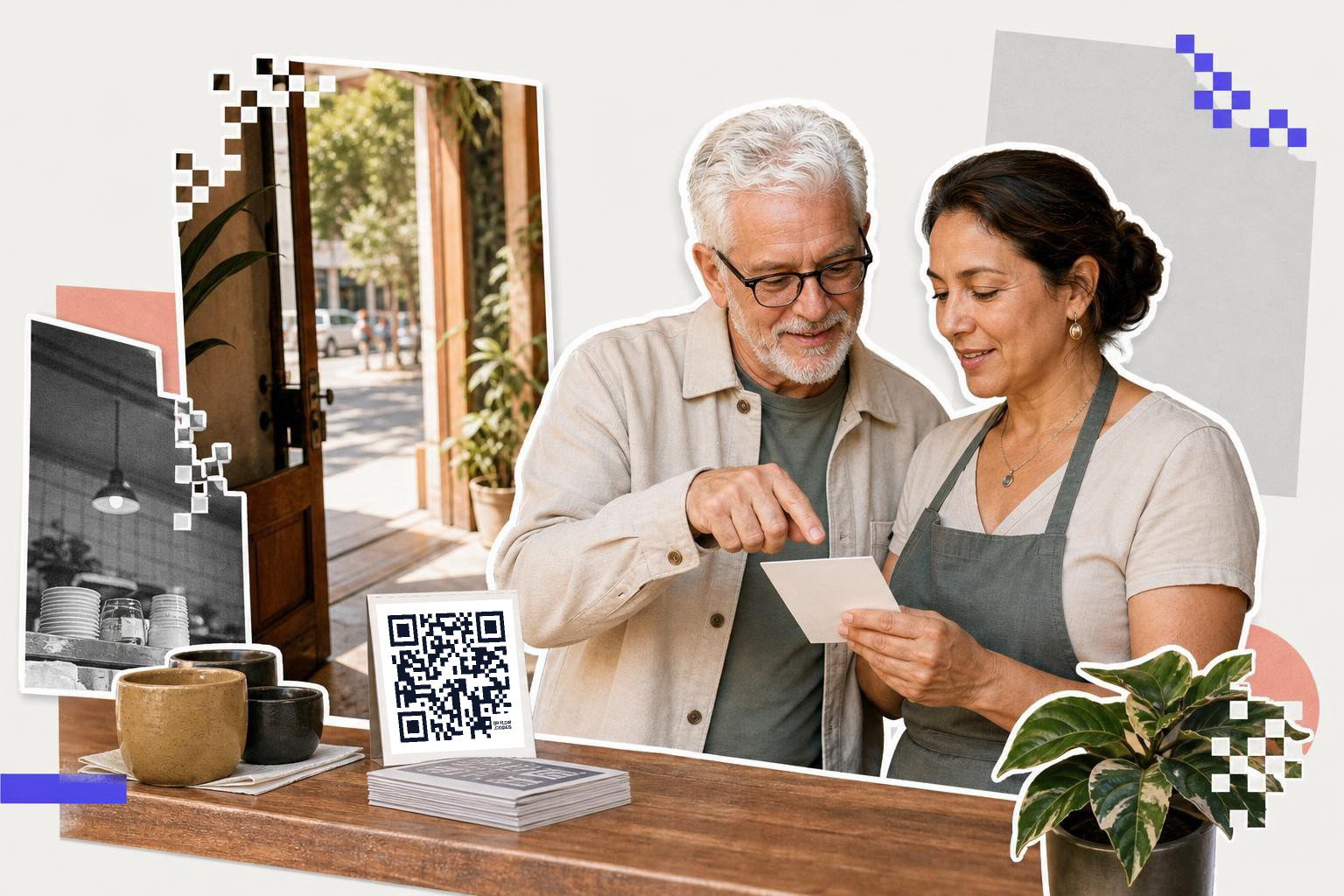
A TikTok video link usually looks like a full web address to one clip, not just your username. If you copied the link from that video's Share sheet, you probably have the right one.
That matters because a profile link asks people to hunt for the clip themselves. A direct video link drops them onto the exact post you meant to share.
If you are printing today, ask one question before you export the code: could this destination change? Maybe the video gets removed. Maybe you want the same printed card to point to a newer version next month. Maybe you decide a landing page with the embedded clip works better than sending people straight into the app.
If any of that sounds likely, use a dynamic code. A static code is fixed forever. A dynamic code lets you change the destination later, which is the safer choice for packaging, event materials, and signs that will stay out for weeks.
QRFLOW.codes also lets paid plans make every code dynamic and add scan analytics, which helps if you want to see whether people scanned from the counter, the booth, or the insert. If that matters for your campaign, the details are on the pricing page.
For a deeper plain-English explanation, see Understanding QR codes that don't expire.
Using TikTok's direct message feature#
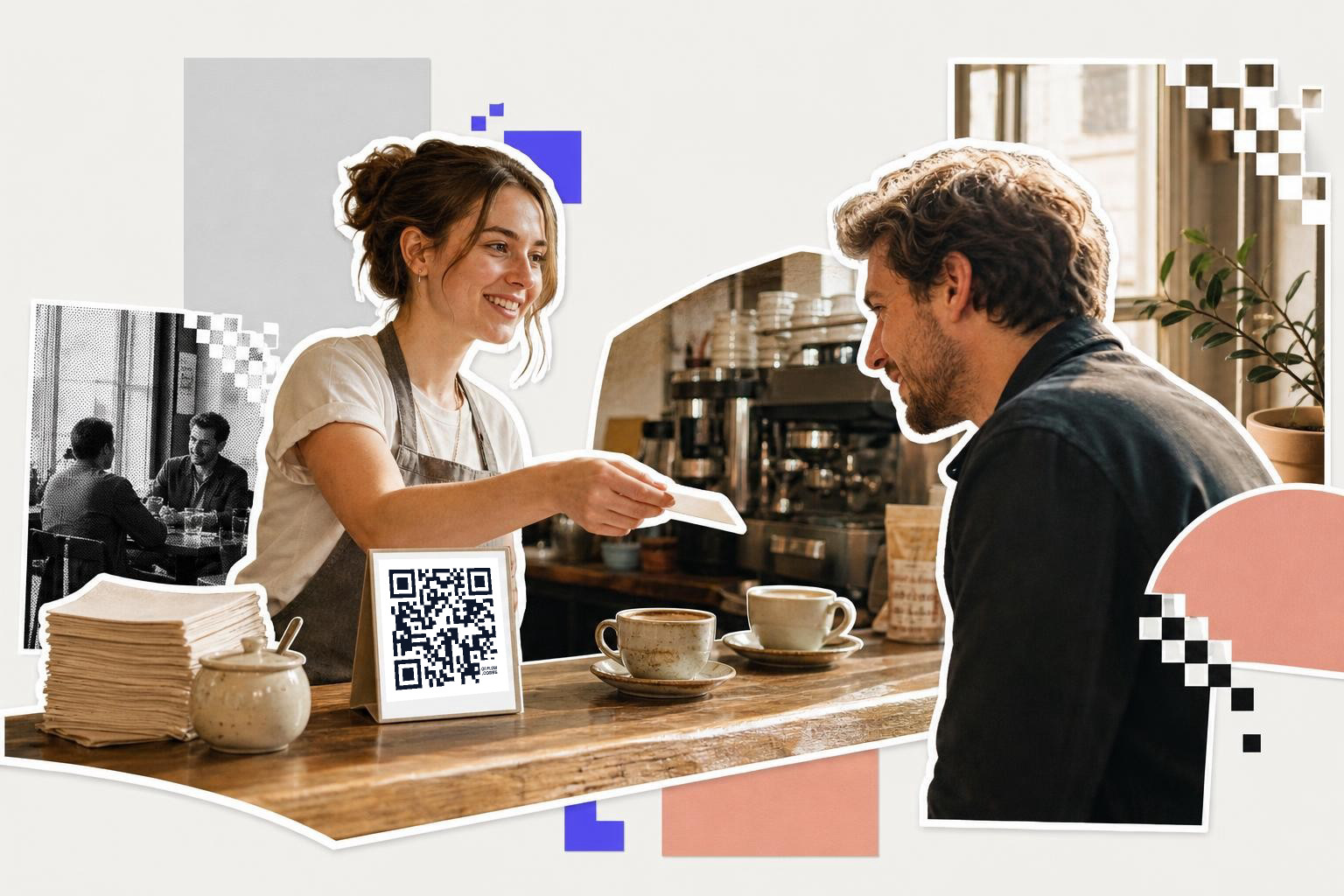
Sharing a TikTok video directly through the app's messaging feature is a straightforward way to reach people who are already on TikTok. To do this, open the video you want to share and tap the Share button. Instead of copying the link, select the Send to option. This will open a list of your TikTok contacts. Choose the person or group you want to send the video to and tap Send. This method ensures that the recipient gets the video directly in their TikTok inbox, making it easy for them to view and react to it.
This approach is particularly useful if you know your friends or contacts are frequent TikTok users. It saves them the step of opening a browser or another app to view the content. Plus, it keeps the interaction within TikTok, which can be more engaging for users who are already familiar with the platform's interface.
Embedding TikTok videos on websites#
If you want to share a TikTok video on a website or blog, embedding it can be an effective option. TikTok provides an embed code for each video that allows you to display the video directly on your webpage. To get this code, open the TikTok video you want to share, tap the Share button, and select Copy link. Then, visit the TikTok website on a desktop browser, paste the link into the search bar, and open the video.
Once the video is open, look for the Embed option, usually found near the video player. Click it to generate the HTML code. Copy this code and paste it into the HTML of your website where you want the video to appear. This method is ideal for bloggers or businesses looking to showcase TikTok content on their sites without redirecting visitors away from their page.
Sharing TikTok videos on social media#
To share a TikTok video on other social media platforms, use the app's built-in sharing options. Open the video you want to share and tap the Share button. You'll see icons for various social media platforms like Instagram, Facebook, and Twitter. Tap the icon for the platform where you want to share the video.
This method automatically formats the video for the chosen platform, making it easy to integrate into your social media feed. Remember to add a brief caption or comment to engage your audience. Sharing on social media broadens the reach of your TikTok content, allowing you to connect with followers who might not be on TikTok. It also provides an opportunity to drive traffic back to your TikTok profile if viewers are interested in more content.
Questions people ask about how to share a TikTok video#
Can I share TikTok with non-users?#
Yes, often you can. Many TikTok links open in a mobile browser first, and from there the person can watch or choose to open the app if they have it.
Should I share the profile or the video itself?#
Share the video itself when one clip is the goal. A profile link makes people search for the right post, and some will give up before they find it.
What should I write next to a TikTok QR code?#
Write one short line that says exactly what opens. “Watch the 10 second tutorial” is better than “Scan me” because it gives people a reason.
When is a printed code worth it?#
A printed code is worth it when people meet your message away from their feed. Packaging, counters, event tables, thank you cards, and waiting areas are the usual winners.
What if the video changes after I print the code?#
A static code cannot be updated. A dynamic code can be re-pointed to a new TikTok clip, a landing page, or another destination without reprinting the card.
If you want to get one specific clip in front of real people, not just followers already in the app, a printed code can do a lot of work. Make the code, add a clear reason to scan, and if the destination may change later, start with a dynamic one in QRFLOW.codes.