
A good qr-code-generator should match your print job, let you choose static or dynamic links, and only charge for features you will actually use. Most people do not need the same thing from a qr-code-generator. A coffee shop printing one menu sign needs something very different from a team tracking scans acros 200 flyers. The fastest way to choose is to start with the job, then check four things: whether the link can change, how the code looks, what you can download, and whether you need scan data.
What do you need the code to do?#

A QR code generator is only “right” if it fits the item you are printing. Start with the destination, not the design.
If you are linking to one page that will not move, a static code is fine. If the link might change after printing, use a dynamic code so you can update the destination without replacing the code itself. That matters for menus, event pages, PDFs, and anything with a deadline.
A few common fits are simple. A link code works for most jobs. A Wi-Fi code should join a network in one scan. A vCard should save contact details, not just open a profile page. If you are unsure, how do you generate a QR code walks through the main code types.
If you already know the code will go to a web page, start with a plain QR code for a link. It keeps the choice narrow, which helps.
Static or dynamic matters more than the logo#
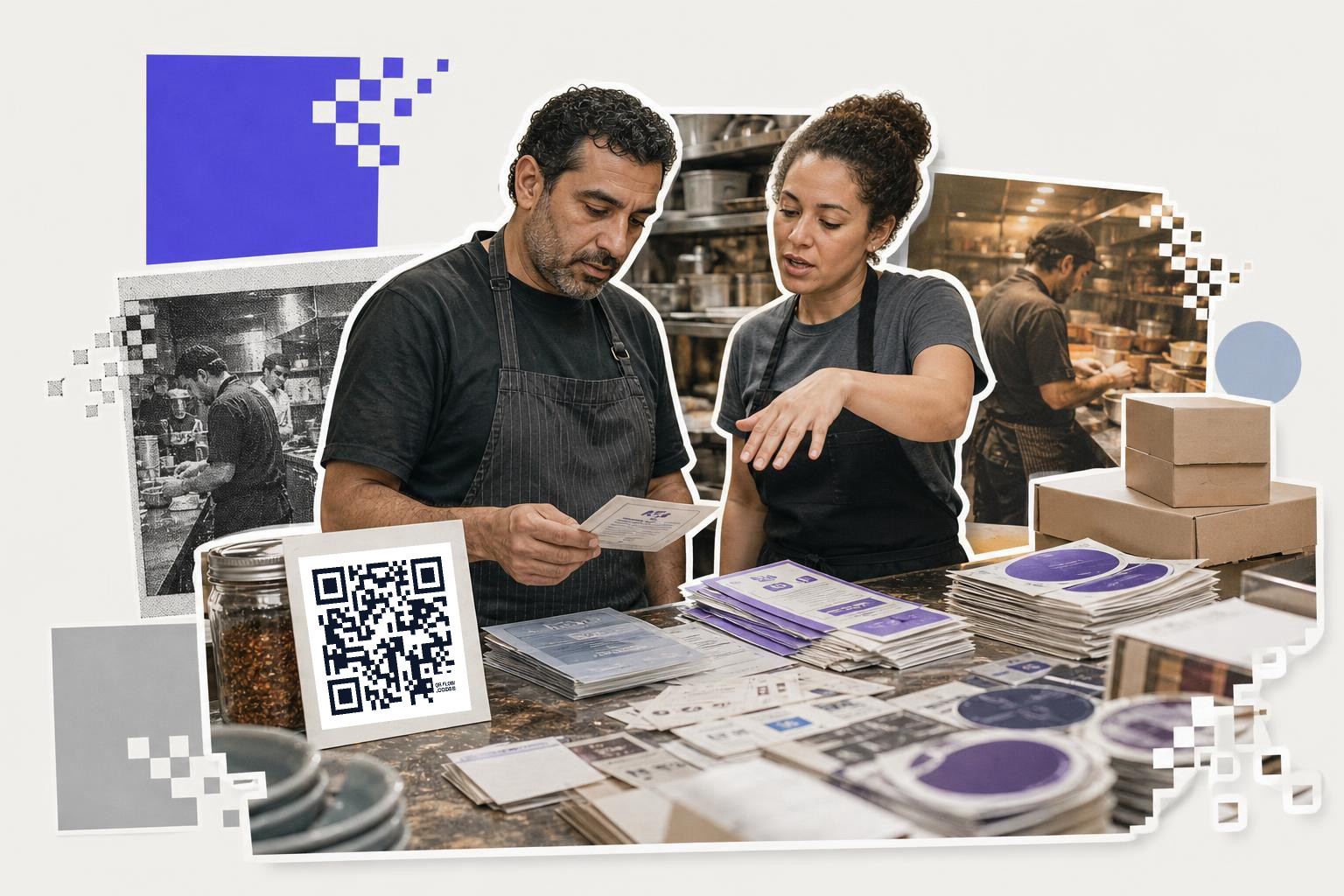
Dynamic vs static is the first real fork in the road. Everything else comes after that.
A static code stores the final destination inside the square. It will keep working as long as that page still exists, but you cannot edit it later. A dynamic code points to a short link first, so you can change the destination after printing. That is the safer pick for campaigns, restaurant menus, property listings, and any printed piece you may reuse.
This is also where free plans differ in a very real way. Some tools only give you static codes for free. QRFLOW.codes gives you one free dynamic code, which is enough for a one-off sign or flyer if you want editability without paying yet. Premium makes every code dynamic for $4 a month.
If you want the fuller tradeoff, see static vs dynamic QR code. It is the one feature that can save you a reprint.
Need to make one now and sort the rest later? The free QR code generator lets you generate a code right away, with no signup wall to start.
Which features are worth paying for?#

Most paid QR features are only worth it if they save you time or prevent a reprint. If they do neither, skip them.
Branding matters when the code sits on packaging, table cards, or a booth sign. Look for basic color control at minimum. If you need your own logo in the middle, frames, or stronger brand styling, that is usually a paid feature across most tools, and it is on QRFLOW Premium.
Analytics matter when you are comparing placements or campaigns. A good dynamic QR code generator should show at least scans by time and location. Better tools also show device and referrer, then let you export the data as CSV. If you are running print marketing, scan data is useful. If you are putting one code on your personal business card, it probably is not.
Download quality matters more than people expect. PNG is fine for most small jobs. SVG is better when a designer may resize the code later. If you need large print files, look for high resolution exports instead of stretching a small PNG.
If your choice includes AI workflow, there is a newer option worth knowing. You can connect QRFLOW to Claude, ChatGPT, or Claude Code once, then ask in plain words for a code and have it land in your dashboard. For people already working inside an assistant, that is genuinely quicker than filling the same form over and over.
Is a free qr-code-generator enough?#
A free QR code generator is enough for many simple jobs. It is usually enough for a website link, a Wi-Fi sign, a contact card, or a one-page PDF that will not change.
The catch is usually one of four things. Free tools may limit dynamic codes, put branding on downloads, hide SVG exports, or skip analytics. Those limits are fine if you know they are there before you print 500 cards.
With QRFLOW, anyone can generate and download without signing in, but that download carries a small mark in the corner. If you want a file with no QRFLOW mark, the dashboard, or the one free dynamic code, you need an account, and the free account counts.
For a deeper look at free-plan tradeoffs, Free QR code generator with no signup and no expiration is a good companion read.
A simple way to choose#
Pick the simplest generator that covers tomorrow's print job and next month's likely change. That usually means static for permanent pages, dynamic for anything live, SVG for designer files, and analytics only when you will act on them.
Understanding QR code customization options#
Customizing a QR code can make it more appealing and aligned with your brand. Start with color changes. Most QR code generators allow you to change the black and white default to match your brand colors. This small change can make a big difference in how your QR code fits with your overall design.
Next, consider adding a logo. Many generators offer the option to place a logo in the center of the QR code. However, be cautious not to cover too much of the code, as it can affect scanability.
You can also choose different shapes for the code's corners and patterns. Some tools let you adjust the shape of the dots or the corners, giving the code a unique look. Just ensure these changes do not compromise the code's readability.
Finally, think about adding a frame or call-to-action text around the code. A simple message like "Scan Me" can increase the likelihood of engagement. These customization options help your QR code stand out and guide users on what to expect.
Integrating QR codes with marketing strategies#
QR codes can help track marketing campaign effectiveness. Start by identifying where they can add value. For instance, adding a QR code to a product label can link customers to a video on how to use the product.
Consider using QR codes in print advertising. A QR code on a flyer or poster can lead to a landing page with a special offer or more details about an event. This bridges the gap between offline and online marketing efforts.
Email campaigns can also benefit. Including a QR code in an email signature can direct recipients to your website or a specific campaign page.
Finally, track the effectiveness of QR codes in your strategy. Use dynamic codes to monitor scans and gather data on user engagement. This information helps refine future campaigns and understand what resonates with your audience.
Troubleshooting common QR code issues#
Even with a reliable QR code generator, issues can arise. One common problem is the code not scanning properly. This can happen if the code is too small. Ensure it is at least 1 inch (2.5 cm) in size for most uses, and larger for long-distance scanning.
Another issue is poor contrast. A QR code needs to stand out from its background. If you choose custom colors, make sure there is enough contrast between the code and the background for easy scanning.
Sometimes, the problem lies with the link itself. If a dynamic code is not working, check if the destination URL is correct and still active. A broken link means the code will lead nowhere.
Finally, consider the material where the code is printed. Glossy surfaces can cause reflections that interfere with scanning. Matte finishes are usually better for QR codes. By addressing these common issues, you ensure your QR codes work smoothly and effectively.
Questions people ask about qr-code-generator#
What is the difference between static and dynamic QR codes?#
Static QR codes have a fixed destination and cannot be changed once created. Dynamic QR codes can be updated to point to a new destination even after printing, making them more flexible for changing content.
How can I customize a QR code for my brand?#
You can customize a QR code by changing its colors to match your brand, adding a logo in the center, altering the shape of the dots or corners, and including a frame or call-to-action text. These changes help align the QR code with your brand identity.
Are there any free QR code generators without watermarks?#
Some free QR code generators allow you to create codes without watermarks, but they may limit features like dynamic codes, SVG exports, or analytics. Always check the terms before use to ensure they meet your needs.
How can QR codes be used in marketing strategies?#
QR codes can be used in marketing strategies by linking print ads to online content, adding product details via labels, and directing email recipients to specific pages. They help bridge offline and online efforts and track engagement through scan data.
If you want one tool that starts free and still covers logos, editable links, analytics, and better exports as your needs grow, try QRFLOW.codes. If you already know you need every code to be dynamic or want scan analytics and branding controls, the pricing page shows where the paid plans start.