There is nothing to install anywhere. A QRFLOW code is a PNG or an SVG, so any tool that accepts an image accepts it, and any tool with a link can be the place the code points to.
Canva
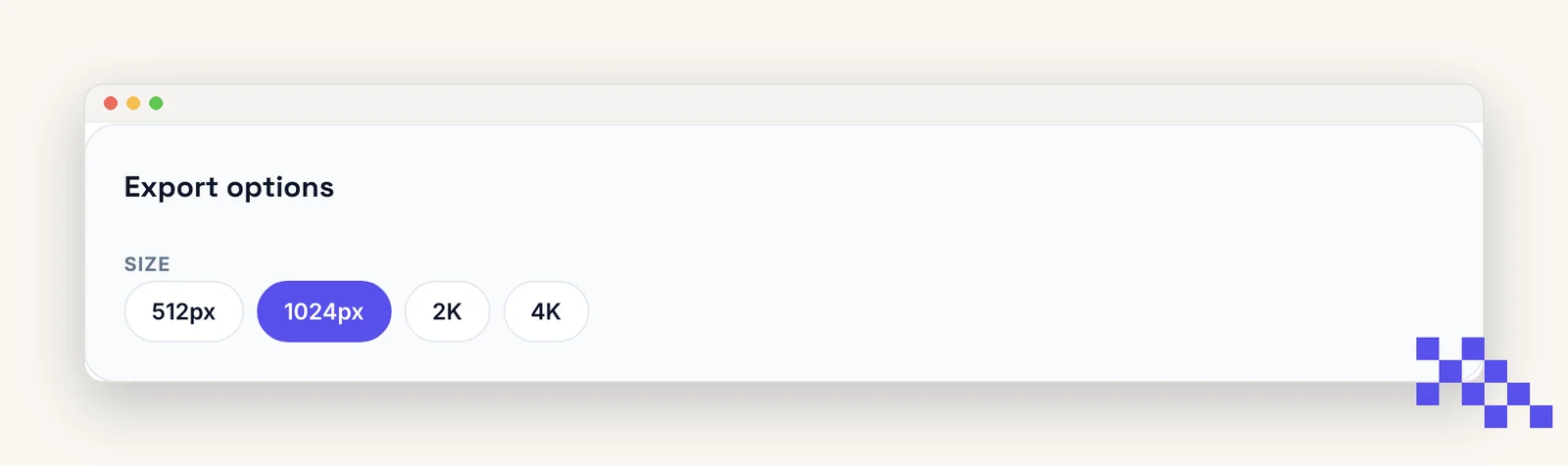
- 1Download the code
SVG if the design will be printed, PNG for anything on screen.
- 2In Canva, open Uploads and drag the file in
It behaves like any other image: drag it onto the page and size it.
- 3Keep it at least 1 inch (2.5 cm) wide in print
Scale from a corner so it stays square, and leave plain space around it.
Canva has its own QR code button. It makes a static code, so the link cannot be changed once the design is printed. Download from here instead if you want to re-point it later.
Shopify
Copy the address of the product, collection or checkout you want from your store, paste it into the generator, and print the code on the box, the shelf card or the market table. Any store address works, on myshopify.com or your own domain.
Tip. Make it dynamic before you print a run. A seasonal collection link changes; the printed box does not.
Google Forms, Docs and Sheets
Use the share link the Google tool gives you, not the address in your browser bar, because the browser address is often the editing view and asks everyone else for permission. Set the sharing to anyone with the link first.
WordPress and other site builders
Download the PNG and add it with the normal image block, or paste the SVG into a custom HTML block if you want it to stay sharp at any size.
Ready to make your own QR code?
Free QR codes rendered as you type, no signup to try. Premium makes them dynamic for $4 a month.
Still stuck? Search the help center, or contact support and a person will answer.