The generator is intentionally simple: pick a type, fill the fields, watch the preview. Here is what every part of it does.
The type row
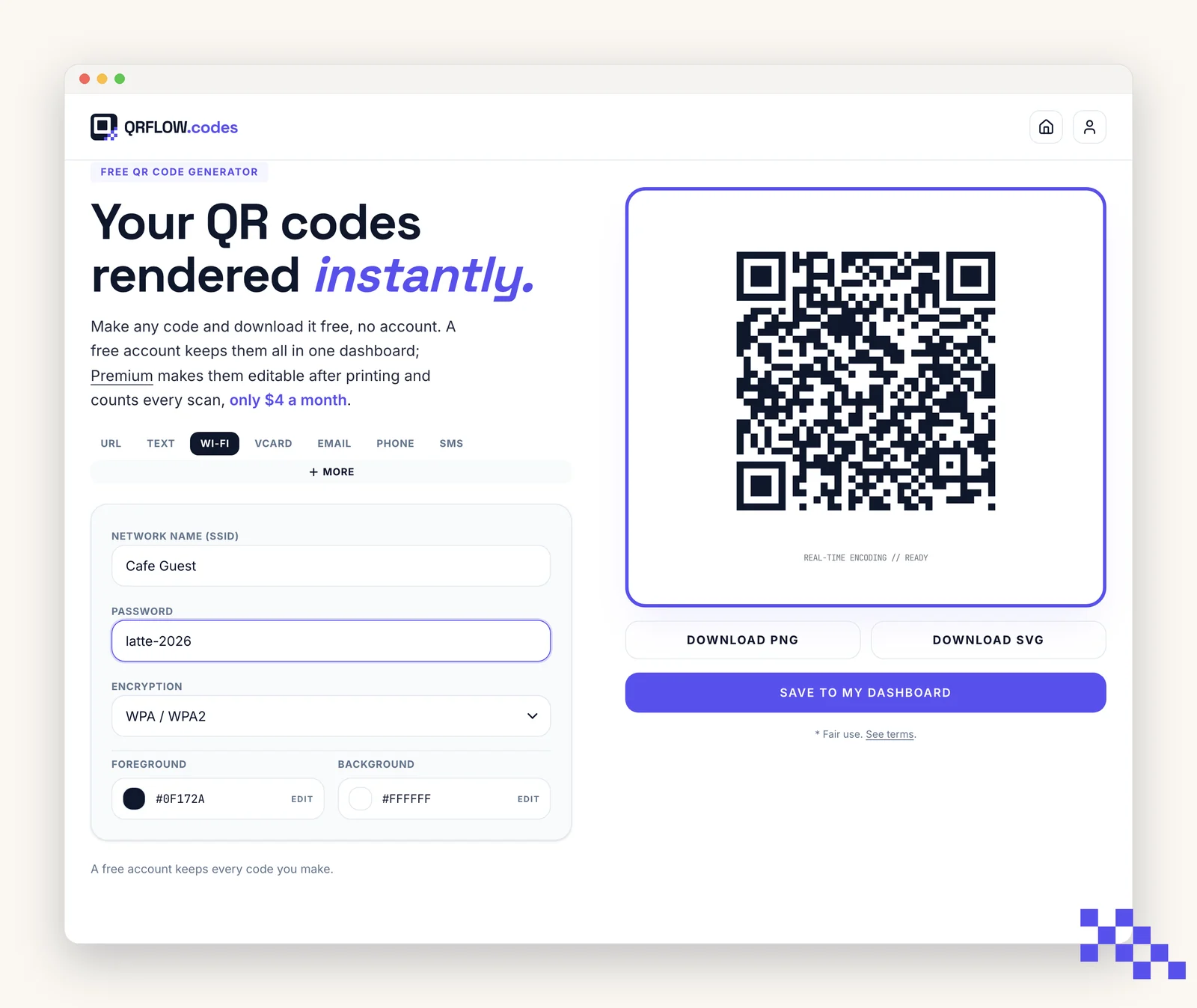
At the top of the form is a row of common types: URL, Text, Wi-Fi, vCard, Email, Phone, SMS. Each tab swaps the form to fit that content.
To the right of the row is a More button. It opens a full picker with every QR type QRFLOW.codes supports, grouped by category (Popular, Location, Social, Messaging, Payments, Media).
The form fields
Required fields are marked in the label. Optional fields sit below and can be skipped safely.
- Hint text under a field explains what to paste (for example, a Google Places ID or a Signal phone).
- Prefixes like @ or $ are added for you. Do not type them twice.
- URL fields accept plain domains (qrflow.codes) or full URLs (https://qrflow.codes).
The live preview and status line
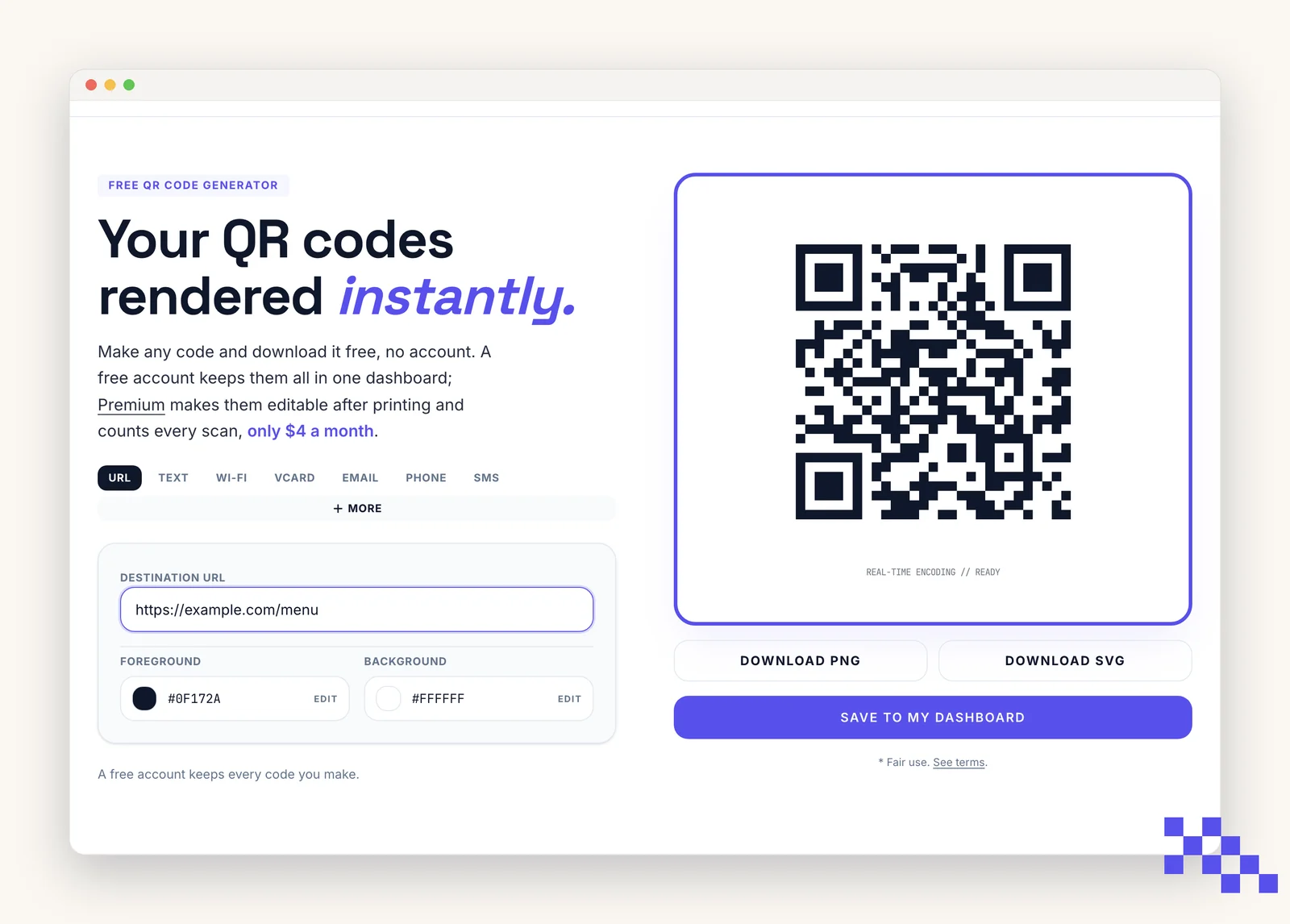
- 1Watch the preview
It rerenders on every keystroke. If the code is empty, the preview shows a placeholder.
- 2Read the status line
Real-time encoding // READY means the code is valid and scannable. AWAITING INPUT means required fields are missing.
- 3Zoom to test
Zoom the browser to 200 percent and scan the preview with your phone. If it opens the right destination, the code is good.
Ready to make your own QR code?
Free QR codes rendered as you type, no signup to try. Premium makes them dynamic for $4 a month.
Still stuck? Search the help center, or contact support and a person will answer.