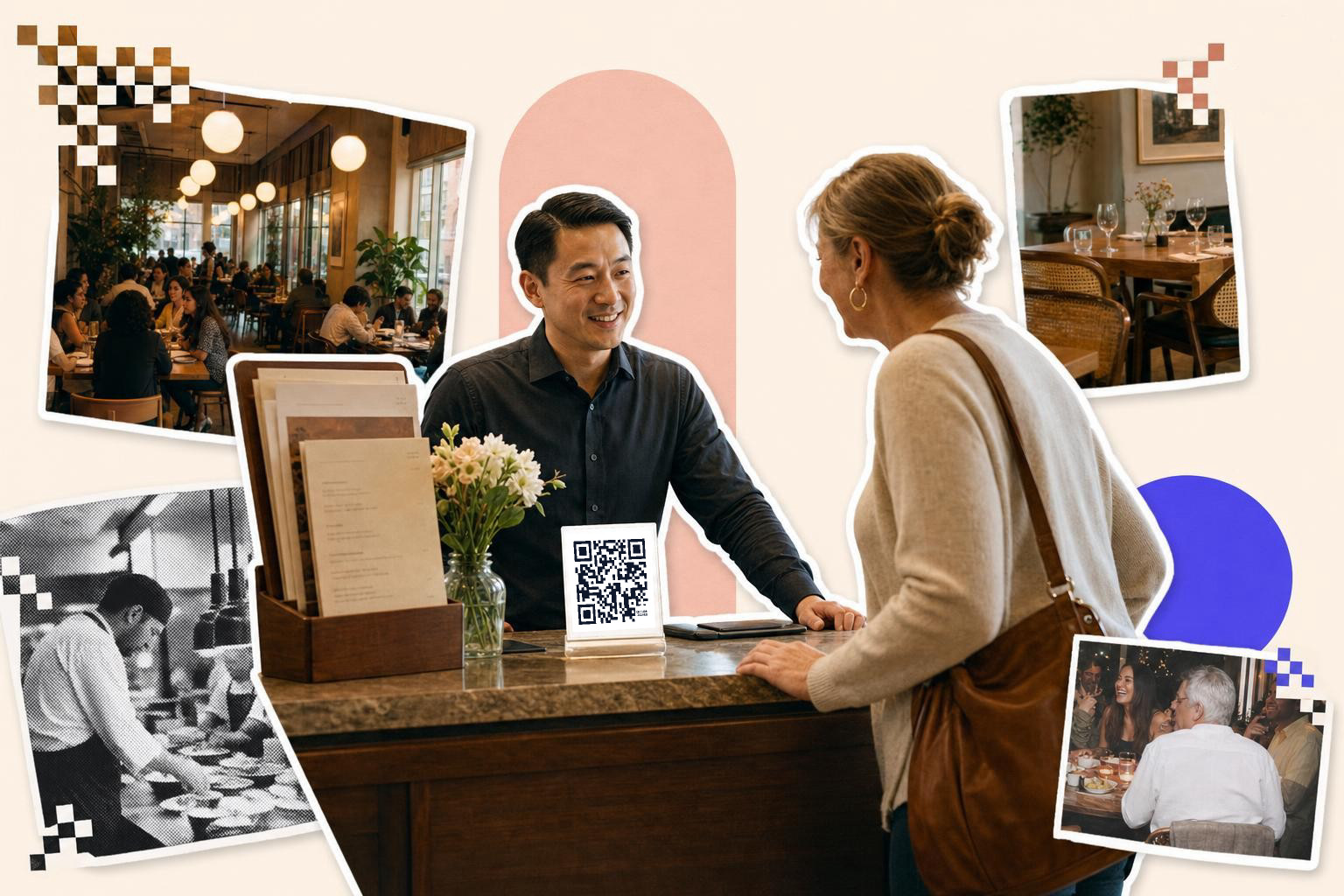
Dynamic QR codes for restaurant menus matter most when your dishes, prices, hours, or promos change after printing, because one editable code can stay on the table while the destination changes all season.
Restaurant menus change more than most people expect. A dish sells out, brunch runs late, patio service gets its own menu, or allergy notes need fixing before dinner. A static code turns every one of those changes into a design and print job.
A dynamic menu code gives you one square to print once, then edit later. That is the whole win. If the page behind the code changes often, the code should not.
Put a different code on tables, takeout, and the front door#
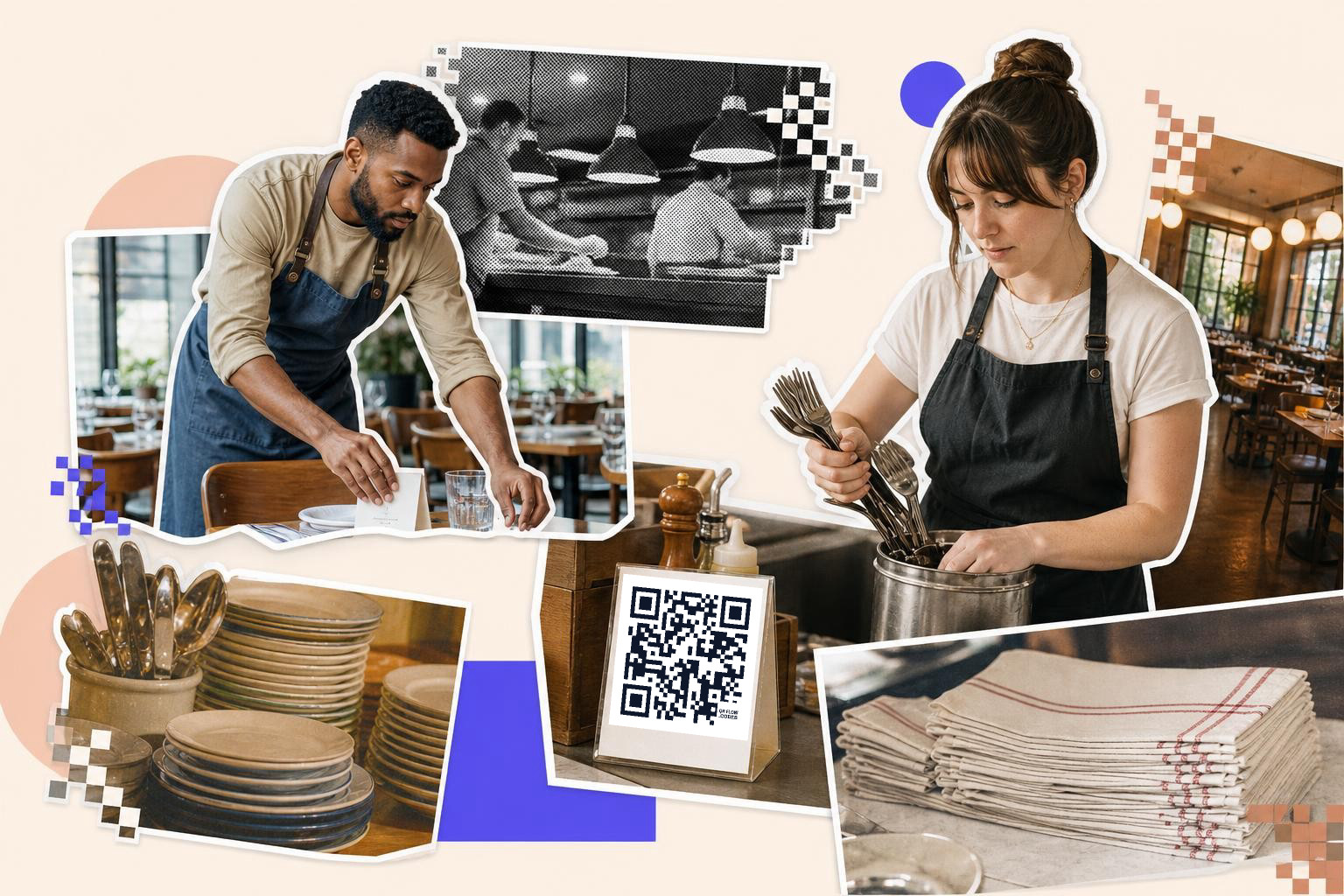
Dynamic QR codes for restaurant menus work best when each code has one job. Table codes should open the dine in menu, takeout bag codes should open ordering or reheating info, and the front door code should answer, “What can I get right now?”
This is where restaurants usually make life harder for themselves. They print one code everywhere, then send every scan to the homepage. A guest at table 14 does not want your careers page, catering tab, and merch store. They want the menu, fast.
Table tents are the obvious spot for menu scanning, but they are not the only one. Window decals help before the host gets to the door. Counter cards help during a lunch rush. Takeout bag stickers can open the same menu or a page with add-ons, loyalty, or reheating steps.
A useful rule is simple: match the code to the moment. A seated guest gets the full menu. A sidewalk scanner gets hours, waitlist, and today’s menu. A takeout customer gets reorder links and specials.
If you want one setup that is easy to change later, make each placement its own dynamic code. With QRFLOW.codes, you can save separate codes for tables, takeout, and entrance signs, then change where each one points after printing.
How should a restaurant use menu updates without confusing people?#
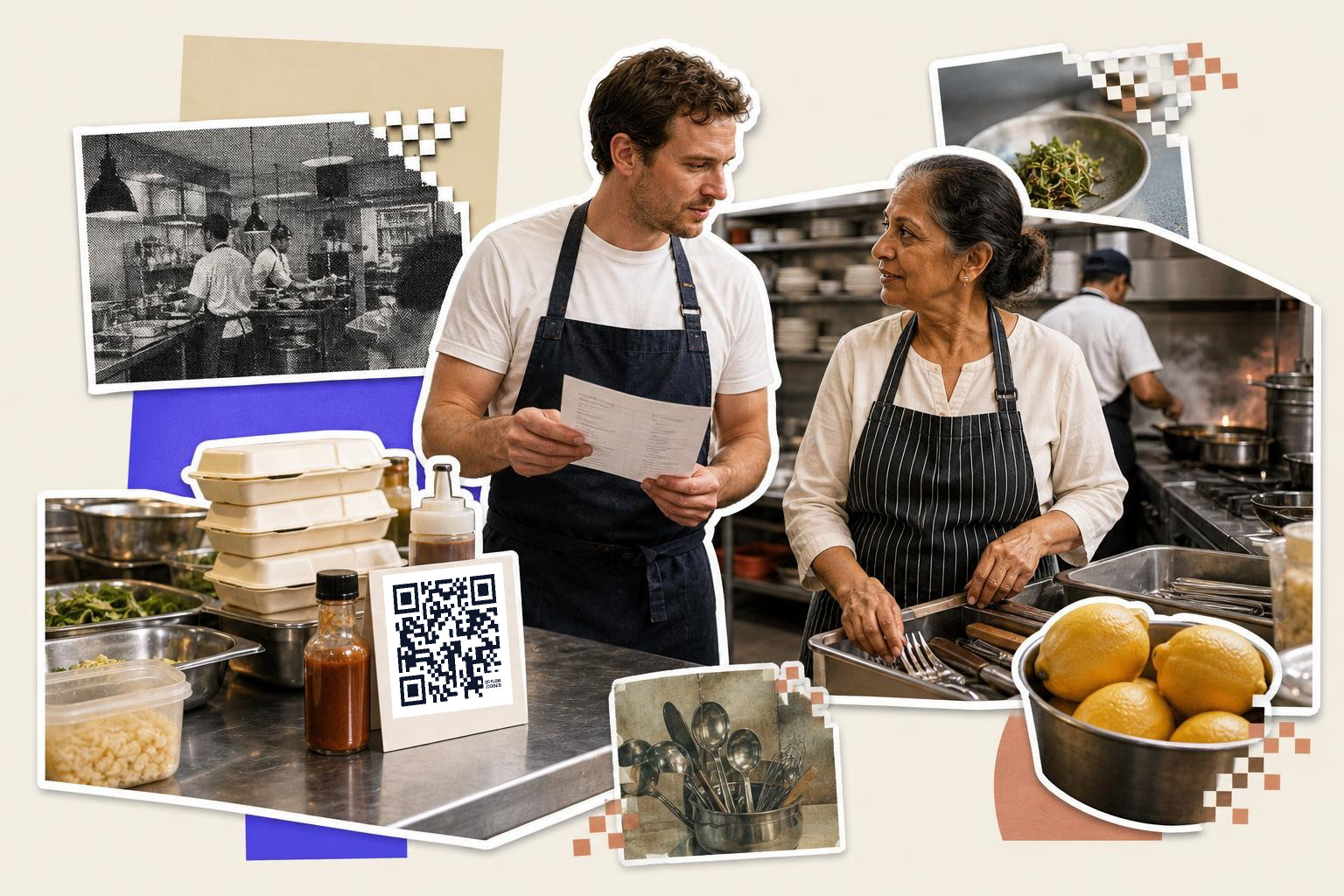
Restaurant menu updates should change the page behind the code, not the printed sign in front of the guest. Keep the printed label broad, like “Menu” or “Today’s menu,” so you can switch breakfast to lunch or swap sold out items without the card becoming wrong.
This matters most for restaurants with dayparts. If you print “Scan for lunch menu” on a table card, that card feels broken during brunch or late night service. If you print “Scan for menu,” you can point the same code to brunch at 10:30 a.m. and dinner at 5:00 p.m.
A host stand code is the best place to use this trick. One morning it can open breakfast. Later it can open lunch, then dinner, then a holiday menu. No reprint, no taped-over signs.
Keep the destination page clean. Guests should land on the current menu first, not a pop-up, newsletter wall, or app install prompt. If your kitchen 86s a dish, remove it there. If prices change, update them there. The code stays put.
For restaurants with several menus, a landing page can work, but only if the choice is easy. Three buttons is fine. Ten is not. A tired guest on a phone will not hunt.
A mid-shift code change is one of the clearest cases for editable links. If you want the basics on when that matters, What are dynamic QR codes and how do they work? covers the difference without the jargon.
Need a code you can change after the menus are already printed? The free QR code generator is the fastest place to make one and see how the flow feels in a real dining room.
How do dynamic codes help with dietary options and allergy details?#
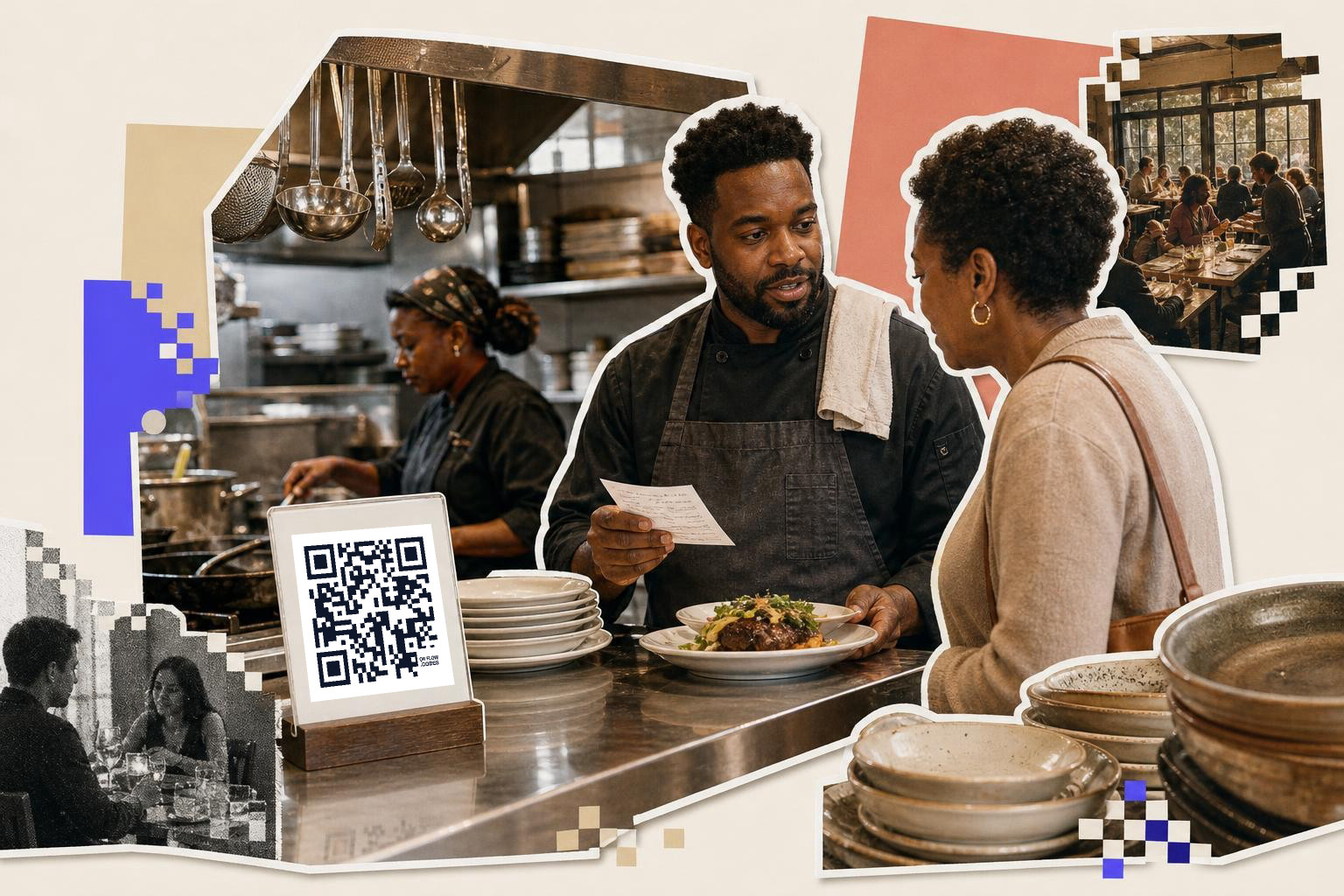
Dynamic codes help with dietary options by linking to fuller ingredient, allergen, and prep notes than a printed menu can hold. They are especially useful when recipes change, because you can edit the details without replacing every menu card.
Printed menus run out of room fast. You can mark dishes as vegan, gluten free, or nut free, but the hard questions usually come next. Does the fryer also handle breaded items? Is the dressing dairy free? Can the sauce be left off?
A QR menu can answer those follow-ups on a separate page. That page can list ingredients, common swaps, and a plain note about shared equipment. It can also say when a dish is vegetarian by default versus vegetarian on request.
The key is to keep the scan path short. Do not make guests tap through five screens to find whether the soup has cream. Put dietary filters or labels near the top. If the code on the printed menu opens a PDF, make sure the allergy notes are visible on mobile without pinching and zooming.
This is one of the few places where updates are not just convenient, they are genuinely important. If a supplier change affects an ingredient, the digital page should be easier to correct than the paper menu.
A separate code for allergy details can also work near the register or on the menu footer, as long as the label is plain. “Allergens and ingredients” beats a cute phrase every time.
Where do special promotions fit without making the menu feel pushy?#
Special promotions work best on takeout packaging, receipts, and table inserts, not inside the main menu path. Guests scan a menu code to decide what to eat, so keep that flow clean and put offers one step later.
This is where dynamic restaurant codes earn their keep. A printed bag insert can say “Scan for this week’s offer,” and the offer can change from free dessert, to weekday lunch bundle, to loyalty sign-up, using the same code.
Promos tied to time or stock are a strong fit. Think happy hour, game day bundles, slow-night offers, or a dessert push after 8:00 p.m. The code stays the same, but the campaign behind it changes when service changes.
You can also split jobs by placement. A code on the receipt might open a bounce-back offer for the next visit. A code on the table might open dessert or drinks only after the guest has already seen the main menu. A window code might open a first-order deal for passersby.
If your promo links will keep changing, that is a plain case for a dynamic code instead of a static one. Static codes are fine for a menu page that will live at the same web address for years. Promo links rarely do.
Restaurants that care about scan counts can also look at which placements get used. A code by the register may beat a code on the bag, or the reverse. If you want to go deeper on what scan data is actually good for, read Dynamic QR code analytics: what scans can tell you.
What can real-time tracking tell a restaurant manager?#
Real-time tracking can show which menu QR codes get scanned, when they get scanned, and which placements guests actually use. That is useful when it changes a decision, like where to place codes or which promo to keep running.
Do not expect magic from the numbers. Scan data will not tell you why a guest skipped the salmon. It can tell you that the patio code gets used twice as often as the dining room code, or that lunch menu scans spike before noon.
Those patterns are practical. They can help you decide whether the host stand sign is worth keeping, whether your takeout insert gets ignored, or whether a separate drinks code is clutter.
QRFLOW.codes includes scan analytics on paid plans, which can be helpful if you want to compare placements, referrers, and time of day without bolting on a separate setup. If tracking matters to you, Choosing a QR code generator with tracking explains what to look for.
Keep the metric tied to a real restaurant question. Which code gets scanned more, patio or bar? Do people use the specials insert? Does the late-night menu code get any traffic after 10:00 p.m.? If you cannot name the decision, you probably do not need the report.
Should every restaurant menu code be dynamic QR codes for restaurant menus?#
Not always. A restaurant should make a menu code dynamic when the destination might change after printing, which is common for menus, promos, seasonal items, and service-hour switches.
A static code is still fine for a page you own and do not plan to move. For example, one permanent page with your core food menu can work well as a static code if its web address will stay put. But most restaurants end up changing more than they think.
If you run brunch, lunch, dinner, specials, events, or rotating dietary notes, editable QR codes are usually the safer choice. Your first dynamic code is free on QRFLOW.codes, and paid plans add more editable codes, custom domains, full analytics, and extras like password protection on the pricing page.
A simple way to decide is this: if replacing the printed piece would be annoying, make the code dynamic before you print it.
Restaurant menus are one of the clearest uses for editable codes because the paper often stays longer than the link behind it. If you want to make a menu code that can keep up with real service, try the free QR code generator and print one for a table, the door, or your next takeout run.