
Use QR codes in logistics at the exact handoff point, print shelf labels at least 1 inch (2.5 cm) wide, and make any code whose link may change dynamic before you print a batch.
Logistics teams do not need more labels. They need fewer dead ends.
A good code can open a receiving checklist, the right bin record, a proof-of-delivery form, or a maintenance page for one forklift. That is where the speed comes from. Not from the square itself, but from what sits behind it.
If you are trying to improve supply chain tracking, start with the places where people stop to ask, "What do I do with this?" Those pauses are where a code earns its keep.
Start at receiving, not everywhere at once#

Receiving is the cleanest first win for QR codes in logistics because every mistake there spreads downstream. Put codes on dock lanes, receiving carts, and pallet tags, and let each one open the exact record or action page for that item flow.
One code might open the purchase order. Another might open a short damage form. A third might open a quarantine workflow for exceptions. Keep each one narrow. If a dock worker scans a pallet code and lands on a dashboard with ten buttons, you have already lost the moment.
This is also where dynamic matters. If a receiving code points to a web form, a WMS page, or an internal tool that may move later, make that code editable so you can change the destination after labels are printed. QRFLOW.codes gives you your first dynamic code free, which is enough to test one lane before you roll anything wider.
Print matters here, but only a little. A pallet label code should usually be at least 1.25 inches (3.2 cm) wide if it will be scanned at arm's length in normal warehouse light. If workers scan from a moving pallet jack or through wrap glare, go bigger.
A smart first pilot is one inbound lane, one carrier type, and one exception path. That gives you real-time tracking on a small slice of work without forcing a warehouse-wide reset on day one.
How should a QR code for inventory work on racks and bins?#
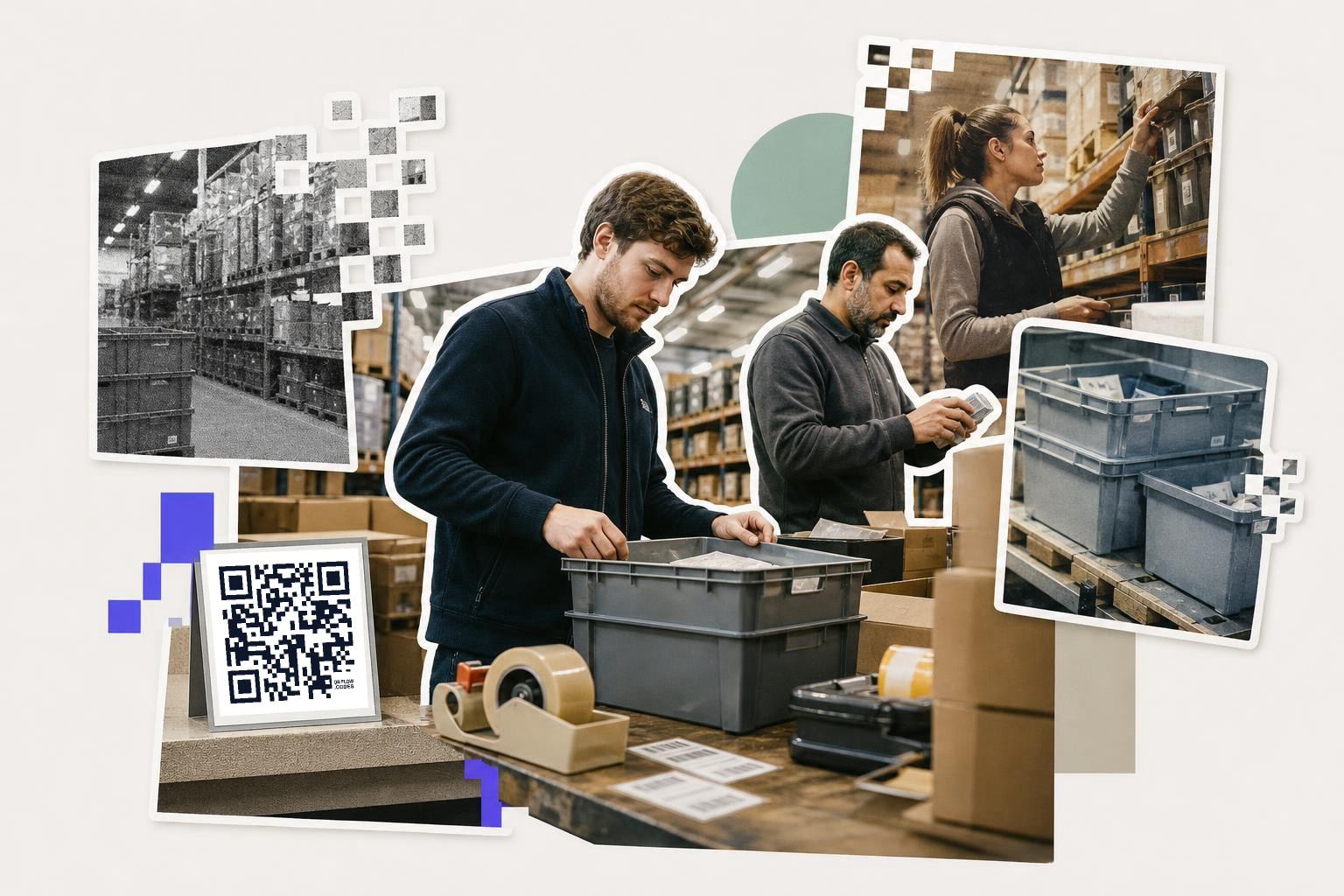
A QR code for inventory should open the location record for that rack, shelf, or bin, plus the one action a worker needs there, such as count, move, or replenish. Do not make the code stand for the whole warehouse.
This is where many teams get tangled. They put one code on an aisle and expect it to solve inventory control. In practice, the useful level is smaller. Use one code per bin, shelf face, pallet position, cage, or staging zone, depending on how fine your stock control already is.
For example:
- A bin code opens that bin's contents and last count date
- A rack-end code opens the zone map and replenishment tasks
- A cage code opens custody history for higher-value parts
- A cycle-count code opens a mobile form tied to that location
For fixed storage, static can be fine if the destination page will stay put for years. For anything tied to a software migration, changing routes, or a temporary project, dynamic QR updates save reprinting. One old URL in 800 bin labels becomes an annoying little disaster.
Placement matters more than design flair. Put the code where the hand already goes, near the bin label or pick face, not above eye level on a beam. A 1 inch (2.5 cm) code is often enough for a shelf label at close range, but cold rooms, dusty areas, and forklift traffic usually justify a larger label.
If you are comparing label types for dense parts storage, Data matrix vs QR code: which fits your job? is worth a look. QR usually wins when workers scan with phones and need to open a page, not just read a tiny encoded ID.
A plain rule helps here: location codes should identify places, item codes should identify things. Mixing the two makes counts slower.
Mid-shift relabeling is nobody's favorite job. If you want to test a cleaner setup, QRFLOW.codes lets you make a code for a location page or stock record and try it in one aisle before you touch the rest of the building.
What should shipping station QR codes open?#
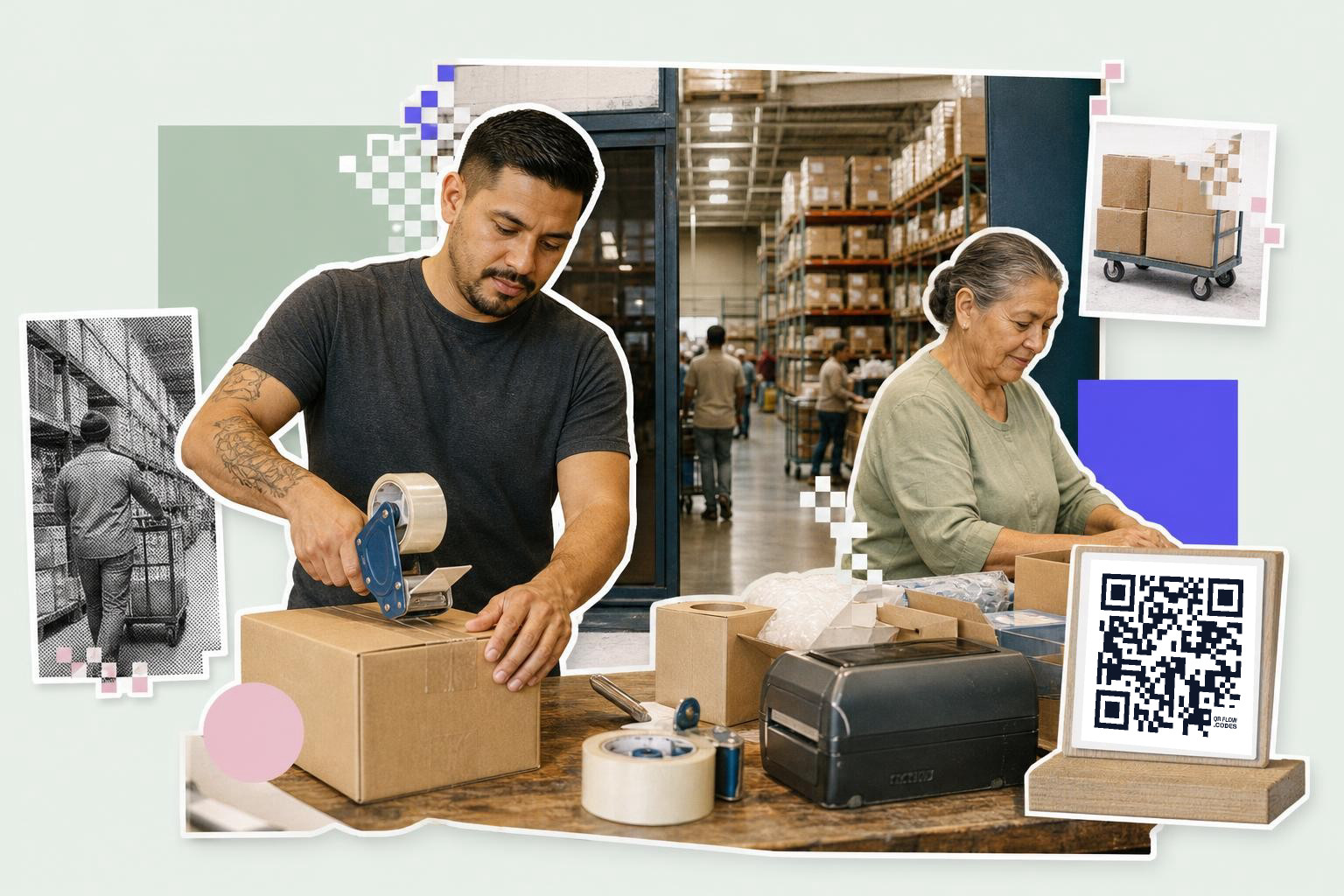
Shipping station QR codes should open the next action at that bench, such as pack rules, carrier cutoff times, hazardous handling notes, or proof-of-shipment forms. Outbound codes work best when they remove a decision, not add one.
A pack bench has a different job from a dock door. Treat those as separate scan points.
At the bench, a code can open:
- carton rules for a product family
- a packing checklist for export paperwork
- a carrier booking page
- a damage photo upload form
- a customer-specific routing guide
At the dock, the code can open the trailer load sheet, seal log, or departure check. If your team changes carriers or service pages often, dynamic codes are the safer bet. The label on the bench can stay put while the page behind it changes with the process.
This is also a good place for scan analytics, if you use dynamic codes. Seeing which station gets scanned most, and at what hour, can show where staff still need instructions or where a process is too confusing. If you want to measure that properly, How to set up Google Analytics QR code tracking covers the UTM side.
For shared benches, print the code at least 1.5 inches (3.8 cm) wide so it scans quickly from 2 to 3 feet (0.6 to 0.9 m) away. People at a shipping bench are usually holding tape guns, labels, or boxes. Give them a forgiving target.
How do asset management QR codes help with fleet and equipment?#
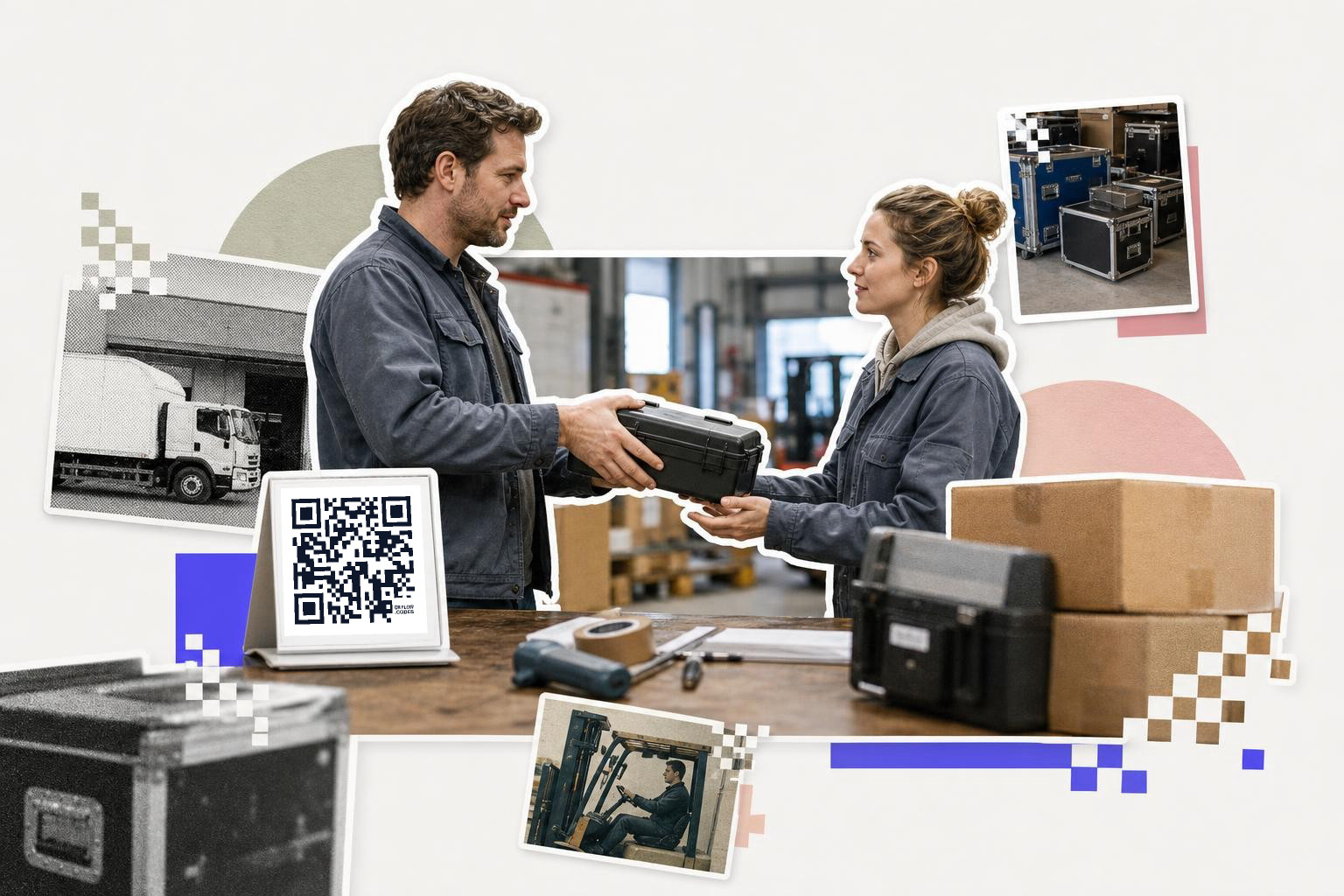
Asset management QR codes help when the asset moves, gets serviced, or changes hands often. Put one code on each forklift, scanner, cart, printer, van, or tool case, and have it open that asset's live record.
This is less about inventory count and more about custody and status. A worker scans a forklift and sees service history, battery notes, and the outage form. A driver scans a van and opens the defect check. A technician scans a handheld scanner and logs a broken trigger in 20 seconds.
For movable assets, dynamic is usually the right default. The code may need to point to a new maintenance platform, a replacement unit page, or a temporary incident form later. Reprinting hard tags for every change gets old fast.
Use durable labels sized to the object. A handheld scanner might need a 0.8 inch (2 cm) code. A forklift side panel can handle 1.5 to 2 inches (3.8 to 5 cm), which makes scans easier in poor light. If an asset lives outdoors, laminate or use weather-resistant stock.
If you manage lots of assets at once, bulk creation matters more than color choices. Premium includes CSV and Google Sheets bulk generation for up to 500 codes per month, and Business raises that to 10,000 per month with batches up to 2,000. For teams labeling a fleet, a cage bank, or a whole scanner pool, that is the difference between a rollout and a weekend project.
For a broader setup beyond logistics, the QR code asset tracking page shows the kind of records teams usually tie to each tag.
Returns and reverse logistics are often the easiest win#

Returns and reverse logistics are a great QR project because the process is already full of manual sorting. Put codes on returns benches, inspection carts, refurb shelves, and disposition zones, and let each scan open the right reason code or next step.
A returns team usually has to answer four questions fast. What is this? Why is it back? What condition is it in? Where does it go now? A code can answer one of those per station without making the worker search through menus.
Useful examples:
- an intake bench code opens the return intake form
- a grading table code opens photo and condition steps
- a refurb shelf code opens repair notes
- a scrap cage code opens the write-off approval page
- a resale rack code opens relisting tasks
Because reverse flows change more often than forward ones, dynamic QR updates are especially useful here. The reason code list, approval form, or resale page may change three times in one quarter. The printed labels do not need to.
If your team already uses internal links that move around, read Understanding QR codes that don't expire. The square does not age, but the page behind it can disappear.
Where do QR codes in logistics break down?#
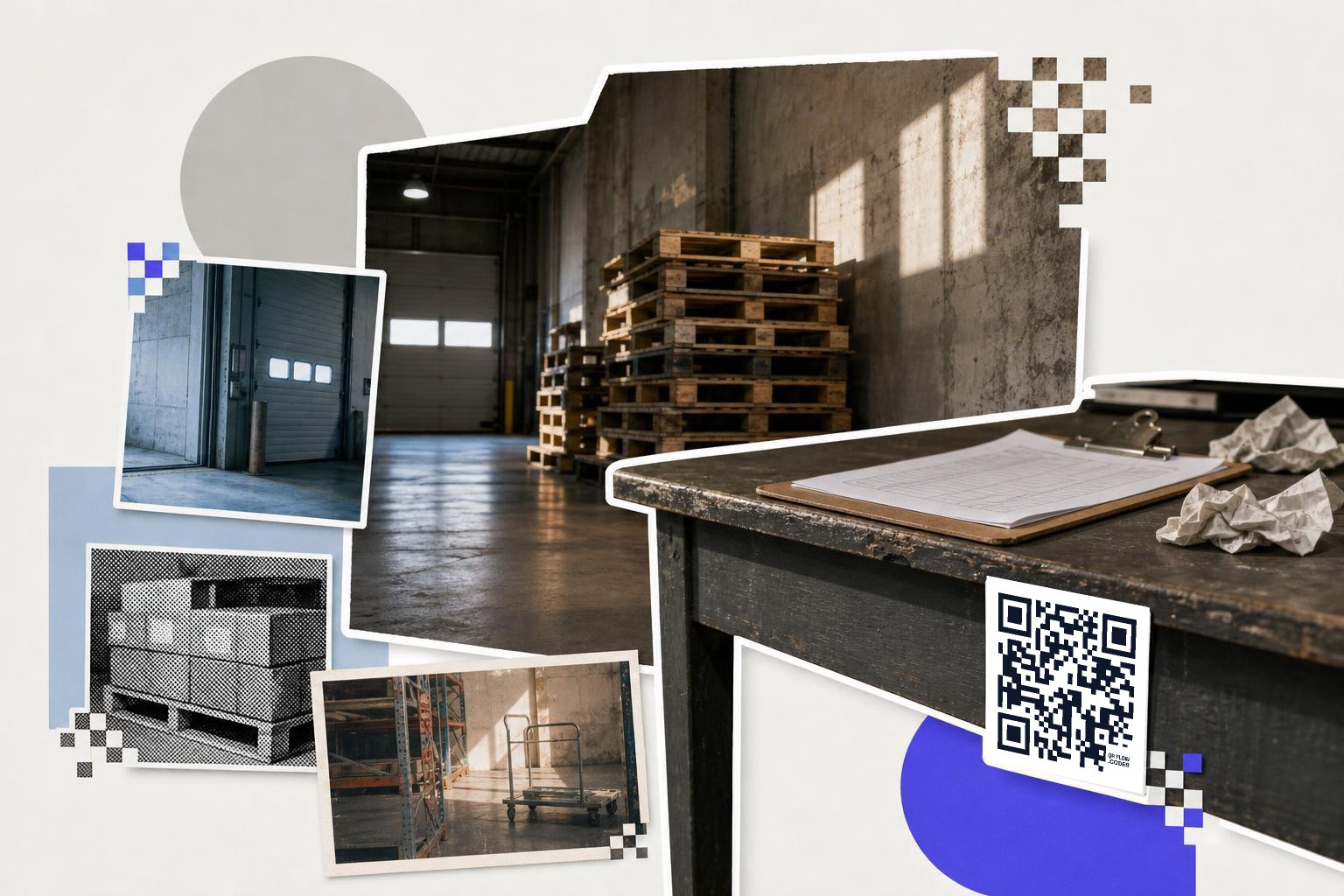
QR codes in logistics break down when one code tries to do too much, or when the code opens a page that is painful on a phone. The problem is usually the workflow behind the scan, not the scan itself.
A few failure patterns show up again and again:
- The code opens a desktop-only page with tiny buttons
- One label is reused for five different actions
- The code sits where stretch wrap, glare, or forklift damage hides it
- Workers need a login every time and stop bothering
- The linked page changes, but the printed static code cannot
If you only remember one setup rule, make it this: every code should answer one question at one place.
That is the heart of logistical efficiency with QR. Not more codes. Better handoff points.
Questions people ask about QR codes in logistics#
Can QR codes replace barcodes in a warehouse?#
Sometimes, but not always. Barcodes still make sense for fast item scanning at checkout speed or for old scanner setups. QR codes are stronger when the scan needs to open a page, form, SOP, or live record, especially on phones.
Are static or dynamic codes better for supply chain tracking?#
Dynamic codes are better when links may change after labels are printed, which is common in logistics. Static codes are fine for fixed destinations, like a permanent bin record on a stable system.
How many QR codes should a warehouse pilot start with?#
Start small, usually 10 to 30 codes in one process area. One receiving lane, one aisle, or one returns bench gives you enough volume to spot problems without creating a labeling mess.
Do QR scans help with real-time tracking?#
Yes, if the page behind the code updates a live system or form. The scan itself is just the trigger. Real-time tracking comes from connecting that trigger to your WMS, inventory sheet, or workflow tool.
A good logistics rollout feels boring in the best way. Fewer questions, fewer wrong turns, fewer labels taped over old labels.
If you are ready to test one live workflow, make it in the free QR code generator and use pricing if you need dynamic edits, analytics, or bulk rollout tools later.