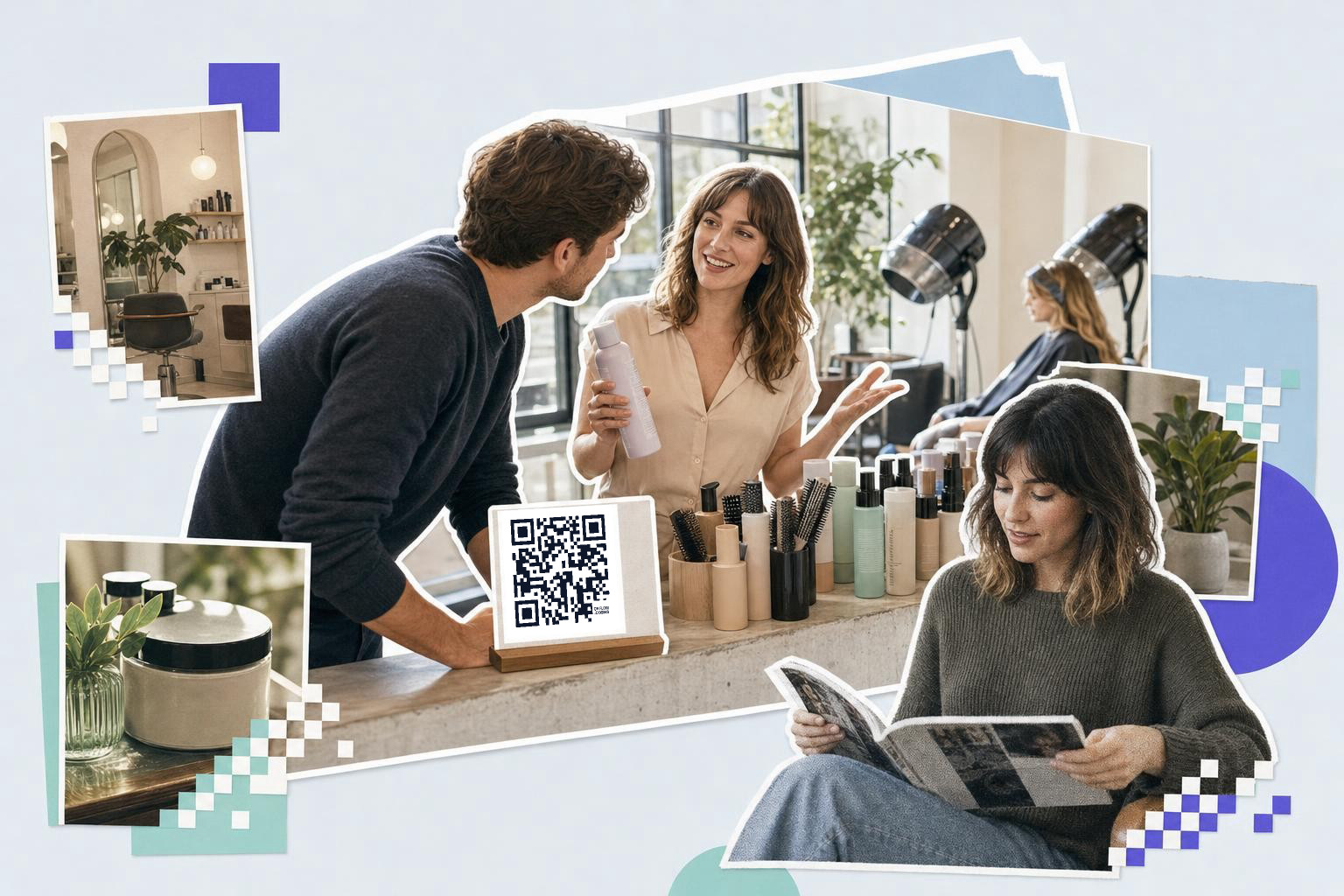
Put QR codes in salons at the front desk, mirror, checkout, and waiting area, and print each one at least 1.5 inches (3.8 cm) wide so clients can scan it on the spot.
If you run a salon, you do not need more random squares on walls. You need a few smart codes that save staff time, help clients between visits, and make the space feel well thought out. Here are eight uses worth stealing.
1. Put booking changes at the front desk#
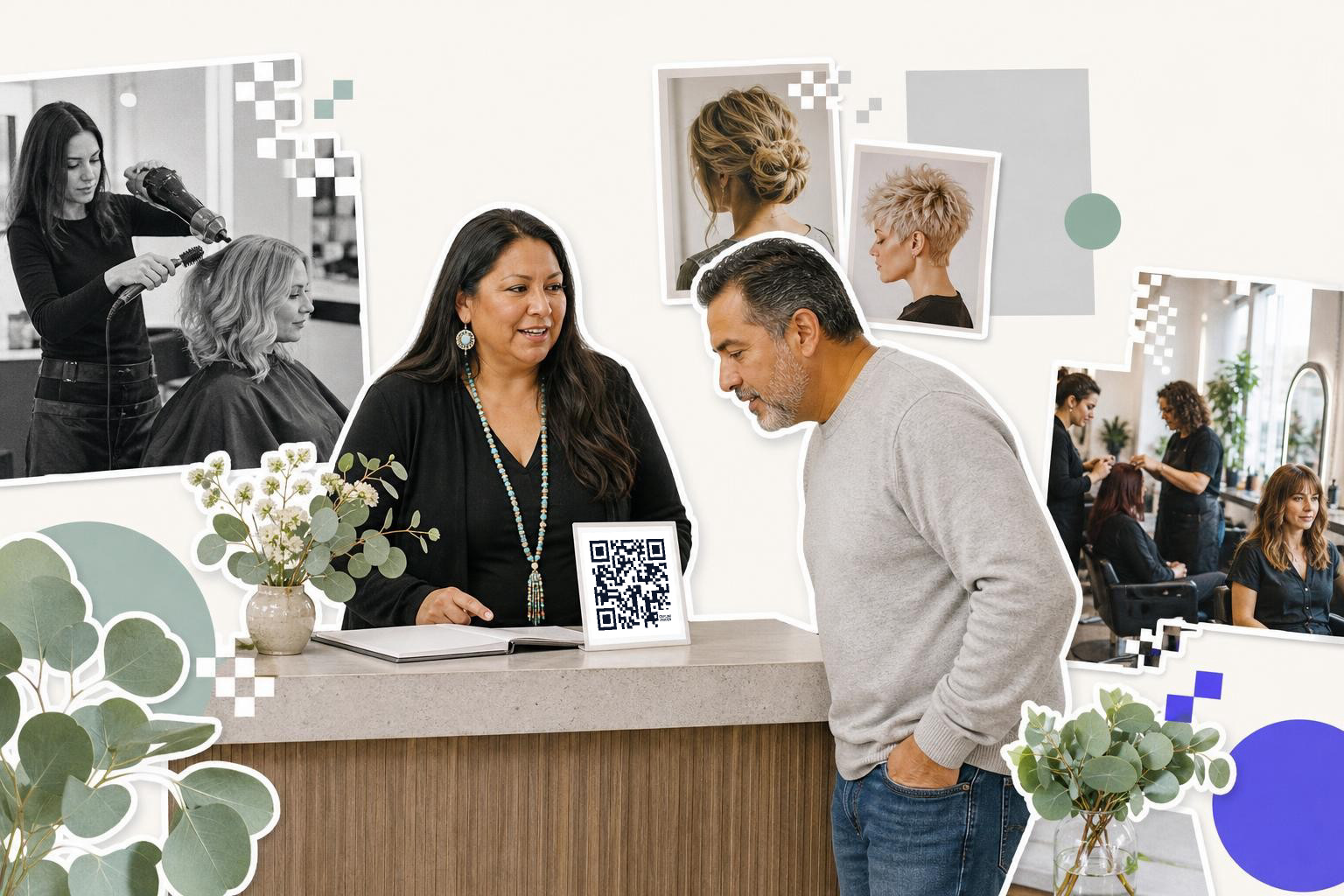
Booking QR codes earn their keep when they fix small admin tasks fast. A code at reception can open your reschedule page, waitlist form, or new client booking page in one scan.
This is handy when a client asks, "Can I move my next appointment?" while paying. Instead of passing over a phone or reading out a long link, your receptionist points to a 2 inch (5 cm) desk sign. If the booking link changes later, make that one dynamic so you can swap the destination without reprinting. For setup ideas, see QR code for booking.
2. Add product how-to links by the mirror#
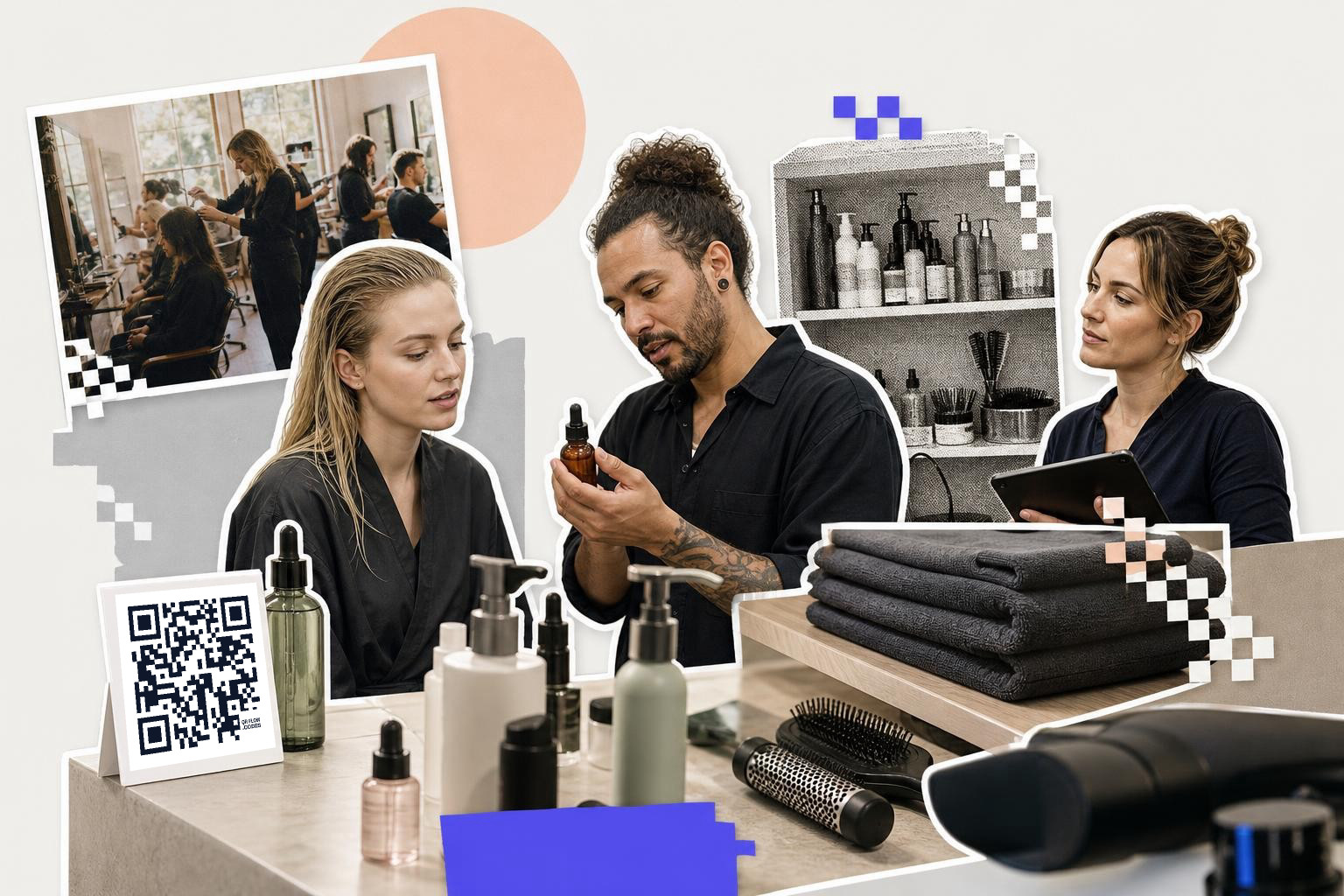
Retail shelves are not the only place to sell products. Mirror-side codes can open a short page with the exact serum, mousse, or heat protectant your stylist used, plus how to apply it at home.
A haircut client often leaves loving the finish but forgets the steps by the next morning. A small acrylic stand at each station fixes that. Link to a simple page with three things: product name, amount to use, and when to use it. Tip: keep one code per station category, like curls, color, or smoothing, not one code per bottle unless your team is ready to manage lots of them.
Mid-visit improvements are easier when you can make and swap codes quickly. With the free QR code generator, you can set up a few salon station codes and test what clients actually scan.
3. Let clients join your loyalty program before they leave#
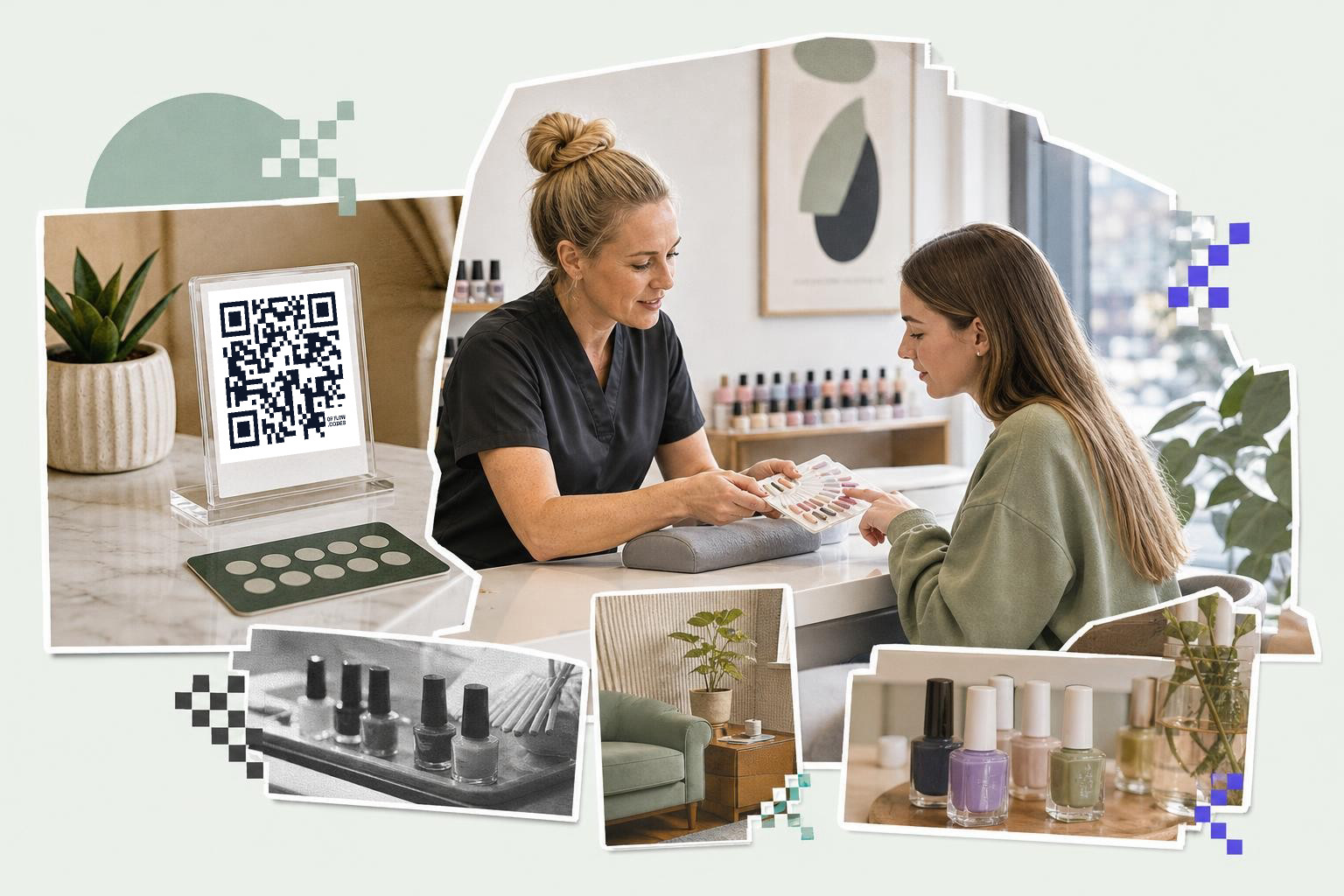
Loyalty programs work better when signup happens in the chair or at checkout, not later at home. A code on the mirror tray or card terminal can open your points signup form in seconds.
This beats asking staff to explain the whole program during a busy payment moment. A nail salon, for example, might send clients to a form with name, birthday month, and SMS opt-in. Keep it short, three to five fields is enough. If you want more ideas on getting scans that lead to action, QR code promotions has a few patterns worth borrowing.
4. Give each service its own aftercare page#
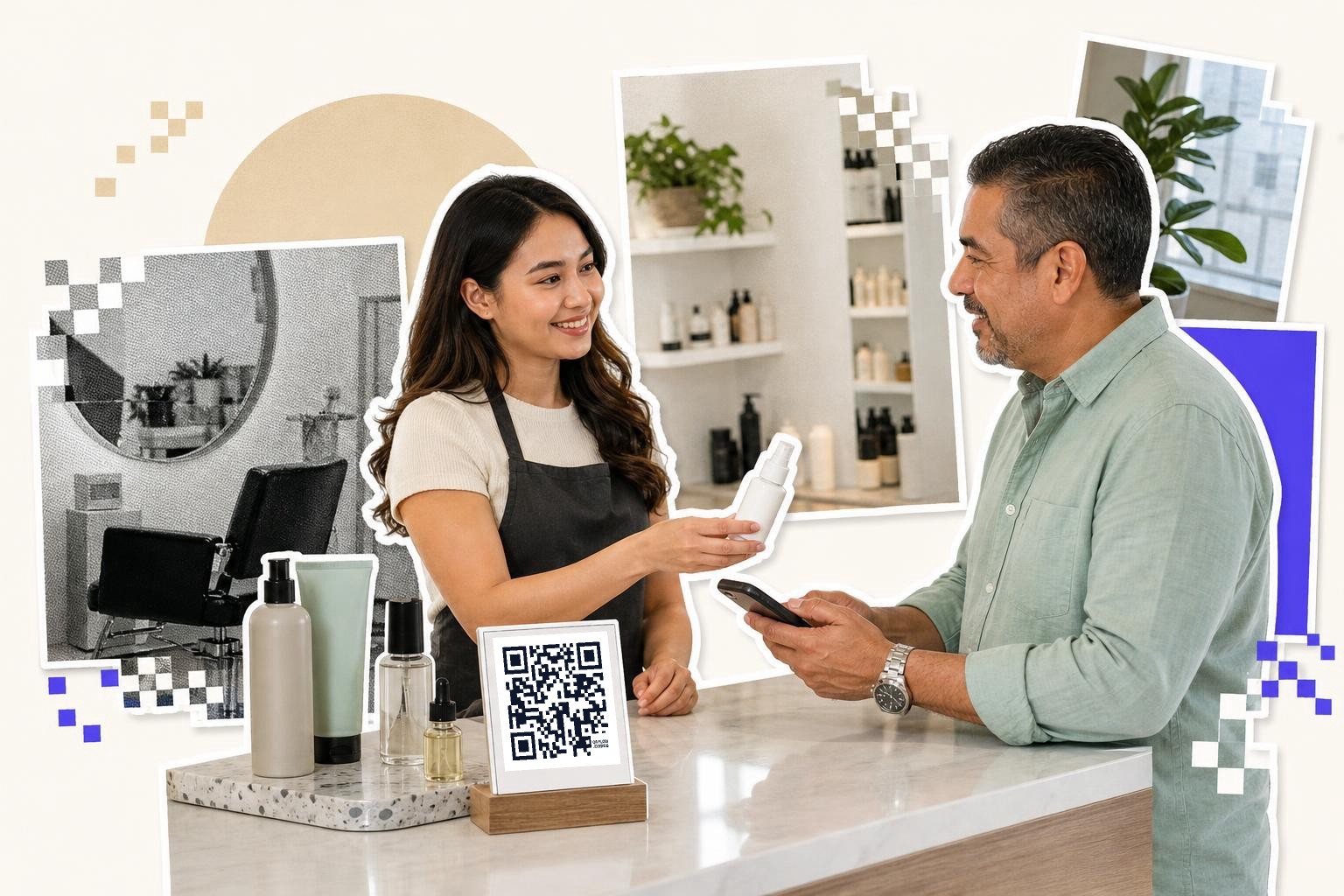
Service QR codes are great for anything clients forget the minute they walk out. A code can open aftercare instructions for color, keratin, extensions, braids, lashes, or brows.
This is one of the easiest wins for customer engagement because it helps after the appointment, not just during it. Put the code on the receipt, appointment card, or product bag, and name the page clearly, like "Your balayage aftercare". Tip: include one concrete rule near the top, such as "Wait 48 hours before washing" if that fits the service. If your pages may change, use an editable code so you can update instructions later.
5. Use contactless feedback that clients will actually finish#
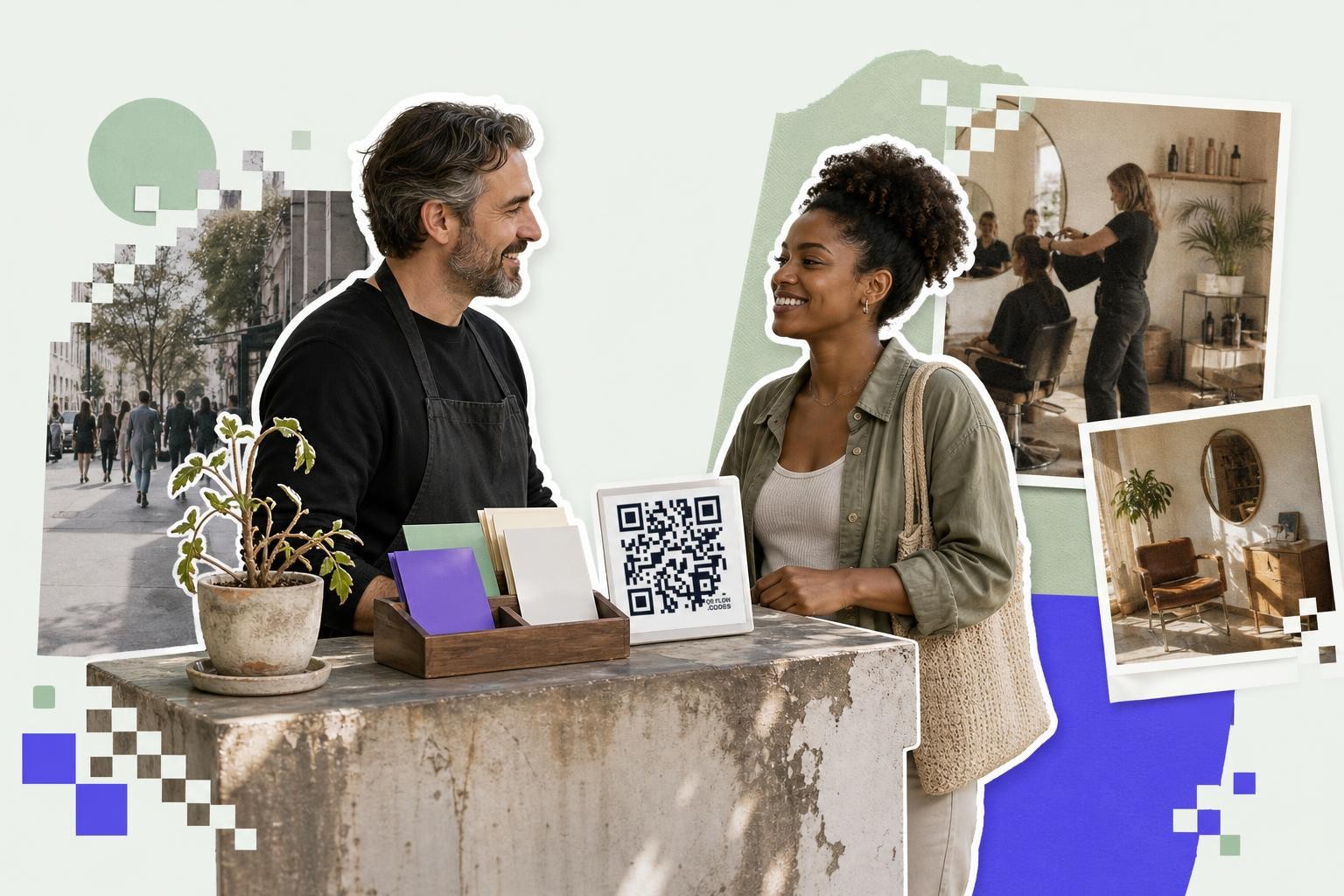
Contactless feedback works best right after checkout, while the visit is still fresh. A code by the payment terminal can open a two-question form that takes under 30 seconds.
Ask only what you will act on. For example, rate today's visit from 1 to 5, then ask what would have made it better. That is enough to spot timing issues, noise complaints, or a team member who needs support. A 1.5 inch (3.8 cm) countertop sign is usually plenty at arm's length. If you want the form setup itself, how to make a QR code for a Google Form covers the cleanest path.
6. Turn waiting time into style browsing#
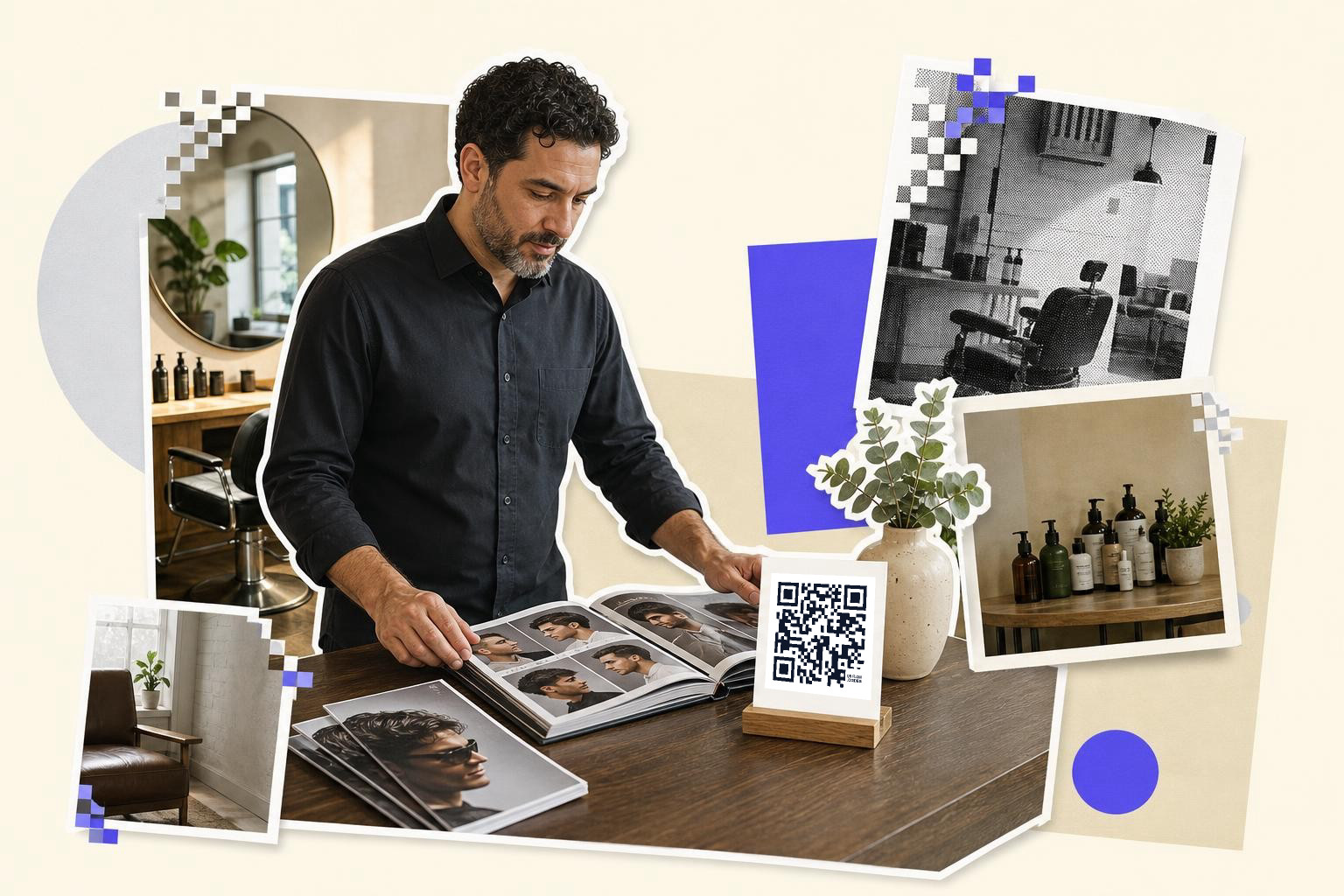
Clients in the waiting area will scan if the payoff is obvious. A code on the coffee table can open a lookbook, seasonal style gallery, or "pick your next service" menu.
This works especially well for salons that offer more than cuts, like color, brows, bridal, or treatments. One code could lead to a page with four tiles, such as "summer color ideas," "bridal trial booking," "scalp treatment," and "gift cards." Tip: do not dump people on your homepage. Send them straight to the shortlist you want them to see.
7. Make consultations easier with photo uploads#
Consultation QR codes can collect inspiration photos before a long service starts. A code on the consultation table can open a form where clients upload reference images, hair history, and must-avoid looks.
This is useful for color corrections, bridal styling, and extension appointments that need prep. A bride coming in for a trial, for example, can scan and upload three hairstyle photos plus her dress neckline before the stylist begins. Keep file upload limits clear, and ask for no more than five photos. For more ways to use scans in client facing journeys, QR code marketing ideas for your business gives a few good examples.
8. Put rebooking and referrals on the take-home card#
A take-home card can do more than remind clients of your name. One side can hold the next appointment date, and the QR code can open a rebooking page, referral offer, or both on one mobile landing page.
This is where dynamic codes are especially useful. If you change your referral perk from "$10 off" to a free add-on, you can update the destination after the cards are printed. QRFLOW.codes gives you your first dynamic code free, which is enough to test this on one campaign before you decide if every code needs to be editable. If you want the plan details for more dynamic codes and analytics, see pricing.
Questions salon owners ask about QR codes in salons#
Do interactive mirrors need special hardware?#
Interactive mirrors do not need special hardware if your goal is simple. A normal mirror with a nearby code can open product info, style galleries, or a rebooking page on the client's phone.
Should each stylist have their own code?#
Each stylist should have their own code only if the destination is different, like personal portfolios or booking links. Shared destinations, like aftercare or loyalty signup, are easier to manage with one code per service or station.
What should a salon QR code link to first?#
A salon QR code should link to the next action the client can take in under one minute. Booking, aftercare, feedback, loyalty signup, and retail how-to pages usually beat a generic homepage.
Are static or dynamic codes better for salons?#
Static codes are fine for links that will not change, like a permanent Wi-Fi password page or a fixed form. Dynamic codes are better for booking pages, referral offers, and anything seasonal because you can change the destination after printing.
A salon does not need dozens of QR codes. It needs a few that remove friction at the desk, the chair, the mirror, and the checkout. If you want to try one or two ideas today, make them with QRFLOW.codes and keep the setup simple enough that your team will actually use it.