
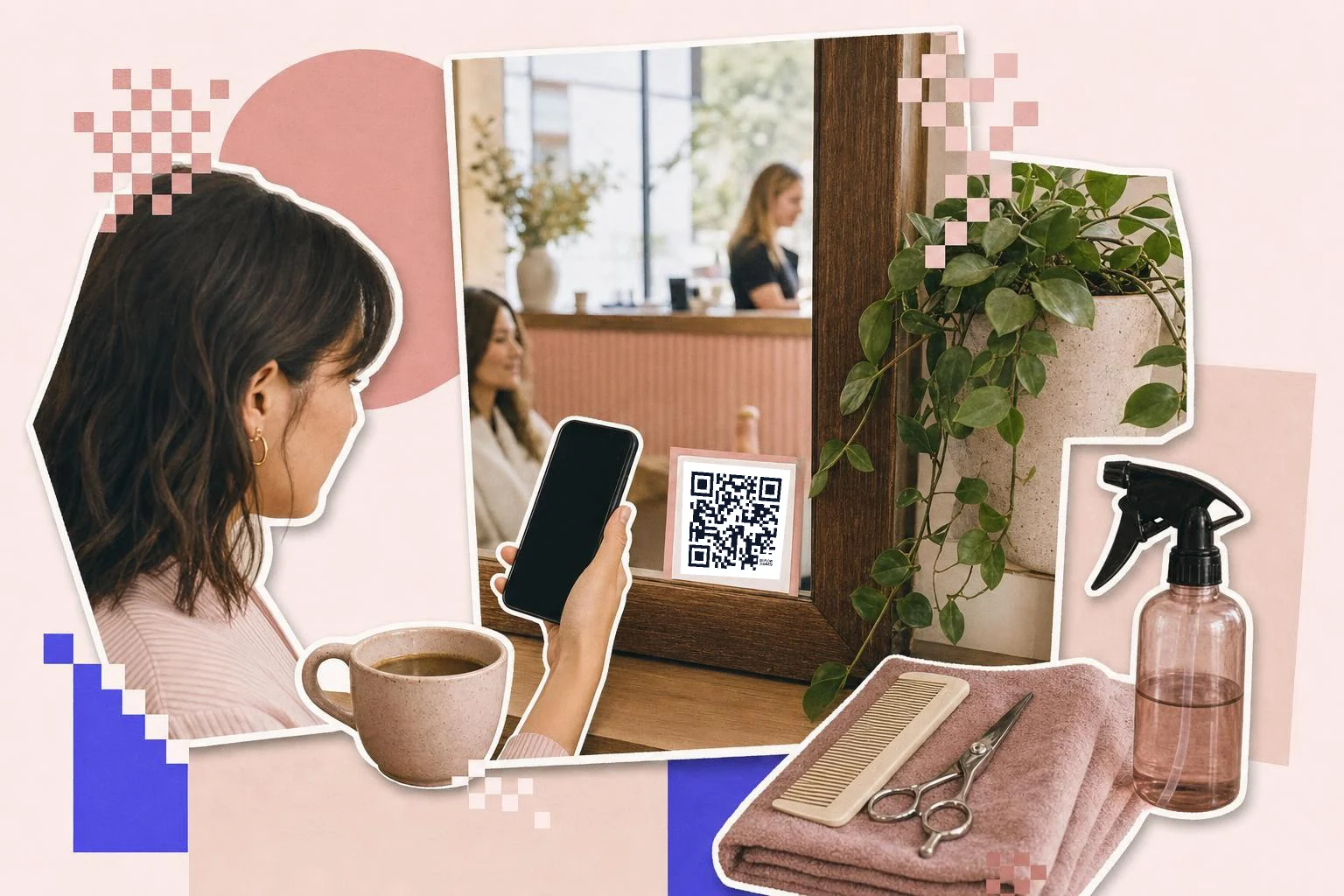
Booking from the chair or the mirror
The moment a client thinks "I should book the next one" is while they are still in the chair or on the mat. A small card on the mirror or a sticker on the water station that opens your booking page (Mindbody, Vagaro, Square Appointments, Fresha, Booksy, or your own site) catches it. Deep-link to your own booking page or even a specific service, not the platform's homepage.
- Mirror card or water station: rebook.
- Front door and window: the class schedule or hours.
- Front desk: the new-client waiver or intake form.
- Checkout card or receipt: a Google review ask.
- Locker room: the app download, Wi-Fi, or the playlist.
The schedule on the door
Print the schedule code once, large, at eye level on the door, and point it at the live schedule page. When the Tuesday 6pm moves to 6:30, edit the page or the link; the door doesn't change. People walking past at night scan it more than you would expect, so keep the window code at 3 in (8 cm) and on a light card. Five QR codes in gyms covers the other places members scan.
Waivers and reviews
A waiver or intake form behind a code at the desk means new clients fill it in on their own phone while they wait, and the signed copy lands in your system. For reviews, a small card at checkout linking straight to Google's write-a-review form works best in the two minutes after a good haircut or a good class; ask plainly, never with a discount attached.
How big to print it
Rule of thumb: the code should be at least one tenth of the distance it is scanned from. These are the sizes that work in practice for this job.
| Where | Scan distance | Minimum width |
|---|---|---|
| Mirror card or receipt | 12-20 in (30-50 cm) | 1 in (2.5 cm) |
| Front desk stand | 20-28 in (50-70 cm) | 1.5 in (4 cm) |
| Door or window | 3-7 ft (1-2 m) | 3 in (8 cm) |
| Studio wall poster | 7-13 ft (2-4 m) | 6 in (15 cm) |
Why make it dynamic
A studio's schedule changes every week and a salon's booking platform changes every couple of years, but the sign on the door and the card on the mirror are printed once. A dynamic code keeps them pointing at what's current. It also settles the question of which surfaces work: the scan counts show whether people book from the mirror card, the window or the receipt, and a paused code between promotions means an old flyer never sends someone to a dead page.
Dynamic codes are part of Premium, $4 a month. Static vs dynamic, explained.
Step by step
- 1
Paste the booking link
Your booking page on whatever platform you use; a specific service page if you have one.
- 2
One code per spot
Mirror, door, desk, checkout: separate codes so each has a job and a count.
- 3
Caption and print
"Book your next visit", "This week's classes", "Sign the waiver": the frame says it.
- 4
Change the schedule, keep the sign
On Premium, repoint the door code whenever the timetable or the platform changes.
Questions people ask
- How do I make a QR code for my booking page?
- Paste the booking link from your platform (Mindbody, Vagaro, Fresha, Booksy, Square Appointments, or your site) into the generator here, add a caption like "Book your next visit", and download the code for the mirror card or the window.
- Can the door code show the schedule that changes every week?
- Yes. Point it at your live schedule page and update the page, or use a dynamic code and change where it goes. The printed sign stays as it is.
- Can clients sign a waiver by QR code?
- Yes, if your waiver is an online form. Put a code at the desk that opens it; clients fill it in on their phone and the signed copy lands wherever your form sends it.
- Which spot gets scanned most?
- In most studios and salons, the mirror or chair card for rebooking and the checkout card for reviews. The window code earns evening scans. Separate codes will tell you for your place.
- Can I use my brand colors?
- Yes, in Customize: colors, a frame, your logo. Keep the code itself dark on a light card so it scans in a dim studio.
- Is this free?
- Making and printing codes is free, and a free account keeps the downloads unmarked. Premium ($4 a month) makes the codes editable and counts scans per spot.
Make the code now, change the link later
Free to make and print. Premium ($4/mo) keeps it editable and counts every scan.