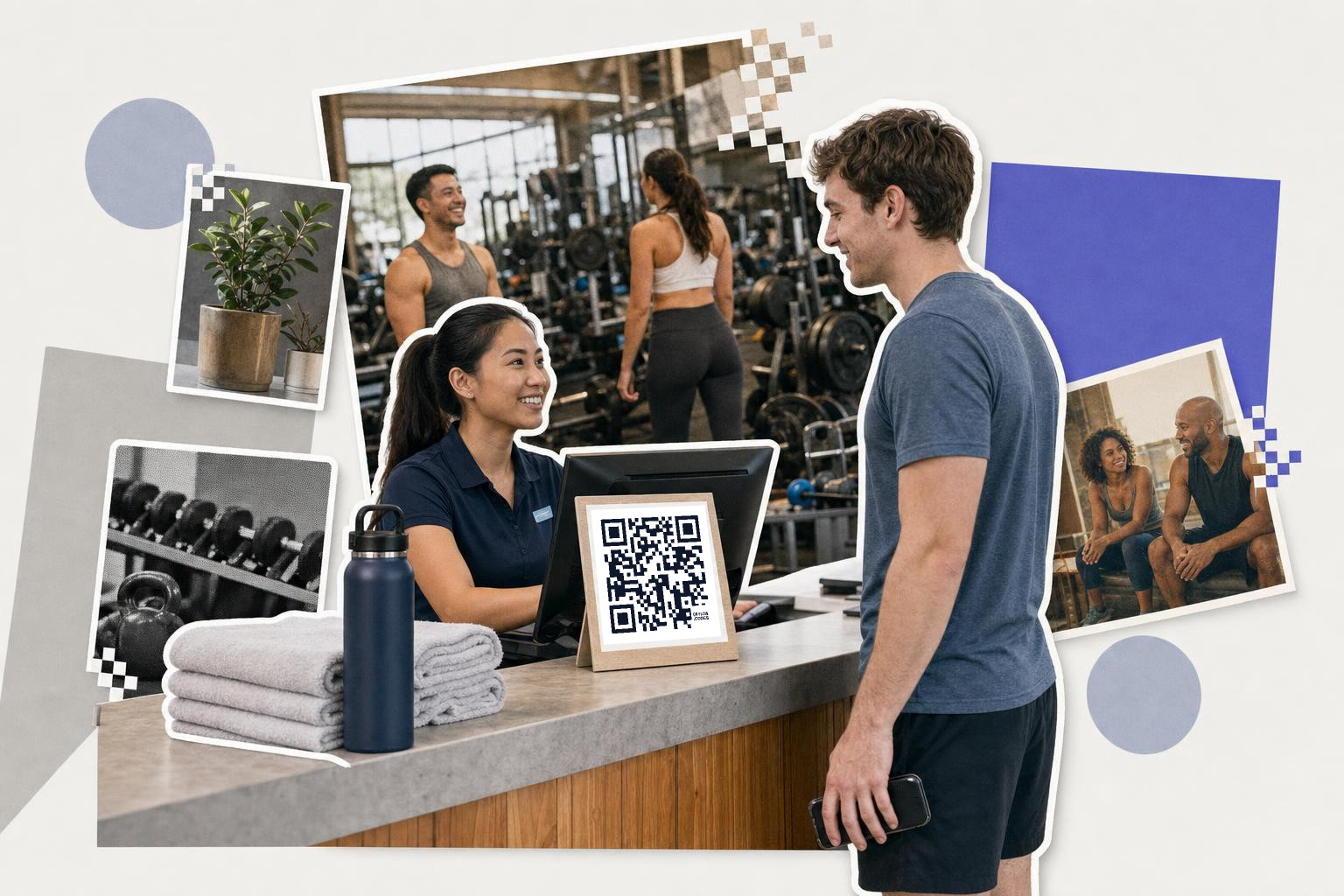
QR codes in gyms work best when each code has one job, you print most signs at least 2.5 inches (6.4 cm) wide, and you place them at the front desk, studio door, or equipment area where the decision happens.
If you run a gym, you do not need codes everywhere. You need a few that remove small bits of friction members feel every week. These five uses are the ones most likely to save staff time and make the place feel easier to use.
1. 5 QR codes in gyms that improve member experience#
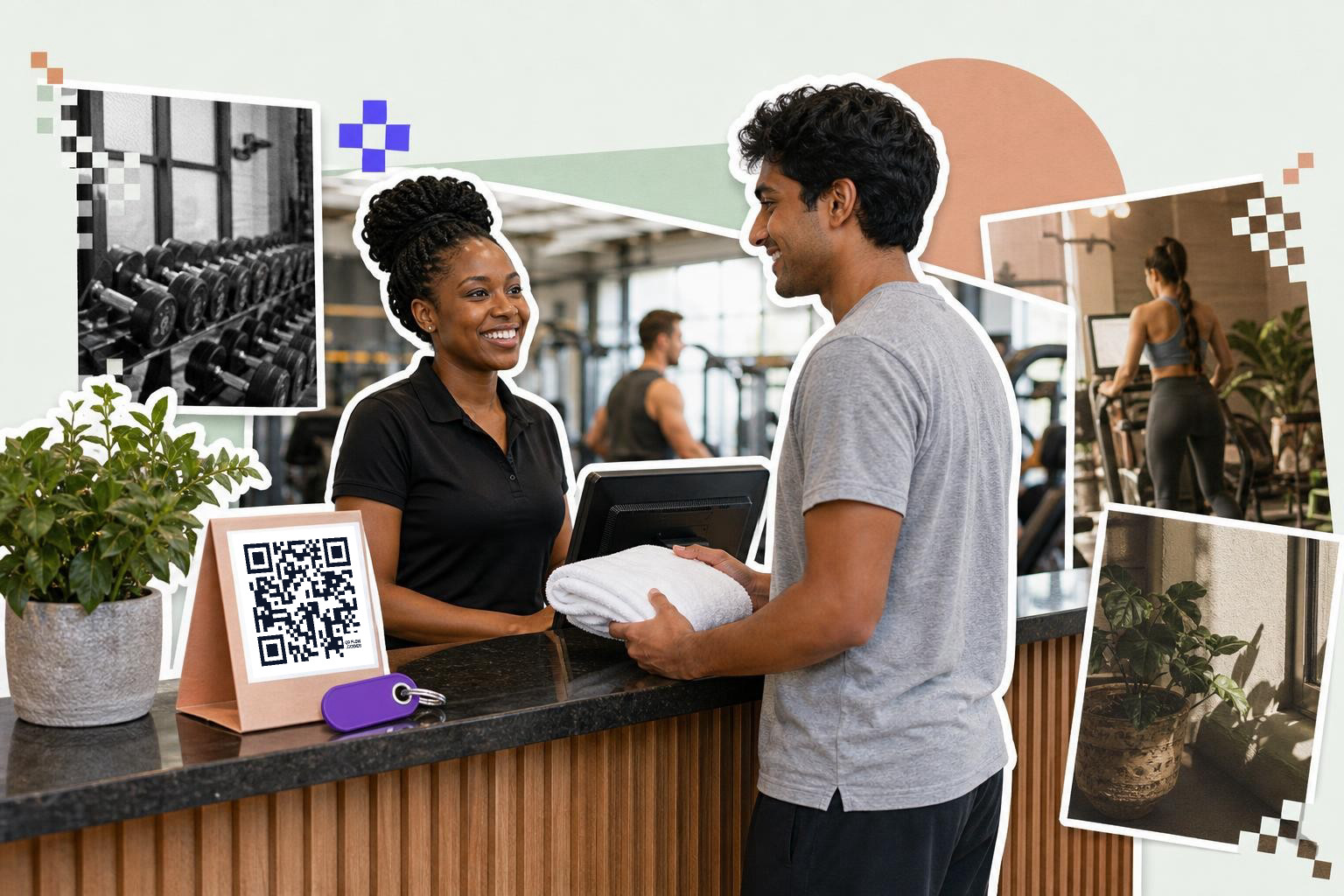
Front desk codes are the first place to start because they help both staff and members in the same moment. A good member check-in code should open one action only, usually your check-in page, guest waiver, or day pass form. If a member has to choose from a menu after scanning, the line slows down.
A neighborhood gym might place a 3 inch (7.6 cm) code on the counter for guest passes, while members still tap in with their usual app or key tag. That keeps walk-ins moving without making your desk staff explain the process ten times a day. Tip: label the sign in plain words, like “First visit? Scan for a guest pass,” so people know exactly why they should scan.
The part gyms get wrong is trying to combine member check-in, waivers, trial passes, and schedule info into one front desk sign. That sounds tidy, but it creates a second choice after the scan. If your front desk has two jobs, split them into two codes placed 6 to 12 inches (15 to 30 cm) apart, with one for guests and one for members.
A useful setup is one code on the counter for guest registration and a second behind the desk for staff use only, opening a manual check-in page when someone forgot their phone. That way your reception team can still move fast during the 5:30 p.m. rush. If your waiver or form link may change later, a dynamic code is the safer pick because you can swap the destination without reprinting the acrylic stand.
A free QR code generator is enough for a simple front desk setup, and a dynamic code helps if your waiver or form link may change later.
2. Put class schedules where the decision happens#
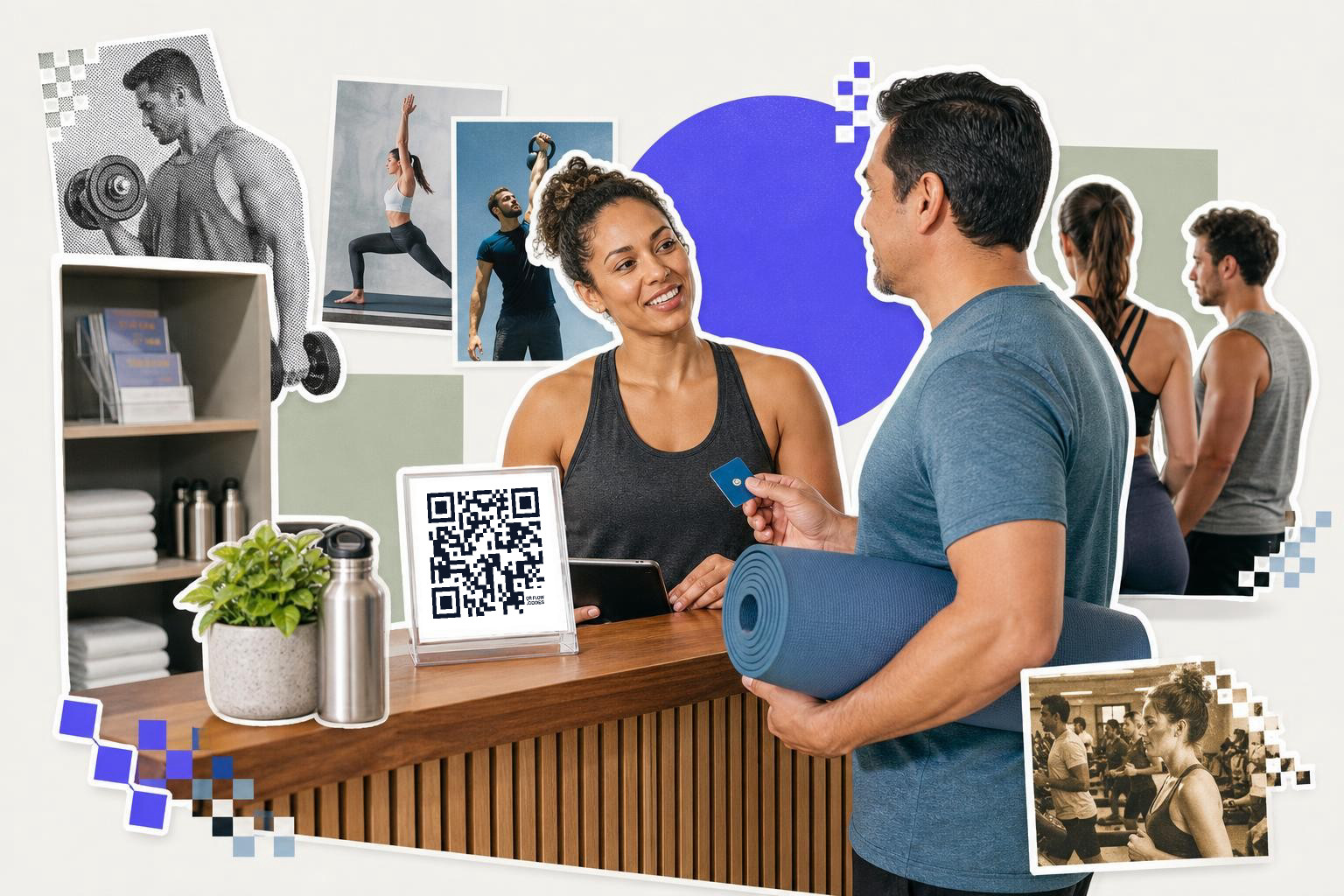
Class schedule codes work best outside the studio, at the front desk, and in locker areas where members are deciding what to do next. The code should open today's timetable, not your homepage and not a PDF buried three taps deep.
A small fitness studio can print one code by the spin room and link it to a mobile schedule page that shows start times, instructor names, and remaining spots. If class times change often, make that code dynamic so you can edit the destination after the sign is printed. Tip: use separate codes for separate rooms if your yoga, cycling, and strength classes have different schedules.
The usual sticking point is that many booking platforms create long links that dump members onto a login wall before they ever see the class. If your software allows it, link to the schedule view first and let the member log in only after they tap a class. That small change matters because a member standing outside a studio has about 10 seconds of patience, not 2 minutes.
A larger club with three studios might use one code at each door. The cycling room code opens cycling classes only, the yoga room code opens yoga only, and the main lobby code opens the full weekly calendar. This feels obvious once it is installed, but a lot of gyms still send every scanner to the same generic page. Separate destination pages cut confusion and also reduce the question your staff hears all day, which is “What’s next in here?”
If your schedule changes for holidays, substitute instructors, or weather, editable links are the real win. With a dynamic QR code from QRFLOW.codes, you can point the same printed studio sign to the updated schedule instead of taping a paper notice over it. If you need another example of a code with one clear job, this QR code example for every situation is a useful comparison.
3. Add workout help at the equipment, not in a binder#
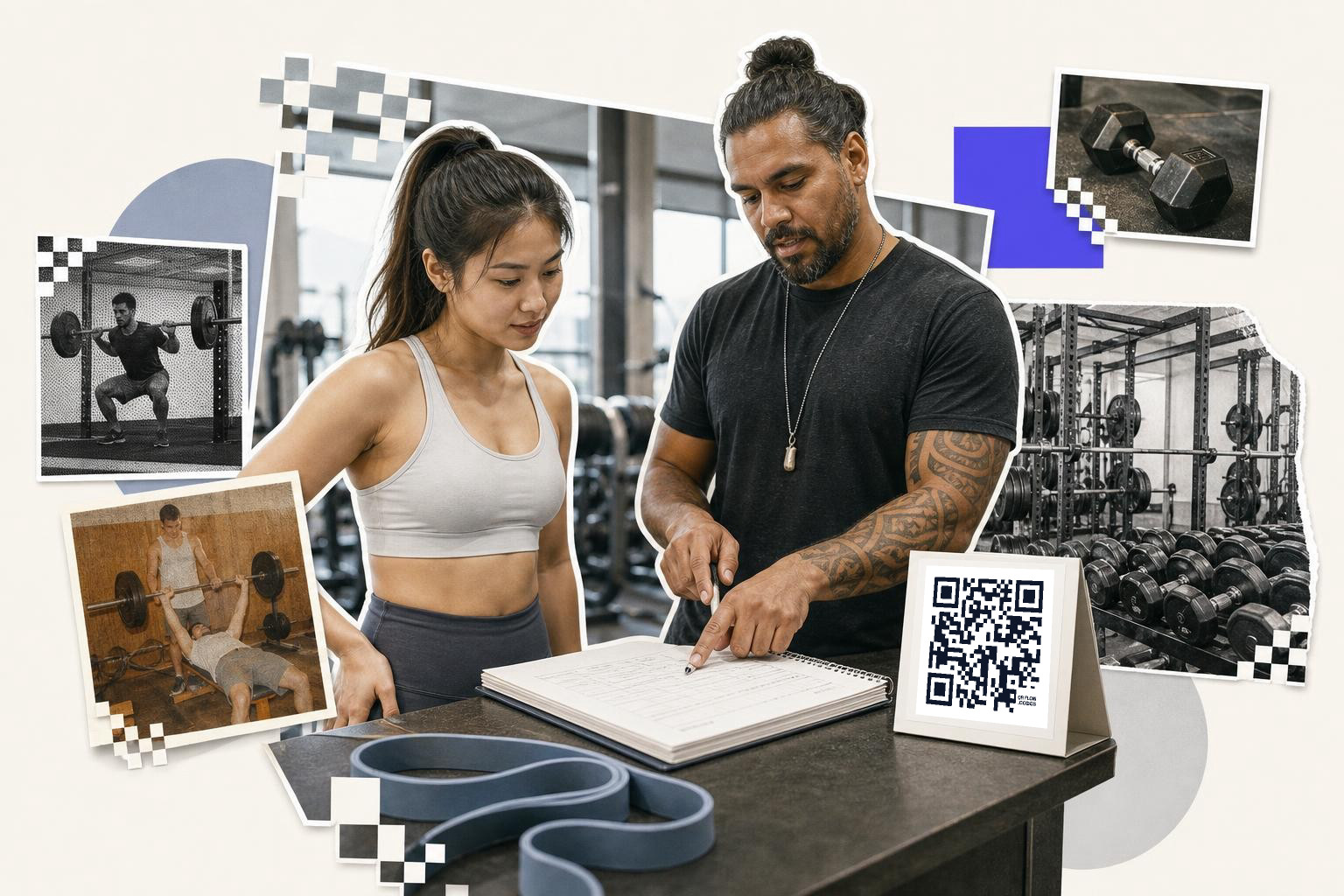
Equipment-area codes are great for personal training support because they answer questions in the exact spot members get stuck. The best destination is usually a short exercise demo, a form guide, or a trainer-written routine for that zone.
A gym with a free weights area might place a code on the rack that opens a 45 second deadlift setup video and a second code near cable machines that opens three beginner moves. That helps new members without forcing them to book a session just to learn the basics. Tip: keep each video under 1 minute if the code is meant for use on the gym floor.
The limitation here is attention span. Members will not stand by a machine watching a 6 minute explainer with an intro, branding, and background music. They want one answer, fast, like seat height, grip width, or what muscle the movement trains. A good rule is one code per question cluster, not one giant exercise library from every machine in the building.
A personal training team can also use codes by program level. For example, one code in the functional area opens a “first 3 workouts” page for beginners, while another on a trainer card opens a client's shared weekly plan. That is especially useful for semi-private coaching, where one trainer may be managing four people at once and cannot repeat every cue from scratch.
If you send people to a file, keep it mobile friendly. A tiny spreadsheet full of cells is painful on a phone, while a clean one-page PDF, or note works much better. Personal trainers can also hand clients a code that opens a shared plan, warm-up list, or booking page. If you want a code that points straight to a file, this guide on a QR code for a PDF covers that setup.
4. Send members straight into your fitness apps#
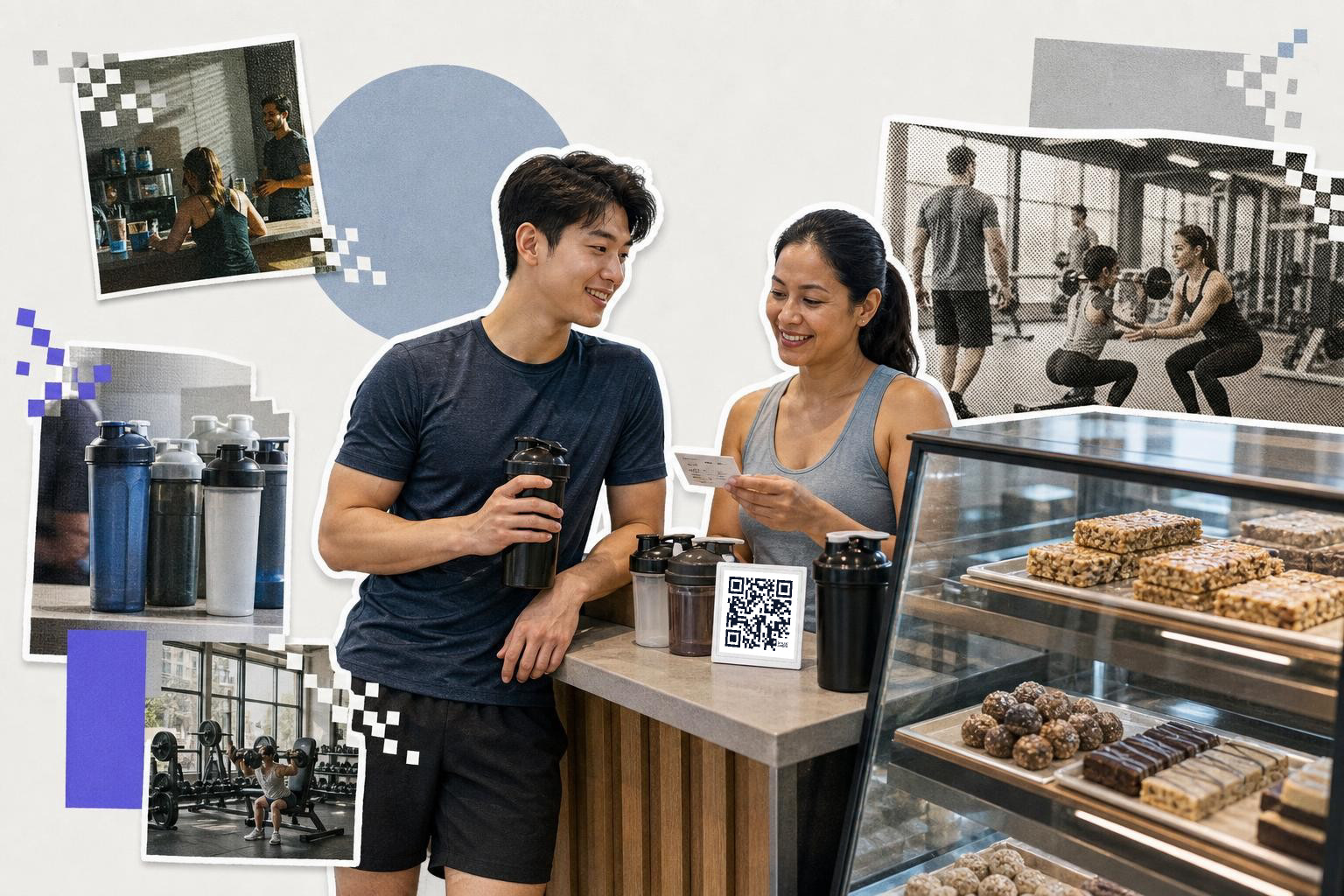
App-focused codes save time when they open a specific screen, not just the app store listing. Good targets include account login, class booking, rewards, referral offers, or a page to connect a wearable.
For example, a gym cafe counter could show a code for the loyalty screen, while the lobby wall shows a different one for class booking. That split matters because members scanning after a workout want a fast action, not a menu of five choices. Tip: test on both iPhone and Android if your code is supposed to hand off into an app, because some links fall back to the web version.
The step many gyms miss is the fallback path. Not every member has your app installed, and some phones will not jump into the exact screen you expect. A solid setup sends app users into the right page, then sends everyone else to a web version or install page instead of an error. If your app vendor gives you a deep link, test it with the app installed and uninstalled on both platforms.
This also works well for actions beyond booking. A code near the entrance can open a “freeze my membership” form, one by the pro shop can open rewards, and one in the stretching area can open your on-demand mobility library. Those are small touches, but they cut down on lines and on the “How do I find that?” conversations your staff fields every day.
This is also a good place to keep the code editable. If your app vendor changes the booking URL next month, you can swap the destination without replacing every sign. QRFLOW.codes includes your first dynamic code free, which is handy for exactly this kind of app link.
5. Ask for QR code feedback right after the workout#
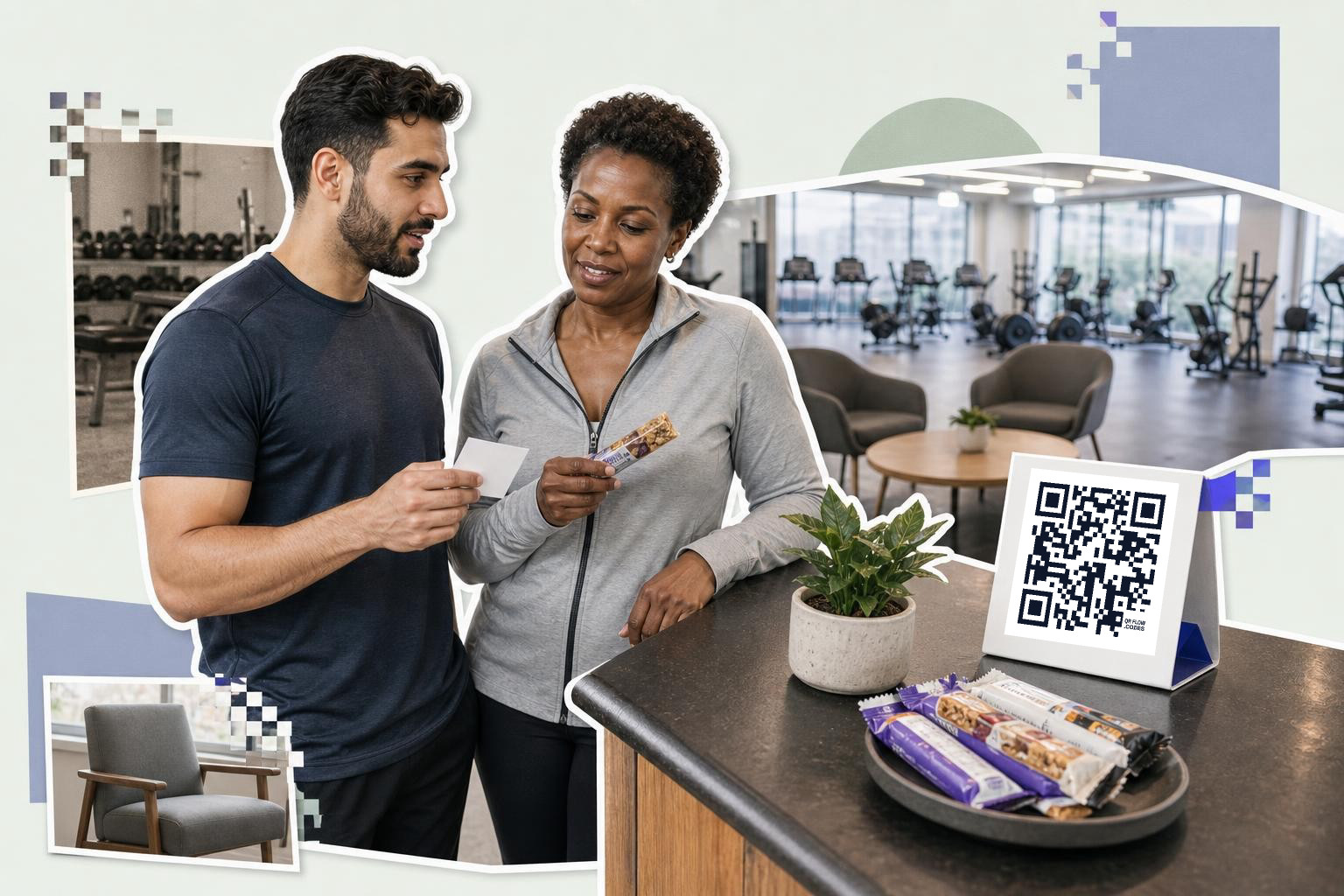
Feedback codes get more responses when they are near the exit, locker room mirror, smoothie bar, or studio door right after class. The form should take under 1 minute and ask 3 to 5 questions, not 12.
A personal training studio might use one code for session feedback and another for general gym comments. A group fitness gym could place a code outside each studio that asks about crowding, music volume, and class pace while the experience is still fresh. Tip: offer one optional text box and keep the rest multiple choice, because long forms get abandoned.
The biggest mistake is asking for feedback without context. “Tell us what you think” is vague, so people skip it. “How was today’s HIIT class?” or “Was the locker room clean today?” gives members a much easier starting point and gets better answers. The code should open the form already matched to that location or class type.
You can also separate internal feedback from public reviews. A code in the locker room might ask about broken hair dryers, while a code at the exit can ask happy long-term members to leave a public review later. Those are different jobs, and mixing them into one survey confuses people. For gyms with multiple class formats, separate studio-specific feedback also helps you spot whether the issue is one instructor, one room, or one time slot.
If your staff wants to know whether a code is being used, this is one of the few cases where scan analytics are genuinely useful. You can see whether the lounge code gets more scans than the front desk code, then move the sign to the place members actually notice. For gyms that run promotions or local review campaigns, a separate code for public reviews is smarter than mixing reviews into an internal survey. If that is your next step, a Google review QR code is the cleaner setup.
Simplify locker room experiences Placing a QR code near the entrance or on locker doors can link members to a locker reservation system, reducing confusion and ensuring availability. This is especially useful during peak hours when locker space is limited.#
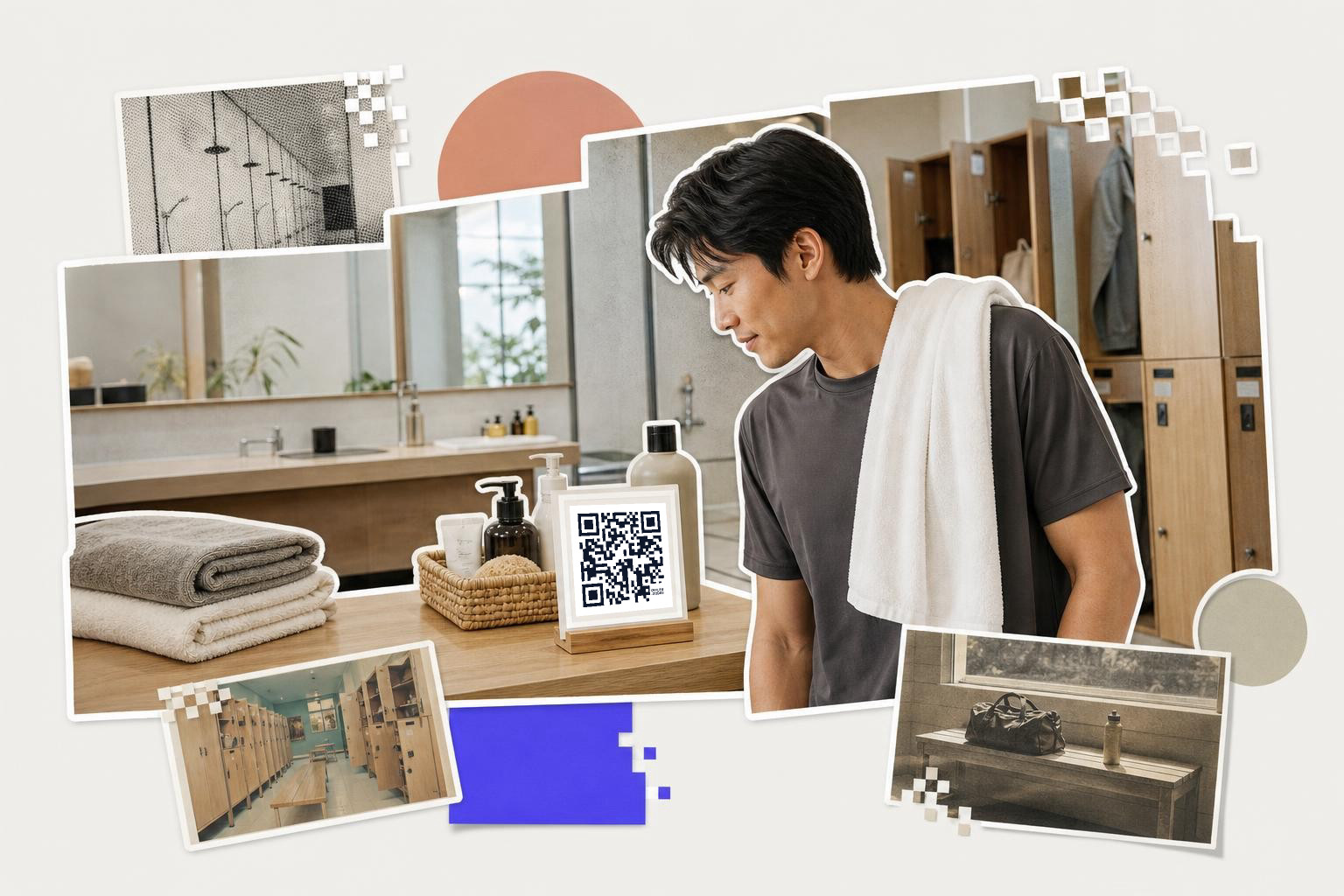
Another practical application is linking codes to a towel service request form. Members can scan the code to request fresh towels or report any issues, simplifying communication and maintaining hygiene standards. Additionally, a code directing to facility updates or maintenance schedules can keep members informed about closures or repairs, minimizing inconvenience.
For gyms offering additional amenities like saunas or steam rooms, codes can provide access to usage guidelines or reservation systems. This ensures members are aware of proper usage protocols and can plan their visits accordingly.
Enhance nutrition and wellness support#
QR codes in gyms can also support members' nutrition and wellness journeys. Placing codes in common areas or near vending machines can link to nutritional information, meal plans, or wellness tips. This helps members to make informed choices that complement their fitness routines.
For gyms with cafes or smoothie bars, QR codes can provide ingredient lists or suggested pairings for post-workout recovery. Members can quickly scan to learn about calorie counts, protein content, and potential allergens, aiding in dietary decisions.
Additionally, codes can connect members to wellness resources such as stress management techniques, meditation guides, or sleep improvement tips. By offering complete support through QR codes, gyms can help members achieve their health goals beyond physical fitness.
Facilitate social connections and events#
QR codes can foster community within gyms by promoting social connections and events. Placing codes in common areas or on bulletin boards can link members to gym social media pages, event calendars, or member forums. This encourages interaction and participation in gym activities.
A code that directs members to a gym's social media page can help them connect with fellow members, share progress, and stay updated on gym news. For events like group challenges or workshops, a QR code can provide details and registration links, simplifying the sign-up process.
Gyms can also use codes to promote member forums or chat groups where individuals can exchange tips, arrange meet-ups, or find workout partners. This builds a sense of community and support, enhancing the gym experience. By using QR codes to facilitate social interactions, gyms can create a welcoming environment that encourages member engagement and retention.
A few well-placed codes beat a wall full of them. If you want to build one for schedules, forms, training plans, or feedback, start with the free QR code generator and keep each scan tied to one simple action. If you need editable links, analytics, or more dynamic codes across your location, the plan details are on pricing.