
A good QR code example gives each scan one clear job, links to the exact next step, and is printed at least 1 inch (2.5 cm) wide for handouts or 2.5 inches (6 cm) on signs.
You do not need more QR codes. You need better ones. These 10 ideas show where codes actually help, what each one should open, and the small choices that make people scan instead of walking past.
1. Put one code on the menu, not five#
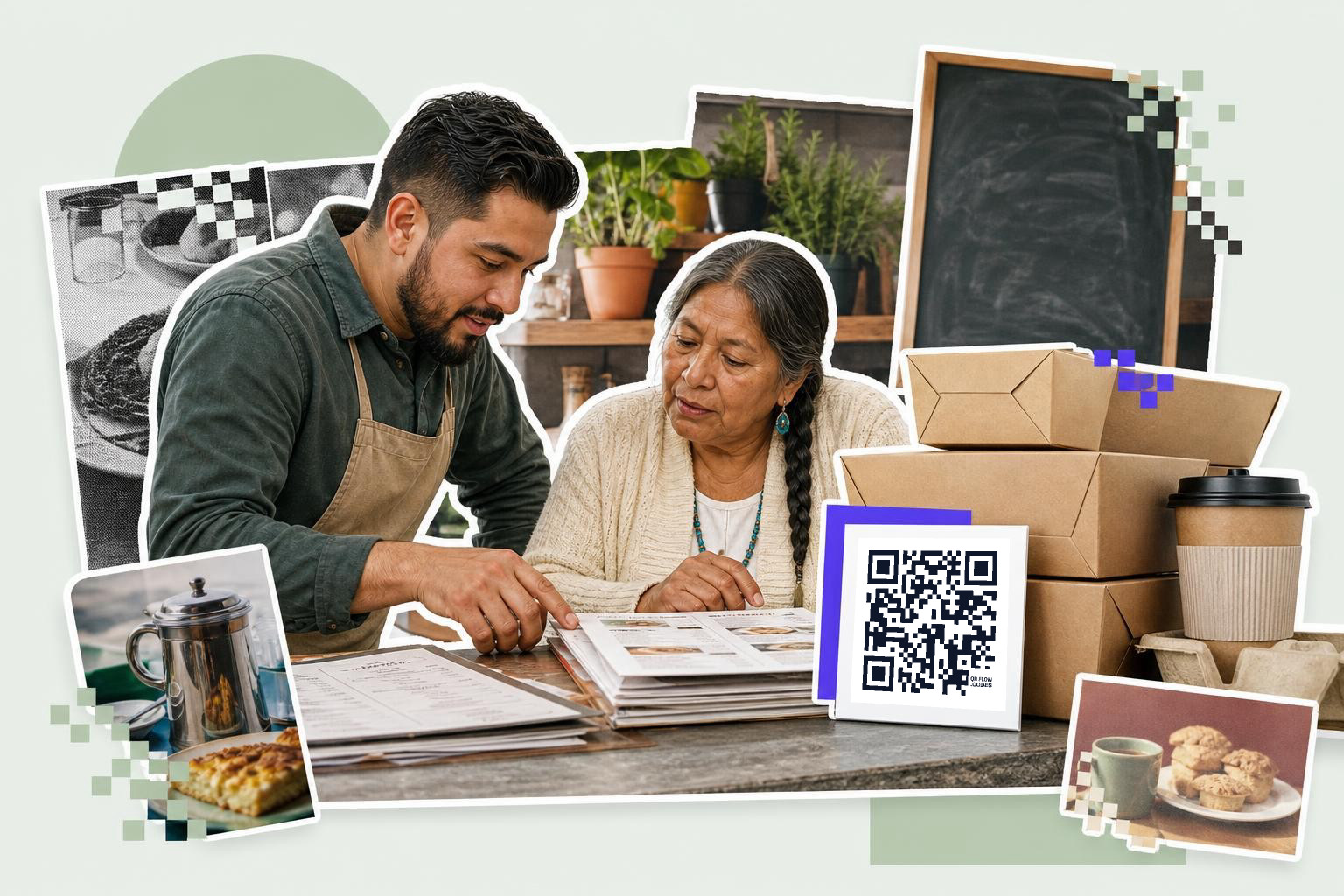
Restaurant QR code ideas work best when each code has one job. A table tent should open the menu, not your menu, Instagram,, review page, and hiring form all at once.
A coffee shop can put a menu code on the counter, a reorder code on takeout cups, and a review code on receipts. Those are three different moments, so they deserve three different destinations. Tip: print the menu code at least 2.5 inches (6 cm) wide if people will scan it while standing in line.
A code that links to a homepage usually underperforms because people still have to hunt. Send them straight to the thing they came for, like a QR code menu or a review form.
2. Use class and campus codes for one task at a time#

School QR code samples work when the student knows exactly what happens after the scan. A worksheet code should open the worksheet. A club sign-up code should open the sign-up.
A teacher can put one code on a handout that opens a Google Form exit ticket, and another on the classroom wall that opens the weekly resource folder. A coach can add a code to a permission slip for the calendar, not for the whole school site. Tip: handouts scan well at 1 inch (2.5 cm), but wall posters should be larger if students scan from 3 to 6 feet (1 to 2 m) away.
If the linked form or folder might change after printing, make that code editable so the paper stays useful. That matters for semester schedules and rotating assignments.
3. Split event codes by moment#
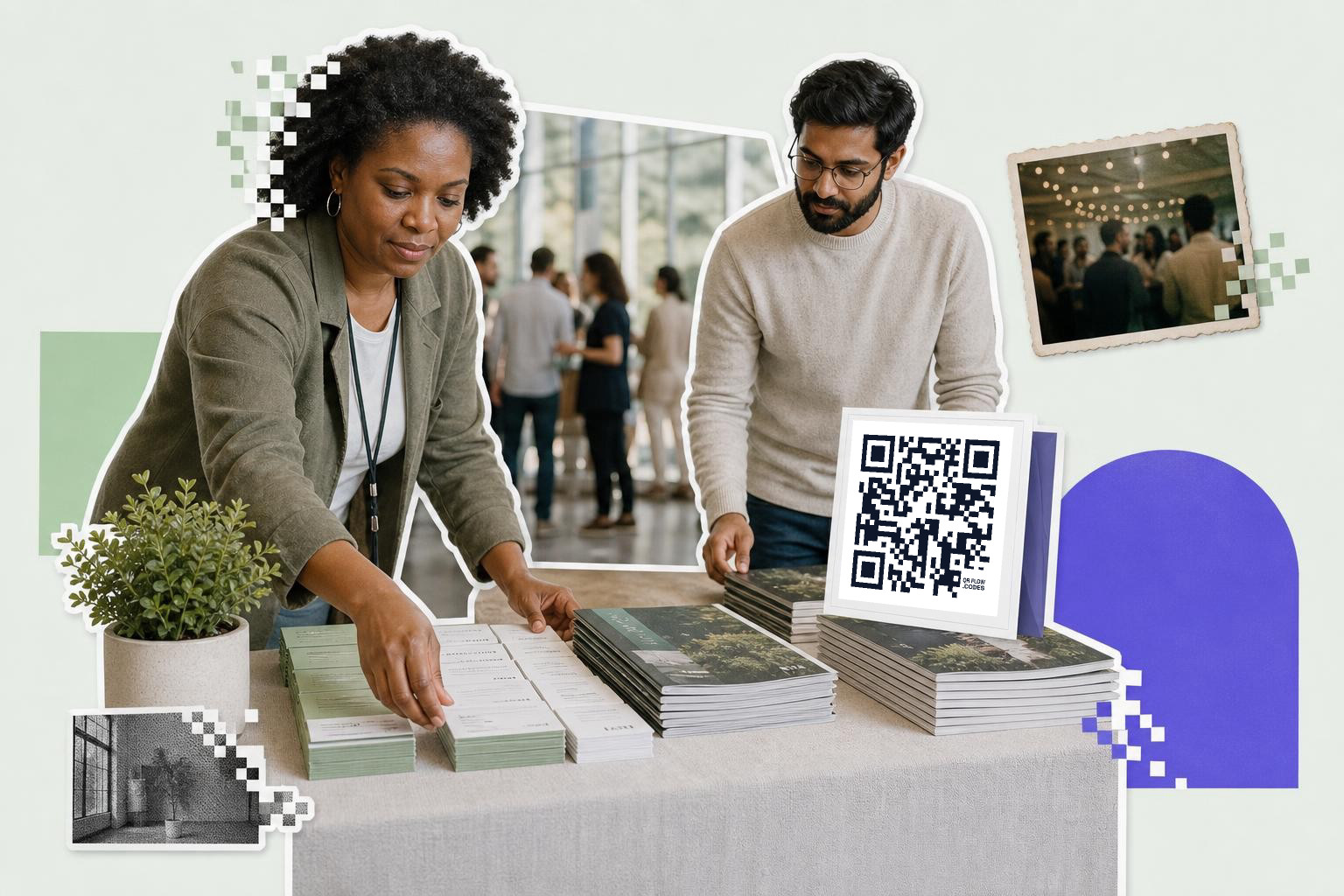
Event QR code use cases work better as a set than as one all-purpose square. Entry, schedule, map, photo sharing, and feedback are different jobs.
A 200-person conference might use one code at check-in desks for tickets, one on badges for the agenda, one near breakout rooms for slides, and one by the exit for feedback. Guests scan faster when the sign says exactly what they get. Tip: put check-in codes at chest height so people are not aiming phones at the floor.
If the room list or session times may change after badges are printed, use a dynamic code. On QRFLOW.codes, that means you can change the destination later without reprinting. For more setups, see event check-in QR codes.
Midway through planning and just want to mock up a few options? The free QR code generator lets you make and download test codes before you commit to signs, badges, or table cards.
4. Let packaging answer the first question#

Packaging QR code ideas earn their space when they solve the first thing a buyer wants to know after opening the box. “How do I use this?” beats “Welcome to our homepage.”
A skincare brand can link the box code to a 30-second how-to video. A food maker can link to ingredient details, storage tips, or a recipe. A small electronics seller can link to setup steps and replacement parts. Tip: keep the code off folds and curved edges, because creases make scanning harder.
This is one of the strongest use cases because the package is already in the buyer’s hand. A QR code on packaging works best when the page loads fast and matches the exact product in the box.
5. Turn signs into bookings, not browsing#
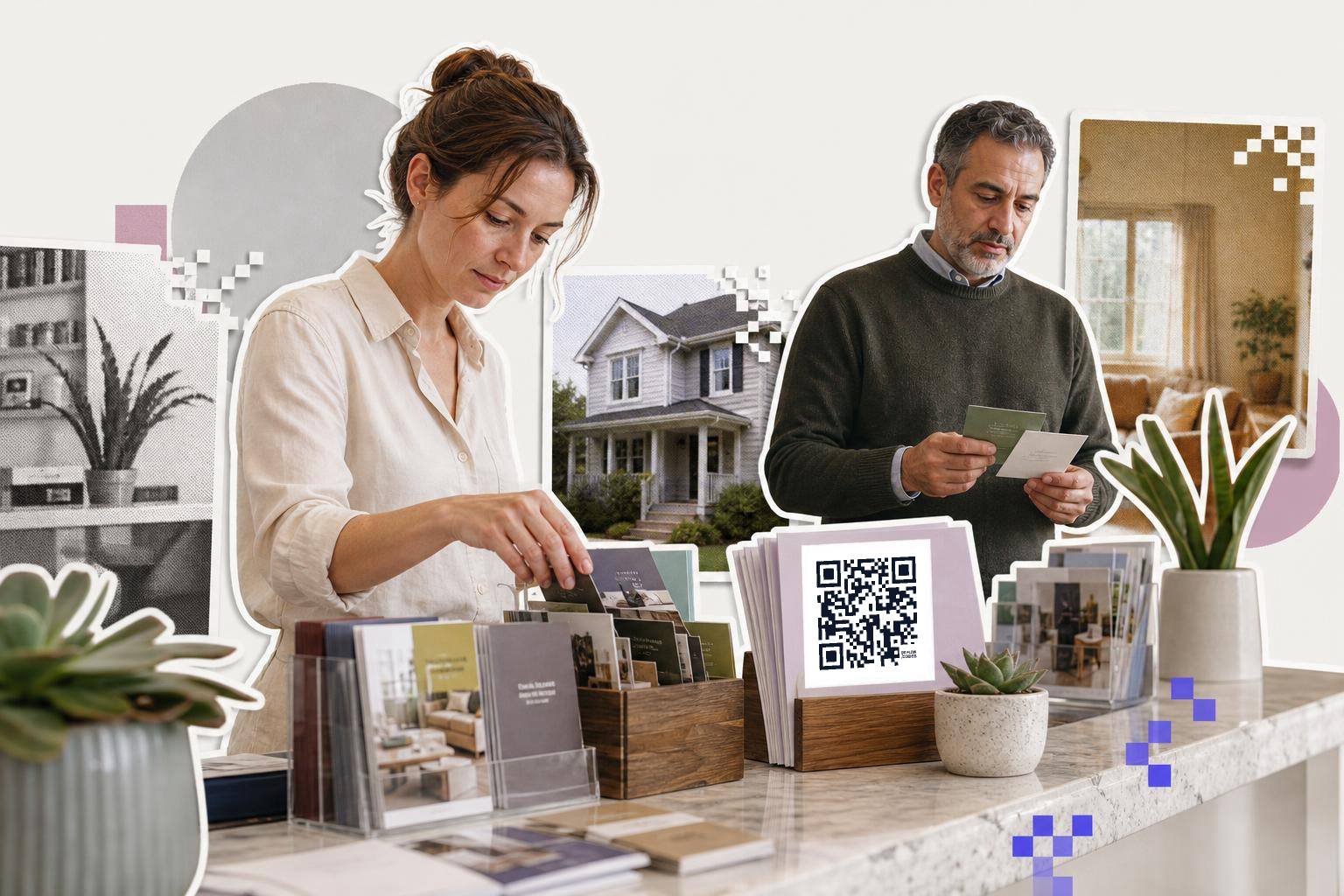
Service business QR code examples should move people into the next action in one tap. A salon window code should open booking. A real estate flyer should open the listing. A gym poster should open the trial pass.
A stylist can put a booking code on the mirror station, a trainer can put a class-pass code at the front desk, and an agent can put a property code on each yard sign. Each scan happens in a different place, so the destination should match the moment. Tip: for outdoor signs, start at 3 inches (7.6 cm) and test in daylight before printing a batch.
A generic homepage wastes the scan because people still have to search. Send them to the appointment page, the property details, or the exact offer.
6. Make contact info save cleanly#
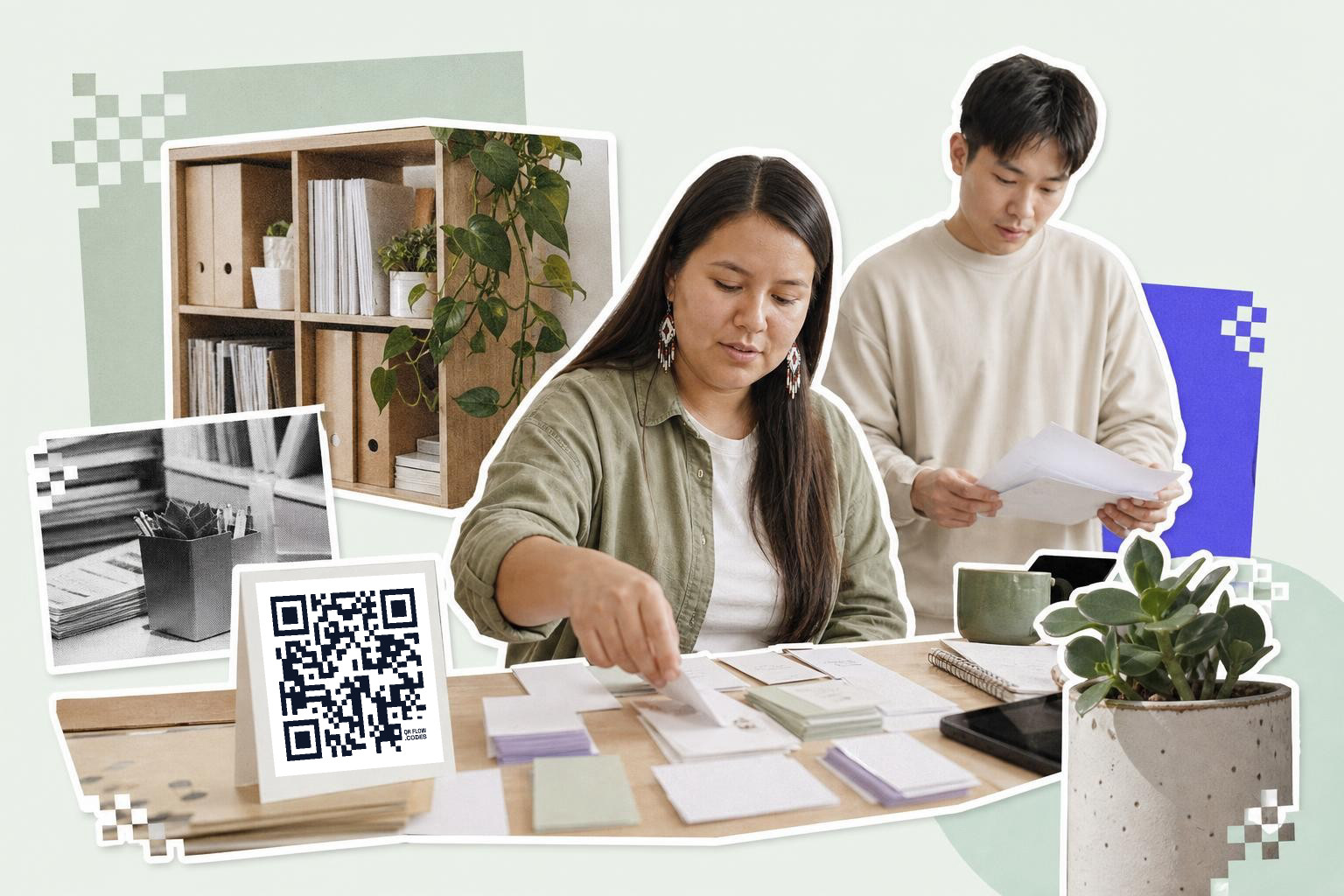
Contact QR code samples should save a person, not just show a page about them. A vCard code is usually better than a website link when the goal is “add me to your phone.”
A consultant can print a vCard code on a business card, a trade show badge, or a proposal cover. A repair company can put the same kind of code on service vans so customers can save the office number without typing. Tip: leave some blank space around the code, at least 0.16 inches (4 mm), so phone cameras can separate it from nearby text.
If you are comparing options, business cards with QR code covers what to link and where to place it.
7. Put support where frustration starts#
Customer support QR code ideas work best at the exact point where someone gets stuck. A router box can link to setup help. A venue sign can link to directions. A machine label can link to a short troubleshooting page.
This is one of the most overlooked use cases because support usually gets buried in email or packaging inserts. A landlord can put a maintenance request code in a building lobby. A rental host can put a Wi-Fi code by the door and a house guide code in the kitchen. Tip: if guests will scan once and connect, a Wi-Fi QR code generator is much better than printing the password in tiny text.
Support pages should be short. Put the fix in the first screen, not after three menus.
8. Use receipts and thank-you cards for the next small yes#
Receipt QR code examples work when they ask for one small follow-up. Reviews, reorder pages, loyalty signups, and care instructions all fit here.
A bakery receipt can ask for a review. A handmade seller’s thank-you card can open product care tips with a reorder button underneath. A repair shop invoice can link to a maintenance checklist and booking page. Tip: put the code near one short line of text, like “Reorder this item,” so the reason to scan is obvious.
This is where editable links help. If you want to swap a holiday offer for a spring offer on cards you already printed, you can do that on the paid plan without tossing the stack. The details are on the pricing page.
9. Give donations and payments a specific ask#
Payment and donation codes do better when the amount or purpose is clear. “Donate to the meal fund” is stronger than “Support us.” “Pay your booth fee” is better than “Make a payment.”
A school fundraiser can print separate codes for tickets, raffle entries, and direct donations. A market stall can use one payment code for checkout and another code for joining a text list after purchase. Tip: keep payment codes near the register, not buried in décor, so people scan while their wallet is already out.
If you are setting up payment flows, start with a payment QR code instead of forcing people through a general contact page. If you want a phone-based checkout option, this guide to Google pay QR code payment setup and use helps you compare the flow.
10. Add a code where people pause anyway#
The smartest QR code ideas often live in waiting moments. Elevator lobbies, waiting rooms, queue rails, pickup shelves, and hotel desks all create a few idle seconds you can use well.
A clinic waiting room can offer intake forms. A pickup shelf can offer reorder links. A hotel front desk can share Wi-Fi, local tips, or late checkout requests. A wedding welcome sign can open the photo album. Tip: if people scan while standing back, increase the code size before you add fancy styling.
A good rule is simple: match the pause to the task. If someone is waiting, give them one useful thing to do, not a menu of ten.
11. 12 QR code example ideas by location and goal#
Front door for hours or check-in#
A code on the front door works best when someone arrives outside normal staff help. A salon can link to hours and online booking, while a clinic can link to check-in instructions. Tip: place the code at eye level and make it at least 2.5 inches (6 cm) wide so it scans fast from a step back.
Counter for ordering or payment#
The checkout counter is where people are already ready to act. A bakery can show one code for paying and another, on a small receipt, for reviews after purchase. Tip: separate those moments so the payment code is not competing with three other asks.
Table tent for menu or reorder#
A table tent works when the destination matches the seat. In a café, lunch guests should get the menu, while takeout regulars might get a reorder page on a second sign near pickup. Tip: keep table codes away from glossy glare under overhead lights.
Window sign for booking after hours#
A storefront window keeps working when you are closed. A barber shop can point one code to booking and another printed sign, without a code, to current walk-in hours. Tip: test scans from both inside and outside, because reflections can make a window code harder to read.
Badge for schedule or contact swap#
Badges are best for a single action during an event. A speaker badge can open a bio and session time, while an attendee badge can open a vCard for contact saving. Tip: avoid tiny badge prints, and stay near 1 inch (2.5 cm) only when people will scan from very close.
Box insert for setup help#
An insert is the perfect place for first-use help. A small electronics seller can link straight to setup steps, and a skincare insert can open a 30-second demo. Tip: put the code on a flat panel, not on a fold, so the corners stay readable.
Equipment label for troubleshooting#
When someone is frustrated, they do not want a homepage. A machine label should open a short fix page, a parts list, or a service request form. Tip: keep the support page lightweight so it loads well even in a back room with weak signal.
Receipt for reviews or care steps#
Receipts work for the next small yes. A repair shop can send people to a maintenance checklist, and a bakery can ask for a review after the order is done. Tip: give one reason to scan in five words or fewer right above the code.
Flyer for one listing or offer#
A flyer should open the exact thing pictured on the page. A property flyer should open that listing, and a class flyer should open that enrollment page. Tip: never send flyer traffic to a homepage if the person has to search again.
Waiting room for forms or Wi-Fi#
Waiting rooms are ideal for low-effort tasks. A dental office can open intake forms, and a hotel desk can share Wi-Fi details without making guests type. Tip: if the code shares network access, build it for that exact purpose instead of pasting plain text.
Lobby sign for building requests#
Shared buildings have recurring tasks that fit a code well. A lobby sign can open maintenance requests, package instructions, or visitor parking info. Tip: use editable destinations when building rules or contacts may change later.
Thank-you card for reorder or referral#
A thank-you card is a calm follow-up moment. A handmade seller can link to care instructions with a reorder button, or a service business can link to referrals after the job is finished. Tip: keep the message warm and short so the code feels helpful, not pushy.
Questions people ask about QR code example#
How many QR codes should one poster have?#
One poster should usually have one QR code. Two can work if the choices are obvious, like “Buy tickets” and “See schedule,” but more than that splits attention and lowers scans.
Should I link to my homepage or a specific page?#
A specific page is usually better. People scan for a task, like booking, paying, reviewing, or downloading, and a homepage adds extra taps.
How big should a QR code be?#
A handout code should usually be at least 1 inch (2.5 cm) wide. A sign people scan from a few feet away should usually start at 2.5 inches (6 cm) and go up with distance.
When should I use a dynamic code?#
Use a dynamic code when the destination may change after printing. That includes schedules, seasonal offers, rotating menus, and anything on packaging or signs you want to keep using.
A QR code should feel obvious, not clever. If the person knows why to scan, and the page gives them exactly that, the code has done its job.
Try QRFLOW.codes to make a code, test the size, and print something people can actually use. If you need editable destinations, analytics, or protected links, compare plans on pricing.