
A free QR code business card works best when the code opens one clear page, prints at least 0.8 inches (2 cm) wide, and stays static unless your details might change.
A QR code on a card is not the point of the card. The point is to make the next step easy. Someone meets you, likes the conversation, then scans once and gets the right page.
The free part matters, but so does what happens after you print 200 cards. A static code is fine if the destination will stay put. If your role, booking link, or portfolio page may change, make that card the one free dynamic code and save yourself a reprint later.
What should a free QR code business card link to?#
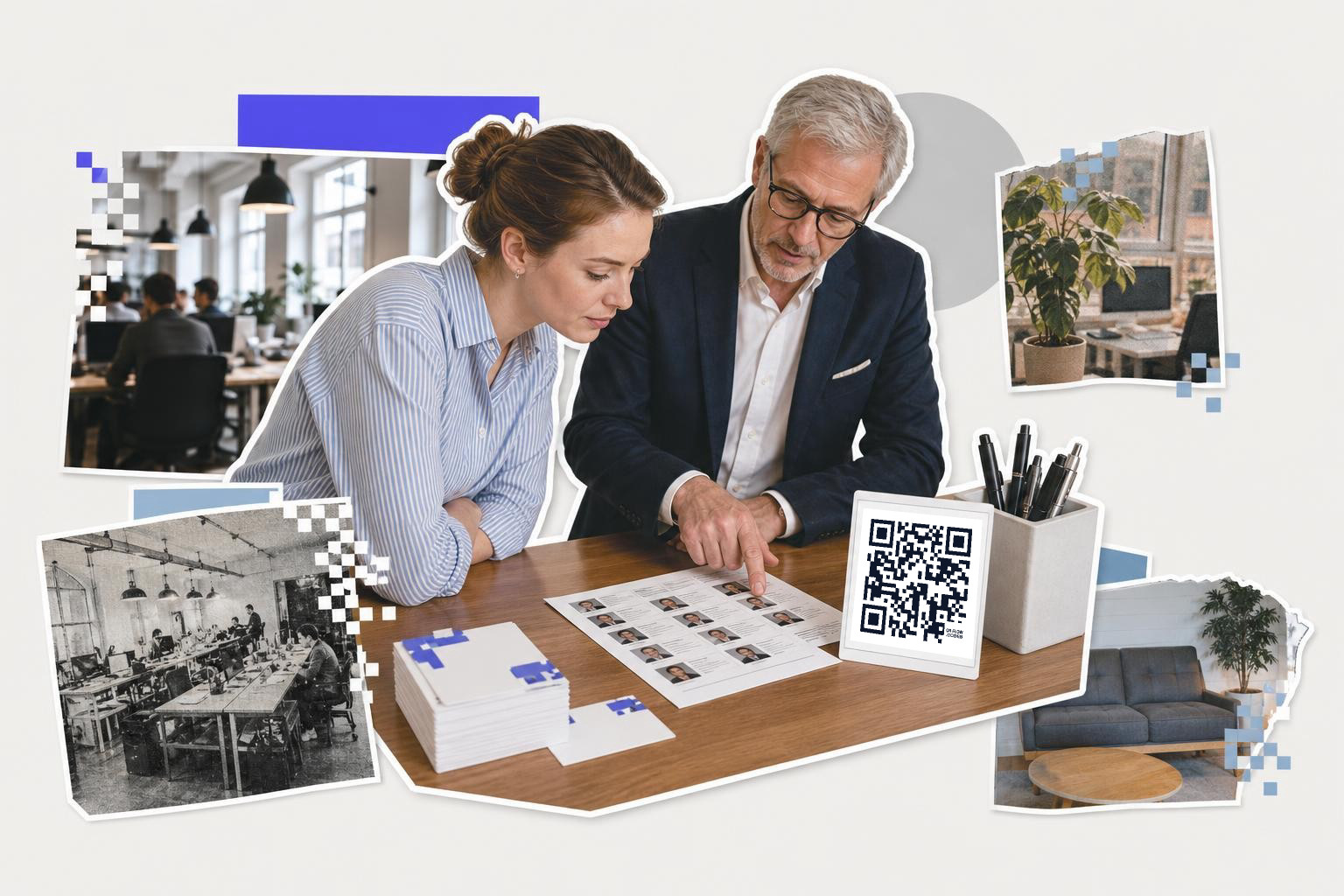
A free QR code business card should link to one thing, not five. For most people, the best target is a contact page, a digital business card, or a simple landing page with your photo, title, and two or three actions.
The wrong move is sending people to a busy homepage and hoping they figure it out. A business card scan happens fast, often in a hallway, at a booth, or outside a meeting room. The page should answer one question in under five seconds: what should I do with this person next?
Three good options usually win:
- A contact card page, if you want people to save your details.
- A booking page, if you sell calls, consults, or services.
- A portfolio or bio page, if your work needs to be seen before someone replies.
If you want the contact-saving route, start with a business card QR code setup or compare it with a digital business card with QR code. Both are easier to use than stuffing your card with tiny text.
Should you use a vCard, a profile page, or your website?#

A vCard is best when the main job is saving your phone, email, and company in one tap. A profile page is best when your details or links may change. Your website is best only if it already acts like a clean personal landing page.
A plain vCard is great at events. Someone scans, saves, and moves on. That is useful for sales reps, recruiters, real estate agents, photographers, and anyone who meets lots of people in a day.
A profile page gives you more room. You can show a headshot, short intro, contact buttons, socials, a calendar link, and one featured project. It also ages better. If you switch jobs or update your phone number, you edit the page, not the printed card.
Your website works if it is already simple on mobile. If the link dumps people onto a desktop-style homepage with a hamburger menu and six competing buttons, skip it.
If you are not sure, choose the page that does the smallest possible job well. Saving contact details beats impressing someone with too many options.
A helpful middle ground is a short landing page that includes a save-contact button and one next step, like book a call, or view work. That is often stronger than sending people to a social profile first.
Need to make a card code and test a few versions? QRFLOW.codes lets you generate unlimited static codes for free, then save versions in your dashboard if you want to compare designs later.
How big should a QR code be on a business card?#

A business card QR code should be at least 0.8 inches (2 cm) wide, and 1 inch (2.5 cm) is safer. On a standard card, that usually fits best on the back or in one corner with clear space around it.
Tiny codes look neat on screen and annoying in real life. The person scanning is holding a card, maybe one-handed, under mixed light, while talking to you. Give the camera some help.
A few layout rules matter more than fancy styling:
- Keep clear space around the code, at least the width of one small square in the pattern.
- Put it on a flat area, not over a photo or textured background.
- Use dark code on a light background.
- Do not crowd it with icons, tiny captions, or decorative lines.
If the front of your card is already busy, put the code on the back by itself with a short line like “Save my contact” or “See my work.” Short beats clever here.
For more detail on placement, how to add QR code to business card covers where it sits best on the card and what to leave out.
When is a free dynamic code worth using on a business card?#

A free dynamic code is worth using on a business card when the destination might change after print. Good examples are a booking link, a portfolio page under redesign, a temporary job title, or a link shortener you do not fully control.
Static codes are fine for a stable website URL or a vCard you do not expect to edit. But business cards tend to live longer than you think. People keep them in wallets, notebook pockets, and desk trays for months.
That is why this decision matters more on cards than on flyers. A flyer usually has a short life. A card hangs around.
QRFLOW includes your first dynamic code free, which is enough for many solo professionals who want one card they can keep updating. If every card or campaign needs editable links, that is where paid plans start to matter, and the details are on the pricing page.
If you want the longer version of this choice, static vs dynamic QR codes for print materials walks through what changes after printing.
Will a free QR code still work after you print the cards?#

A free QR code keeps working after you print, but which kind you made decides what it depends on. A static code is baked into the pattern itself and never touches anyone's server. A free dynamic code runs through a short link, so the service sits in the middle of every scan.
That difference is the whole risk, and it is worth understanding before you order 200 cards.
A static code has nothing to switch off. The web address lives in the squares. There is no account to lapse, no monthly limit, and no company that can change its mind. The trade is permanent: you can never repoint it, so if your booking page moves, the cards are wrong.
A dynamic code is the opposite. You can change where it goes for years, and that convenience is exactly why the service matters. Before you print anything on a free dynamic code, ask one question: what happens to this code when the free period ends? Some tools switch a free dynamic code off and send scans to a notice page instead, which turns a box of printed cards into dead paper.
On QRFLOW.codes the first dynamic code is free and stays free. The limit is 500 scans per code per calendar month, and it resets on the 1st. One business card will not come close to that, and a printed code is not switched off because a plan lapsed: it falls back to the free allowance and keeps forwarding.
If you are printing a large run and cannot risk either problem, the safe combination is a static code to a web address you control on a domain you own. Nobody can take that away, and if the page ever moves you redirect it yourself.
What should the card itself say next to the code?#

A business card QR code needs a plain label. “Save contact,” “Book a call,” or “See portfolio” works better than leaving the square unexplained.
People scan more when the result is obvious. A naked code makes them guess. A short label tells them the reward.
Match the label to the page:
- Save contact, for a vCard or digital contact page
- Book intro call, for a scheduling page
- View recent work, for a portfolio
- See menu, rate sheet, or locations, if that is your real next step
Keep the rest of the card normal. Your name, role, company, and one direct contact method still matter. The QR code should shorten the path, not replace all readable information.
A good test is this: if the code fails in bad light, does the card still tell someone how to reach you? If yes, you designed it well.
Questions people ask about free QR code business card#
Is a free QR code for business cards usable long-term?#
Yes, if the code is static or the service clearly says the dynamic code stays active. A static code keeps working as long as the destination URL or contact data still exists. The square does not expire on its own.
Is a free business card QR code enough for most people?#
Yes, for many people one free setup is enough. If you only need one card design and one destination, a static code or your first free dynamic code usually covers it well.
Should a business card QR code open a social profile?#
A social profile can work, but it is rarely the best first choice. A page you control is safer because you can change its layout, links, and message without depending on another platform.
Can I put the QR code on the front of the card?#
Yes, if the front has enough empty space. Front placement works when the design is clean, the code is at least 0.8 inches (2 cm) wide, and the label is short.
Do I need an account to create the code?#
No, not to generate one. If you want an unmarked file download, the dashboard, or the free dynamic code, you will need an account.
Your card only has to do one small job well. Pick the destination that matches the conversation you usually have, print the code large enough to scan fast, and keep one readable fallback on the card.
Make your next card in the free QR code generator and, if you need editable links or full scan stats later, compare the options on /pricing.