A scan writes one row. It holds where the phone was in the world and what kind of phone it was, and nothing that names the person. If your legal team asks what a QR code scan collects, this page is the answer.
What a scan stores
- The time of the scan.
- Device type: mobile, tablet or desktop.
- Browser and operating system, read from what the browser announces.
- The browser string itself, trimmed to 500 characters. It names the browser and the operating system version; it does not name a person or a device.
- Country and city, worked out from the network the request came through.
- Referrer, when a browser sends one. A scan straight from a camera usually has none.
- Preferred language, as the browser announces it.
- A visitor hash, which is how unique visitors are counted. It is explained below.
What it does not store
- No cookie is set to follow anyone. The only cookie QRFLOW ever puts on a scanner's phone is the one that remembers they typed the right password on a password-protected code, and it expires.
- No IP address is kept. The address is read to work out the country and to build the visitor hash, then it is gone. There is no column for it.
- No name, email, phone number or account. The person scanning never identifies themselves and we never ask.
- No GPS. City comes from the network, so it is the city of the connection, which on mobile data can be the next city over.
- Nothing that follows a person off your code. We do not run an ad network and there is nothing to sell.
How unique visitors work without a cookie
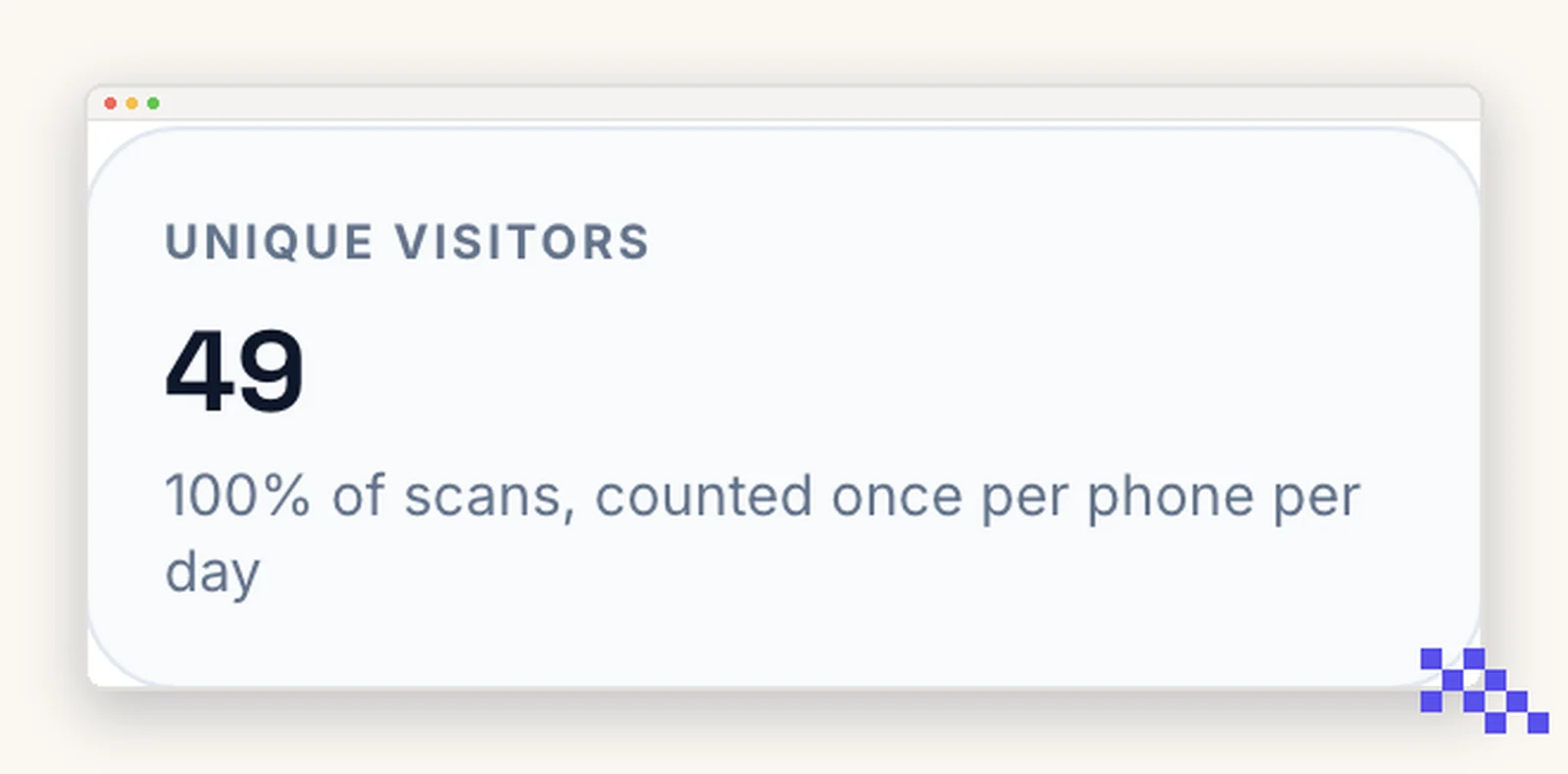
The visitor hash is a one-way fingerprint built from four things mixed together: the code's id, today's date, the IP address and the browser string. The result is 32 characters that cannot be turned back into any of them.
- The date is in the mix, so the hash changes at midnight. The same phone scanning the same poster on Monday and Tuesday counts as two unique visitors, not one.
- The code id is in the mix, so the same phone scanning two of your codes produces two unrelated hashes. Nobody, including us, can follow one person across your codes.
- That is deliberate. It is enough to tell twenty people from one person scanning twenty times, and not enough to build a profile.
Who can see it, and how to get rid of it
- Only the account that owns the code, plus anyone holding a seat on that account. The database refuses the rows to everyone else.
- Delete a code and its scan history goes with it, in the same moment, permanently.
- Delete your account and everything goes, codes and scans together.
- Export first if you need the numbers afterward. The CSV is yours to keep.
Printing a QR code does not need a cookie banner, because nothing is stored on the scanner's phone. The page you send them to is your own business, and if that page sets cookies or runs ad tracking, the banner belongs there.
Put this to work on your codes
Save a code to your dashboard and you can re-point it after printing, lock it, and watch every scan. Premium is $4 a month.
Still stuck? Search the help center, or contact support and a person will answer.