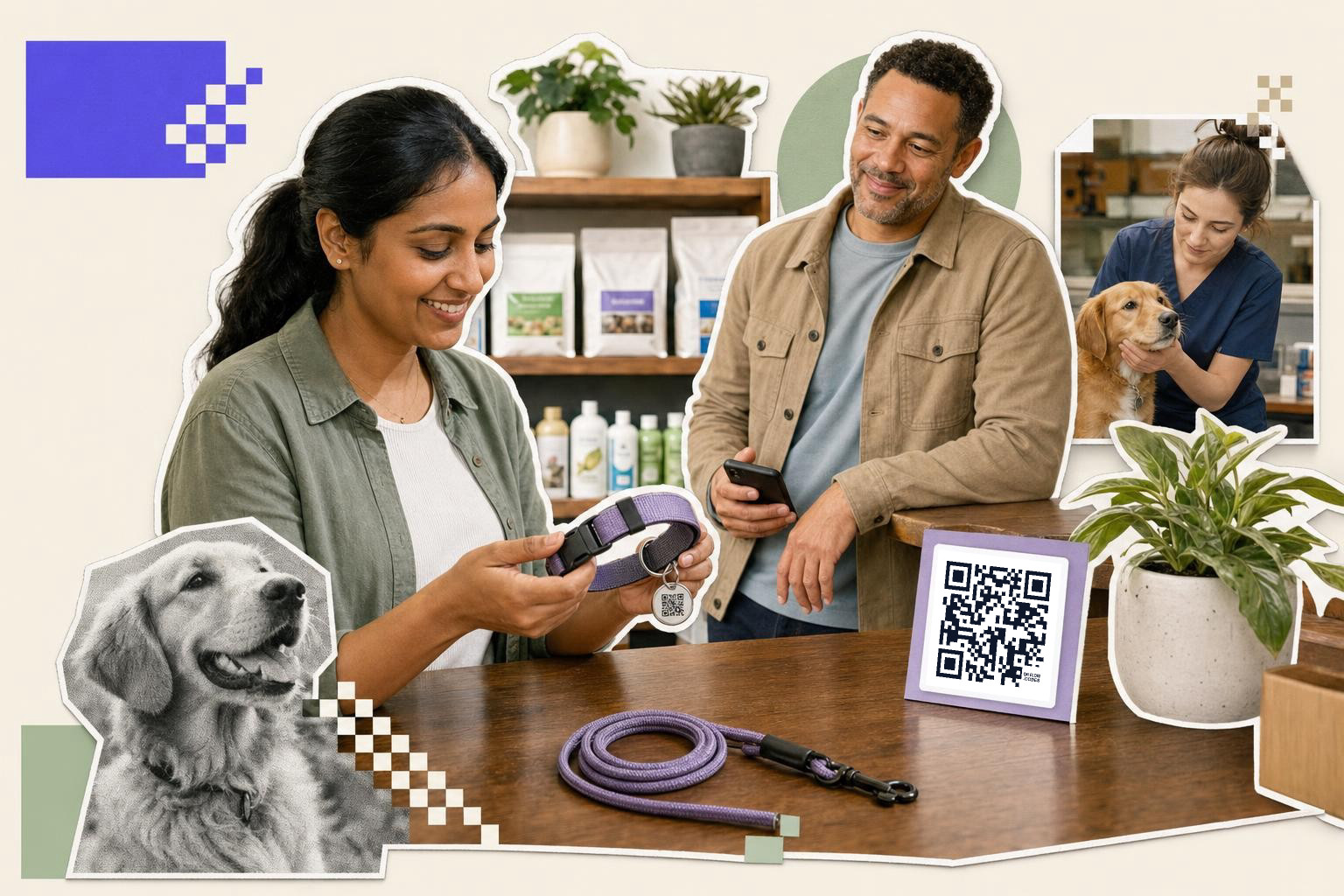
A dog tag with a QR code gives your pet more than a name plate, and if you use an editable link, you can change the owner details later without replacing the tag.
That is the big reason people pick one. A normal tag is fixed metal. A QR tag can open a phone number, backup contact, vet note, address area, or a simple "call me" page in one scan.
What should a dog tag with QR code open?#
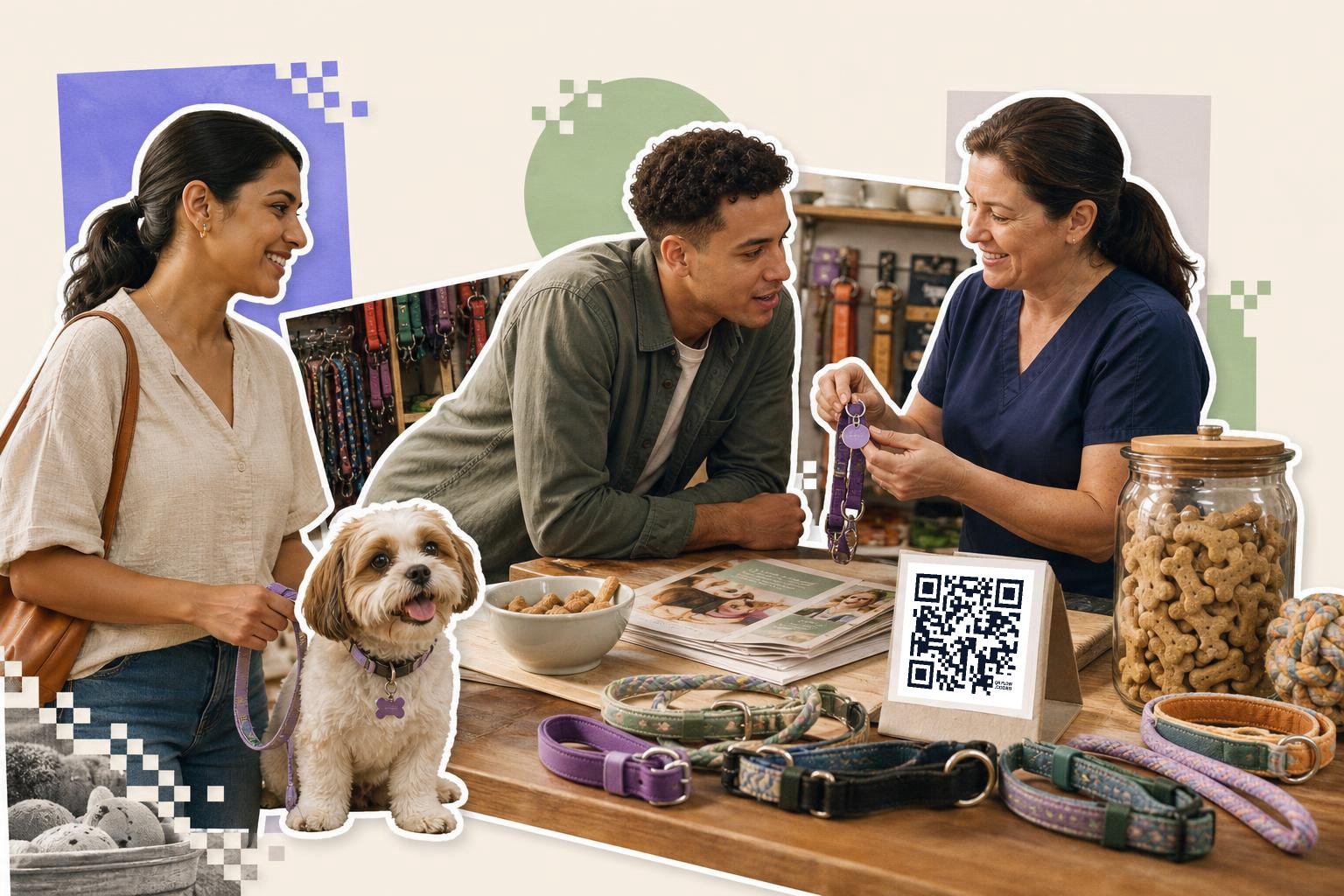
A dog tag with QR code should open one short mobile page with the details a finder needs in the first 5 seconds. Put the pet's name, your phone number, one backup contact, and any urgent medical note at the top.
Keep it simple. A stranger who finds your dog is probably standing on a sidewalk, not sitting at a desk. If the page makes them pinch, zoom, or hunt for the right number, you lose the moment.
Good details to include are your cell number, a second number, your pet's name, whether the pet is microchipped, and short care notes like "needs insulin" or "nervous, do not chase." Skip anything that creates risk, like your full home address on the first screen.
A plain link works well here. If you want a QR page made for this kind of job, you can build one in the free QR code generator and download it as PNG or SVG.
Why not just use a normal engraved tag?#
A normal tag is still useful, but it runs out of space fast. A QR tag can hold changing details without cramming tiny text onto a 1 inch (2.5 cm) piece of metal.
That matters when your number changes, your dog starts a new medication, or you want to add a backup contact while you're traveling. With an editable code, you update the destination and keep the same tag on the collar. No re-engraving, no waiting for a new shipment.
This is where static and dynamic really matter. A static code goes to one fixed destination forever, while a dynamic code lets you change where it points after printing. If you want that "update it later" benefit, you need a dynamic QR code, which is a paid feature, not a free one. You can compare that on the plans and prices page.
Make a scannable QR dog tag#
A QR dog tag needs enough print space, strong contrast, and a simple destination. For most tags, that means a black code on a light background, no tiny details, and a test-scan from about 1 to 2 feet (0.3 to 0.6 m) away.
The hardest part is size. Dog tags are small, so the code itself cannot be fussy. A short dynamic link usually helps because the pattern is less dense than a long, messy URL.
If you are ordering a custom tag, ask for a proof first. Scan it on iPhone and Android devices before you approve the final batch. Also test in indoor light and outside shade, because shiny metal can throw glare.
Round tags can work, but the QR code area should still sit inside a clean square with some empty space around it. If the seller wants to curve, crop, or decorate the code too much, pass.
QRFLOW.codes is handy here because you can start with a short link, save the code, and switch the destination later if your contact details change.
Is a dog tag QR code enough on its own?#
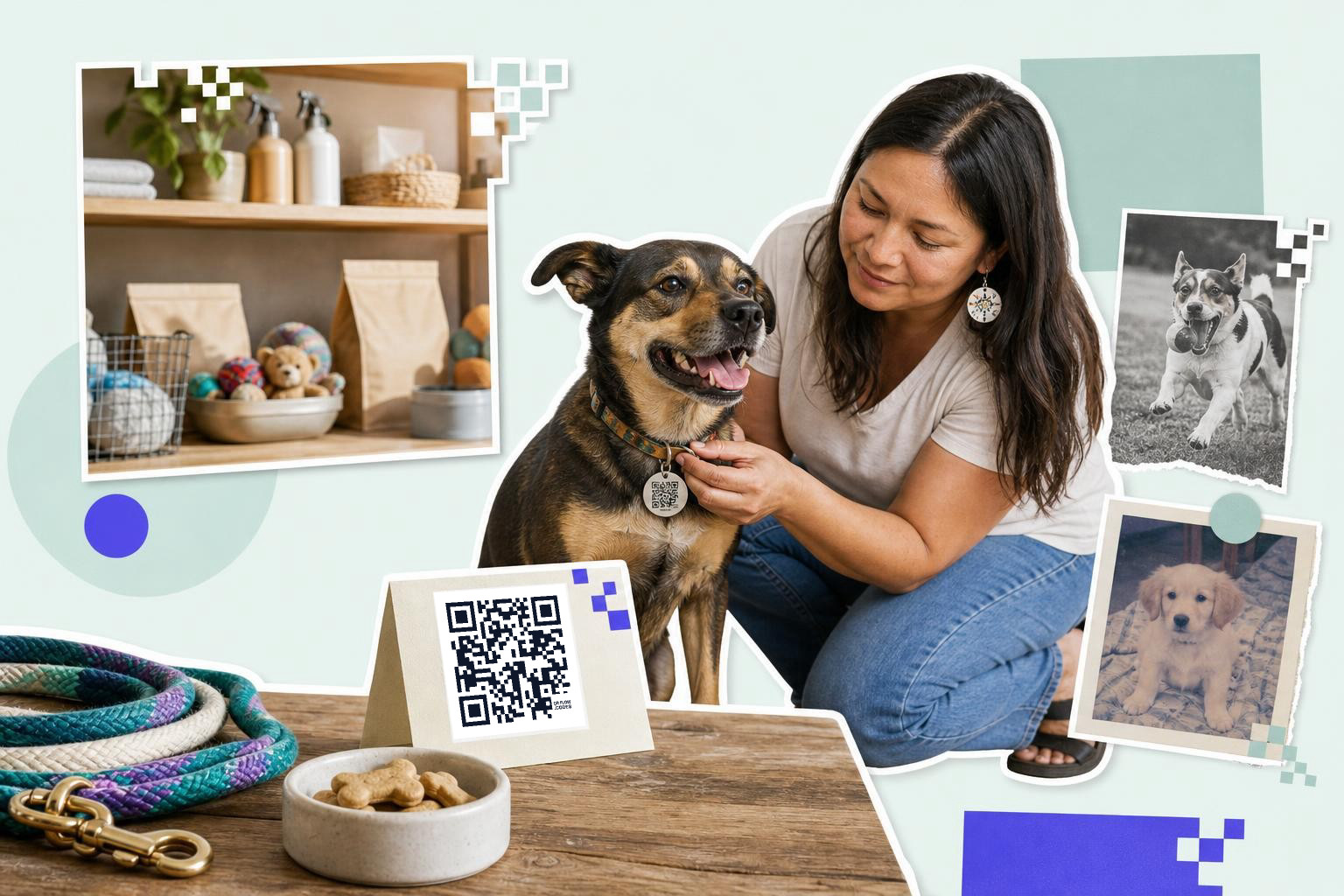
A dog tag QR code is helpful, but it should not be your only ID method. Keep a normal engraved phone number on the tag or collar too, and make sure your pet's microchip record is current.
Some people will not think to scan. Some older phones, cracked cameras, or low-light situations can slow things down. A printed number is still the fastest fallback.
The best setup is layered. Use the engraved number for instant contact, the chip for formal identification, and the QR code for extra details that do not fit on metal.
If your pet slips out often, a collar tag plus a backup code on the carrier or leash is smart too. The linked page can stay the same across all of them.
One setup that works well#
A strong setup is a front side with your pet's name and one phone number, plus a back side QR code that opens a mobile page. That page can show your main number, backup contact, chip status, and one short medical note.
For example, say your dog stays with a sitter for two weeks. You can change the linked page to put the sitter's number second, then switch it back later. The tag on the collar never changes.
That is the real advantage of a smart tag. It stays physically the same while the useful part, the information behind it, can keep up with real life.
Choose durable materials#
Plastic tags are another option. They are lightweight and available in many colors, but they can wear out faster than metal. If you choose plastic, ensure the QR code is printed with UV-resistant ink to prevent fading.
Leather tags can be stylish, but they might not hold up well in wet conditions. If you prefer a leather look, ensure the QR code is on a metal or plastic plate attached to the leather. By considering these materials, you can choose a tag that balances style, durability, and functionality.
Maintaining your QR dog tag#
To keep your dog's QR tag effective, regular maintenance is key. Start by checking the tag for any signs of wear or damage. Scratches or fading can make the QR code unreadable, so inspect it monthly. If you notice any issues, replace the tag promptly.
Clean the tag gently with a soft cloth and mild soap to remove dirt or grime. Avoid harsh chemicals that could damage the QR code or the tag material. If the tag is metal, you can use a small amount of metal polish to maintain its shine, but ensure it does not affect the QR code's readability.
Regularly test the QR code with your smartphone to ensure it still scans easily. If you have updated your contact information, verify that the linked page reflects these changes. Keeping the tag in good condition ensures it remains a reliable tool for identifying your pet.
Customizing for special needs#
A dog tag with QR code can be customized to meet specific needs, especially for pets with medical conditions or behavioral quirks. If your dog requires medication, include a note on the linked page about the condition and any emergency instructions.
For dogs with anxiety or special handling requirements, add a note like "nervous with strangers" or "do not approach quickly." This helps the finder understand how to interact with your pet safely.
If your dog is deaf or has vision issues, mention this on the QR page. It prepares the person who finds your pet to approach with care.
If you want to make one, start with QRFLOW.codes. You can create the code, test it before ordering the tag, and keep the setup simple enough that a stranger can use it fast.
Questions people ask about dog tag with QR code#
How do QR codes on dog tags work?#
QR codes on dog tags work by linking to a webpage with your pet's details. When someone scans the code with a smartphone, it opens the page where they can find contact information, medical notes, and other relevant details about your pet.
Can any phone scan a QR code?#
Yes, most modern smartphones can scan QR codes using their camera app. Some older phones might need a separate QR code scanning app. It's a good idea to test the code on different devices to ensure compatibility.
What happens if the QR code on my dog's tag gets damaged?#
If the QR code on your dog's tag gets damaged, it might become unreadable. Regularly check the tag for wear and replace it if needed. Keeping a backup method of contact, like an engraved phone number, is also wise.
How often should I update QR info?#
Update the information linked to your dog's QR code whenever there are changes in your contact details or your pet's medical needs. Regularly testing the QR code to ensure it still works and reflects current information is also a good practice.
When you are ready to try it, make a free QR code and see how it looks before you print anything.