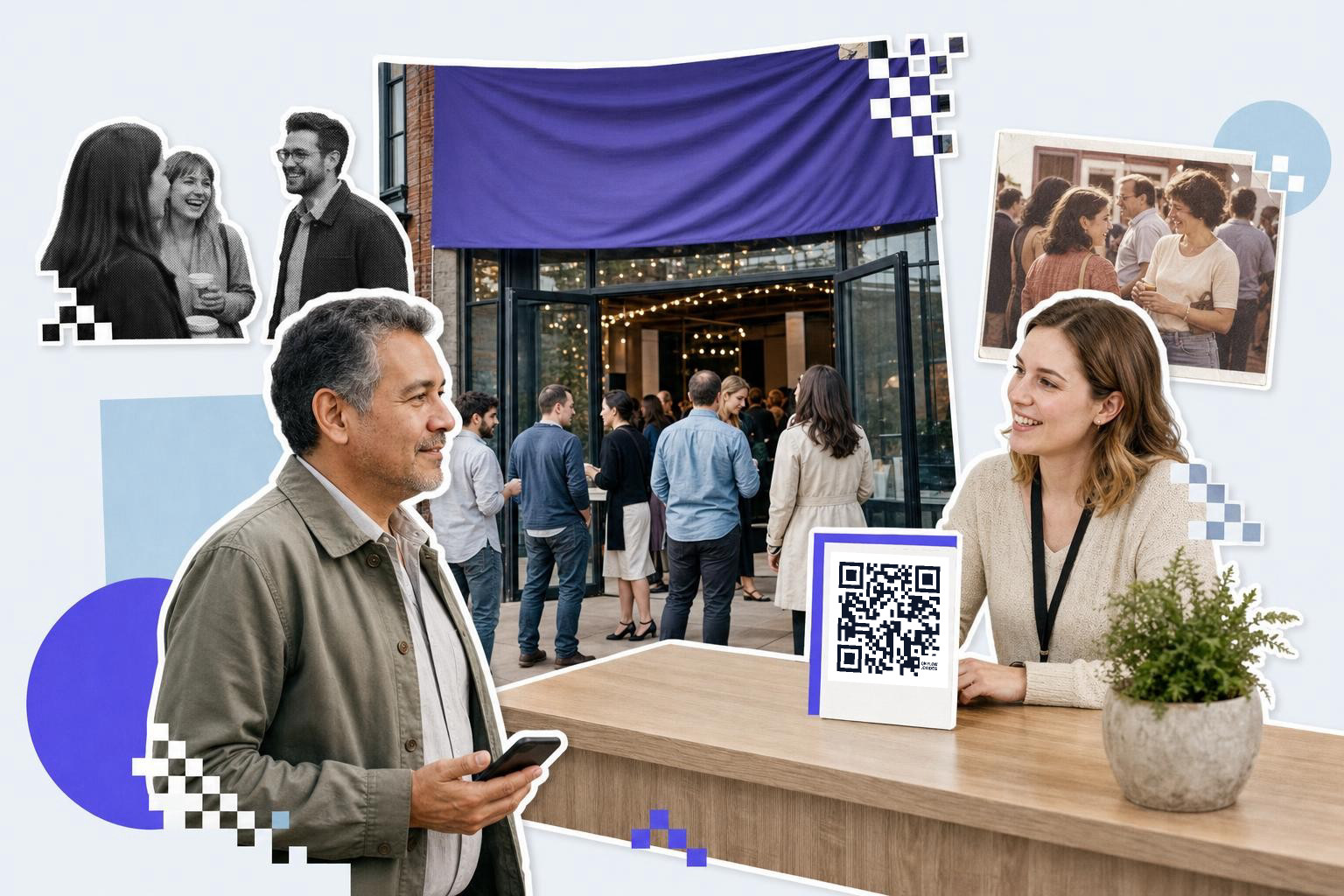
An Eventbrite attendee QR code is made per registration, not per event: somebody buys a ticket, a code is created and named after their order, and that code opens whatever belongs to them. It does not replace Eventbrite's own check-in scan.
Start with that last sentence, because it is the mistake worth catching before anything is built. Eventbrite already puts a barcode on every ticket and already has an app that scans it at the door to mark somebody admitted. A code made here does not do that, and cannot.
What it can do is give each attendee a square of their own that you control and can change after the tickets have gone out.
How do I make a code for every attendee?#

3 steps:
- Eventbrite: New Attendee Registered. Fires on each registration.
- QRFLOW.codes: Create QR Code. Destination URL is required. Name, Code Color and Background Color are optional.
- Anything that uses it. A mail step, a spreadsheet row, or whatever builds the badge artwork.
The ready-made version is Create QR codes for new Eventbrite attendees, which covers steps 1 and 2.
Fill the Name field from the registration: the order number, or the attendee name plus the event. A hall of 300 unnamed codes is unmanageable, and the Find or Create QR Code action, the thing that stops a re-run making 300 duplicates, has nothing to match on unless names exist.
What should the code open?#
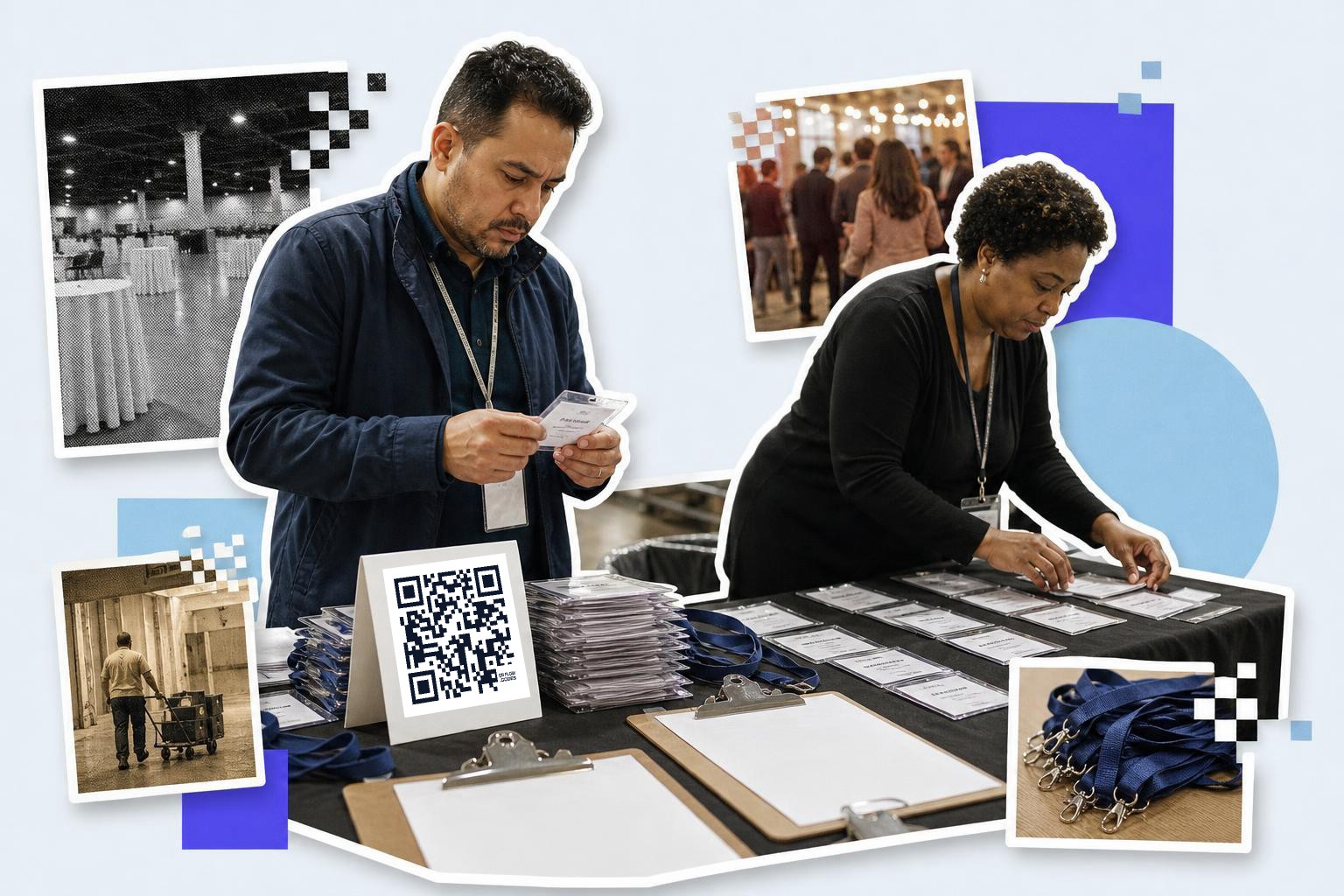
The code should open something that belongs to that attendee, or something likely to change. 3 destinations earn their place:
Their own page. Agenda, seat, table, workshop track, dietary note. Personal to them, and changeable the week of the event without reissuing anything.
The live schedule. The same destination for everybody, but re-pointable. When a speaker drops out at 9am you change 1 destination and every printed badge is correct.
Their follow-up. After the event, re-point the same code at the slides, the recording, the feedback form or next year's early-bird page.
That third one is the strongest case and the one people miss. A badge is normally dead the moment the event ends. A dynamic code turns it into a channel you still own months later.
Can the code check people in?#

The code cannot check people in, and will not stop anyone getting in twice. Scans are counted, not validated.
There is no concept of a code being used up, no admitted flag, and nothing that refuses a second scan. Two people holding the same screenshot would both be forwarded to the same page, and the only trace would be 2 scans in the analytics instead of 1.
Door control is Eventbrite's job and its app does it properly. Use the ticket barcode for admission and a dynamic code for everything the attendee needs once they are inside.
If what you want is the event's own code, the one on the poster that sells tickets, that is simpler and needs no automation: QR code for Eventbrite events covers it.
What should I check before a real event?#
Check the plan and the timing, because both bite late. 2 numbers decide whether this works at all.
1 dynamic code free. A free account may hold a single re-pointable code. The automation will happily keep making codes past that, but they come out static, which means they cannot be re-pointed and the entire follow-up idea dies. A real event needs Premium at $4 a month or Business at $29. See pricing.
15 minutes, not instant. Eventbrite's trigger is polled, every 15 minutes on Zapier's free plan. Fine for badges printed the week before. Not fine for a walk-up who needs a code at the desk.
There is a cheaper shape worth considering first: 1 code for the whole event rather than 1 per attendee. You lose the personal page and keep everything else, including the re-point-after-the-event trick. For many events that is the right answer, and QR codes for events covers what to do with it.
What to test with one ticket#
Buy 1 ticket on your own event, free tier, and check 4 things before 300 badges go to print:
- A code appeared, and its Name identifies the attendee.
- It is dynamic, not static. The dashboard says which.
- The destination opens on a phone.
- Re-pointing it works, because that is the feature being paid for.
Then delete the test ticket. 4 checks, 1 ticket, about 5 minutes.
Questions people ask about an Eventbrite attendee QR code#
Will I know who scanned?#
You will not know who scanned. A scan record holds the time, country, city, device, browser, operating system and referrer, and no identity.
You do know which code was scanned, so if every attendee has their own, the code is the identifier. That is a meaningful difference and worth handling carefully: see what a scan records.
How do I get the image onto the badge?#
Getting the image onto the badge means pulling it in the same automation. The code's image can be mailed, written to a spreadsheet, or sent to whatever builds the artwork.
Printed small, mind the size rules in the won't-scan help page. A badge code that fails at arm's length is worse than no code.
Does it work for other ticketing tools?#
Making attendee codes works for other ticketing tools too. The QR code step does not care what the trigger is.
Anything in Zapier's directory can feed it. Eventbrite is simply the one with a ready-made template.
What happens to the codes after the event?#
After the event the codes keep working until you pause or delete them, which is the opportunity.
Re-point them at the recording or next year's tickets with the Update QR Code action, in 1 pass, for every attendee at once.
Can each attendee have a different color?#
Each attendee can have a different color, since Code Color and Background Color are fields on the create step. Map them from the ticket type and every VIP badge comes out in its own shade.
The full set of triggers and actions is on the Zapier page, the app sits in Zapier's directory, and 1 code by hand takes about 10 seconds in the free QR code generator.