
Ask for five things only: name, phone, email, whether they already have an agent, and how they heard about the house. Put that form behind a code on the entry table and every answer arrives typed. An open house sign in sheet can collect three kinds of entries. Real ones. Illegible ones. And "John Smith, 555-1234." The third kind is not rudenes, it is a visitor protecting themselves from a week of calls. Fix the reason and the sheet fills itself in. Below is what to ask, what to leave off, and how to swap the clipboard for a small sign people scan with their own phone, which takes about 15 minutes to set up the first time and 2 minutes for every open house after that.
What goes on an open house sign in sheet?#
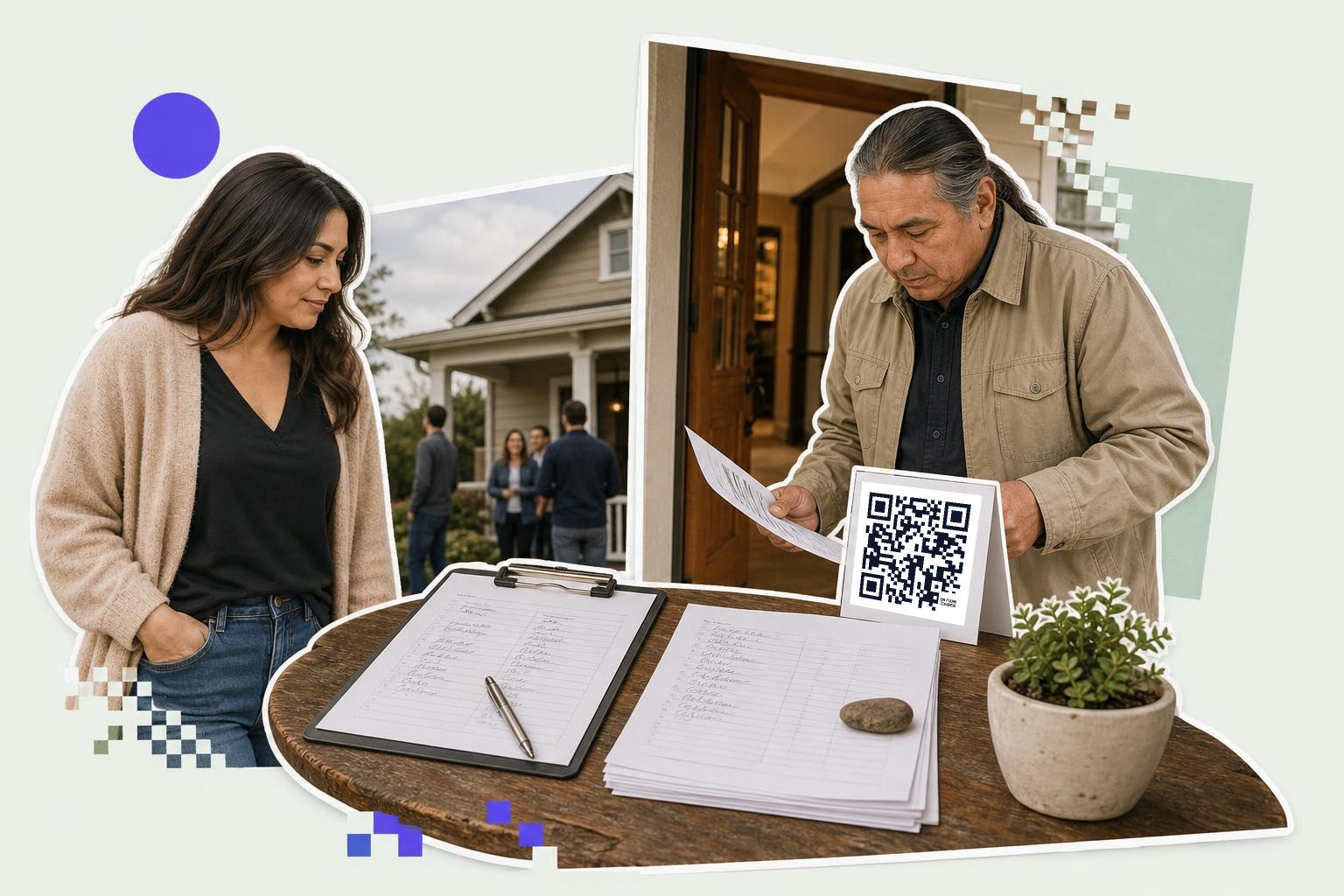
Five fields. Name, phone, email, whether they are already working with an agent, and how they heard about the open house.
That last question is the one agents skip and then wish they had asked. It tells you which sign, which listing site, or which neighbor sent the person standing in front of you, and after four open houses it tells you where to spend money.
Leave off anything that sounds like qualifying. Price range, pre-approval status and "are you ready to buy" belong in a conversation, not on a form at the front door. A visitor who has been in the house for 90 seconds has no reason to tell a stranger their budget, and asking is the fastest way to get a fake number.
Two lines of small print earn their space. One naming you and your brokerage, because several states require you to disclose the agency relationship early, and your broker will have the exact wording they want used. One saying what you will do with the details, along the lines of "we will contact you about this property." Say it plainly and fewer people invent a phone number.
Why do visitors write fake names?#

Because a phone number on a clipboard is a promise of calls, from a person they have not decided to trust yet, with no way to opt out.
The other reason is the clipboard itself. It is in a hallway, other people are waiting, the pen does not work, and nobody wants to stand there writing while the group moves on. A visitor holding their own phone is alone with the form, can take their time, and can correct a typo.
Handwriting is the quiet cost. An email address written at speed by somebody balancing a clipboard on a bannister is a coin flip. You lose the lead and never find out, because the bounce lands in a folder you do not read.
Paper, tablet, or a code people scan#

All three work. They fail differently.
| Method | Costs | Fails when |
|---|---|---|
| Paper sheet | A clipboard and a pen | Handwriting is unreadable, details are invented, someone photographs the page of other people's numbers |
| Tablet on a stand | An iPad and a stand you have to watch | It walks off, the battery dies, there is a queue behind it, one visitor sees the last visitor's details |
| Code on a sign | A printed sign, nothing else | A visitor has no phone, or there is no signal in the basement |
The code wins on privacy alone. With a clipboard, every visitor reads the details of everyone who came before them. With a form, nobody sees anybody.
Keep one paper sheet folded in your bag anyway. Some people will not scan, and refusing them a way to sign in is worse than a scruffy backup.
How do you build the digital sign in sheet?#
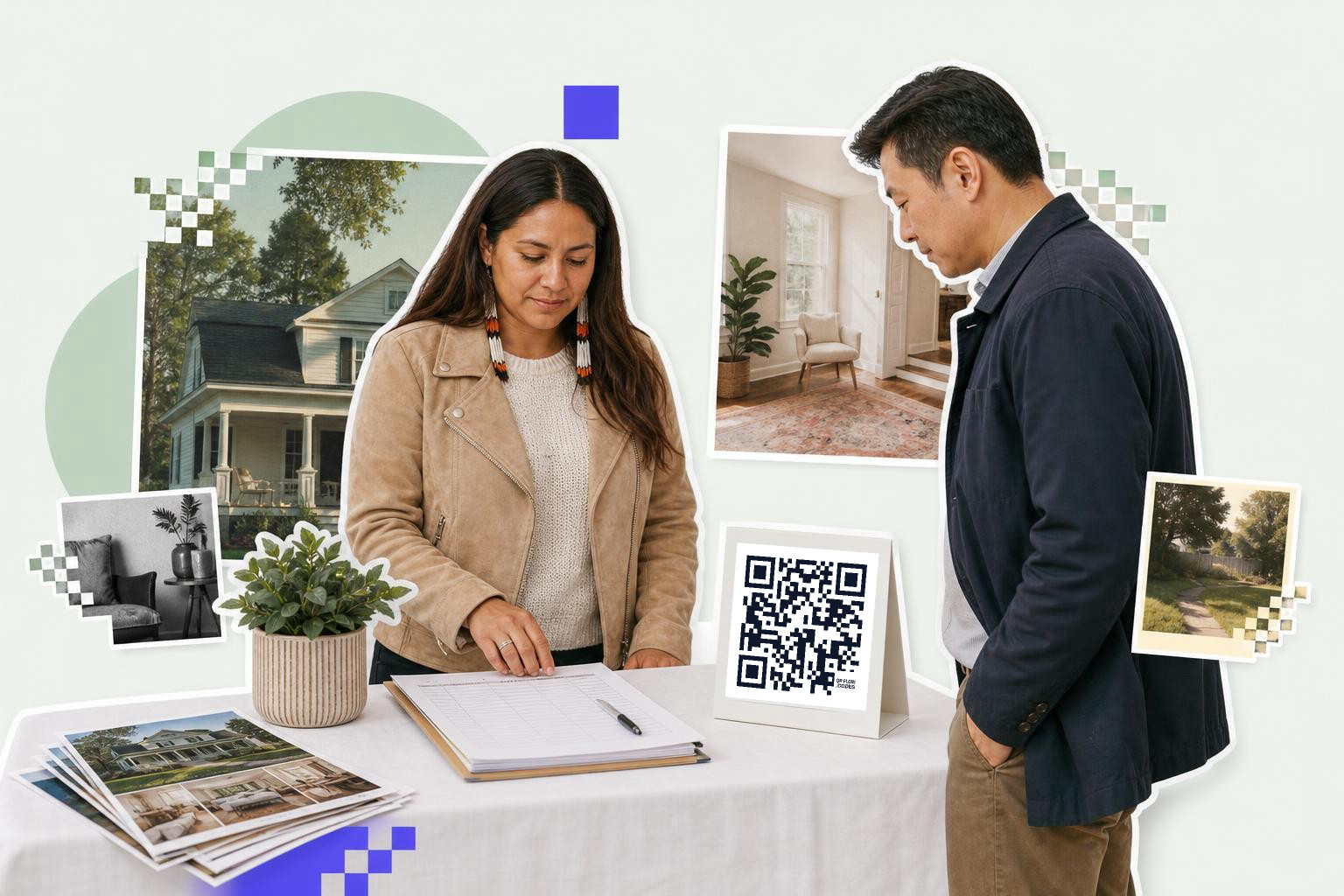
Google Forms is free and takes about 10 minutes.
- Open forms.google.com and start a blank form. Title it with the address, like "Open house sign in, 123 Maple Street," so you can tell four listings apart later.
- Add five short answer questions: name, phone, email, "Are you working with an agent?" and "How did you hear about this open house?" Make the last two multiple choice so the answers group cleanly.
- Mark name and phone as required. Leave email optional, because forcing it is what produces the fake ones.
- Put your name, your brokerage and one line about follow up in the form description, where every visitor sees it before they type.
- Open the Responses tab, click the green Sheets icon, and create a spreadsheet. Every entry now lands there, typed and timestamped.
- Press Send, choose the link icon, tick Shorten URL, and copy the link. That link is what the code will open.
Test it on your own phone before the open house and delete your test row from the spreadsheet.
How do you turn the form into a code?#
Paste the form link into a generator, download the picture, and put it on the sign.
- Go to qrflow.codes. The generator is on the home page with URL already selected.
- Paste the Google Form link into the destination field. The preview updates as you type, and the line under it reads READY when the code is scannable.
- If you want one sign you can reuse for every listing, sign in first and click Save and make editable under the preview. That saves the code to your dashboard and gives it its own short link.
- Download the PNG.
- Drop the picture into whatever you print the sign on, scan it once from the screen, and then scan the printed copy.
A form link is just a link, so the same approach works for a Google Form code of any kind, and the step by step version with the sizes lives in the Google Form post.
Should the code be static or dynamic?#
One listing, one open house, one weekend: static is fine and free.
Reusing the sign is where it changes. A dynamic code keeps its own short address and you change where that address sends people, so Saturday's sign at 123 Maple Street becomes next Saturday's sign at 47 Oak Avenue without printing anything. You make a new Google Form for the new listing, open the code from your dashboard, change the destination on the Overview tab, press Save changes, and scan the sign to confirm. The static and dynamic guide covers the trade properly.
For an agent doing two open houses a month, one laminated sign that gets re-pointed is the whole argument. It also keeps every listing's responses in its own spreadsheet, which is what you want when you look back in March at which house drew 40 people and which drew 4.
Scan counts come with the same plan, and they answer a question paper never could: how many people scanned the sign and never finished the form. If 40 people scan and 12 submit, your form is too long.
Where do you put the sign on the day?#
On the entry table at eye level, and again wherever people slow down.
Print the code at least 2 inches (5 cm) across for a table tent someone reads at arm's length, and 4 inches (10 cm) or more for anything people read from a few feet back, like an A-frame in the driveway. The print size guide has the rest. Leave the white border around the code alone, because scanners use it to find the edges.
Put a second sign in the kitchen or wherever the good view is. That is where people stop, talk and take photos, and it is a better moment to ask for a phone number than the doorway.
Write one line of instruction above the code, because "scan to sign in" removes the hesitation. And test the printed sign with one iPhone and one Android, standing where a visitor will stand, before the first person arrives.
Signal matters more than people expect. Basements and stone houses eat it. If the entry has no bars, your form will not load, so check on the morning and keep the paper backup by the door if it is bad.
How do you follow up without annoying people?#
Within 24 hours, once, referring to the actual house.
The spreadsheet gives you the timestamp, so you know who came first and who stayed till the end. Answer whatever they asked in the form, mention the house by name, and give them something they did not already have, like the floor plan or the date the offers are reviewed.
The "are you working with an agent" answer decides the tone. If the answer is yes, you are talking to another agent's client and the etiquette, and in many places the rules, is to leave them alone. If the answer is no, you have a genuine lead who walked into your open house on purpose.
Texting has its own rules in the United States, so keep consent explicit on the form and stop when someone asks you to. One useful follow up beats 6 ignored ones, and the sign in sheet is only worth having if the people on it stay willing to answer.
Questions agents ask about open house sign in sheets#
Should the sign in sheet be required?#
No. A visitor who feels trapped writes a fake number, and you gain nothing but a dead row. Ask once at the door, put the second sign where people relax, and let the house do the persuading.
What if a visitor has no smartphone?#
Hand them the paper sheet you kept in your bag. It happens a few times a year and it takes 10 seconds.
Can I use the same code for every open house?#
Yes, if it is a dynamic code. Point it at the new listing's form before each one and print nothing. A static code is locked to the form it was made with.
Make the form first, then the code. Both start free at QRFLOW.codes, and the code is the only part that takes five minutes.
Compare plans on the QRFLOW.codes pricing page to pick the tier that fits your workflow.