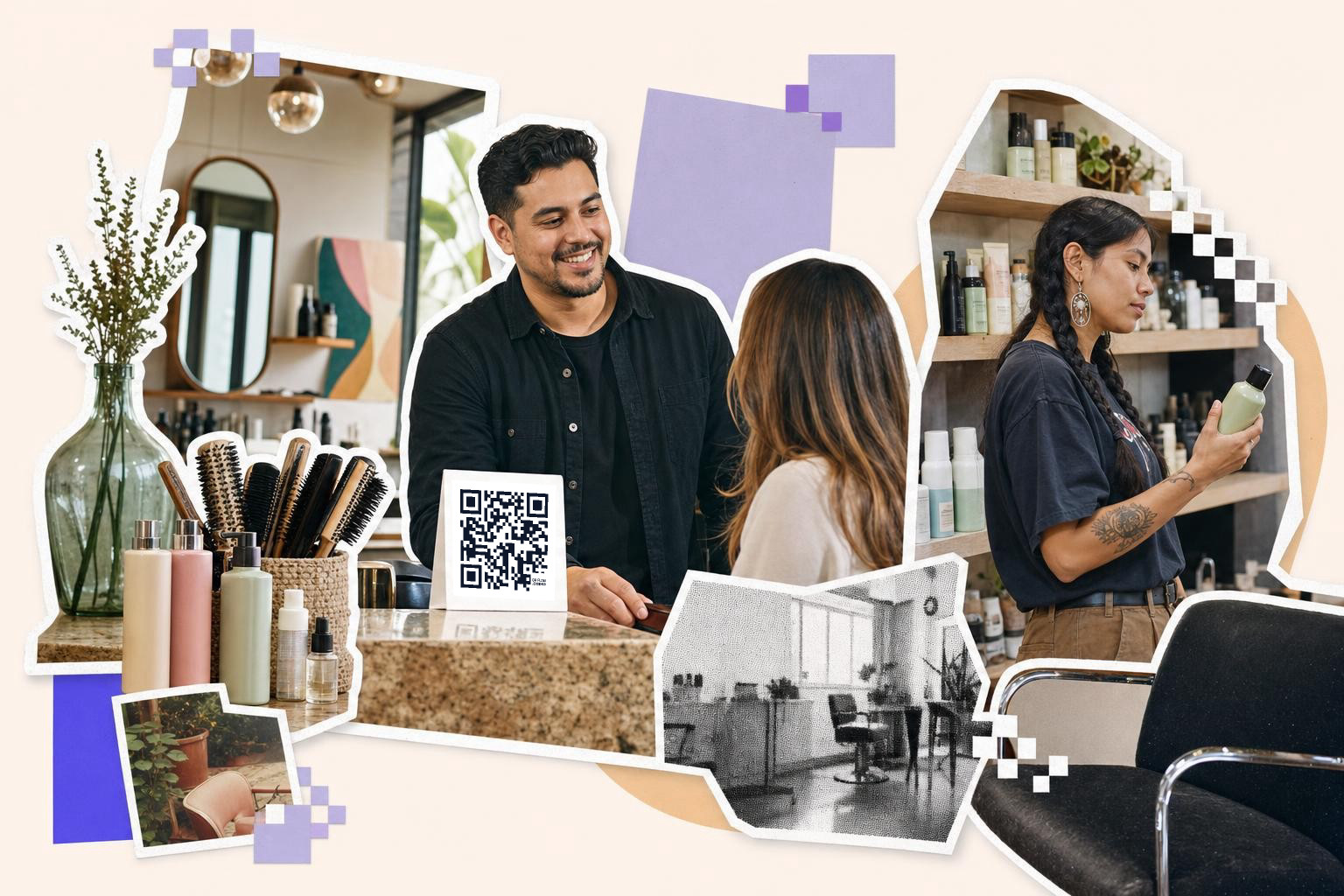
Use QR codes for salon promotions in places clients already pause, print booking or offer codes at least 1 inch (2.5 cm) wide, and make any campaign code dynamic if the link or deal might change later.
Salons already have natural scan moments. The front desk, the mirror station, the checkout counter, the retail shelf, the aftercare card. You do not need ten codes. You need a few codes with one clear job each.
The best salon codes save time for staff and make the next step obvious for clients. A booking code should open booking. A loyalty code should join the loyalty program. A treatment code should show one service, not your whole homepage.
Put the booking code at reception#

Booking QR codes work best at the front desk because every client stops there at least twice, when they arrive and when they leave. A reception code should open your booking page directly, not your Instagram bio or home page.
Print this one on a small counter sign and on your appointment reminder card. For a counter sign, 1.5 inches (3.8 cm) wide is a comfortable minimum because people scan from about 1 to 2 feet (30 to 60 cm) away. If your booking platform link ever changes, make this code dynamic so you can swap the destination without reprinting the sign.
A salon booking code also helps with the awkward, "I'll book later" moment. Clients can scan while they are still in the chair, save the page, and pick a time that night. That is much better than hoping they remember your handle.
If you want a clean starting point, use a QR code for booking flow or a direct QR code for a link if your scheduler already has a public page.
How should QR codes for salon promotions work at the mirror?#
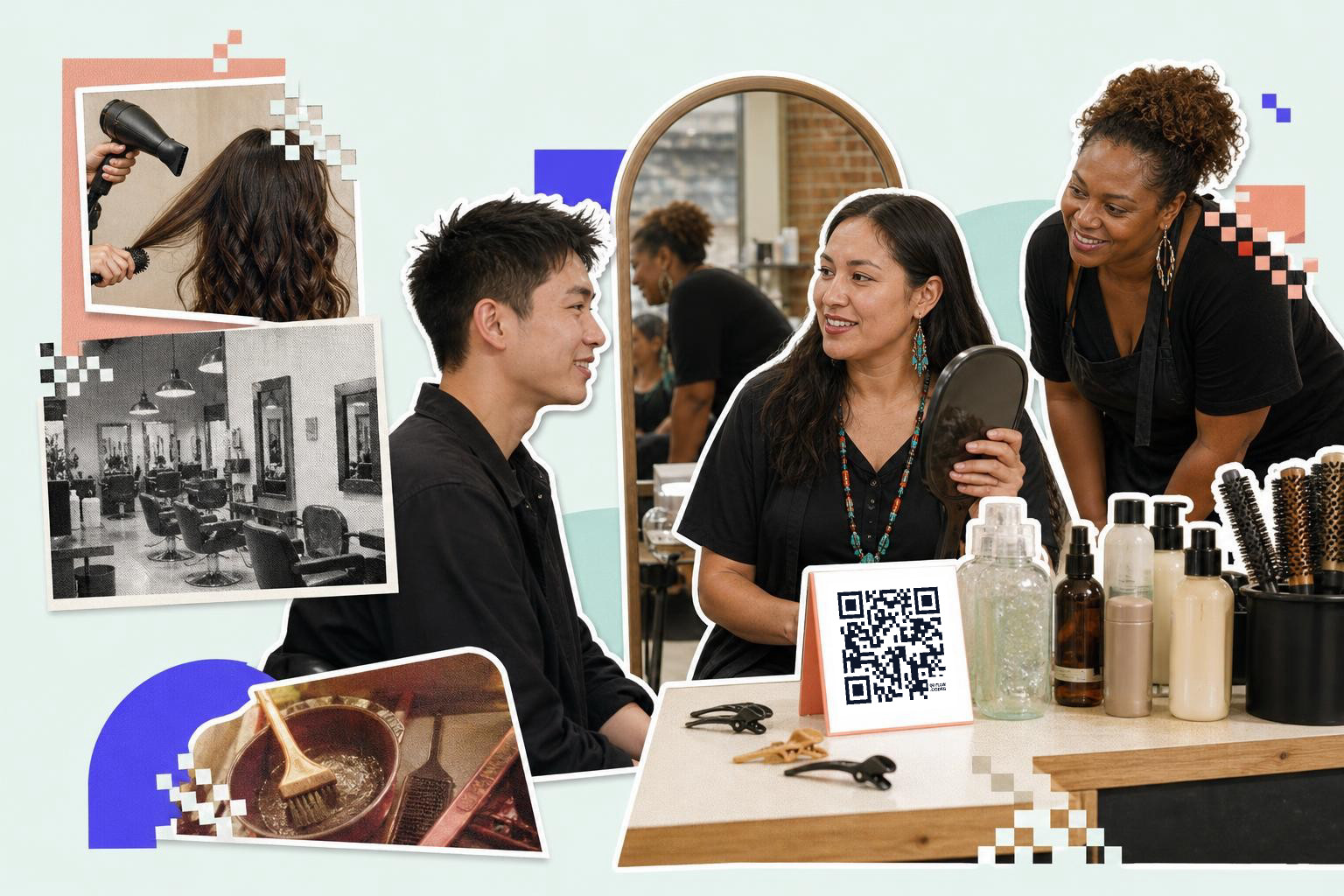
Mirror station codes should sell one next step, usually a treatment upgrade, a new service, or a seasonal special offer. A mirror code works because the client is already looking at their hair, skin, or nails right when you ask.
This is the place for a QR for new treatments. Link to a page with three things only: what the treatment does, how long it takes, and the starting price. Keep the code on a tabletop sign or mirror cling near eye level, but not so close to bright bulbs that glare washes it out.
A simple script helps staff use it naturally. Try, "If you want to see the before and afters for this treatment, scan here." That feels useful, not pushy.
Do not make this code do five jobs at once. If it opens a menu of booking, reviews, coupons, and Instagram, most people will do none of them. One code, one decision.
A dynamic campaign code is handy here. If your spring smoothing treatment becomes a summer scalp treatment, you can keep the same printed sign and change the destination in your dashboard. Your first dynamic code is free, which is enough for testing one live salon campaign before you print more.
Mid-summer promo cards, mirror signs, and checkout displays are easy to make in one place with QRFLOW.codes. If you want the linked offer to stay editable after printing, start with a dynamic code instead of a static one.
Loyalty at checkout, not buried in a menu#
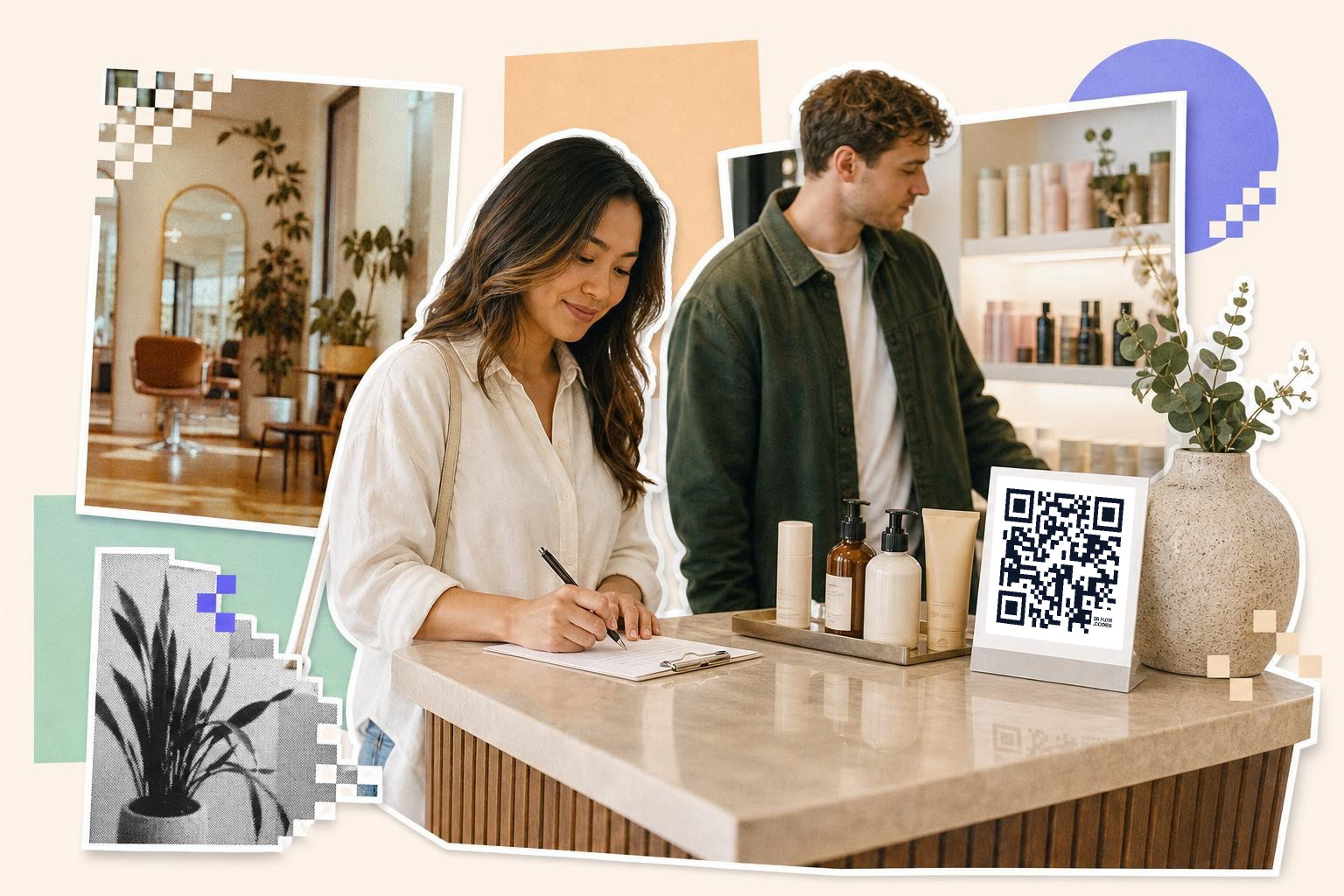
A customer loyalty QR code should live at checkout because that is where the reward feels immediate. Loyalty codes get more scans when the client knows what they will get in one sentence, like "Scan to earn points on today's visit."
Keep the landing page short. Name the reward, ask for minimal details, and confirm sign-up fast. If joining your loyalty program takes more than a minute on a phone, staff might stop mentioning it.
This is also a good spot for a QR code for e-coupons. For example, the checkout sign can offer points today and a bounce-back perk for next time, like a discount on an add-on booked within 30 days. The code should open the exact join page or coupon page, not a general "promotions" tab.
Placement matters more than people think. Set the sign flat on the counter or in a small acrylic stand where the payment terminal does not block it. A code that sits behind product displays will disappear from view all day.
If you run several offers, use different destination links for each sign. That makes scans easier to read later if you use scan analytics to see which placement brought people back.
Can retail shelf codes sell more products?#
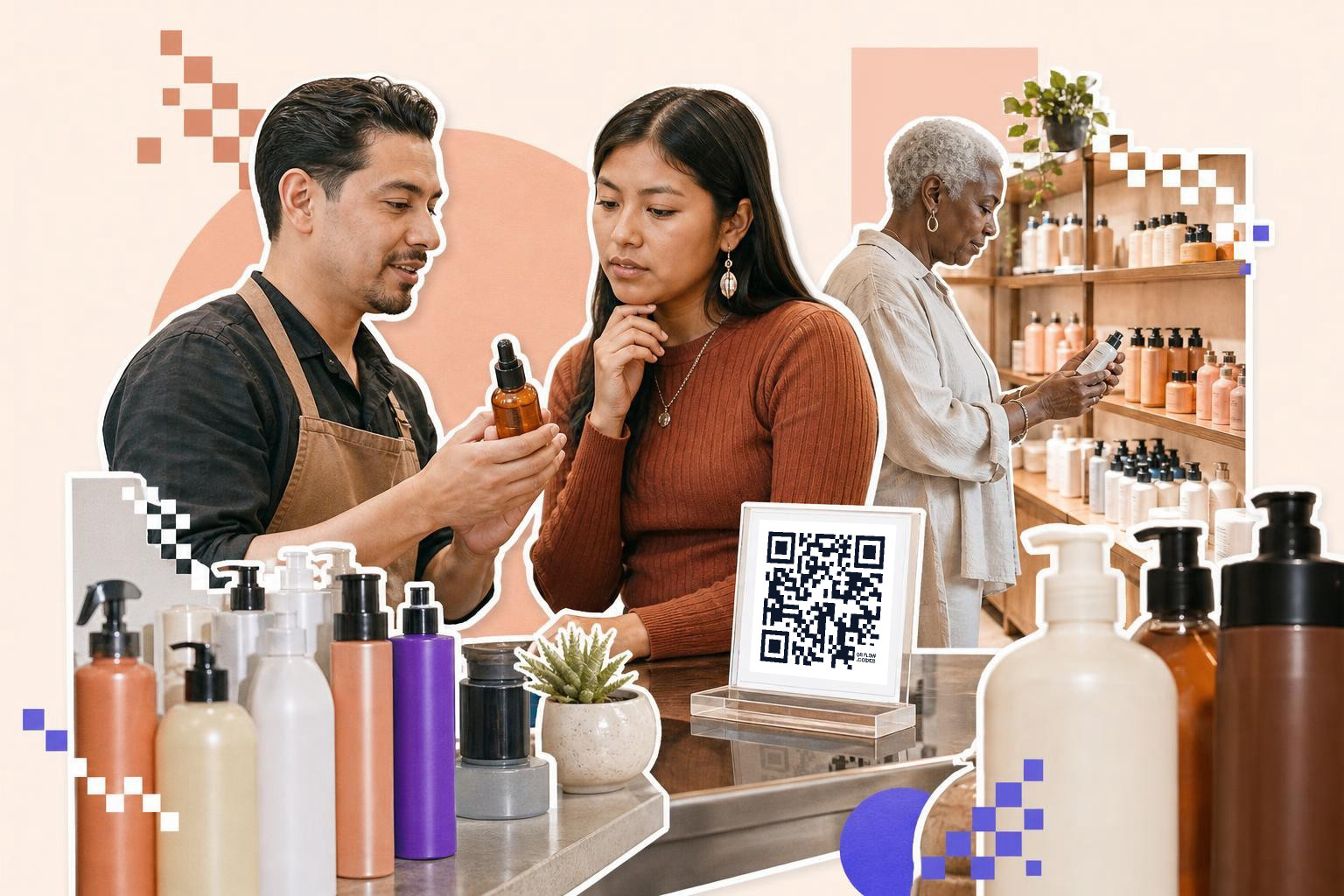
Retail shelf QR codes can help, but only when they answer the question clients already have. Shelf codes should explain use, results, or routine order, not dump people on a store homepage.
This is where salons often miss easy sales. A client likes the finish of a service, sees the take-home product, but does not know which shampoo goes first, how much to use, or whether it is color safe. One scan can answer that.
Good links for shelf codes include a 30-second demo video, a simple care guide, or a bundled product page. If you link to a video, host it on a page that also has a buy button, because many clients will not go hunting for the product after the clip ends. For a shelf tag, 1 inch (2.5 cm) wide is usually enough since shoppers stand close.
Retail codes also work well for gift bundles. A Mother's Day set or holiday kit can have a code that opens a gift guide, care instructions, or a prefilled cart. If you change the bundle often, use a dynamic link and keep the printed tag.
If your promotions include shelf talkers, window cards, and service menus, the examples in How to boost sales with QR code promotions are worth a look.
Ask for reviews and feedback on the way out#

Feedback QR codes belong near the exit or receipt handoff, right after the appointment ends. Review and feedback codes work best when the ask is specific and the form is short.
Use two separate codes if you want two separate actions. One can open your public review page. The other can open a private feedback form for things clients would rather not post publicly, like wait time or music volume.
That split matters. A client who had a small issue may still tell you privately if the form is easy to reach. A public review request alone can miss useful fixes.
For private feedback, ask 3 to 5 questions max. If you want star ratings, one open comment box, and a "Would you return?" question, that is enough. A how to make a QR code for a Google form setup is often the fastest way to do this.
Staff wording matters here too. "If you have 20 seconds, this helps us improve" works better than a big generic sign asking for feedback. Place the sign by the receipt tray, tip screen, or coat pickup spot where clients naturally pause before leaving.
Run one salon campaign at a time#
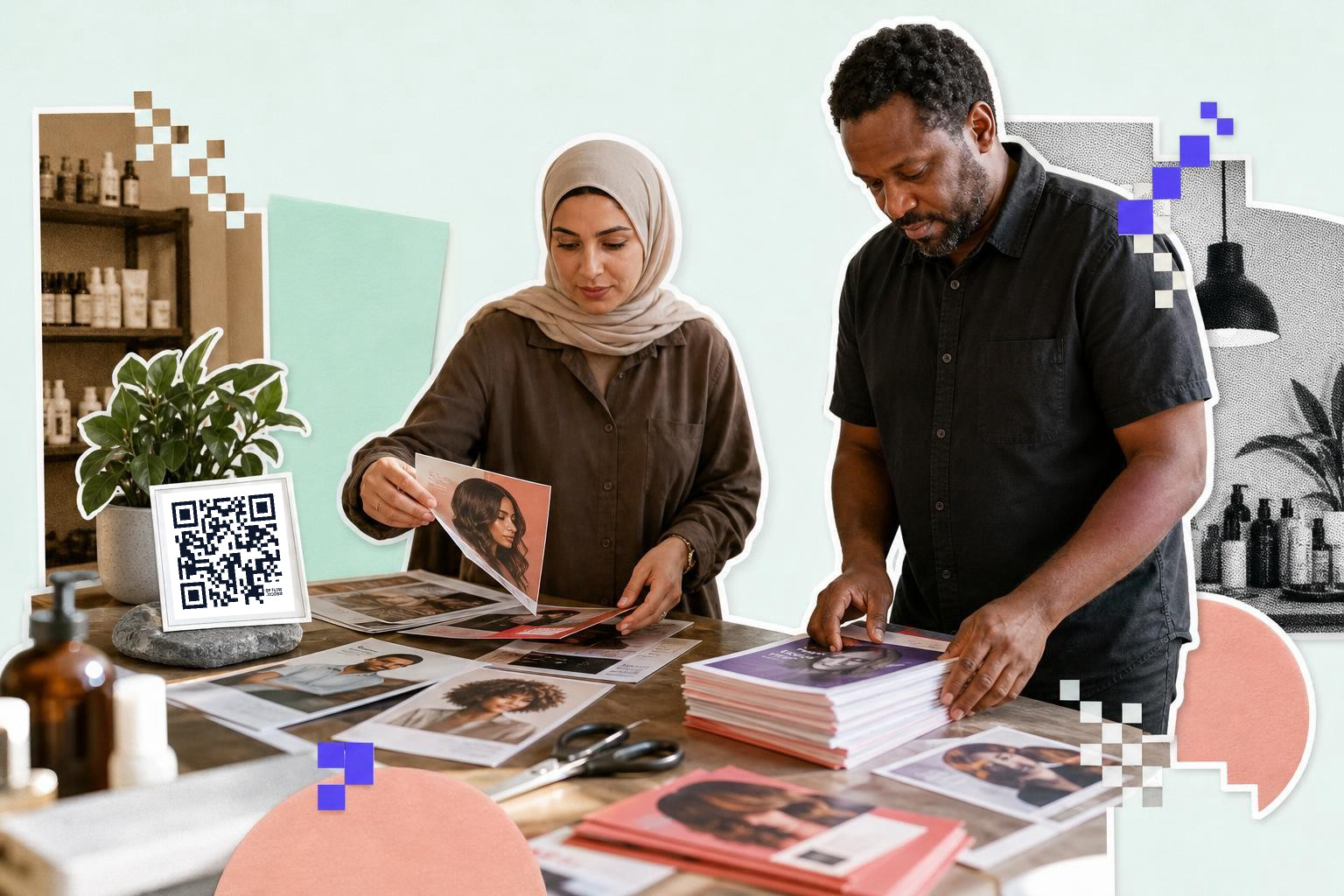
Salon QR campaigns work better when each printed code has one offer, one audience, and one time window. One campaign per station makes it obvious what the scan was for.
A few examples:
- Front desk code for rebooking within 6 weeks
- Mirror code for a new treatment launch
- Checkout code for loyalty sign-up
- Retail shelf code for home care bundles
- Exit code for reviews or feedback
That structure keeps your salon marketing readable. It also keeps staff from guessing which sign to point to.
If you want branded QR codes, keep the customization light. Basic color changes are fine, but strong contrast matters more than matching every brand shade. If you add a logo in the middle, test the printed version before sending signs to the shop. If you want a deeper look at editable campaign links, custom QR code generator: brand it without breaking the scan shows what to watch for.
A simple naming habit helps too. Name codes by place and purpose, like "checkout loyalty May" or "mirror keratin launch." That sounds boring, but it saves a lot of confusion three months later.
Still stuck on salon QR ideas?#
Use separate QR codes for different salon tasks like booking, loyalty, retail, and feedback to direct clients to specific pages they need.
Should a salon use one QR code for everything?#
One salon code for everything is easy to print, but it usually gets fewer useful scans. Separate codes by task, like booking, loyalty, retail, and feedback so the client lands on the exact page they need.
What should a salon promotion QR code link to?#
A salon promotion code should link to one action page, not your homepage. Good destinations include a booking page, a coupon page, a treatment explainer, a loyalty sign-up form, or a review page.
Do salons need dynamic QR campaigns?#
Salons need dynamic codes for campaigns that change, like seasonal offers, treatment launches, or booking links that may move. Static codes are fine for fixed pages, but any printed promo with a changing destination is safer as dynamic.
Where do branded QR codes help most in a salon?#
Branded QR codes help most on client-facing signs you keep out all year like reception, checkout, and retail displays. Keep the design simple, because a fancy code that does not scan is just decor.
How many QR signs should a small salon start with?#
A small salon can start with three signs: one for booking, one for loyalty or offers, and one for reviews. That is enough to test what clients actually scan before you print more.
Start small and put each code where the client already pauses. Then keep the ones that earn scans and remove the rest. If you want to make your first salon code and print it today, try the free QR code generator.