
A QR code is a square barcode that stores data in a grid of tiny black and white modules, and most phones can read it in a second or two to open a link, join Wi-Fi, save a contact, or start a payment.
You have probably scanned one on a menu, package, poster, or receipt. The useful part is simple: a QR code turns a camera scan into an action, so you do not have to type a long link or number by hand.
What does QR code stand for?#

QR code stands for Quick Response code. The name came from its original goal: a code that could be read fast from many angles, even when printed small or placed on moving items.
A standard barcode stores data in one direction, left to right. A QR code stores data both across and down, which lets it hold much more. That is why a barcode usually identifies one product, while a QR code can hold a web address, plain text, Wi-Fi details, or contact info.
The three large squares in the corners are not decoration. They help a camera spot the code, tell which way is up, and read it even if the phone is tilted.
What is QR code and how does it work?#

QR code technology works by turning data into a two-dimensional pattern of dark and light modules. A scanner reads that pattern, checks it for errors, and then passes the decoded result to your phone or app.
Each tiny square is a bit of stored information or part of the code's structure. Some areas tell the scanner where the code begins, some help with alignment, and some hold the actual content. Error correction is built-in, which means part of the code can be dirty or blocked and still scan.
That built-in repair is one reason QR codes are so practical in real life. If a corner gets smudged on a shipping box or a coffee splash lands on a menu, the code may still work.
What the scan does next depends on the data inside. If the code contains a URL, your phone opens a browser. If it contains Wi-Fi details, your phone offers to join the network. If it contains a vCard, your phone can save a new contact.
If you want to try one yourself, a free QR code generator lets you make a simple code and see how different data types behave when scanned.
QR code history, in one useful timeline#

QR code history starts in Japan in the 1990s, when the format was created for tracking parts in manufacturing. The idea was speed and accuracy, not restaurant menus or posters.
Factories needed a code that could store more than a standard barcode and still scan fast. That made QR codes a good fit for inventory, assembly lines, and packaging. Later, smartphones put a camera and internet connection in the same device, which pushed the format into everyday life.
That shift matters because it explains why QR codes seem to be everywhere now. The code itself is old enough to be proven, but the common use case, phone camera to instant action, became normal much later.
If you are also wondering how long a code lasts, Understanding QR codes that don't expire covers the difference between a code that is permanent and one that depends on a live redirect.
Where QR code applications make sense, and where they do not#
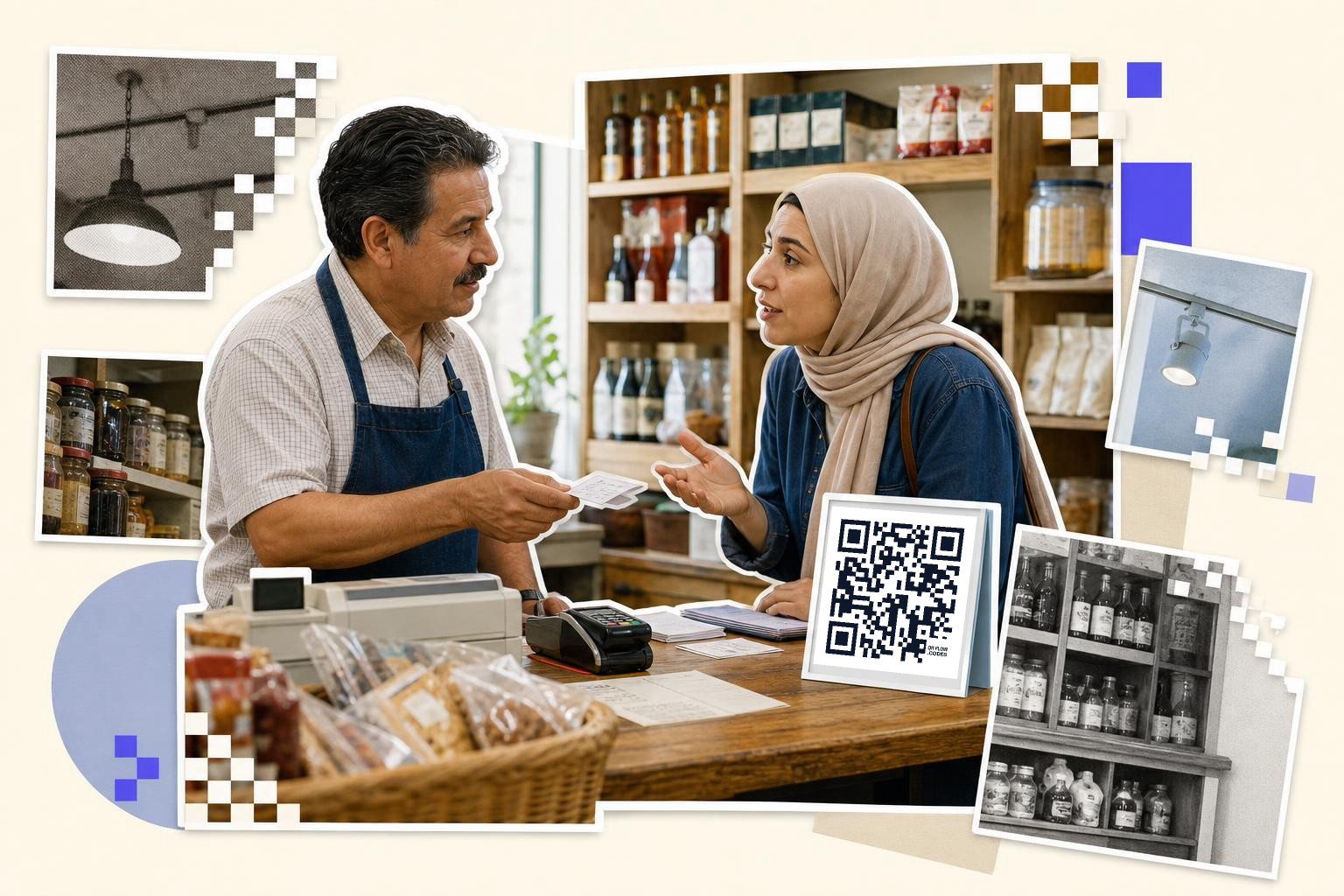
QR code applications make sense when scanning is faster than typing. Good examples are menus, event tickets, forms, app downloads, payment requests, product details, and Wi-Fi access.
The code is most helpful when it removes friction. A guest scans once and joins the network. A customer scans once and lands on a payment page. A student scans once and opens a form instead of typing a 40 character link from a whiteboard.
QR codes are less useful when the destination is unstable, blocked, or unnecessary. If the linked page is hard to use on a phone, the code does not fix that. If a two-word URL is easier to say out loud than to scan, printing a code may add clutter instead of helping.
This is also where static and dynamic matters. A static code contains the final data directly, while a dynamic code points to a short link you can change later. With QRFLOW.codes, your first dynamic code is free, which is handy if you are printing something today but might need to update the destination later.
For a deeper look at when a code opens a web page versus another action, QR code for a link and how to generate QR code, and which type to pick are good next reads.
How does QR code payment work?#
QR code payment works by encoding payment details that a banking app or wallet app can read. After the scan, the app fills in the payee, amount, or payment request, and you confirm the transaction.
There are two common setups. In one, the customer scans a merchant's printed code and enters the amount. In the other, the app generates a fresh code on the customer's screen for the merchant to scan.
The QR code itself does not move money. It carries the information that tells the payment system who gets paid and for how much. What happens next depends on the country, bank, wallet, and payment network in use.
If you need one for real transactions, payment QR code covers the practical setup.
QR codes are simple on the surface, but clever underneath. They work because they pack useful data into a shape cameras can read fast, then hand that data to the right app or action.
Security concerns with QR codes#
While QR codes are convenient, they can pose security risks if not used carefully. Malicious actors can create codes that direct users to phishing websites or download harmful software. It's important to be cautious about scanning codes from unknown sources or those that appear suspicious.
To protect yourself, follow these tips:
- Only scan QR codes from trusted sources, like official websites or well-known brands.
- Use a QR code scanner app that checks the URL before opening it.
- Be wary of codes in public places that could have been tampered with.
By staying vigilant, you can enjoy the benefits of QR codes while minimizing potential security threats.
Creating custom QR codes#
Custom QR codes allow businesses and individuals to personalize their codes with unique designs, colors, and logos. This can make them more visually appealing and align with branding efforts.
When creating a custom QR code, keep these points in mind:
- Ensure the design doesn't interfere with the code's readability. The scanner still needs to recognize the pattern.
- Use high-contrast colors to maintain visibility.
- Test the code with different devices to ensure it works across platforms.
QR codes in education#
QR codes have found a valuable place in education, offering interactive and engaging ways for students to access information. Teachers can use them to link to additional resources, videos, or quizzes, enhancing the learning experience.
Here are some practical uses in education:
- Embed codes in textbooks to provide instant access to supplementary materials.
- Use codes in classrooms to guide students to digital assignments or feedback forms.
- Create scavenger hunts where students scan codes to receive clues or tasks.
By integrating QR codes into educational settings, teachers can create dynamic learning environments that cater to tech-savvy students.
What is a QR code?#
A QR code is a type of barcode that can be scanned using a smartphone's camera to access stored data or perform an action.
How do I scan a QR code with my phone?#
To scan a QR code, open your phone's camera app and point it at the code. Most smartphones will automatically recognize the code and display a notification. Tap the notification to open the link or perform the action associated with the code.
Can QR codes be used offline?#
Yes, QR codes can be used offline. The code itself stores data, so it doesn't need an internet connection to be scanned. However, if the QR code links to online content, like a website, you will need internet access to view it.
Are QR codes safe to use?#
QR codes are generally safe to use, but they can be used maliciously. Scan codes from trusted sources and be cautious with those in public places to avoid phishing sites or harmful software. Use a scanner app that checks URLs before opening them.
What is the difference between static and dynamic QR codes?#
Static QR codes contain fixed data and cannot be changed after creation. Dynamic QR codes point to a short link that can be updated later, allowing you to change the destination without altering the printed code. Dynamic codes are more flexible for changing content.
If you want to make one and test the different types yourself, try the free QR code generator. If you need editable links, analytics, or branded exports later, the options are on pricing.