
Number format
Use the international format with the plus sign: +1 702 555 0142. The generator strips spaces and dashes and writes tel:+17025550142, which dials from any country and any phone. A local format without the country code works at home and fails abroad.
Where a call code beats the printed number
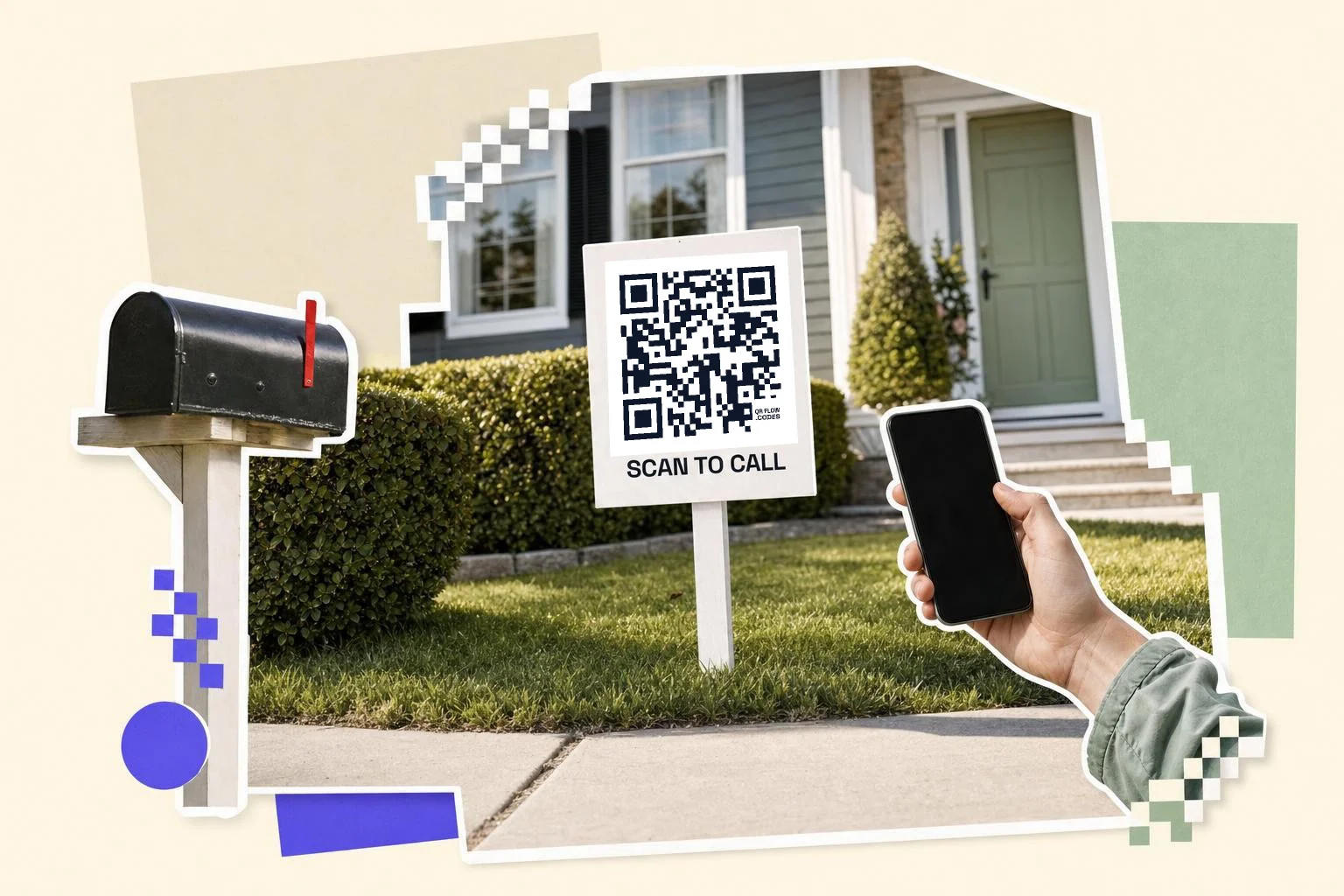
Anywhere the number is read from a distance or at a glance: the side of a van at a red light, a for-rent sign, a flyer on a lamppost, a poster for a service, a sticker on equipment for the maintenance line. People will scan a code from three meters; they won't remember eleven digits. Print the number as text as well, always; some people prefer to dial.
- Vehicles: 6 in (15 cm) or more, "Scan to call".
- For-sale and for-rent signs: 4 in (10 cm), the agent's line.
- Flyers and door hangers: 1 in (2.5 cm).
- Equipment and machinery: the service line, with the model printed next to it.
- Business cards: the vCard type is better; it saves the whole contact.
Call, text, or WhatsApp?
Call codes suit older customers and urgent services. An SMS code opens a text with your number and a pre-filled message, better for quotes and after-hours. A WhatsApp code opens a chat where WhatsApp is the norm. The generator has all three; pick the one your customers actually use, or print two side by side.
Why make it dynamic
A call code is small and simple, which is exactly why it's static: the number lives in the print. That's fine for a number you'll keep. If the line might change (a new office, a call-tracking number per campaign), make a dynamic code that opens a small contact page with a call button; then the vinyl on the van outlives the number, and you get a count of how many people scanned versus how many the phone company says called.
Dynamic codes are part of Premium, $4 a month. Static vs dynamic, explained.
Step by step
- 1
Enter the number
With the country code: +1 702 555 0142.
- 2
Test it
Scan the preview; the dialer should open with the full number.
- 3
Caption and print
"Scan to call" under the code, and the number as text beside it.
- 4
Changing numbers?
Use a dynamic code to a contact page instead, so the print survives the change.
Questions people ask
- How do I make a QR code that calls a number?
- Choose Phone in the generator, enter the number with the country code, and download the code. Scanning opens the dialer with the number ready.
- Does it dial automatically?
- No. Phones open the dialer with the number filled in and the person taps Call; automatic dialing is blocked for safety.
- Does it work internationally?
- Yes, if you include the country code (+1, +44). Local formats only work in the same country.
- Can I change the number later?
- Not on a phone code; the number is in the pattern. Use a dynamic code to a contact page if the number may change.
- Should I use a call code or a vCard on a business card?
- A vCard: it saves your name, number, email and website together. A call code is for signs and vehicles where one tap to call is the whole point.
- Does a phone number QR code need internet to work?
- No. The number is inside the pattern and the phone reads it with the camera alone, so it works in a basement, on a rural road sign and abroad without data. Only a dynamic code to a contact page needs a connection.
- Is a phone number QR code free?
- Yes, with no QRFLOW mark once you have a free account on the download; Premium ($4 a month) removes it. The longer version of this page, with sign and vehicle examples, is QR code to call or text on the blog.
Make the code now, change the link later
Free to make and print. Premium ($4/mo) keeps it editable and counts every scan.