
Number format and the first message
Enter the number in international format with the country code and no leading zeros, plus signs or dashes: 17025550142 for a US number, 447700900123 for a UK one. That is what wa.me expects, and the generator builds the link. Add an optional message and it appears typed in the chat box when WhatsApp opens; keep it short and specific ("Hi, I'd like a quote for…") so the customer only has to tap send.
Make a different pre-filled message per placement ("from the flyer", "from the window") and you can tell where each chat came from without any analytics.
Where it works
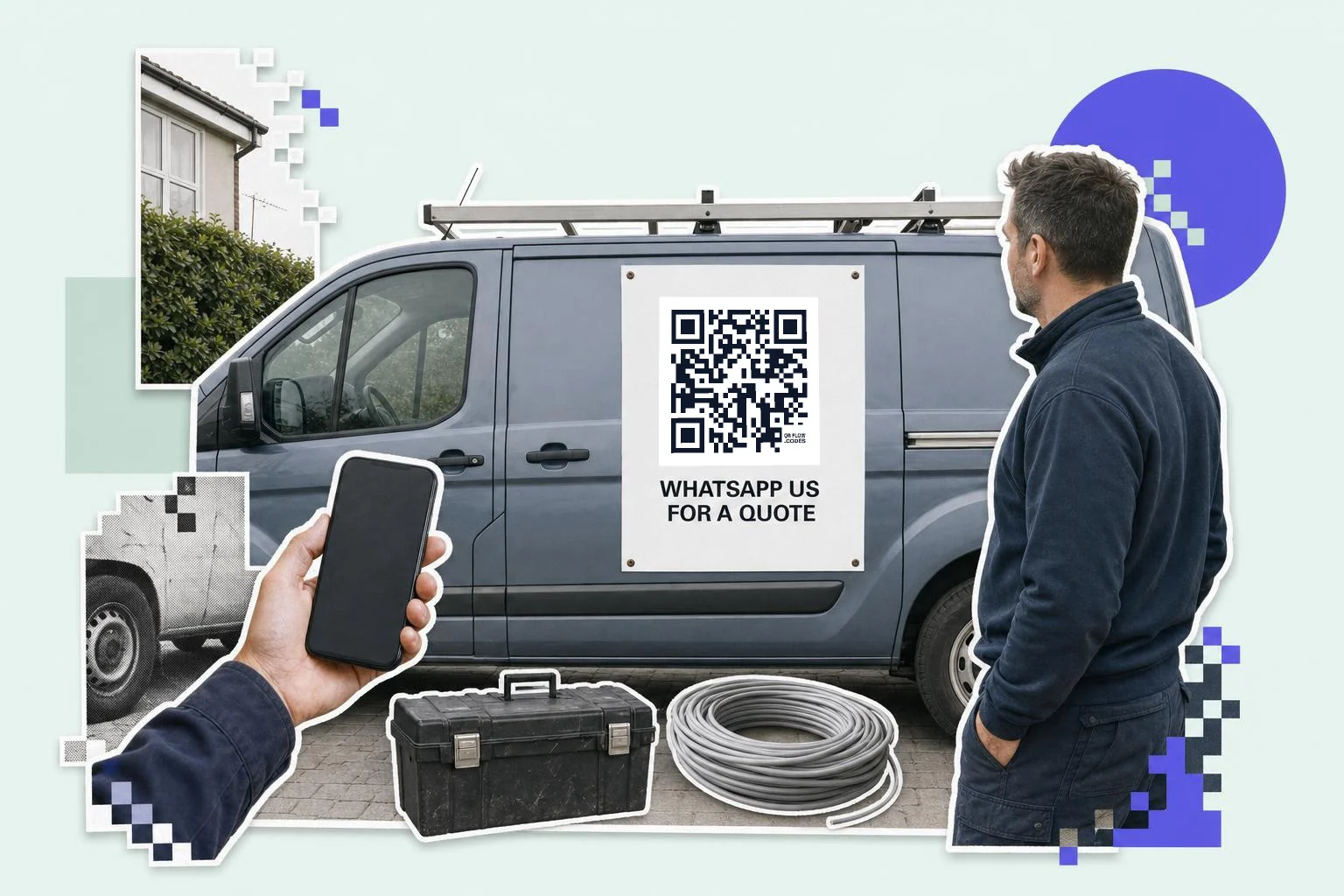
Wherever a customer would otherwise call: the shop window after hours, the tradesperson's van, the takeaway menu, the market stall, the appointment card. It suits businesses that answer messages faster than phones, and countries where WhatsApp is the default channel. QR code to call or text compares the two when you are deciding which to print.
- Van and vehicle: 6 in (15 cm) or more, "WhatsApp us for a quote".
- Window and door: 3 in (8 cm), "Message us, we reply after hours".
- Flyers and menus: 1 in (2.5 cm), a pre-filled "I'd like to order".
- Business cards: 0.9 in (2.2 cm), alongside or instead of a phone number.
- Product tags: support chat, with the product name in the pre-filled message.
WhatsApp's own code
WhatsApp Business has a QR code of its own: Settings, Business tools, QR code. It is a standard code any camera reads, and you can set one pre-filled message on it. The personal app has one too (Settings, the QR icon by your name), which adds you as a contact rather than opening a chat. Both are fine for showing across a counter.
What they can't do is the print job: one message per placement so you know which flyer started the chat, an SVG the sign shop can scale, the icon frame with "Message us", or a code you can move to a new number after the van is wrapped. That is what the generator here is for; it builds the same wa.me link WhatsApp uses.
Why make it dynamic
Business numbers change hands: the shop gets a WhatsApp Business line, the owner stops answering from a personal phone, a second location opens with its own number. A dynamic code on the window and the flyers can be moved to the new number in a minute. And because each printed code is counted, you'll know whether the van, the window or the flyer starts the most chats.
Dynamic codes are part of Premium, $4 a month. Static vs dynamic, explained.
Step by step
- 1
Enter the number
Country code first, digits only: 17025550142.
- 2
Add a first message (optional)
"Hi, I'd like to book" appears typed in the chat; change it per placement to know where chats come from.
- 3
Frame and print
The WhatsApp icon frame with "Message us"; SVG for the window and the van.
- 4
Move it when the number changes
On Premium, edit the dynamic code to the new number; nothing printed goes stale.
Questions people ask
- How do I make a WhatsApp QR code?
- Choose the WhatsApp type here, enter your number with the country code (digits only) and an optional first message, and download the code. Scanning opens a chat with you.
- What number format do I use?
- International format, digits only, no plus or zeros: 17025550142 (US), 447700900123 (UK). The generator builds the wa.me link.
- Can the message be pre-filled?
- Yes. Whatever you type in the message field appears in the chat box when WhatsApp opens; the customer just taps send.
- Does it work with WhatsApp Business?
- Yes, exactly the same; wa.me links open whichever WhatsApp app has that number. WhatsApp Business also has its own code under Business tools, with one fixed pre-filled message; make one here when you want a different message per placement or a code you can repoint.
- What if the person doesn't have WhatsApp?
- The link opens a WhatsApp web page inviting them to install it. Print the phone number as text too for people who'd rather call.
- Can I change the number later?
- With a dynamic code, yes: edit the destination and every printed code follows. A static code would need reprinting.
Make the code now, change the link later
Free to make and print. Premium ($4/mo) keeps it editable and counts every scan.