
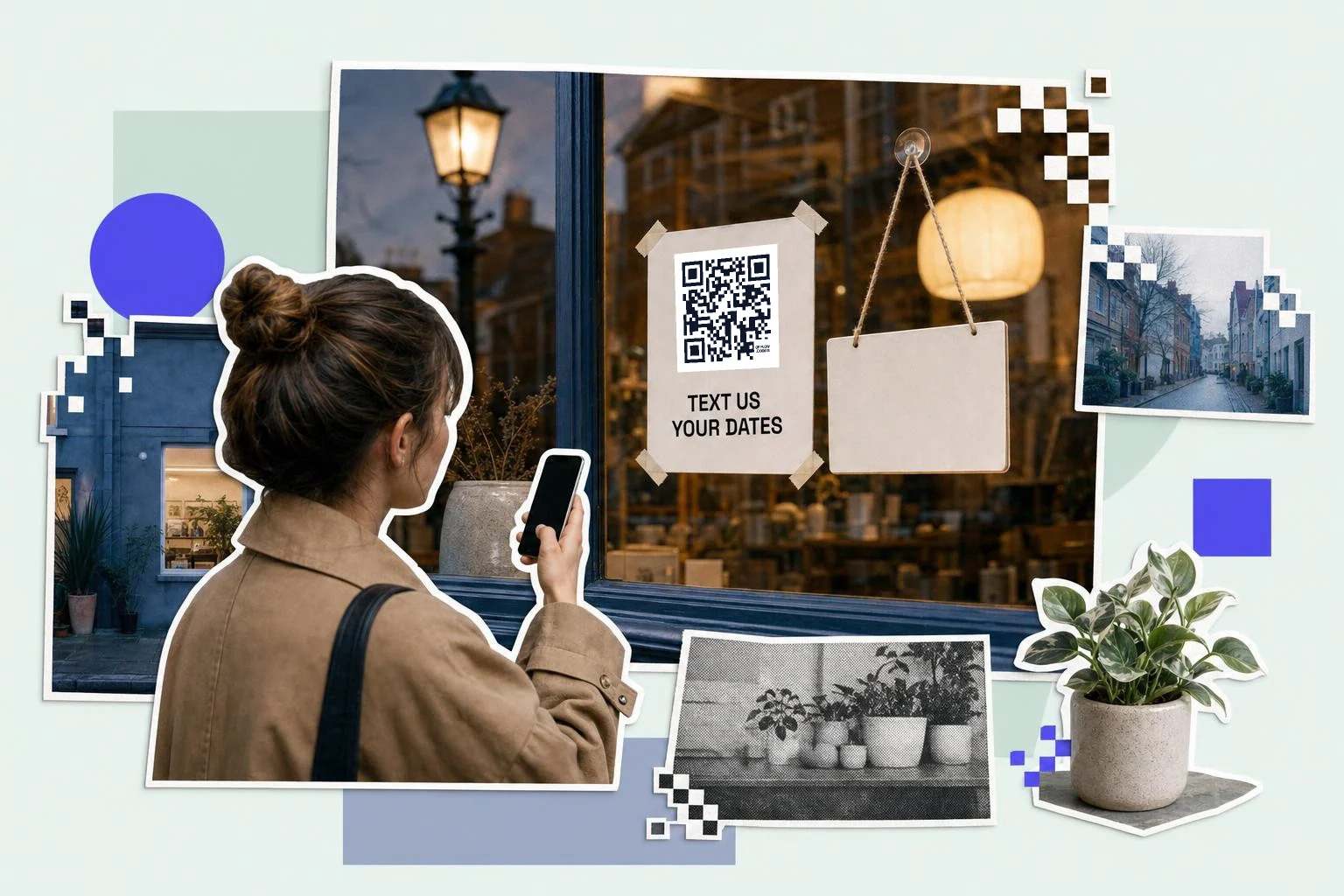
Keyword campaigns from print
"Text JOIN to 555-0142" on a poster is a chore; a code that opens the text with JOIN already typed is one tap. Set the number to your SMS platform's line and the message to the keyword. Use a different keyword per placement (JOIN1 on the poster, JOIN2 on the receipt) and your platform tells you where each subscriber came from. QR code to call or text covers which of the two to print, and how big.
Where texting beats calling
- After-hours enquiries: "Text us your dates" on the window.
- Quotes and bookings for trades: a pre-filled "I'd like a quote for…".
- Restaurants: waitlist or reservation texts from a sign at the door.
- Events: "Text HELP to reach the organizers" on the badge.
- Retail: SMS list sign-up on the receipt and the bag.
Format that works on both platforms
The generator writes the SMSTO format with the number in international form (+17025550142) and the message, which both iPhone and Android read. Keep the message short; long pre-filled texts make a dense code and get edited down anyway. Print the number and keyword as text too, for people who'd rather type.
Why make it dynamic
Text codes are static, with the number and message in the pattern, which suits a keyword campaign that runs for a season. If the number is a short code or a campaign line you'll retire, or you want to know how many people scanned versus how many texted, make a dynamic code to a short page with a "Text us" button instead; the print survives the campaign, and the scans are counted.
Dynamic codes are part of Premium, $4 a month. Static vs dynamic, explained.
Step by step
- 1
Enter the number
With the country code; a short code works too if your platform supports it.
- 2
Write the message
The keyword or a short prompt: "JOIN" or "I'd like a quote for".
- 3
Caption and print
"Scan to text us" under the code; the number and keyword as text beside it.
- 4
One code per placement
Different keywords per sign tell you where subscribers came from.
Questions people ask
- How do I make a QR code that sends a text?
- Choose SMS in the generator, enter the number with the country code and the message, and download the code. Scanning opens Messages with both filled in.
- Does it send the text automatically?
- No. The message opens ready; the person taps send.
- Does it work on iPhone and Android?
- Yes. The SMSTO format the generator uses is read by both.
- Can I use it for an SMS marketing list?
- Yes. Set the number to your platform's line and the message to the keyword; use different keywords per placement to track sources.
- Can I change the number or keyword later?
- Not on an SMS code; both are in the pattern. Use a dynamic code to a short page with a Text us button if that matters.
- SMS or WhatsApp?
- SMS reaches every phone with no app. WhatsApp is better where it's the default messaging app and you want chat history and media.
Make the code now, change the link later
Free to make and print. Premium ($4/mo) keeps it editable and counts every scan.