
Subject and body as tools
Pre-fill the subject with something you can filter on: "Quote request (flyer)", "Booking (window)". Your inbox rules then sort them, and you learn which print piece people respond to. The body can hold a short prompt, "Please include your address and the date you'd like", which gets you a usable first message instead of "hi".
Keep the body under a sentence or two; long pre-filled bodies make a dense code and get deleted by the sender anyway. QR codes for contact info covers the other way to hand someone your details.
Where it works
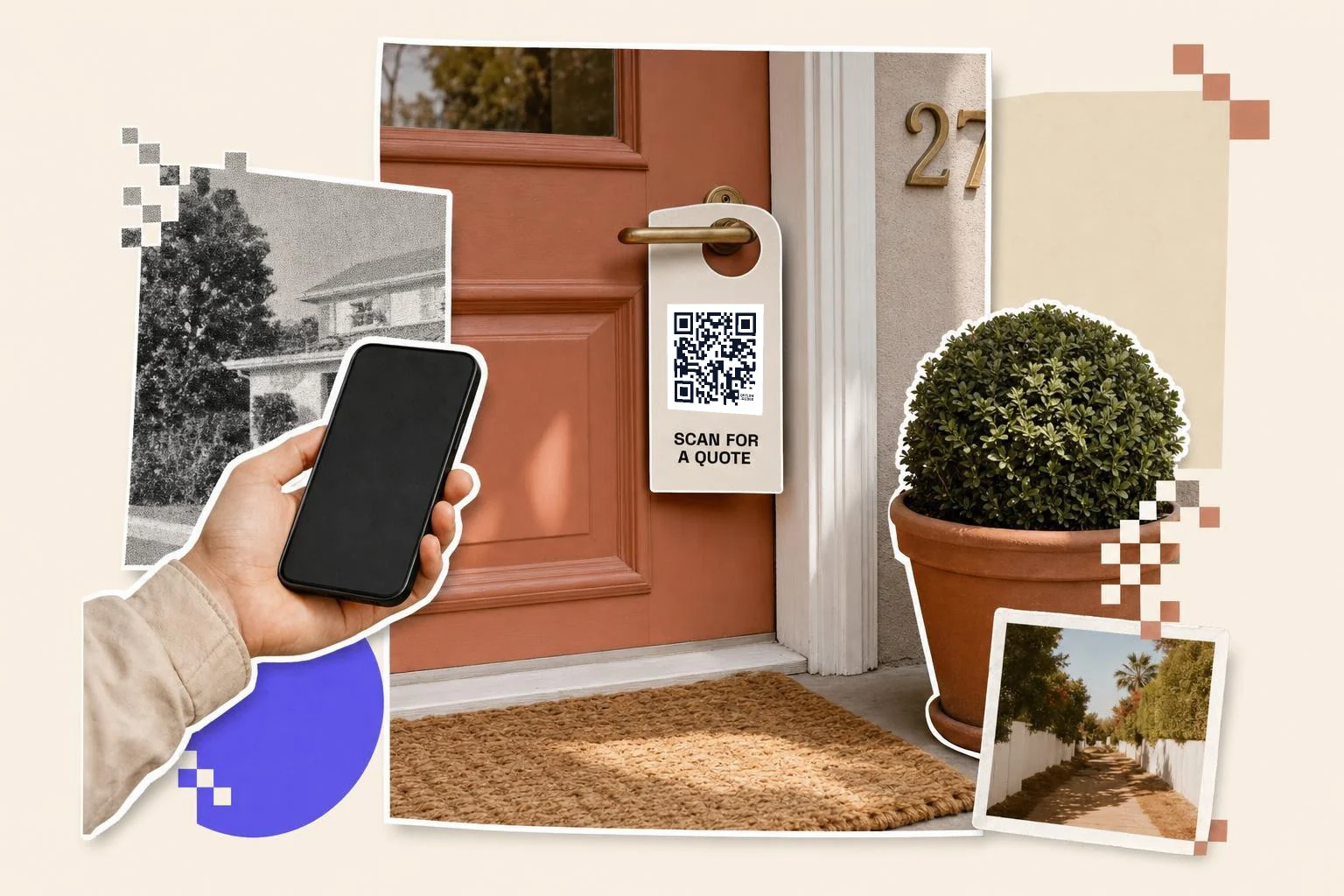
- Service flyers and door hangers: quote requests with the subject pre-set.
- Business cards: alongside the vCard, for people who want to write, not save.
- Shop counters and receipts: feedback or order enquiries.
- Posters and notices: applications, submissions, RSVPs by email.
- Product packaging: support, with the product name in the subject.
What to watch for
Some phones open the mail app slowly or ask which app to use; that's the phone, not the code. People without a mail app configured (rare on phones, common on tablets) will see nothing happen, so print the address in text too. If you'd rather people fill in a form than write an email, a Google Form code gets you structured answers.
Why make it dynamic
Email codes are static: the address, subject and body are in the pattern. That's fine for a stable address. If the inbox might change (support@ becomes help@, or a campaign gets its own address), a dynamic code to a short contact page keeps the print alive and counts scans. For most businesses, the simple static email code on the flyer is enough; use the subject line as your tracking.
Dynamic codes are part of Premium, $4 a month. Static vs dynamic, explained.
Step by step
- 1
Enter the address
The inbox you actually check; a shared one for a team.
- 2
Set a subject per placement
"Quote request (flyer)" lets you filter and tells you where it came from.
- 3
Add a one-line prompt
In the body: what you need from them. Keep it short.
- 4
Print with the address as text
Under the code, for people who'd rather type it.
Questions people ask
- How do I make a QR code for an email address?
- Choose Email in the generator, enter the address and optionally a subject and message, and download the code. Scanning opens a new email with those filled in.
- Does it send the email automatically?
- No. It opens a draft addressed to you; the person reviews and taps send.
- Can I set the subject and message?
- Yes. Both are optional fields; the subject is the best way to know which flyer or sign a message came from.
- Will it work with Gmail and Outlook apps?
- Yes. The phone opens whichever mail app is set as default; the fields arrive pre-filled.
- Can I change the address after printing?
- Not on an email code. Use a dynamic code that opens a contact page if the address may change.
- Email code or contact form?
- An email code is quickest for the sender. A Google Form gives you structured answers and is better when you need specific details.
- How do I put a QR code inside an email I send?
- That is the other direction: download the PNG here and insert it as an image in the email, in the signature or the body. Keep it at least 1.2 in (3 cm) on screen and put the same link as text next to it, because most people reading email on a phone can't scan their own screen; the code is for the ones reading on a laptop who will scan it with their phone.
Make the code now, change the link later
Free to make and print. Premium ($4/mo) keeps it editable and counts every scan.