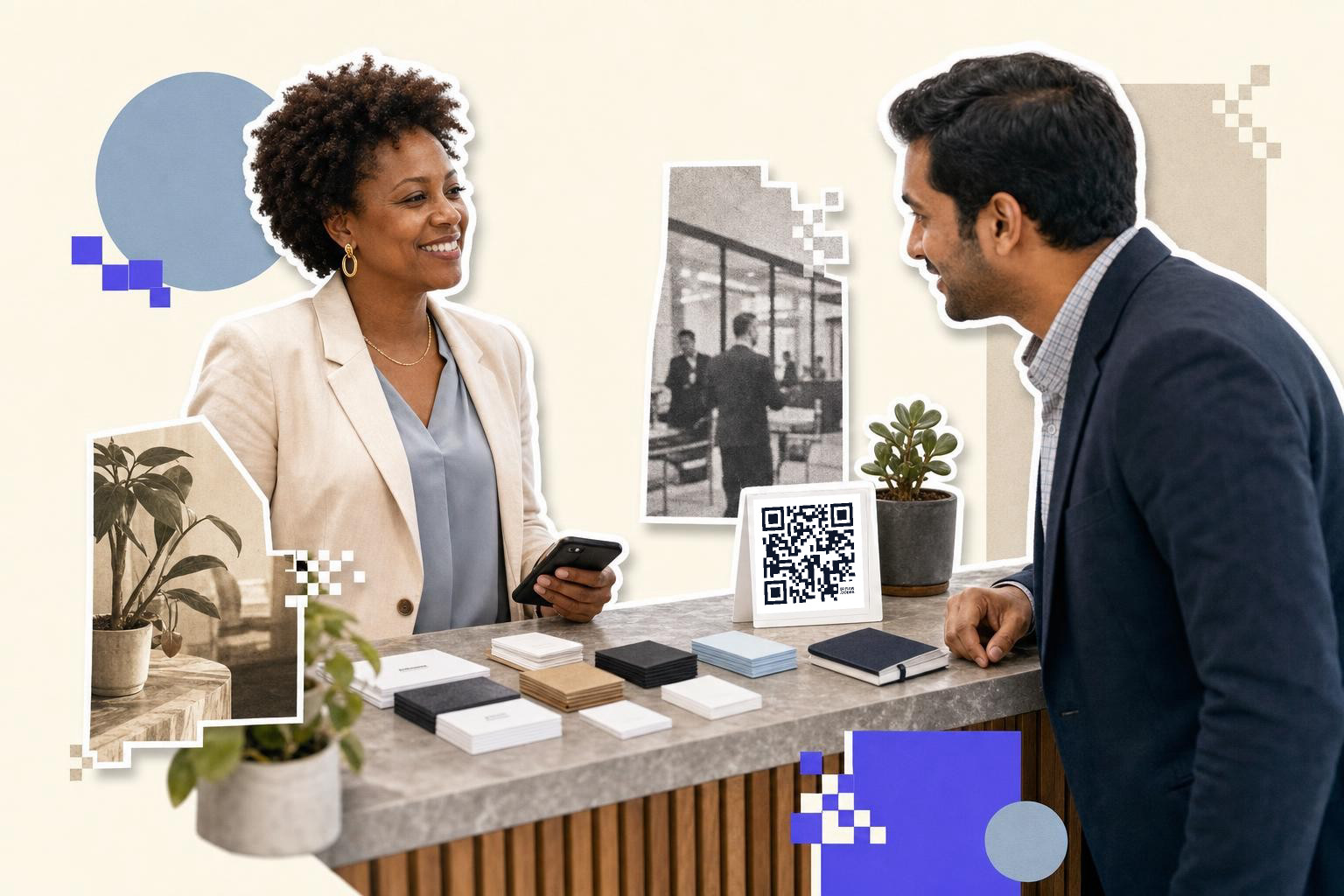
A QR code for contact info should open one clean contact card, include your name and best number or email, and print at least 0.8 inches (2 cm) wide on cards or 2 inches (5 cm) on signs.
People scan contact codes for one reason, they want to save your details fast. If the code opens a homepage, a link hub, hub, and three social apps, you made the job harder.
The simplest setup is a vCard style contact QR code. One scan adds your contact information to the other person’s contacts. That works for personal use, sales calls, front desks, booths, and business cards.
A static code is fine if your details will not change. If your phone number, title, booking link, or office address might change after printing, use a dynamic code so you can update the destination without reprinting. On QRFLOW.codes, static QR codes are free to make and download with no sign-up, while editable dynamic codes are part of Premium.
What should a QR code for contact info include?#

A contact QR code should include only the details someone would reasonably save in a phone contact. For most people, that means full name, job title, company, phone number, email, and one website or booking link.
Less is better here. Add one phone number, not three. Add one email you actually check. If you work in-person, include an address only if visitors really need it.
A good contact card usually includes:
- Full name
- Job title
- Company name
- Mobile number
- Work email
- Website or booking page
- Physical address, only if useful
A headshot is optional. Social profile links are optional too, but they often clutter the save screen. If social is the main goal, print a separate code for that job instead of stuffing it into your contact card.
Should you use a vCard or a simple link?#

A vCard is the better choice if you want people to save your details into their phone contacts. A plain website link is better if you want them to read more before they contact you.
This is the fork in the road most people miss. A vCard style code feels instant because the scan leads straight to a contact save action. A simple link asks for another tap. Sometimes it asks for five more.
Use a vCard when you are:
- Networking in-person
- Printing a business card QR code
- Adding a code to a badge or name tag
- Helping customers reach the right person fast
Use a plain link when you are:
- Sending people to a profile page with several staff contacts
- Sharing a portfolio before a call
- Pointing to a contact page that changes often
If the actual destination might change, dynamic matters more than the format. A dynamic code can point to a hosted contact page today. It can point to a new page next month too, with the printed code still working.
How big should a contact QR code be on a business card?#

A business card QR code should be at least 0.8 inches (2 cm) wide, and 1 inch (2.5 cm) is safer if the card has room. Tiny codes fail fast when printers soften edges or when people scan in dim light.
Put the code on one side of the card with clear space around it. Leave at least 0.12 inches (0.3 cm) of empty margin around the code so nearby text does not crowd the squares.
The back of the card usually works best. Keep the front for your name and main details, then let the back handle the scan. If you are tempted to shrink the code to fit more design, shrink the design instead.
A business card QR code also needs one line of instruction. “Scan to save my contact” is enough. People scan more when the action is obvious.
If you already have print artwork and only need the code itself, a free QR code generator is the fastest route. Make the code, drop it into your layout, then print one sample card before ordering 500.
If you want more layout ideas, our guide to business cards with QR code shows where the code fits without crowding the card.
What works at events, booths, and check-in desks?#
Event contact codes work best when each location has one job. A badge code can save a person’s details. A counter sign can send visitors to a team page or booking form.
This matters because scan distance changes everything. A code on a badge is scanned from about 1 to 2 feet (30 to 60 cm), but a code on a booth counter sign may be scanned from 3 to 6 feet (1 to 2 m). Larger distance needs a larger print.
Use these rough sizes:
- Badge or name tag, 0.8 inches (2 cm) to 1 inch (2.5 cm)
- Table tent or counter card, 2 inches (5 cm)
- Booth sign, 3 inches (7.6 cm) or larger
For events, dynamic codes are usually worth it. Titles change, staff get swapped, and calendars move. Sometimes the person on the badge is not the person taking meetings. With an editable code from QRFLOW.codes, you can keep the printed badge or booth sign and change the linked contact page later.
If you are making lots of staff or exhibitor codes at once, bulk CSV creation can save a lot of copy and paste. That is a Premium feature. For event ops, that is often the difference between ten minutes and an afternoon.
One beginner detail people miss is lighting. A glossy badge sleeve under expo lights can throw enough glare to block a scan. If you can, place the code lower on the badge or use a matte insert so phone cameras catch the pattern cleanly.
Can you put a contact QR code on packaging and receipts?#

Packaging and receipts are good spots for support, reorder, or rep contact details, but the code should match the moment. A box insert can save your support contact, while a receipt usually works better with a help page or review request.
Think about what the customer needs with the item in hand. If they may need a fast replacement part, save them a support contact. If they just need store details, a full contact card may be overkill.
Good fits include:
- Box insert for account manager or support rep
- Product sleeve for wholesale contact details
- Delivery handout for installer or service contact
- Receipt footer for store phone and email
Print on matte stock when you can. Glossy coatings can throw glare under kitchen lights or near a shop window, which makes scans less reliable.
If the staff contact changes by season or region, point the code to a short contact page you can edit later. That gives you one printed code and flexible details behind it.
Placement matters here too. Do not tuck the code into a fold, a curved bottle label, or the bottom edge of a long receipt where it gets torn off. Flat, visible, and easy to hold beats clever every time.
How do you update contact details without reprinting?#

A static code cannot be edited after you print it. A dynamic code can keep the same printed pattern while you change the destination behind it.
That is the whole reason to pay for editable contact codes. If your number changes, if you move offices, or if a sales rep leaves, you update the target and keep the printed cards, boxes, or signs.
There are two common ways to do it:
- Point the code to a hosted contact page you can edit.
- Point the code to a dynamic vCard or profile managed in your QR tool.
The first option is simple and flexible. The second feels more direct for the person scanning. If you expect frequent changes, choose the option you are most likely to keep updated.
A small tip: keep your destination clean and permanent. Do not point a printed code to a temporary file share. Do not use a social bio link you keep rebuilding, or a page someone else controls.
If you also want to see which handout or sign gets scans, scan analytics can help. That feature is Premium too. It only matters if you will actually use the data.
Want to make a contact code and test it on paper right away? Start with QRFLOW.codes, print one sample, and scan it with two different phones before you order the final batch.
How do you test a contact QR code before printing a stack?#
Test a contact QR code with at least two phones, one iPhone and one Android if possible. The code should scan in under two seconds, open the right contact action, and save the details in the right fields.
Run a short checklist before you print:
- Scan in bright indoor light
- Scan in dimmer light
- Test from the actual expected distance
- Save the contact and inspect every field
- Check that phone numbers tap correctly
- Check that email addresses are spelled right
- Confirm the website opens
This is where small mistakes show up. A missing country code, a mistyped email, or a bad label on a work number can survive ten visual checks. It can still break the real use.
If you are printing contact details on a card, it helps to compare formats with our guide to business cards with QR code.
Questions people ask about contact codes#
Can a contact QR code save straight into someone’s phone?#
Yes, if the code opens a vCard or contact card format the phone recognizes. Most modern phones handle this well, but you should still test both iPhone and Android before printing.
Does a free static contact code expire?#
No. A free static code does not expire as long as the contact data or linked page still exists where the code points. What you cannot do is edit the destination after printing.
Should one code include contact info and social profiles?#
Usually no. One code should do one clear job. If the main goal is saving your details, keep the code focused on the contact card and put social links somewhere else.
Is a contact QR code better than typing your number?#
For in person sharing, usually yes. A saved contact card reduces typos, saves more than one field at once, and feels faster than reading out a phone number in a noisy room.
Can I reuse the same code?#
Yes, but only if the destination makes sense in all three places. Many people get better results with separate codes because the booth visitor, card recipient, and buyer after delivery often need different next steps.
Your contact details should be easy to save, not easy to lose. Make one clean code, print it at a size people can actually scan, and if your details may change later, build it as editable from day one with the generator.