
Yes, can ChatGPT make a QR code: ask it to "make a QR code for this link" and it runs Python and hands you a PNG, which is a static code that works but cannot be changed or tracked; with the QRFLOW connector it makes dynamic codes you can re-point after printing.
That sentence covers a menu, a flyer, a busines card, and a poster. The rest of this post is the part people find out too late: which kind of code ChatGPT gives you, when that is fine, when it costs you a reprint, and the two-minute fix.
What kind of QR code does ChatGPT make on its own?#

ChatGPT makes a static QR code. Ask for one, it writes a few lines of Python with a QR library, runs them, and shows you a black-and-white PNG with your link baked into the pattern. Any phone camera reads it, and you can download it and print it today.
Static means the link is inside the picture. There is no server in between, no account, and nothing to expire. It also means three things you cannot do:
- Change where it goes. Move the page, change the menu link, retire the campaign, and every printed copy is dead.
- Count scans. Nobody knows whether 5 people or 500 scanned the poster.
- Put your own domain in it. The code holds the long link you gave it, not go.yourbrand.com/menu.
For a one-off, that is fine. A QR code on a slide, a Wi-Fi card for the guest room, a link you will only use this weekend: static is the right answer, and ChatGPT alone does it in ten seconds. The static vs dynamic guide has the full comparison.
When is a ChatGPT QR code the wrong tool?#
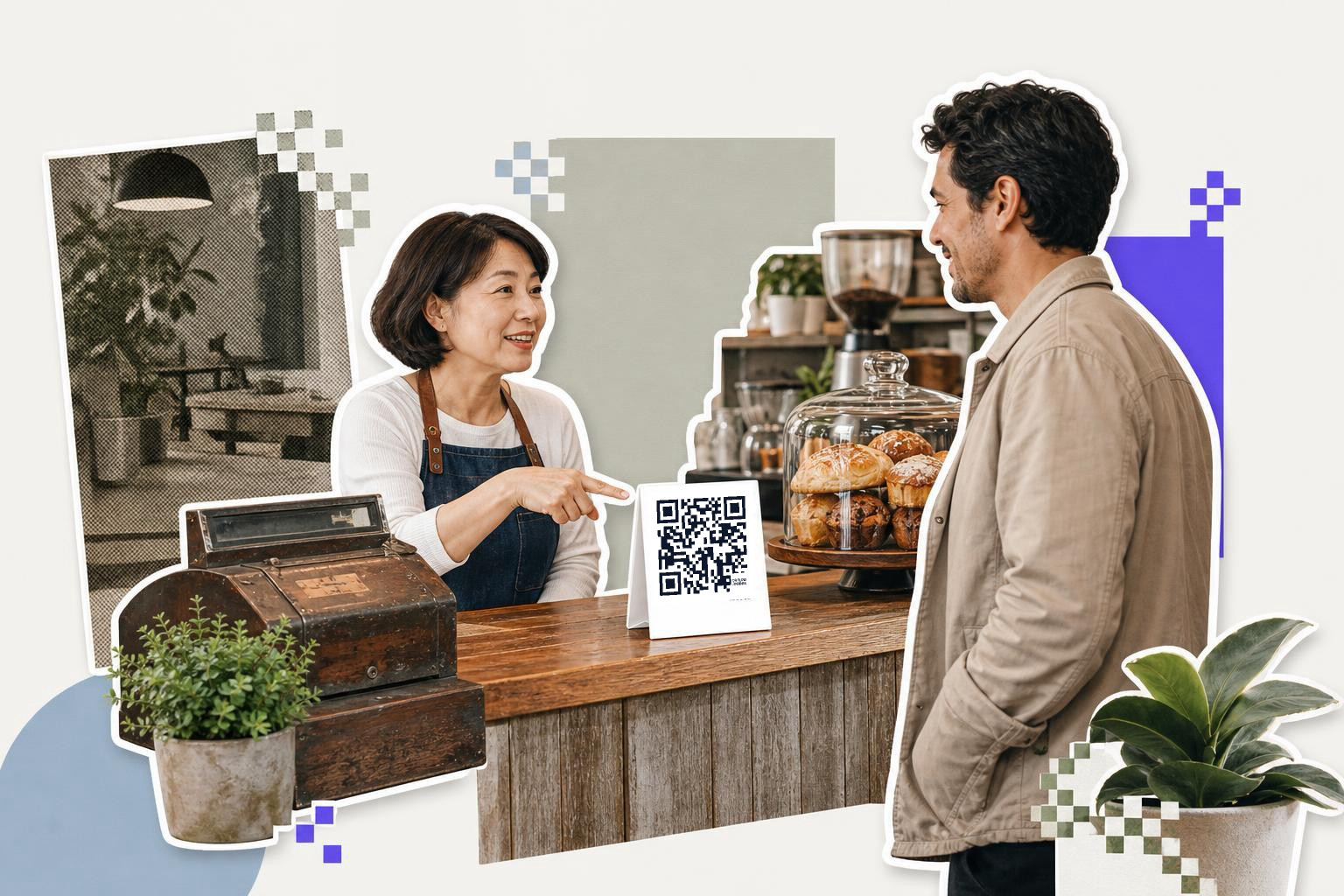
A ChatGPT QR code is the wrong tool the moment the code outlives the link. Anything printed in quantity (table tents, packaging, signage, mailers, business cards) sits in the world for months, and the page behind it changes more often than that.
Three situations where people get burned:
- The menu. A restaurant prints 40 table tents pointing at a PDF. The PDF changes every season. Static code, four reprints a year.
- The campaign. A flyer points at a landing page. The campaign ends, the page comes down, and the code opens a 404 for as long as the flyers exist.
- The review link. A card at the register asks for a Google review. The business moves, the place ID changes, the card keeps pointing at the old listing.
In all three, a dynamic code costs nothing extra to print and saves the reprint. The code holds a short link that a service redirects; you change the destination in one place and every printed copy follows.
Can ChatGPT make a QR code you can change later?#

Yes, once QRFLOW is connected as a custom connector; then you ask in plain words and the code is dynamic. It takes about two minutes the first time and nothing after that.
Here is the setup, once: by connecting QRFLOW as a custom connector and then asking in plain words. It takes about two minutes the first time and nothing after that.
- Open Settings in ChatGPT, then Security and login, and turn on Developer mode. It is available on the Plus, Pro, Team, Enterprise and Edu plans.
- Open Settings, then Plugins (some builds say Apps or Connectors), press the plus button, name it QRFLOW and paste the address below.
- A QRFLOW page opens. Sign in (a free account is enough to start) and press Allow. ChatGPT never sees your password.
- Start a new chat, add QRFLOW from the tools menu, and ask: "Make a QR code for our menu page (here is the link), call it Fall menu, caption Scan for menu."
- ChatGPT shows you the short link and the image. The code is now on your QRFLOW dashboard, tagged with the assistant's name.
- Later: "Point the Fall menu code at our winter menu page (here is the link)." The printed code keeps working; the next scan opens the new page.
The address to paste:
https://qrflow.codes/mcp
The ChatGPT page has the same steps with drawings of each screen, the prompts for Wi-Fi, Google review and Instagram codes, and the list of what the connector cannot do. On the Free QRFLOW plan the connector makes static codes, like the site; changing a code after printing, analytics and your own domain are Premium.
What can ChatGPT do with a connected QR account?#
With QRFLOW connected, ChatGPT can make a code of any kind, change it, and report on it, all from the chat.
| Ask for | What happens |
|---|---|
| "Make a Wi-Fi QR code for network CafeGuest, password latte-2026" | A Wi-Fi code, with the image |
| "Make a Google review QR code for our place ID" | A review code that opens the rating box |
| "Point the Fall menu code at the winter menu" | The printed code now opens the new page |
| "How many scans did the poster get this month, by country?" | A table of scans, from the same numbers as the dashboard |
| "Name the business card code's link hi on my domain" | go.yourbrand.com/hi in the code |
| "Make 20 codes, one per table" | Twenty dynamic codes in one ask |
| "Pause the summer sale code" | Scans show a paused page until you resume it |
A free QRFLOW account connects and ChatGPT can make codes straight away. The plan decides what they can do afterward: free gets static codes and one dynamic one, Premium at $4 a month makes every code dynamic and adds scan analytics and your own link domain, and Business adds a team, webhooks and API keys. The plan comparison has the rest, and the QR code MCP server covers the eleven tools ChatGPT is calling.
The Wi-Fi one is worth a note: ChatGPT needs the network name, the password and the security type, the same three fields the Wi-Fi QR code generator guide walks through by hand.
How does a QR code made through ChatGPT stay safe?#
A QR code made through the connector is checked before it exists: QRFLOW only accepts web, mail, phone, SMS, map and a few app links, so a javascript: or data: link is refused no matter who asks. Three more guardrails matter when an assistant can act in your account.
- Your account, your consent. ChatGPT gets access only after you sign in on a QRFLOW page and press Allow, and only to your own codes. It never sees your password.
- Deleting asks first. Deleting a code is marked as destructive, so ChatGPT confirms before doing it. Pausing is reversible and usually what you want when a print is out there.
- One click to disconnect. Account, then Connected apps on qrflow.codes lists every assistant with access; Disconnect removes it at once, and the codes it made stay.
Questions people ask#
Can ChatGPT make a QR code for free?#
Yes. ChatGPT alone makes a static code at no cost on any plan that can run Python, and the QRFLOW connector works on the free QRFLOW plan for static codes. A code you can change after printing needs Premium, which is $4 a month.
Is a QR code from ChatGPT safe to print?#
A static code from ChatGPT is as safe as the link you gave it; the picture itself is a standard QR. Through QRFLOW, destinations are checked before a code is made: only web, mail, phone, SMS, map and a few app links are allowed.
Does ChatGPT make dynamic QR codes?#
Not on its own. Dynamic codes need a redirect service behind the short link, which is what the QRFLOW connector adds. Once connected, ChatGPT makes dynamic codes on the Premium and Business plans and static ones on Free.
Can ChatGPT add a logo or colors to the QR code?#
On its own, only if you ask it to write the code for that and the result is still static. With QRFLOW, colors, frames and captions can be set from the chat; a logo is added once in the dashboard and the assistant's image then includes it.
What if I do not use ChatGPT?#
The same connector works in Claude, Cursor and Claude Code, and any tool that can add a remote MCP server. The assistants page lists them with the steps for each.
Whichever assistant you use, the code itself lives on your dashboard like any other. If you would rather make one by hand, the free QR code generator takes ten seconds and no account.