
Use a Facebook QR code generator to turn your page link into a scannable code, then print it at least 1 inch (2.5 cm) wide so people can open your Facebook page in one tap.
If you want more followers, comments, or message starts, the job is simple. Give people one fast path from a real-world moment to your page.
How to make a Facebook QR code generator code#
To make a Facebook QR code, copy your Facebook page URL, paste it into a free QR code generator, and create the code. Choose static or dynamic, add styling, and download the file. Test it before printing more.
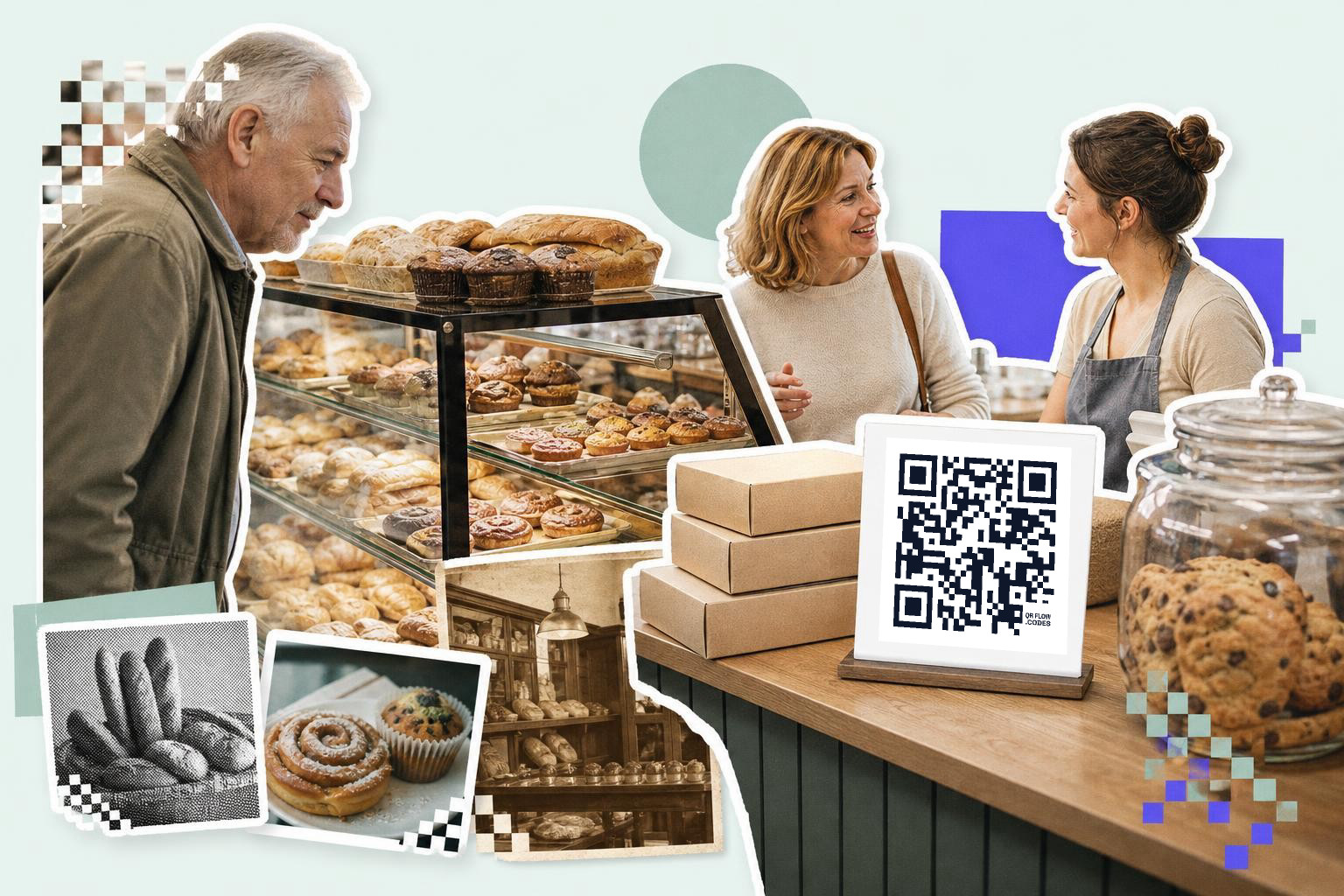
- Open the free QR code generator and choose the link or URL type. A Facebook page QR code is just a web link in a QR code.
- Copy your full Facebook page URL from your page, not a post, unless you want the code to open one specific post. The cleanest format is your page's direct link.
- Paste the Facebook link into the generator and make the code. Check that it opens the page in a mobile browser or the Facebook app.
- Decide whether the code should be static or dynamic before you print. Static is fine for a page you will keep forever, but if the destination might change, your first dynamic code is free and saves a reprint.
- Add simple styling, but keep strong contrast. Dark code on a light background is still the safest choice.
- Download the file that fits the job. PNG is fine for most flyers and counter cards, and SVG is better if a designer might resize it later.
- Put a short line above or below the code that tells people why to scan. “Follow us on Facebook for weekly deals” beats showing a bare square with no context.
- Print one sample and scan it with two phones before you order more. Test from the distance people will actually stand, usually 1 to 3 feet (30 to 90 cm) for a counter card.
A good QR code for Facebook does one thing well. It opens one clear destination, then gives people a reason to tap Follow, Message, or Like.
If you are deciding between linking your homepage or your Facebook page, pick the page when the goal is comments, followers, or messages. Pick your site when the goal is orders or bookings instead.
Need the destination page itself? The QR code for Facebook page tool is built for that exact setup.
Where should your Facebook code send people?#

Your Facebook code should usually open your main page, not your profile, and not a random old post. A page gives people the Follow button, your latest posts, your hours, and your message button in one place.
There are three solid options, and each fits a different goal.
A main page link is the safest default. Use it on packaging, window signs, receipt inserts, and business cards because it stays useful for months.
A post link works when you are pushing one giveaway, event, or launch. Do not print that on anything you plan to keep using after the campaign ends.
A Messenger or contact path can work if your real goal is questions, quotes, or support. If fast contact matters more than follows, a QR code for phone number or Facebook message prompt may do better than a page follow ask.
The line next to the code matters more than most people think. “Scan to follow us on Facebook” is clear, but “Scan for new arrivals every Friday” gives people a reason.
A counter sign, package insert, or event table can do real work if the reward is obvious. New menu drops, flash sales, behind the scenes clips, and event photos all give people a reason to stay connected.
If you want a wider walkthrough for page links and placements, see how to get a QR code for facebook page.
Mid-print change coming up? QRFLOW.codes lets you save one dynamic code for free, which is handy if your campaign page, link path, or tracking link may change after the cards are already out.
How big should a Facebook QR code be?#

A Facebook QR code should be at least 1 inch (2.5 cm) wide on cards or package inserts, and 2 inches (5 cm) wide is a safer starting point for signs. Bigger is better when people are moving or scanning from farther away.
Use the print spot to choose the size.
For business cards or small thank-you cards, start at 1 inch (2.5 cm). That is usually enough if the code has good contrast and plenty of white space around it.
For countertop signs, table tents, or shelf talkers, use 1.5 to 2 inches (4 to 5 cm). People will often scan those from an arm's length away.
For window signs or posters, go larger based on viewing distance. A simple rule is to make the code about 1 inch (2.5 cm) for every 1 foot (30 cm) of scanning distance.
Keep the area around the code clear. Leave a quiet zone of at least 4 small squares on all sides, which most generators handle automatically.
If you are adding the code to a flyer with other links, do not crowd it with tiny text or decorative borders. One code with one job almost always beats a cluster of choices.
For the full size guide, use how big should a QR code be when printed?. If your Facebook page is just one stop in a wider campaign, How to create a QR code from a link covers the same setup for any URL.
What happens if your Facebook link changes later?#
A printed QR code keeps working only if the link behind it still works. If you change page names, move a campaign, or swap tracking links, a static code may send people to the wrong place.
That is why dynamic matters for anything you will reuse. A dynamic code lets you change the destination after printing, so the same square on your packaging or sign can point somewhere new later.
This matters most for seasonal promos and event materials. A table sign printed in spring might point to a giveaway today and your main page next month.
If you want to track scans by placement, dynamic helps there too. On paid plans, QRFLOW.codes can show scan details like time, referrer, and geography, which is useful when you are comparing a counter card with packaging or an event booth. Pricing for that is on the plans page.
You can also keep the same QR style across channels. Put one code on a receipt, another on a window, and another on packaging, then compare which spot actually gets scans before you print more.
Choosing the right QR code style#
When creating a QR code for your Facebook page, the style you choose can impact its effectiveness. A well-designed QR code not only looks appealing but also encourages people to scan it. Start with a simple, clean design that maintains strong contrast. Dark codes on light backgrounds are the most reliable. Avoid overly complex designs that might confuse scanners or blend into the background.
Consider adding a logo or a small image to the center of the QR code. This can make the code more recognizable and align it with your brand. However, ensure the image doesn't interfere with the code's scannability. Some QR code generators allow you to customize colors, but keep readability in mind. Stick to high-contrast color schemes to ensure the code is easy to scan.
Finally, test the styled QR code on multiple devices before printing. Ensure it works well in different lighting conditions and from various distances. A visually appealing QR code can draw attention, but functionality should always be the priority.
Integrating QR codes into marketing materials Start by identifying the materials where a QR code would be most effective. Common choices include business cards, flyers, posters, and product packaging. Each of these offers a unique opportunity to connect with your audience.#
For business cards, a QR code can provide a quick way for contacts to access your Facebook page, making it easier for them to follow or message you. On flyers and posters, a QR code can encourage passersby to engage with your brand on social media, especially if paired with a compelling call to action.
Product packaging is another excellent place for a QR code. It can lead customers to your Facebook page for additional product information, reviews, or special promotions. Ensure the QR code is placed in a visible and accessible spot on the packaging.
Remember to include a brief, clear instruction near the QR code, such as "Scan to follow us on Facebook." This prompts action and clarifies the purpose of the code.
Testing and optimizing QR code placement#
Test your Facebook QR code placement by scanning it from 1 to 3 feet (30 to 90 cm) away. Begin by considering where your audience is most likely to interact with the code. This could be in high-traffic areas, such as store entrances, checkout counters, or event booths.
Once you've identified potential locations, conduct tests to see how easily people can scan the code. Try different heights and angles to find the most accessible position. For example, a QR code placed at eye level might be more noticeable and easier to scan than one placed too high or low.
Observe how lighting affects the code's visibility. Ensure it's well-lit but not in direct sunlight, which can cause glare and make scanning difficult. Adjust the size of the code based on the distance from which people will scan it. Larger codes are better for longer distances, while smaller codes work well for close-up interactions.
Gather feedback from users to refine placement further. Ask if they found the code easy to spot and scan, and make adjustments based on their input. Regular testing and optimization can significantly improve scan rates and engagement.
Questions people ask about Facebook QR code generator#
Can I create a Facebook QR code for free?#
Yes, you can create a Facebook QR code for free using online QR code generators. These tools allow you to input your Facebook page URL and generate a QR code without any cost. Some platforms may offer additional features for a fee.
What is a dynamic QR code?#
A dynamic QR code allows you to change the destination URL even after printing the code. This is useful if you need to update the link without reprinting materials. Dynamic codes often come with additional features like scan tracking.
How can I test my Facebook QR code?#
To test your Facebook QR code, scan it with a smartphone using a QR code reader app or the phone's camera. Ensure it directs you to the correct Facebook page or post. Test it from the distance people will typically scan it to ensure usability.
What are the benefits of using a Facebook QR code?#
Using a Facebook QR code simplifies the process of directing people to your page. It provides a quick and easy way for users to access your Facebook content, potentially increasing followers, engagement, and interactions with your page.
A Facebook page QR code works best when the ask is clear and the destination earns the tap. Make one for your page, add a reason to scan, and put it where customers already pause. If you are ready to print, build it in QRFLOW.codes and get the file you need.