
Finding your page's username
Open the page on desktop and look at the address bar: facebook.com/YourPageName is the username. If it shows a long number instead, the page has no username yet; set one under the page's settings (General, Username) so the link is short and readable. Type the username, not the number, into the field above.
For a Messenger link (opens a chat with the page), use m.me/YourPageName as a plain link code instead; the generator's WhatsApp and Messenger types cover the chat use.
Where the code works for a local business
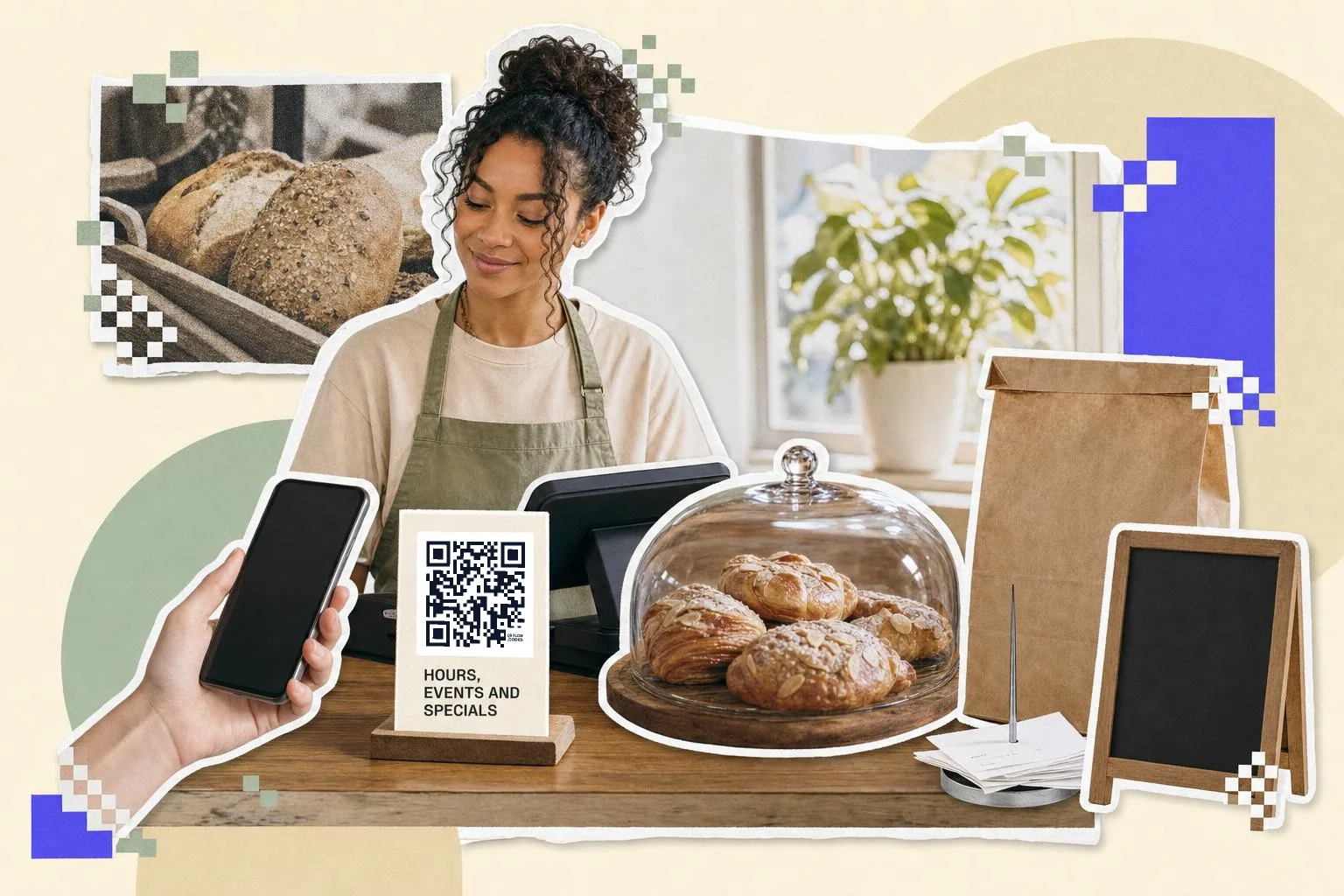
Facebook is where local customers look for hours, events and photos, so the code belongs where locals see it: the front window, the counter, the receipt, the flyer on the community board, the side of the van. Say what's there: "Events and specials", "Message us to book". A code on its own gets ignored.
- Window and door: 3 in (8 cm), "Hours, events and specials".
- Receipts and bags: 0.8 in (2 cm), "Follow us for offers".
- Flyers and community boards: 1 in (2.5 cm), the event page during an event.
- Vehicle: 6 in (15 cm) or more, the page or the Messenger link.
Events, posts and groups
The generator builds the page link from the username. For an event, a specific post or a group, copy its URL from Facebook's Share, Copy link, and make a plain link code; or, on Premium, repoint the dynamic page code to the event for the week and back to the page afterwards. Placement ideas by type of business are in where to put a Facebook QR code.
Why make it dynamic
Small businesses print the Facebook code on the window, the receipt and the van, and then run a Facebook event, change the page name, or start using Messenger for orders. A dynamic code follows: point it at the event page during the event, at the Messenger link when you'd rather people write than call, and back to the page afterward. The scan count shows which surface brings people, which a Like count never tells you.
Dynamic codes are part of Premium, $4 a month. Static vs dynamic, explained.
Step by step
- 1
Type the page username
The part after facebook.com/. Set one in the page settings if it's still a number.
- 2
Add a caption
"Hours, events and specials" or "Message us to book" in the frame.
- 3
Download for the surface
SVG for the window decal and the van, PNG for receipts and flyers.
- 4
Repoint for events
On Premium, send the same code to the event page for the week; scans are counted per placement.
Questions people ask
- How do I get a QR code for my Facebook page?
- Type the page's username (the part after facebook.com/) on this page and download the code. Scanning it opens the page in the Facebook app or browser.
- My page URL is a long number. What do I use?
- Set a username for the page first (page settings, General, Username). It makes the link short and the code simpler. The number works too but makes a denser code.
- Can the code open a Messenger chat instead?
- Yes. Make a plain link code with m.me/YourPageName, or use the Messenger type in the generator; scanning opens a chat with the page.
- Can I point the code at an event?
- Copy the event's link and make a code from it, or repoint a dynamic page code to the event while it's on and back to the page afterwards.
- Does Facebook have its own QR code?
- Facebook has offered a QR code for pages and profiles at various times, but where it lives moves around with app updates and it may not be there for every page type. You don't need it: any QR code of your page link does the same job from any camera, and one made here can carry a caption, be printed as SVG and be repointed later.
- How much does a Facebook page QR code cost?
- Nothing to make and download, and a free account keeps the download unmarked. Premium ($4 a month) lets you repoint the printed code to an event or post, and counts scans per placement.
Make the code now, change the link later
Free to make and print. Premium ($4/mo) keeps it editable and counts every scan.