
A QR code for amazon wish list works best when it opens one public gift list, is printed at least 1 inch (2.5 cm) wide on small cards, and sits beside a plain label like “Scan for our gift list.”
You do not need anything fancy here. The hard part is not making the code. The hard part is putting it in the right place for the moment, so people know what it opens and actually use it.
First, copy the public share link for your gift list, not the browser link from your own account view. Then make the code from that link. If you want, you can create one with the free QR code generator and download it right away.
Baby shower inserts and welcome signs#
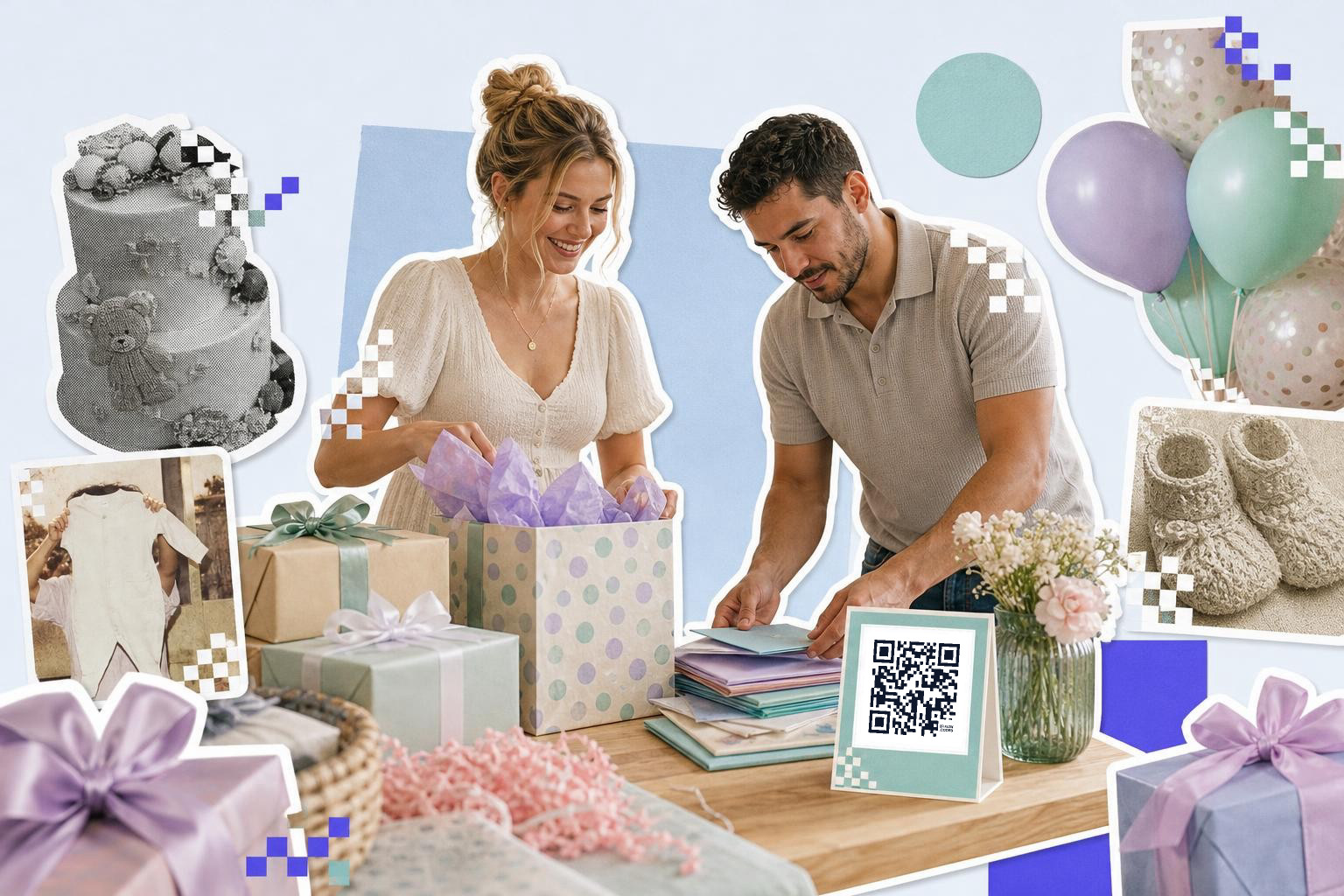
A baby shower code should go on one small insert in the invitation set, plus one larger sign near the gift table. Print the insert at 1 inch (2.5 cm) wide minimum, and the sign code at 2 inches (5 cm) or larger.
Guests do not all shop the same way. Some buy before the event from the invite. Some wait until they arrive and ask what you still need. That is why this setup works better than putting the code in only one place.
Use words that remove doubt. “Scan for our gift list” is better than “Scan me.” People should know the code leads to gift ideas, not parking, not RSVP, not a photo album.
If the list might change, a dynamic code helps. You can keep the printed cards and point the code to an updated list later, which is handy if you split gifts across stores or swap to a cash fund page after the shower invite goes out.
What is a classroom supply list parents can scan?#

A classroom code belongs on 'meet the teacher' handouts, the classroom door during supply week, and a short email footer image for parents. Keep the printed version at 1.2 inches (3 cm) or bigger so tired parents can scan it fast at pickup.
This is one of the easiest good uses for a wish list code. Teachers often need glue sticks, tissues, pencils, and storage bags all year, not just in August. A code saves you from pasting a long list link into every note home.
The beginner's mistake is linking to your profile or storefront by accident. Parents should land on the exact list, with the needed items already there. Open the link in a private browser window before you print anything, just to make sure it shows the public list view.
Need a simple code you can drop onto a handout tonight? Make it in the free QR code generator, then add it to your class paper or email image.
Wedding shower or registry card#

A wedding registry code works best on a separate details card, not on the main invitation face. Give the code one job, opening the gift list, and keep RSVP, directions, and schedule on their own cards or pages.
Wedding paper gets crowded fast. If one card tries to do everything, guests hesitate. They scan, land somewhere unexpected, and leave. A clean registry insert avoids that mess.
Print the code at 1 inch (2.5 cm) minimum on an insert card, or 1.5 inches (4 cm) if it sits on a welcome sign near wrapped gifts. Put a short line under it, like “View our registry.” That wording matters because many guests still expect a registry to live on a store page.
If you already have an event site, you may not need the store link on every printed piece. In that case, the QR code can point to your registry page instead, and that page can send guests to the list.
Housewarming and first apartment gifts#
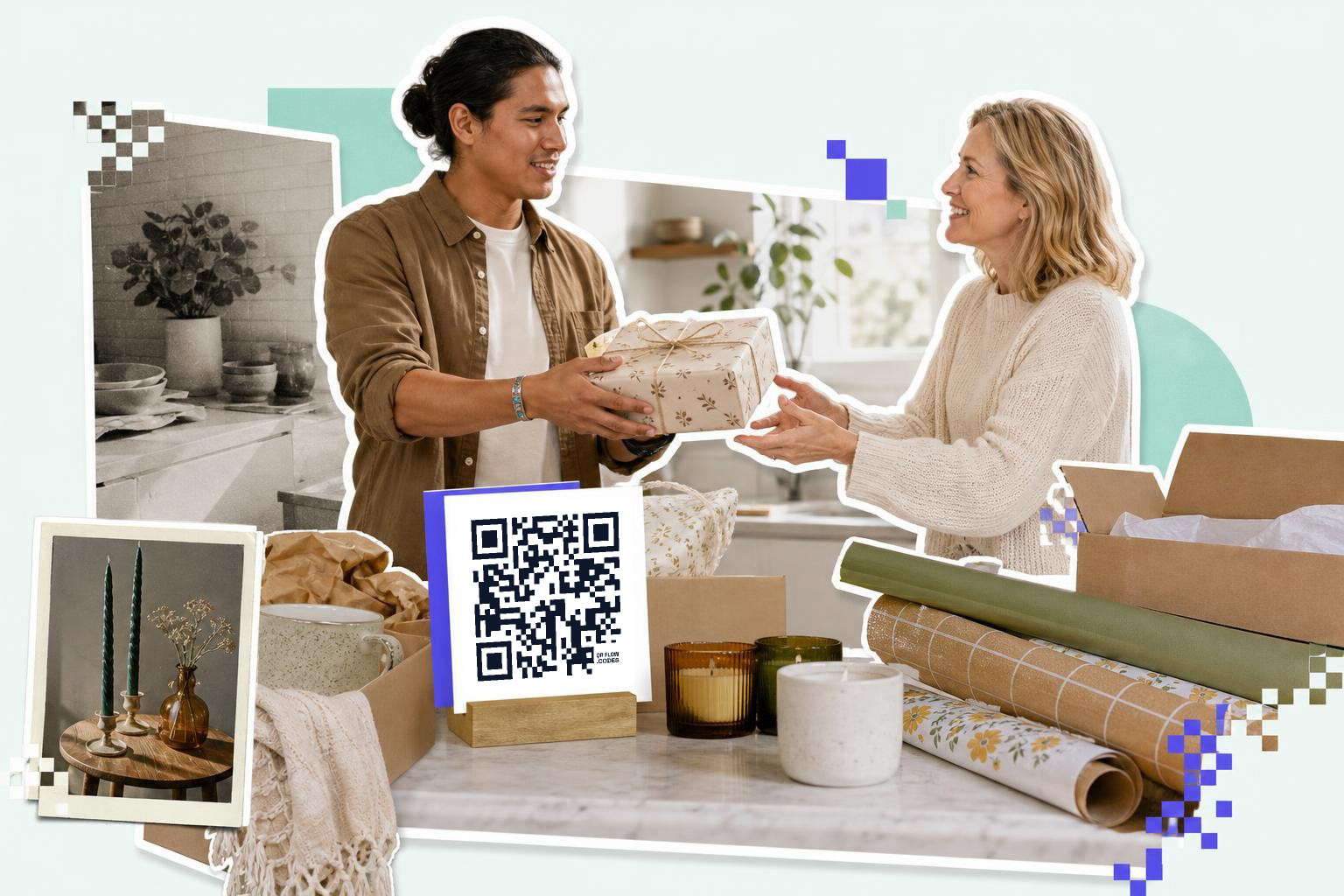
A housewarming code fits best on a moving announcement, a new address card, or a small sign by the snacks table. For a fridge magnet, favor tag, or tiny insert, keep the code at least 0.8 inches (2 cm) wide.
This scenario is less formal, so the code should feel casual too. A simple note like “New place, same coffee habit, scan for the wishlist” works better than stiff registry language. You are giving people an easy option, not making it feel required.
The list itself needs a little editing before you share it. Remove random saved items and keep only things a guest could reasonably buy as a gift. A tight list is easier to browse than a 200 item scroll full of batteries, bed frames, and one oddly specific lamp.
If you are printing for a party that may get rescheduled or moved, your first dynamic code is free on QRFLOW.codes. That lets you change the destination after the cards are printed, no reprint needed.
How do holiday gift exchanges and family groups use QR codes?#
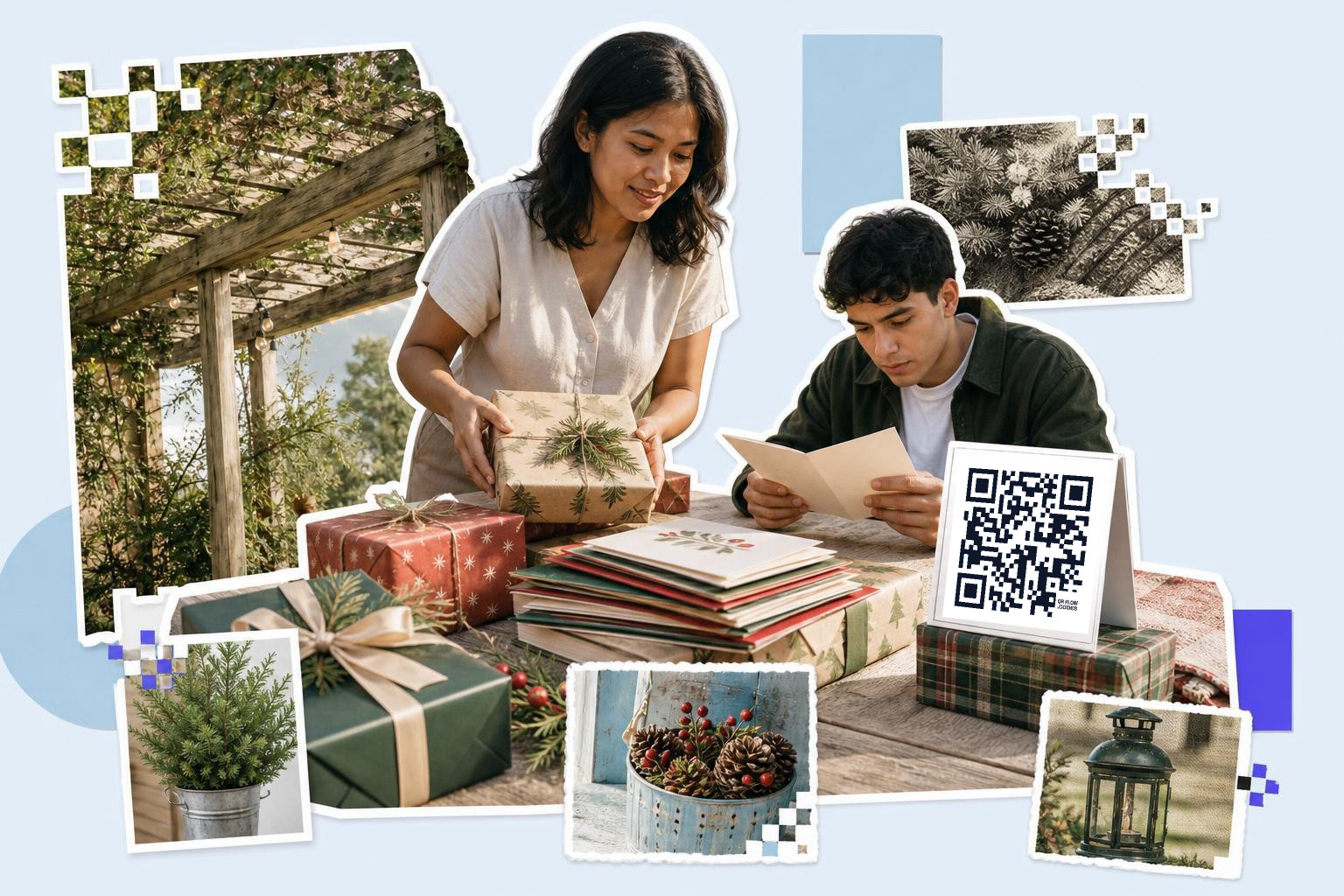
A holiday code is most useful in group chats, family email chains, Secret Santa pages, and one printed card tucked into a mailed note. One code should point to one person’s list, not a pile of different family links.
This is where people overcomplicate it. They make one collage image with five names, five tiny codes, and no one scans any of them. Keep each person’s code separate, with their name right above it.
For a mailed holiday card, print the code at 1 inch (2.5 cm) or bigger and leave some blank space around it. For a group message, send the code image and the plain link together. Some people will still prefer tapping a link on their phone instead of scanning a second screen.
If you manage lists for several kids or relatives, a paid plan can make every code dynamic and easier to update later. The pricing page is where those plan limits are spelled out.
Can a small insert card do the job?#
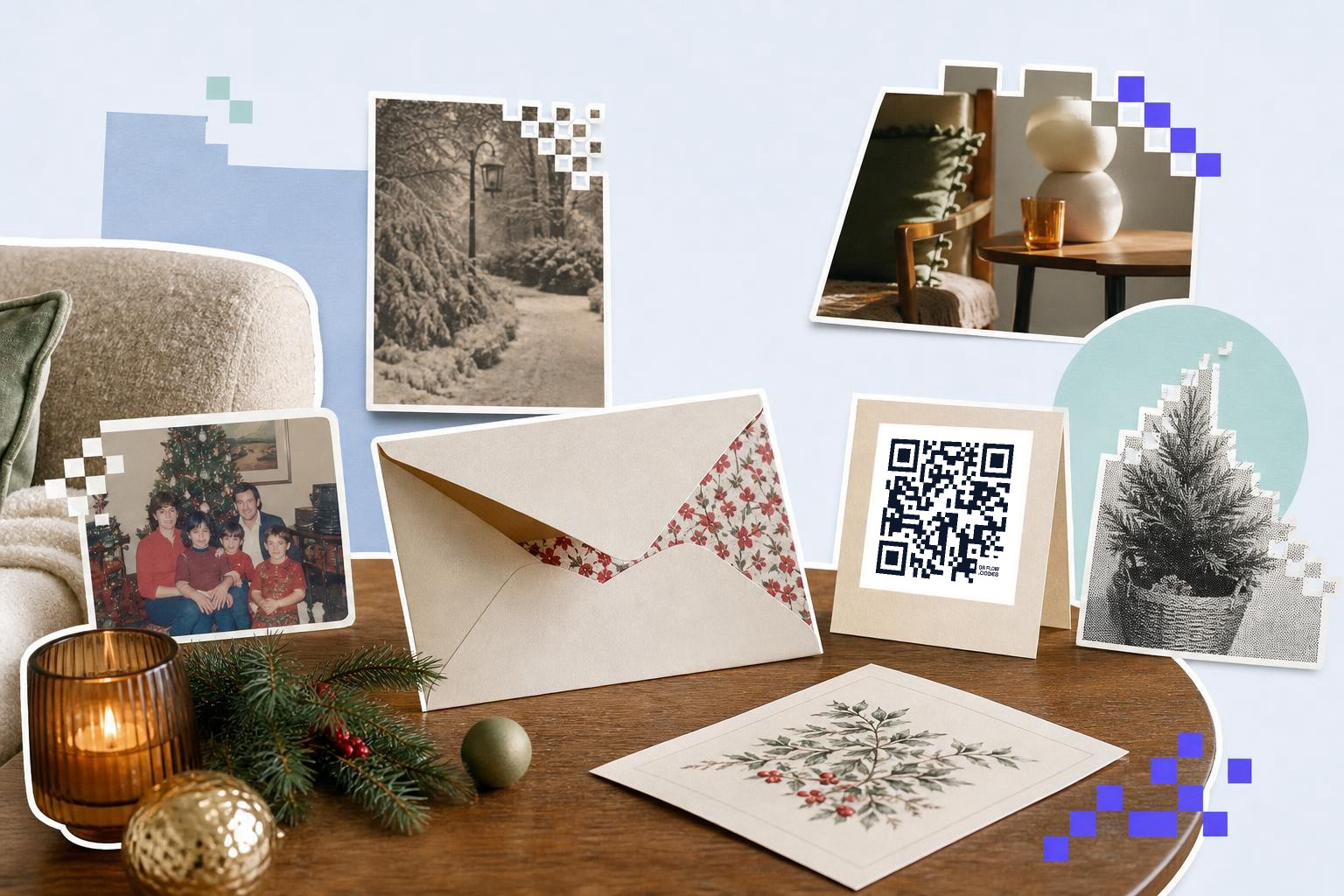
A small insert card can work, yes, if the code is still at least 0.8 inches (2 cm) wide and the card says exactly what the scan opens. Tiny cards fail when the code gets shrunk to decoration size.
A lot of people want to tuck the code into a thank you note, favor bag, stocking, or envelope. That is fine. Just protect the scan area. Do not put the code over a busy pattern, shiny foil, or a photo background.
A plain white square card with one short line of text is often the safest choice. If you want color, keep the code dark and the background light. Fancy is optional. Easy to scan is the part that counts.
One more practical detail, add a short backup link under the code if the piece is being mailed. If a camera struggles in dim light, the person still has a way in.
Questions people ask about QR code for amazon wish list#
How do I get the right gift list link?#
Gift list links should come from the list's share or invite settings, not from the address bar while you are signed in. Test the shared link in a private browser window to make sure other people can open the list without your account.
Should I use a static or dynamic code?#
Static is fine if the destination will stay the same and you only need one permanent list link. Dynamic is better if you may switch to a new list, combine stores, or fix the destination after cards are already printed.
Can I put the code on an invitation?#
Yes, but keep it off the main invitation face if that card already carries the event details. A separate insert or details card keeps the gift link clear and avoids making the main invite feel cluttered.
What should the label say?#
Plain labels win. “Scan for our gift list” or “View the classroom supply list” works better than “Scan me,” because people know what they will get before they open their camera.
A good wish list QR code feels almost invisible. People scan, land on the right list, and move on with their day. If you want to make one and print it tonight, start with QRFLOW.codes.