
QR codes for patient check-in work best when each code has one job, like opening intake forms or confirming arrival, and front desk signs should be at least 2.5 inches (6 cm) wide.
Clinic check-in gets messy when one desk handles everything at once. New patient forms, insurance cards, late arrivals, follow-ups, and people asking where to sit all pile up fast.
A QR code can take one piece of that load off the desk. The useful question is not whether clinics should use one. It is where each code belongs, what it should open, and which parts of patient management should stay with staff.
Put one code at the entrance, not five#
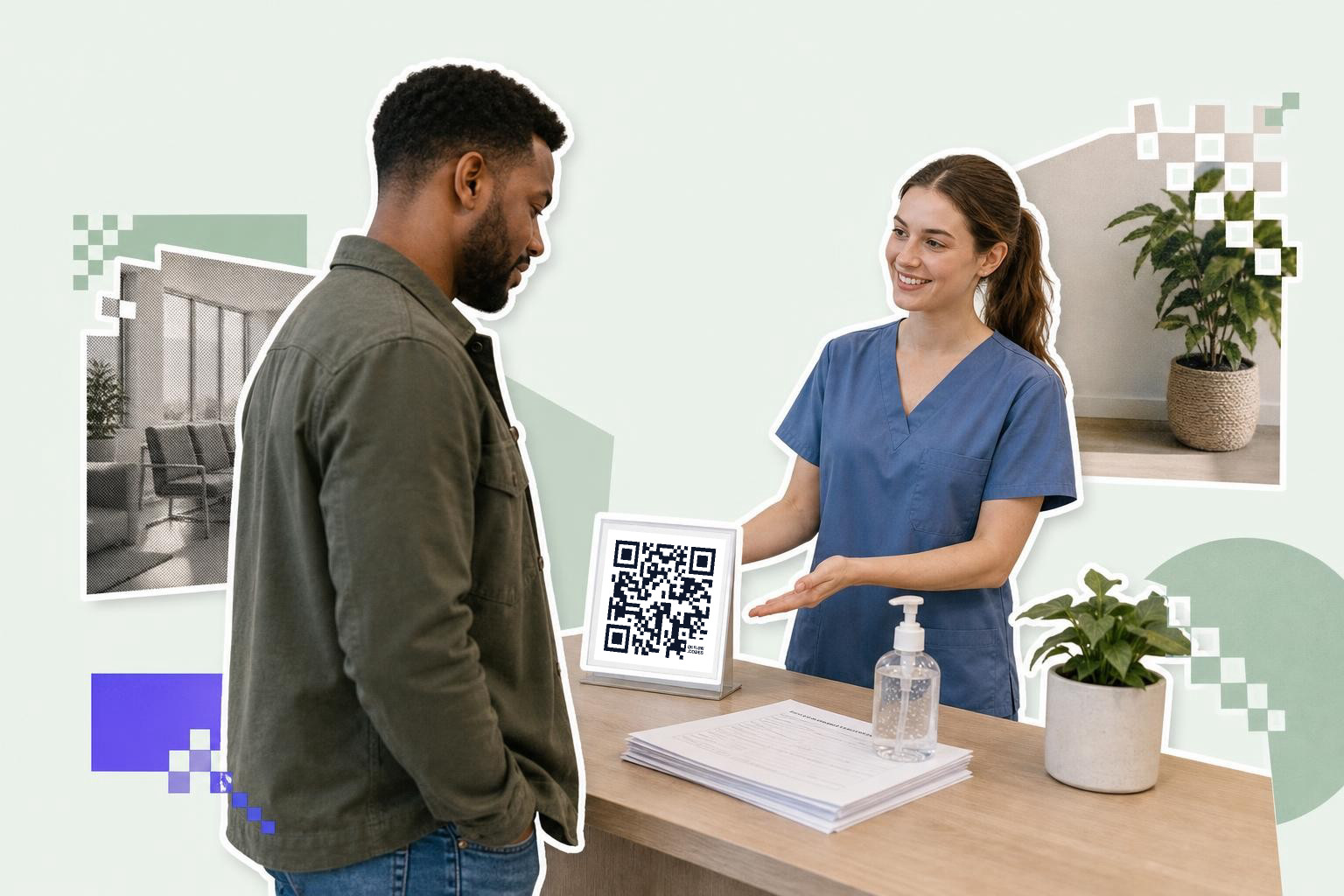
Entrance QR codes for patient check-in should do one simple thing, confirm arrival or open the intake page. A patient standing in the doorway should not have to choose between four different squares.
This is the best spot for patients who already booked online. Put the code on a small stand by the door or just inside the reception area, with a short label like “Arrived for your appointment?” If people will scan from 3 to 6 feet (1 to 2 m) away, print the code at 2.5 inches (6 cm) or larger, as placement matters for scanning.
The page behind the code should ask for only what the clinic needs at arrival. Name, date of birth, appointment time, and maybe a last name search are usually enough. If the first screen asks for insurance uploads, medical history, and five consent boxes, people will stop and walk to the desk anyway.
A good entrance code also helps with contactless check-in without making the lobby feel cold. Staff can still greet people, point to seating, and help anyone who does not want to use a phone.
Move repeat paperwork to a form patients can finish in the lobby#

Lobby form codes should open one mobile-friendly form for intake updates, consent, or registration. Patients can fill it out while seated instead of balancing a clipboard at the counter.
This setup helps most in clinics that still hand out the same papers all day. Annual updates, address changes, medication lists, and basic consent forms are perfect for a QR step because they do not need a long staff explanation every time.
Keep the form short on phones. A page with giant PDF fields is painful on a 6 inch screen. Mobile forms with tap targets, date pickers, and auto advance feel much better than scanned paper turned into a PDF. If you do need a document link, a QR code for a PDF is better for after-visit instructions than for intake.
Patient data handling matters here. The code itself should point to a secure clinic page or form, not store private information in the square. A QR code is just the doorway. The form destination is where privacy, permissions, and record handling need to be set correctly.
If your intake link may change after your signs are printed, make that code dynamic. Your first dynamic code is free on QRFLOW.codes, which is handy for testing one lobby flow before you change the whole front desk.
Midday queues are usually where bad check-in design shows up first. If you want to make a few clinic QR codes and test them on one desk before a wider rollout, QRFLOW.codes lets you generate and download a code fast, then see what patients actually use.
Use room and service codes for the next step only#
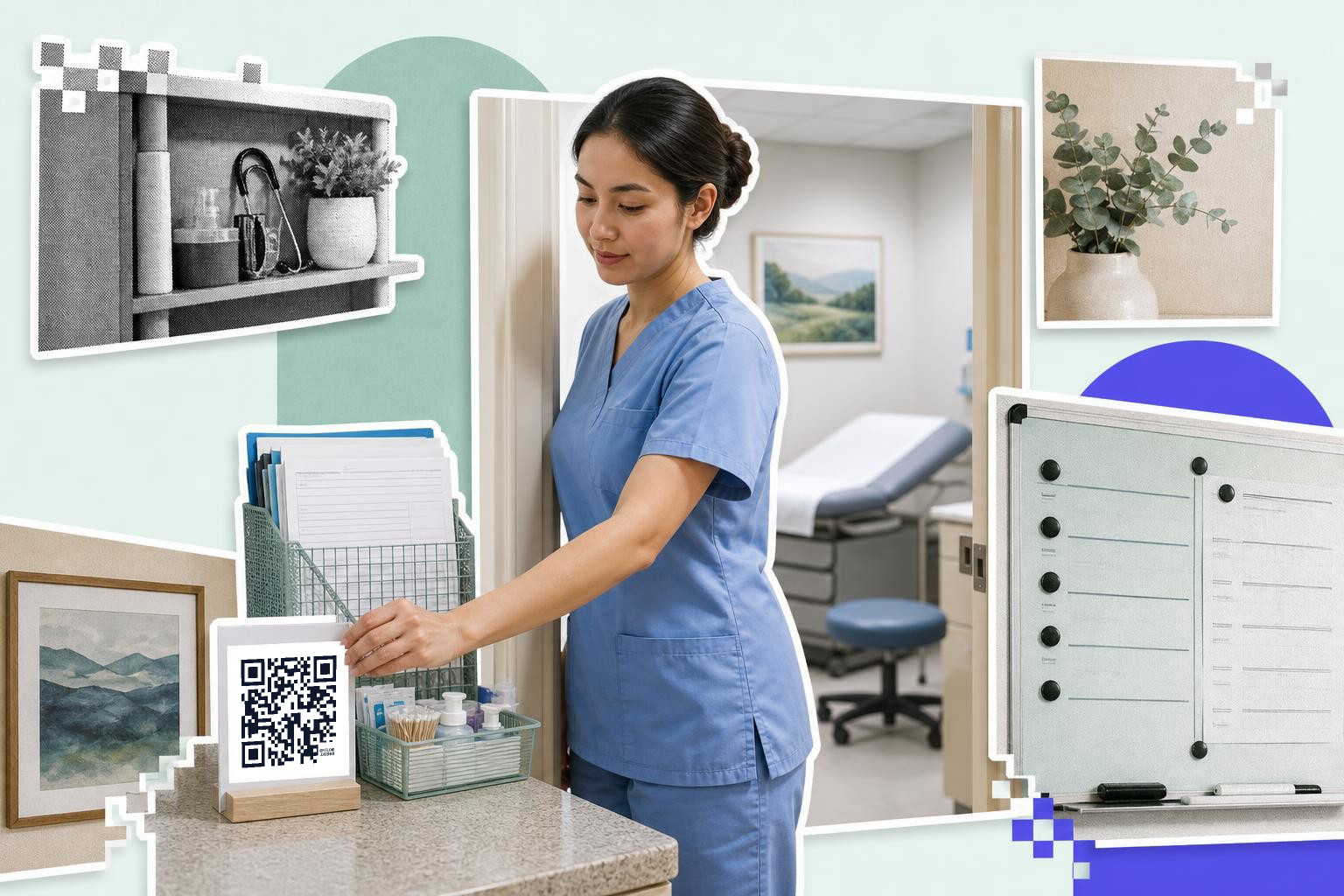
Exam room and service area QR codes should point to the next action for that visit, not back to the main check in page. Patients scan faster when the code answers the question they have right now.
A pediatrics room might use a code for post visit care instructions. A lab area might use one for queue updates or a follow up booking page. A vaccine station might use one for observation guidance or digital aftercare notes.
This is where clinics often overdo it. Not every wall needs a code. One at check in, one where forms happen, and one where follow up happens is usually enough for a small clinic. Too many codes create the same confusion as too many paper signs.
Placement matters more than decoration. Put the square where a seated or standing patient can comfortably scan it without twisting around furniture. A code on a glossy acrylic frame under bright lights can be harder to scan than the same code on matte card stock.
For larger groups, like multi room services or repeat screening stations, QR codes in healthcare work best when each department owns its own wording and destination. The square can be the same tool, but the patient question is different in each room.
Should clinic check-in codes be static or dynamic?#
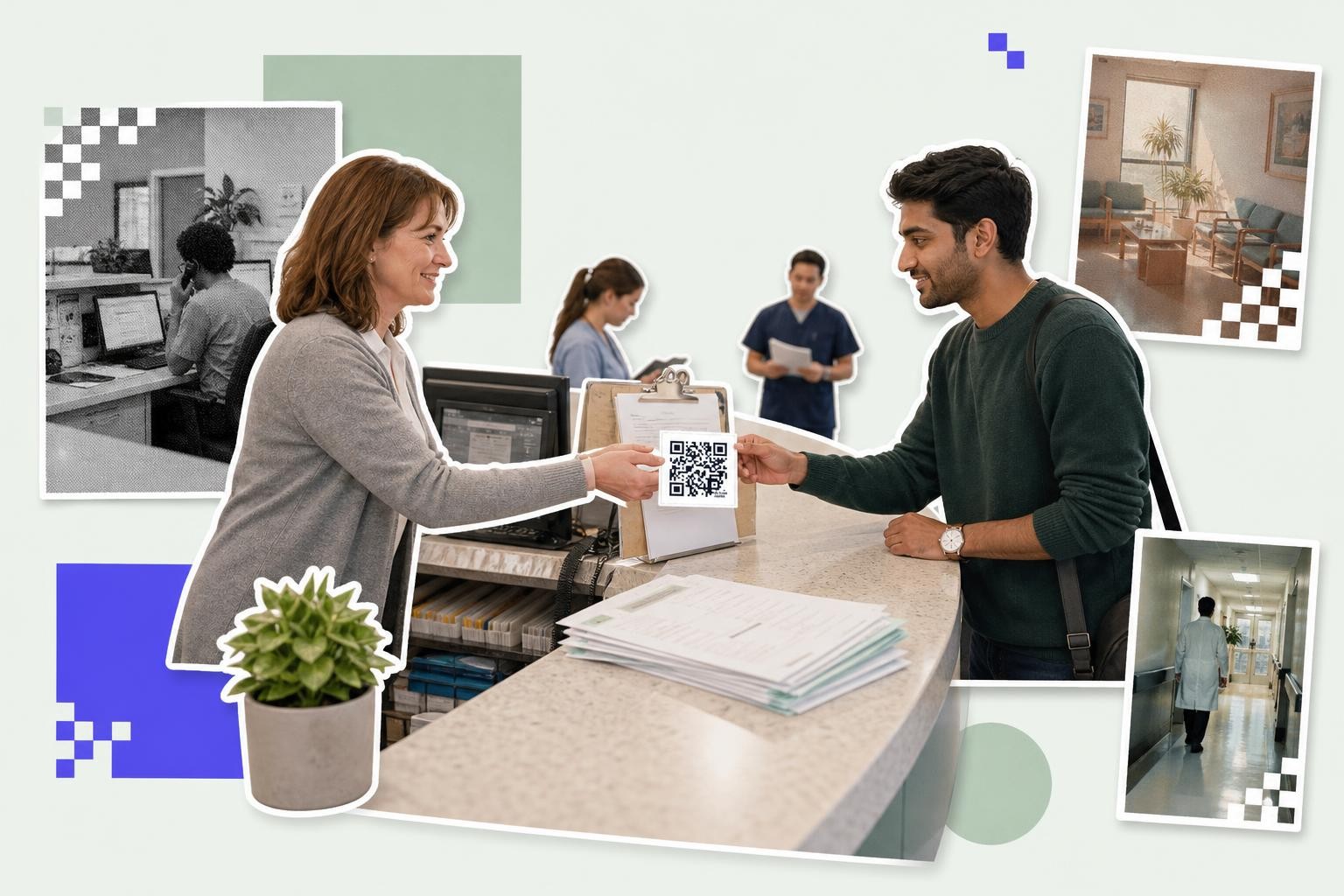
Clinic check-in codes should be dynamic if the destination may change, the booking tool might switch, or different staff need to scan data later. Static codes are fine for a permanent page you control and do not expect to edit.
Most clinics end up changing something. Maybe the intake form moves, maybe the scheduler changes, maybe one location starts using a different page. A dynamic code let you update the destination after signs are printed, so the lobby stand does not become trash because one link changed.
Dynamic also helps if you want to compare locations or desks. Scan analytics can show when patients scan most, which is useful if one morning line is always worse than the rest. That kind of healthcare efficiency gain comes from the setup around the code, not the square itself.
If you are sorting out the choice, our guide on static vs dynamic QR code lays out the tradeoff without the hype. If your clinic needs editable links for several desks, custom link names, or more analytics, the paid options are on the pricing page.
Add a code at checkout for payments, follow-ups, or instructions#

Checkout QR codes should answer the patient’s next question after the visit, usually pay, book, read instructions, or contact the office. A checkout counter is a better home for those actions than the entrance sign.
This is a strong place for service specific codes. One clinic may want a payment page. Another may want a follow up booking form. Another may need aftercare instructions in two languages. The point is to match the code to the exact action patients take as they leave.
If you print a payment code, keep it only for payment. Do not mix billing, records requests, and surveys behind the same square. Patients standing at checkout are already juggling bags, papers, and maybe a child. One clean action wins.
A payment QR code can help here if your clinic wants to collect a simple balance without another printed invoice step. For education and instructions, a plain web page is often better than a heavy file because it opens faster on weak mobile service.
What makes patient check-in smoother for people who do not scan?#
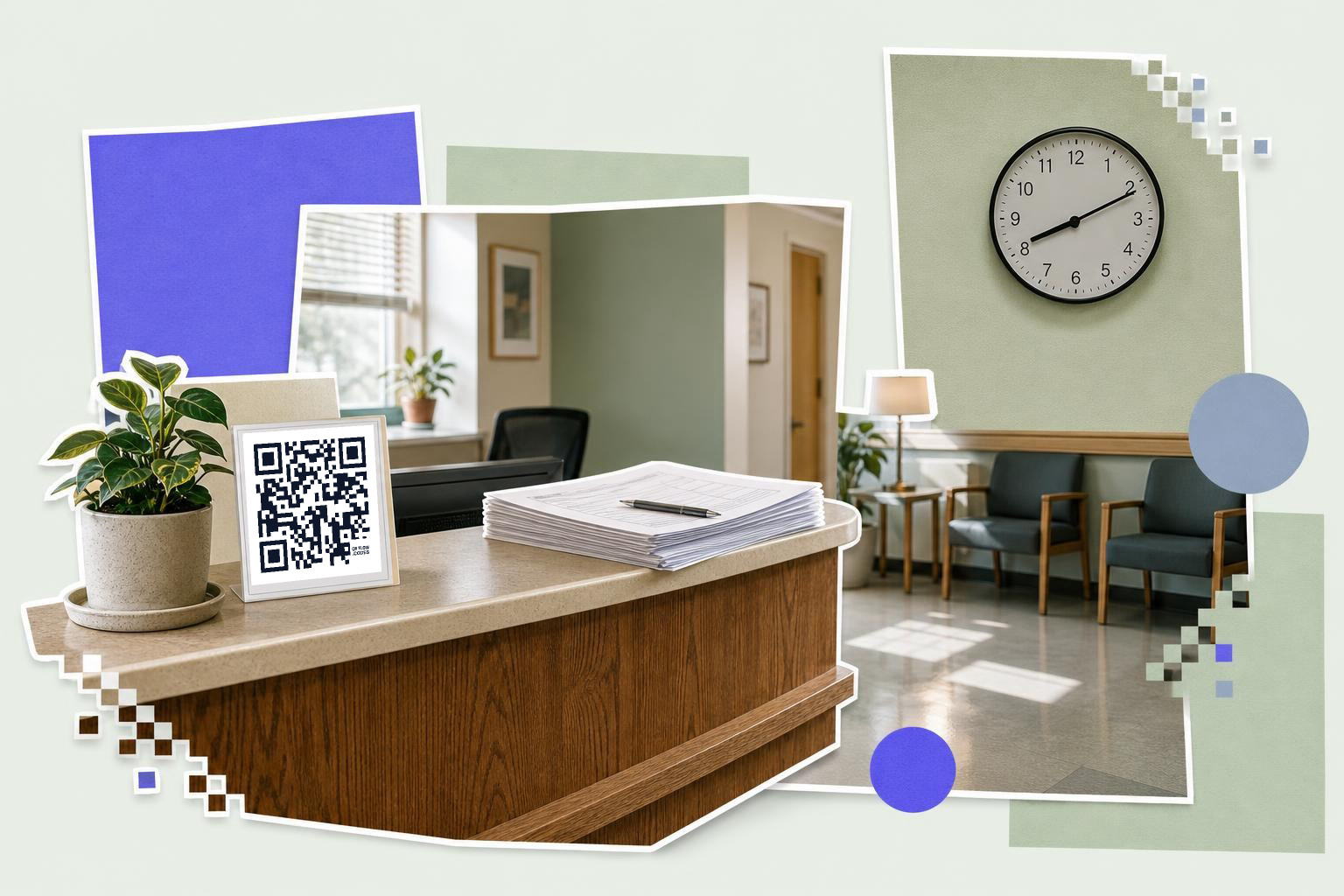
Patients who do not scan still need a clear path. Keep a staffed desk, a paper fallback, or a tablet option within a few feet of the QR sign so no one feels blocked from care.
This matters in every clinic. Some patients do not use smartphones. Some do, but they have low battery, poor signal, or accessibility needs that make a phone form a bad fit. QR codes should remove friction, not add a gate.
The easiest pattern is simple. Put the code first for people who want speed. Put staff help right beside it for everyone else. A small sign with two choices, “Scan to check in” and “Need help? We can do it here,” is often enough.
That also keeps the patient experience human. Contactless check-in is useful, but care still feels better when people know there is a person to ask.
Questions people ask about QR codes for patient check-in#
Can a QR code hold patient information?#
A clinic should not use the visible code itself to hold private patient details. The safer setup is a code that opens a secure form or clinic page where the protected information is handled.
Where should a clinic place the first check-in code?#
A clinic should place the first check-in code at the entrance or front desk, where patients naturally pause. A door, counter stand, or sign-in table works better than a wall people pass at full speed.
How big should a patient check-in QR code be?#
A front desk or doorway code should usually be at least 2.5 inches (6 cm) wide. If patients will scan from farther away, go larger rather than squeezing the code into a small badge holder.
Can clinics track which check-in code gets used?#
Clinics can track scans on dynamic codes, which helps compare one desk, room, or location against another. That is useful for spotting bottlenecks, but it should sit alongside your normal privacy and compliance process.
Should every clinic department have its own code?#
Departments should have their own code only when the destination or action is different. Separate codes make sense for arrival, forms, checkout, and aftercare, but not when several signs all open the same page.
A good clinic check-in setup feels obvious to patients. One code at the entrance, one for forms, one for the next step, and a real person nearby usually beats a lobby full of signs. If you want to build and test that flow, try the free QR code generator and make your first clinic sign today.