Dynamic codes route through qrflow.codes/q/xxxx. If the redirect fails, scanners see an error page instead of your destination. Here is what each means.
What the messages mean
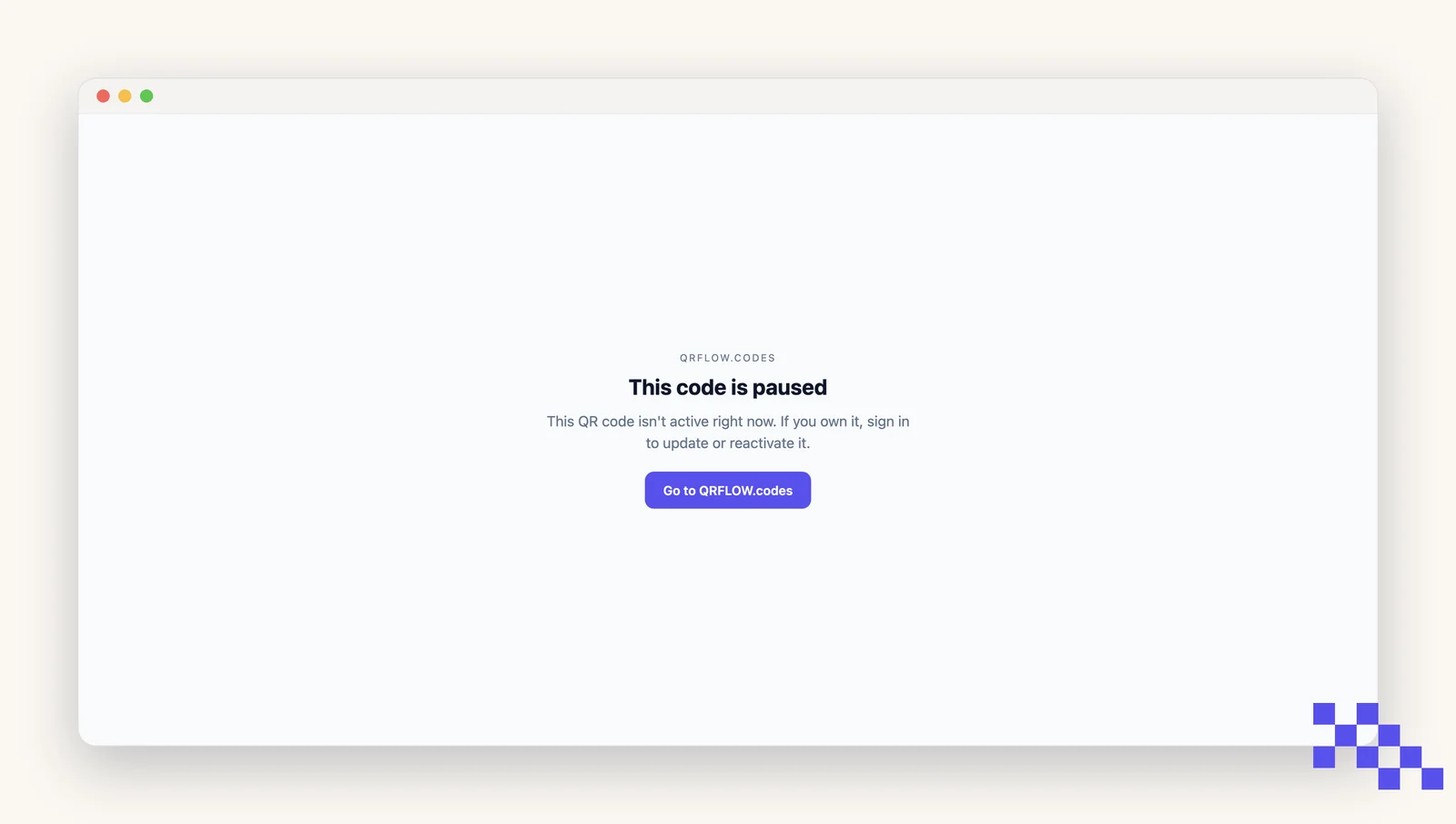
- Code not found: the code was deleted or never existed. Restore it or generate a new one.
- Code paused: you paused this code in Security. Unpause to resume redirects.
- Password required: the code is password-protected. Enter the password (or remove protection in Security).
- Destination invalid: the destination field is empty or malformed. Open Overview and fix it.
- This code has expired: the code passed the expiry date you set. Clear the date or set a later one in Security and it redirects again on the next scan.
- Temporarily unavailable: the code passed a monthly scan cap. It is not broken and nothing needs reprinting.
Start by scanning it yourself
Nine reports out of ten are answered in thirty seconds by scanning the printed copy with your own phone and reading the page that comes back. The message names the cause, and every cause above is fixed from the code's own page without reprinting anything.
A scan that hits one of these pages is not counted. If a code sat paused or expired for a week, analytics will show a flat gap for that week rather than a run of scans that went nowhere.
Safe redirect
QRFLOW.codes checks the destination against a phishing and malware blocklist on every scan. If the destination is flagged, scanners see a warning page instead of being sent straight through. This protects your readers and your brand.
Make a fresh code and test it
Codes render as you type, so you can have a new one printed and scanned in a minute. Free, with no signup to try.
Still stuck? Search the help center, or contact support and a person will answer.