
Watch it: a calendar event
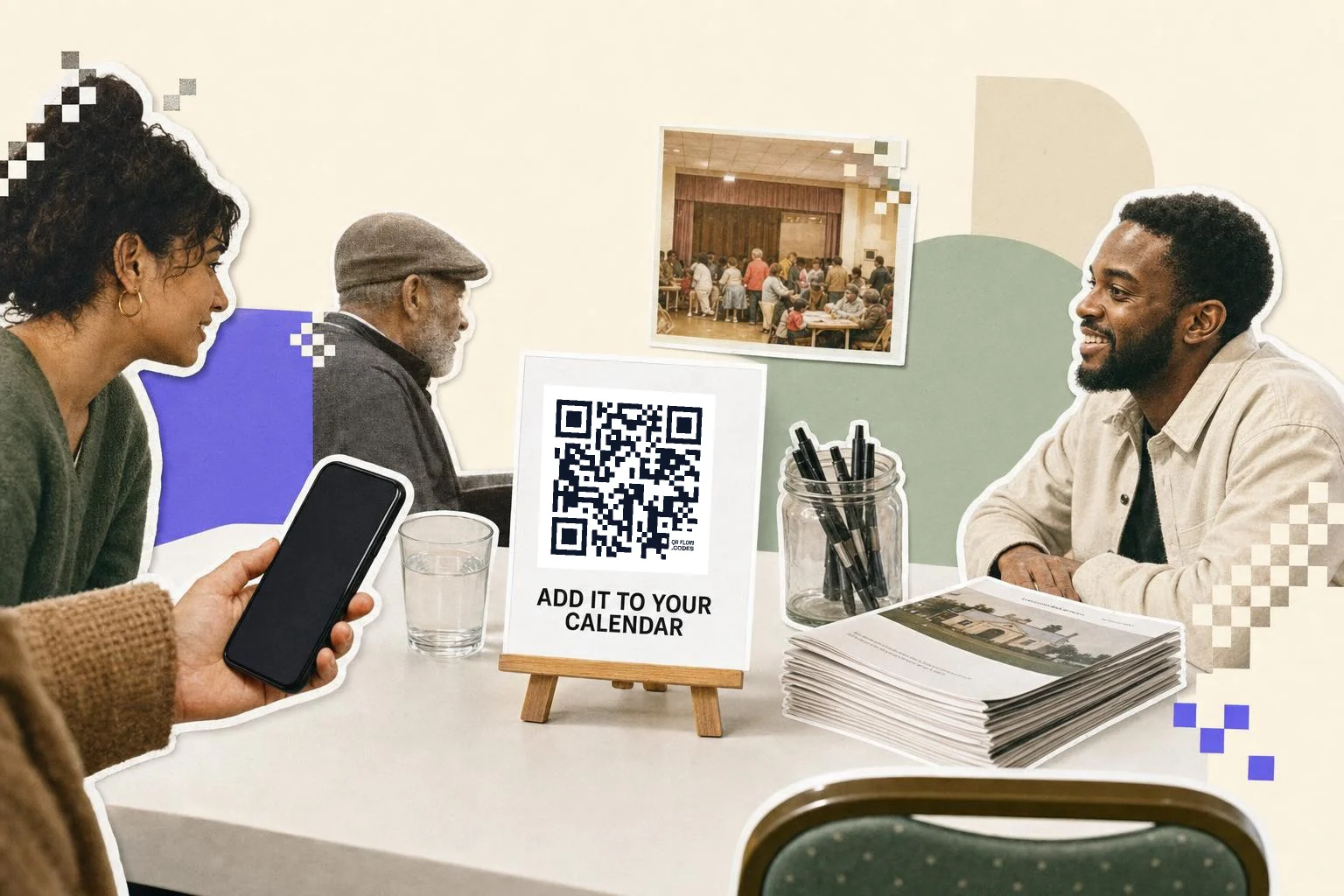
What the code actually contains
The generator writes a small iCalendar entry: a VEVENT with your title, start, end, and optionally a location and a description. That text is the payload. There is no server involved, which is why it still works when the venue has no signal, and why nobody can change it once it is printed.
Keep the fields short. Every character is more squares, and a long description turns a clean code into a dense one that struggles at small sizes. Put the title, the times and the place in the code; put the detail on a web page and link that from your printed material separately.
What each phone does with it
An iPhone's camera recognizes the event and offers to add it to Calendar. On Android, Google Lens reads it and offers the same, and some camera apps hand it to Lens automatically while others show the raw text instead. That is the honest state of things: there is no standard that guarantees every phone treats a calendar code identically, the way they all treat a link.
So test before you commit, with one iPhone and one Android phone, and print a fallback. A line under the code with the date and time, or a short link to the event page, means nobody is stuck if their phone shows text instead of a Calendar prompt.
When a link beats the event code
Use a link code, not this one, when the date might move, when you want scan counts, when people need to buy a ticket or reply, or when the event is a series rather than a single date. A page can hold all of that and can be edited; a printed VEVENT cannot. An RSVP code is the right neighbor when you need replies, and a plain link code is right when you have a proper event page.
Use the event code when the value is the date landing in someone's calendar with no typing and no connection: the poster in the corridor, the programme in a conference bag, the save-the-date card, the sticker on a delivery for a service visit. How to share a Google calendar covers the link side of the same job.
- Posters and noticeboards: 2-3 in (5-8 cm), with the date printed under it.
- Conference programmes and lanyards: 1 in (2.5 cm) per session.
- Save-the-date cards: 1 in (2.5 cm), plus the date in text.
- Class and club schedules: one code per recurring session start.
How big to print it
Rule of thumb: the code should be at least one tenth of the distance it is scanned from. These are the sizes that work in practice for this job.
| Where | Scan distance | Minimum width |
|---|---|---|
| Save the date or invite card | 10-14 in (25-35 cm) | 1 in (2.5 cm) |
| Conference programme page | 12 in (30 cm) | 1 in (2.5 cm) |
| Corridor or noticeboard poster | 2-5 ft (0.6-1.5 m) | 2-3 in (5-8 cm) |
| Window or hall banner | 7-16 ft (2-5 m) | 6 in (15 cm) |
Why make it dynamic
This is the rare code we suggest keeping static. The whole event is inside the pattern, which is exactly why it works with no signal in a field or a basement, and why nothing can break it later. The trade is that a moved date means a new code. If the date is likely to move, or you want to know how many people scanned, make a dynamic code that opens a page with the event on it instead, and keep the static one for the printed programme where reliability matters more than analytics.
Dynamic codes are part of Premium, $4 a month. Static vs dynamic, explained.
Step by step
- 1
Fill in the event
Title, start and end. Location and notes are optional and add squares.
- 2
Test on two phones
An iPhone should offer Calendar; on Android check with Google Lens. Then decide the size.
- 3
Print the date as text too
Under the code, so nobody is stranded if their phone shows raw text.
- 4
Moving date? Use a link
Make a dynamic link code to an event page instead, so a change does not mean a reprint.
Questions people ask
- How do I make a QR code that adds an event to a calendar?
- Choose Calendar event in the generator, fill in the title, start and end, and download the code. The event travels inside the pattern as an iCalendar entry, so a phone that recognizes it offers to add it to the calendar.
- Does it work on iPhone and Android?
- iPhone's camera offers to add the event. On Android, Google Lens reads it and offers the same, though some camera apps show the raw text instead of handing it to Lens. Test with both before a big print run, and print the date in text as a fallback.
- Does it need internet?
- No, and that is the point of this type. The event is in the code, so it works in a hall with no signal. A link code to an event page does need a connection.
- Can I change the date after printing?
- Not on this code; the date is in the pattern. If the date may move, use a dynamic link code pointing at an event page and change the page instead.
- Can one code hold a repeating event?
- Keep it to a single date. Recurrence rules are part of the iCalendar standard but phones handle them inconsistently from a scanned code, so one code per session, or a link to a schedule page, is the reliable answer.
- Will it add the event without asking?
- No. The phone shows a prompt and the person confirms. Nothing is written to a calendar by scanning alone.
Make the code now, change the link later
Free to make and print. Premium ($4/mo) keeps it editable and counts every scan.