
Video, channel or playlist
A video link (youtube.com/watch?v=… or youtu.be/…) opens that video. A channel handle (@yourname) opens the channel with the Subscribe button. A playlist link opens the playlist. Use the video for instructions and promos, the channel for "follow us" placements, and a playlist for a course or a series on a poster.
To start the video at a moment, add the timestamp: on YouTube's Share, tick "Start at" and copy that link. Useful on manuals, where step 4 is at 2:15. How to make a QR code for a video goes further into which link to use.
Where video codes work
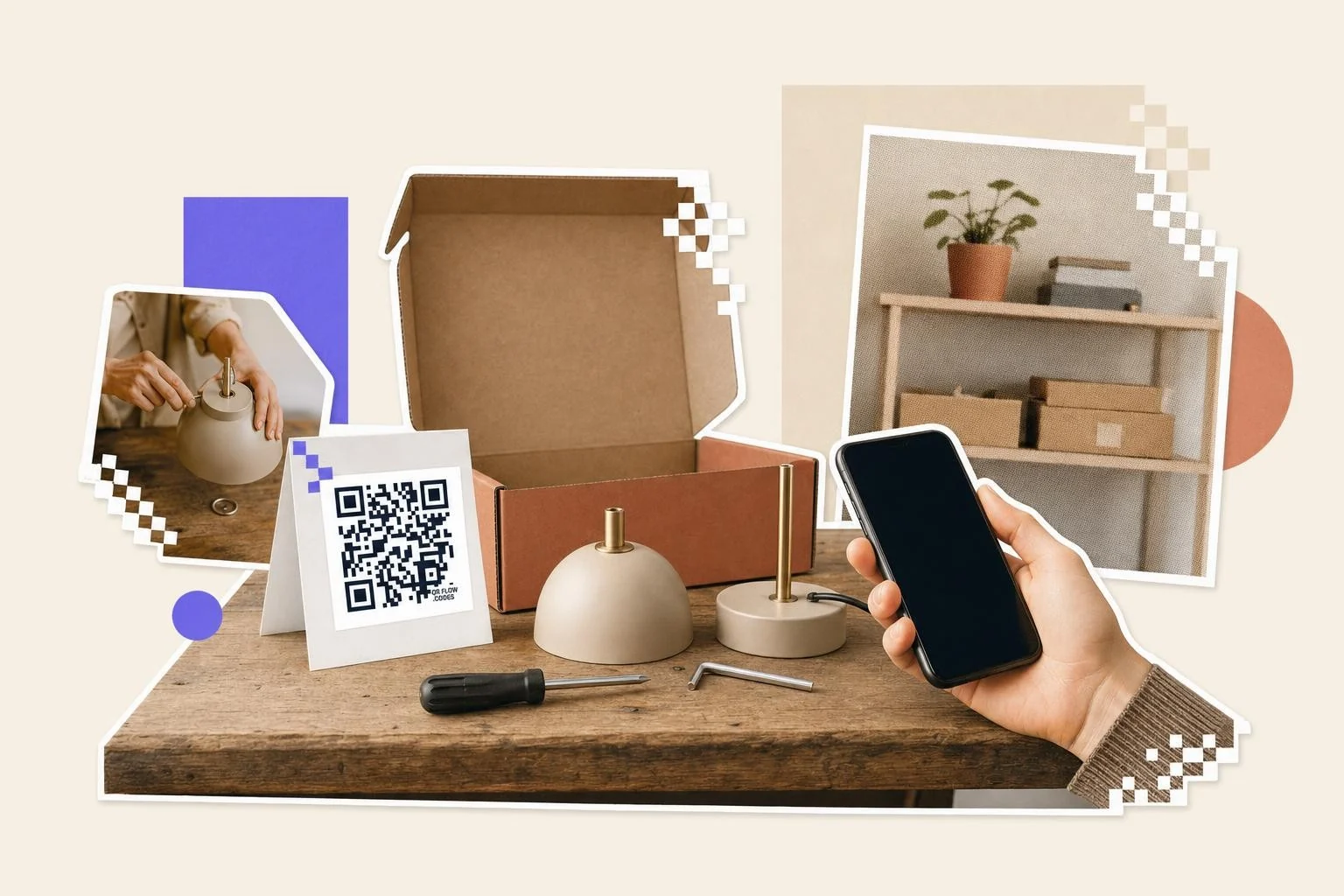
The best placements are where a video answers a question the person has right now: assembly instructions on the box, a demo on the shelf talker, a walkthrough on a museum label, a recap on a conference slide. Say what the video is and how long: "Watch the 2-minute setup".
- Product packaging and manuals: the setup video, ideally with a timestamp per step.
- Posters and flyers for creators: the latest video or the channel.
- Museum and gallery labels: a short talk by the maker.
- Menus and shelf talkers: how it's made, 30 seconds.
- Business cards: the channel handle for video-first businesses.
YouTube's own channel code
In the YouTube app, the Share sheet on a channel page offers a QR code in most regions; it opens the channel and any camera reads it. It is a fixed image of the channel link, so it cannot point at a video, start at a timestamp, or tell you how many people scanned. Use it to show someone your channel across a table; make the code here when it is going on a box, a poster or a card.
Keep it short on the phone
People scanning from print will watch about a minute. If the video is long, link to a timestamp or make a short cut for the print. Turn on captions; many scans happen in places where sound is off.
Why make it dynamic
Videos get re-edited, re-uploaded and replaced, and each new upload has a new URL. A static code on a product manual points at the old video forever, or at "This video is unavailable". A dynamic code points at whichever version is current, and can go to the channel between campaigns. The scan count also answers a question creators rarely get answered: how many people who saw the print actually watched.
Dynamic codes are part of Premium, $4 a month. Static vs dynamic, explained.
Step by step
- 1
Paste the link or handle
A video URL, a youtu.be link with a timestamp, or @yourchannel.
- 2
Caption it
"Watch the 2-minute setup" or "Subscribe" in the frame; the YouTube icon frame is in the Use case set.
- 3
Download and print
1 in (2.5 cm) on manuals and cards, 3 in (8 cm) on posters; SVG for print.
- 4
Swap the video later
On Premium, repoint the dynamic code at the re-upload; the manual doesn't change.
Questions people ask
- How do I make a QR code for a YouTube video?
- Copy the video's link (Share, Copy), paste it into the generator here, and download the code. Scanning opens the video in the YouTube app or browser.
- Can the code start the video at a certain time?
- Yes. On YouTube's Share dialog, tick Start at, set the time, copy that link and use it for the code.
- Video or channel?
- Video for instructions and promos; channel (your @handle) for follow placements like cards and posters. Both are one field in the generator.
- What happens if I delete or re-upload the video?
- A static code breaks. A dynamic code can be repointed to the new upload, so printed manuals and posters keep working.
- Does the code open the YouTube app or the website?
- The app, if YouTube is installed; the phone hands youtube.com and youtu.be links to it. Without the app the video plays in the browser. Timestamps carry over either way.
- Does YouTube make QR codes itself?
- For channels, yes: the Share sheet on a channel page in the YouTube app offers a QR code in most regions. There is no built-in code for a single video. Either way it is a fixed picture; make the code here for a video link, a timestamp, print-ready SVG, or a code you can repoint at the re-upload.
- Is a YouTube QR code free to make?
- Yes, and a free account keeps the download unmarked. Premium ($4 a month) makes the code editable when you re-upload, and counts how many people who saw the print actually scanned.
Make the code now, change the link later
Free to make and print. Premium ($4/mo) keeps it editable and counts every scan.