
Wi-Fi, the one that matters
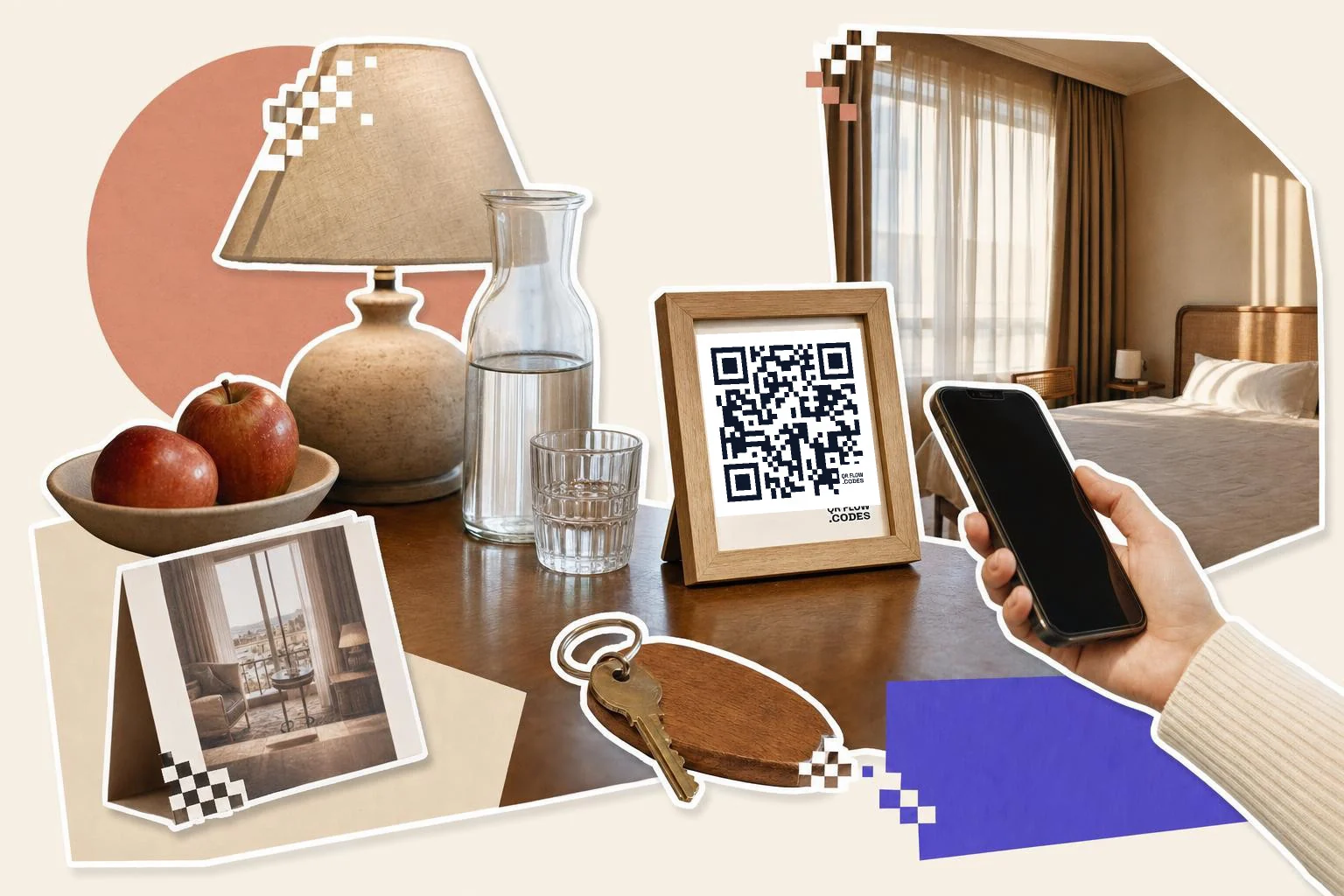
A Wi-Fi QR code carries the network name, password and security type; the phone reads it and offers to join, no typing. It is a static code (the password is inside the pattern), so if you change the password you reprint it. Print it small by the door and on the desk; put the password in text underneath for laptops.
One tip that saves calls to the front desk: keep the guest network name obvious ("Hotel Guest") and the password short and lowercase. Making a Wi-Fi QR code walks through the network name, password and encryption fields.
The house guide replaces the binder
Put everything a guest asks about on one phone-friendly page: checkout time, how the shower works, the thermostat, trash day, parking, the nearest pharmacy, your three favorite restaurants. One code on the fridge or the desk opens it. When something changes, you edit the page; the framed card stays.
For rentals, a second code on the welcome card can open the check-in instructions with the lock code, and be paused between stays so the code is useless to anyone who finds an old card.
- Door or entry: the Wi-Fi code.
- Desk or fridge: the house guide.
- Nightstand: room service, breakfast times, spa booking.
- Checkout card or key drop: a Google review or TripAdvisor code.
- Lobby: local guide, shuttle schedule, events.
The review ask
The best time to ask is at checkout, on a small card in the key envelope or on the desk, with one line: "Enjoyed your stay? A review takes 30 seconds." Link straight to Google's write-a-review form or your TripAdvisor page. Don't offer anything for it; the platforms remove incentivized reviews.
How big to print it
Rule of thumb: the code should be at least one tenth of the distance it is scanned from. These are the sizes that work in practice for this job.
| Where | Scan distance | Minimum width |
|---|---|---|
| Key card sleeve or welcome card | 8-12 in (20-30 cm) | 0.8 in (2 cm) |
| Desk stand or fridge magnet | 16-24 in (40-60 cm) | 1.2 in (3 cm) |
| Framed card by the door | 20-32 in (50-80 cm) | 1.5 in (4 cm) |
| Lobby sign | 3-7 ft (1-2 m) | 3 in (8 cm) |
Why make it dynamic
Rooms are furnished once and reprinting every framed card across forty rooms is a project nobody schedules. A dynamic code on the desk stays on the desk while the breakfast hours, the spa menu, the local guide and the checkout instructions change behind it. For a rental, the same welcome card can point at a different house guide when you change the lock code or the trash day. And a code that is scanned tells you which information guests actually look for, which is usually the Wi-Fi, then the checkout time, then where to eat.
Dynamic codes are part of Premium, $4 a month. Static vs dynamic, explained.
Step by step
- 1
Type the network and password
The Wi-Fi type builds the join code; print the password in text underneath for laptops.
- 2
Build the house guide
One phone-friendly page with checkout, appliances, parking and local tips; make a second code that opens it.
- 3
Frame and place
The Wi-Fi frame carries the icon and "Connect to Wi-Fi"; the Caption frame does the rest. 1 in (2.5 cm) on cards, 1.5 in (4 cm) on the desk stand.
- 4
Change the guide, not the frame
On Premium, edit the page or the link any time; pause the check-in code between stays.
Questions people ask
- How do I make a Wi-Fi QR code for guests?
- Choose the Wi-Fi type in the generator, enter the network name and password and pick the security type (usually WPA), and download the code. Scanning it offers to join the network; no app and no typing.
- If I change the Wi-Fi password, does the code still work?
- No. A Wi-Fi code stores the password inside the pattern, so a new password means a new code. Most properties change the guest password rarely for exactly this reason.
- Can guests see the password from the code?
- Yes. The password is readable by any QR scanner, which is fine for a guest network. Do not make a Wi-Fi code for your staff or office network.
- Can one code open a guide I keep changing?
- Yes. Point a dynamic code at your house guide page and edit the page whenever you like; or repoint the code to a new page. The card on the desk never changes.
- Can I pause the check-in instructions between stays?
- Yes, on Premium. Pause the code after checkout and resume it before the next arrival; anyone scanning an old card in between sees a paused message instead of your lock code.
- How do I ask for reviews without annoying guests?
- One small card at checkout, one sentence, a direct link to the review form. No incentives, no follow-up nagging. Guests who had a good stay tend to do it on the spot.
Make the code now, change the link later
Free to make and print. Premium ($4/mo) keeps it editable and counts every scan.