
Which link to put behind the code
Almost every store code is one of four links, and picking the right one matters more than the design does.
- A product page, when the code sits on that product's packaging or shelf tag.
- A collection page, for a seasonal drop, a sale or a market table where you sell several things.
- A checkout or cart permalink, when you want one tap to buy and the code is beside a single item.
- Your storefront home, on a business card, tote or van, where the job is finding you at all rather than selling one thing.
Codes on packaging, where reprinting is the expensive part
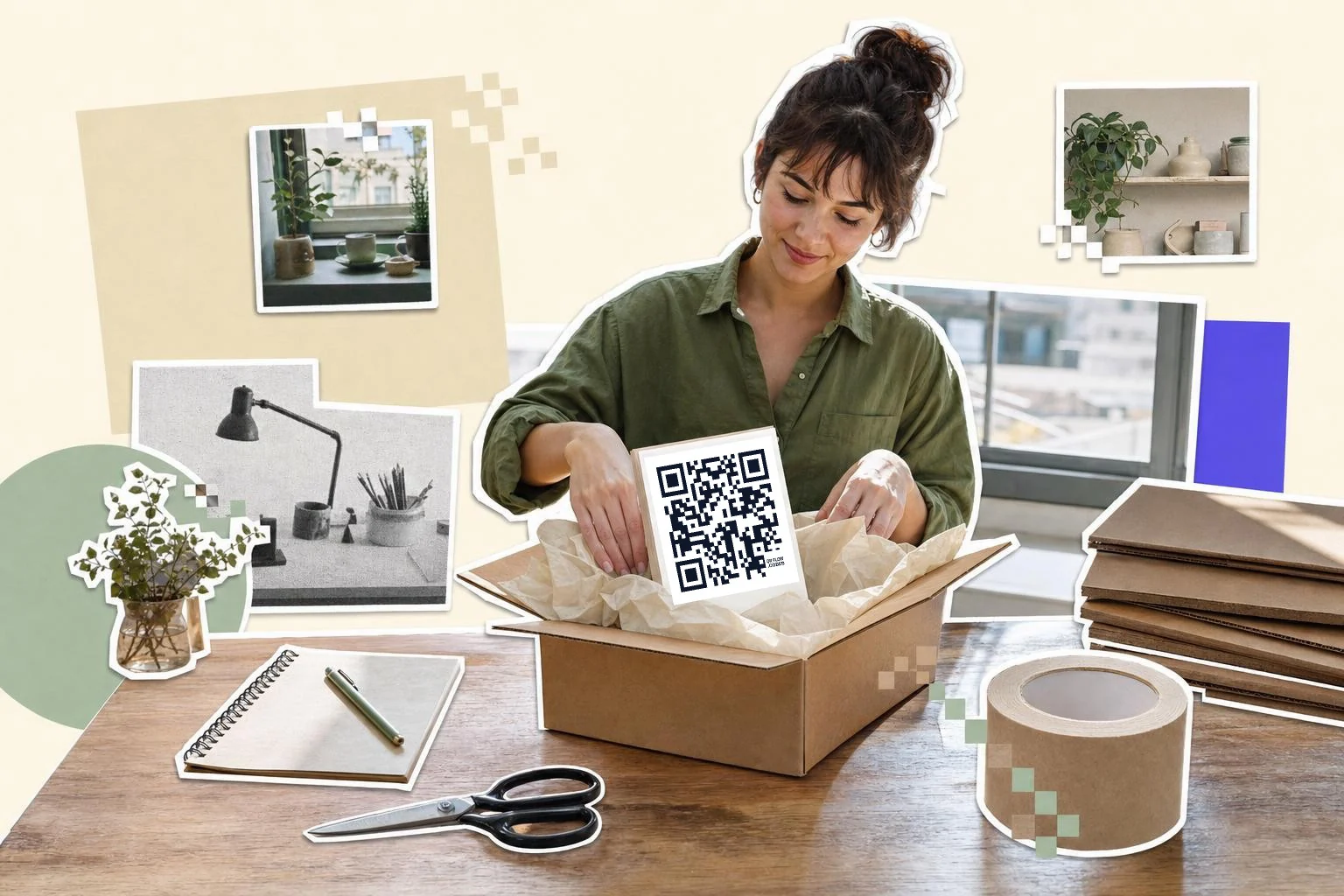
Packaging is where a dynamic code earns its keep. A box is ordered in thousands and lives for a year or more, while the page it points at can change in an afternoon. Print the code once, point it at the product page today, and at the restock waitlist when that product goes out of stock.
Put the code on a flat panel rather than a curve or a seam. A code printed across the fold of a box scans slowly at best, and the fold is exactly where a phone's autofocus gives up.
Markets, pop-ups and wholesale
A market table is the one place where a QR code outperforms everything else you could print, because the person is already holding the product and has no way to buy it if you run out. One code to the collection, one to the specific item they picked up, and you keep the sale after the tent comes down.
For wholesale, a code on the line sheet or the sample tag saves a buyer typing a long URL into a phone in a busy showroom.
Making store codes by asking Claude or ChatGPT
QRFLOW has a Model Context Protocol server, which is the standard way an AI assistant connects to an outside tool. Connect it once in Claude or ChatGPT and you can say make a dynamic code for this product link, and the code comes back with a scan count attached. That is useful when you are making thirty codes for thirty products and you would rather paste a list than fill in a form thirty times.
Shopify runs MCP servers of its own, and they answer a different question. The Shopify.dev server gives an assistant Shopify's documentation and API schemas, which is for building an app rather than running a shop. The Storefront Catalog server lets a shopping agent search a store's catalog, and it expects a registered agent profile rather than a merchant's own chat window. So the practical shape today is that you bring the link and the assistant makes the code.
How big to print it
Rule of thumb: the code should be at least one tenth of the distance it is scanned from. These are the sizes that work in practice for this job.
| Where | Scan distance | Minimum width |
|---|---|---|
| Product label or hang tag | 6-10 in (15-25 cm) | 0.8 in (2 cm) |
| Box panel or insert card | 10-16 in (25-40 cm) | 1.2 in (3 cm) |
| Market table or shelf card | 20-32 in (50-80 cm) | 2 in (5 cm) |
| Pop-up banner or window | 3-7 ft (1-2 m) | 3 in (8 cm) |
Why make it dynamic
Stores change faster than the things they print on. A product sells out, a collection gets renamed, a seasonal drop ends, and the URL on ten thousand boxes quietly starts landing on a 404. A dynamic code keeps the printed pattern and moves the destination: this drop, then next drop, then the waitlist, all on the same insert card. It also answers the question nobody can answer from Shopify analytics alone, which is how many people scanned the box rather than found you by search.
Dynamic codes are part of Premium, $4 a month. Static vs dynamic, explained.
Step by step
- 1
Copy the link from Shopify
Open the product, collection or checkout link you want and copy the address from the browser. Any store URL works, on myshopify.com or your own domain.
- 2
Paste it above and choose dynamic
A static code is fine for a link that will never move. Choose dynamic for anything printed in quantity, so the destination stays yours to change.
- 3
Download the vector file for print
Send the SVG to your printer rather than a PNG. It stays sharp at any size, which matters when the same artwork goes on a sticker and a shipping carton.
- 4
Scan the real print, not the screen
Print one at the size you ordered, put it at the distance a customer will stand, and scan it with an ordinary phone before the run goes ahead.
Questions people ask
- Do I need to install a Shopify app to make a QR code?
- No. Copy the link to the product, collection or checkout from your store, paste it into the generator on this page, and download the code. Nothing is installed and no permissions are granted to your store.
- What happens to the code when a product sells out?
- A static code keeps pointing at the sold-out page. A dynamic code can be re-pointed in seconds to the replacement product, the collection or a back-in-stock signup, and every box already printed follows it.
- Can one code open the checkout directly?
- Yes. Shopify cart permalinks are ordinary URLs, so a code can carry one straight to a cart with the item already in it. Use a dynamic code for this, because a cart link tied to one variant is the kind of thing that changes.
- Will the code still work on my own domain?
- Yes. The code holds whatever address you paste, so a myshopify.com link and a link on your own domain both work. If you move to a custom domain later, a dynamic code can be updated to the new address without new packaging.
- How do I know whether anyone scanned the packaging?
- A dynamic code counts every scan, with the date and rough location, so you can tell a box scan from a search visit. Static codes carry no counter of any kind, from us or anyone else, because a static code never touches a server.
- Can an AI assistant make these for me?
- Yes. Connect QRFLOW's MCP server in Claude or ChatGPT, give it the store links, and ask for dynamic codes. It is the fastest route when you are making a batch for a whole collection.
Make the code now, change the link later
Free to make and print. Premium ($4/mo) keeps it editable and counts every scan.