
Linktree's own QR code, and what it actually gives you
Linktree has made this easy, so start there. On any plan, Free included, open the Links page under My Linktree, click Share, and pick My Linktree QR code; you can download it as a PNG or an SVG. For a code you are going to print once, that is the whole job, and it costs nothing.
The limit is what you can change. Linktree's help center puts customizing the code on the Pro and Premium plans: the color picker, hiding the Linktree logo in the middle, and putting your own logo there instead. On Free you get their code with their mark on it, in their color. So the question is not whether Linktree gives you a code, it is whether you want to pay Linktree to recolor it or make a plain one here and keep the color, the frame and the caption under your own control.
The second limit is harder to fix later: their code is your linktr.ee address, forever. If you move to another link-in-bio tool or to your own site, everything you printed points at the page you left. A dynamic code made here is a short link you own, so the printed square survives the move.
Which link to copy
Your page's address is linktr.ee/yourname, and you can copy it from the Share panel or straight out of the browser. Paste it above. The same field takes any link-in-bio page, so Beacons, Bento, Stan, Carrd and a plain page on your own domain all work the same way; the generator does not care which tool made the page.
If you own a domain, consider pointing the code at your own address instead, even if it just redirects to Linktree today. It reads better in print, and it means the printed code belongs to you rather than to whichever tool you are using this year.
Where a links code beats a bio link
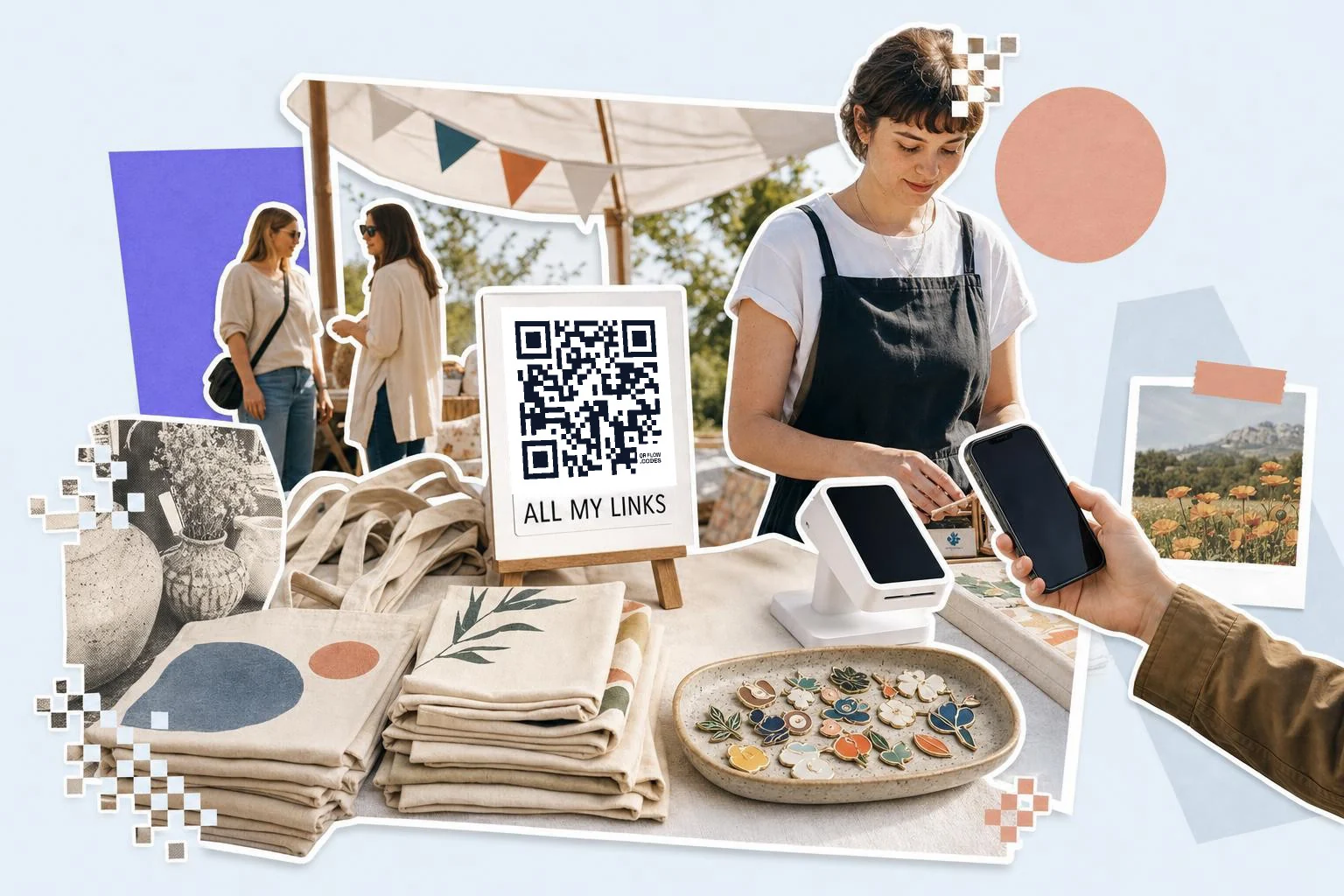
A link in bio only works for someone already inside an app, looking at your profile. The code is for everywhere else: the market stall, the merch table, the shop window, the flyer on a community board, the sticker on a case, the last slide of a talk, the back of a business card. In all of those the person is standing in front of you and has no way to tap anything.
Say what is behind it, the same as any other code. "Menu, booking and socials" or "All my links" turns a square into something worth aiming a camera at. Business cards with a QR code covers the same choice on paper.
- Market stalls and pop-ups: 2 in (5 cm) on the table sign.
- Merch tags, packaging and stickers: 1.2-1.5 in (3-4 cm).
- Flyers and posters: 1 in (2.5 cm) on paper, 3 in (8 cm) on a wall.
- Business cards: 0.9 in (2.2 cm) on the back, with the address in text.
- The last slide of a talk: a quarter of the screen height, left up for questions.
How big to print it
Rule of thumb: the code should be at least one tenth of the distance it is scanned from. These are the sizes that work in practice for this job.
| Where | Scan distance | Minimum width |
|---|---|---|
| Business card or merch tag | 8-12 in (20-30 cm) | 0.9 in (2.2 cm) |
| Sticker on a case or laptop | 12-24 in (30-60 cm) | 1.5 in (4 cm) |
| Market stall or counter sign | 20-32 in (50-80 cm) | 2 in (5 cm) |
| Poster or shop window | 3-7 ft (1-2 m) | 3 in (8 cm) |
Why make it dynamic
A link-in-bio page is the one address that is supposed to outlive every campaign, which is exactly why the printed version of it should be editable. Handles change, Linktree gets replaced by Beacons or by your own site, and the sticker on the laptop is still out there. A dynamic code keeps the square pointing at whatever your links page is this year, and counts each placement separately, so the stall sign, the flyer and the merch tag stop being one undifferentiated lump in your analytics.
Dynamic codes are part of Premium, $4 a month. Static vs dynamic, explained.
Step by step
- 1
Copy your links page address
linktr.ee/yourname, or the address of any link-in-bio page you use.
- 2
Paste it above
The multi-link type is selected; the code appears as you paste.
- 3
Colors, caption, download
Your color on a light ground, a caption like "All my links", then SVG for signs and PNG for stickers.
- 4
Keep it yours
On Premium the code is a short link you own: move it to a new bio tool or your own site without reprinting.
Questions people ask
- Does Linktree have a QR code?
- Yes, on every plan including Free: the Links page under My Linktree, then Share, then My Linktree QR code, downloadable as a PNG or an SVG. Customizing it, which covers the color, hiding the Linktree logo and adding your own, is on their Pro and Premium plans.
- So why make a Linktree QR code here?
- Three reasons: you get color, a frame and a caption without upgrading anything; the code can be edited after printing, so it survives a move away from Linktree; and each saved code counts its own scans, so the stall sign and the flyer are separate numbers rather than one lump of page views.
- Does a Linktree QR code expire?
- No. A static code is a picture of your linktr.ee address and keeps working as long as that page exists, whoever made the code. What ends it is the page: change your handle, delete the page or move to another tool and every static code printed from it is dead. That is the case a dynamic code is for.
- Does it work with Beacons, Bento or my own page?
- Yes. The field takes any link-in-bio address, and nothing about the code is specific to Linktree. If you own a domain, pointing the code at your own address is the version that outlives whichever tool you use.
- Can I put my logo in the middle?
- Yes, on Premium here, and on Pro or Premium at Linktree. Keep it under about a fifth of the code's width and leave the three corner squares alone; QR codes carry enough error correction for the rest.
- What does it cost?
- Making and downloading a static code is free, and a free account keeps the download unmarked. Premium ($4 a month) removes that mark, makes the code editable and counts scans. Linktree's own code is free too, with their logo on it; the customization is what sits behind their paid plans.
Make the code now, change the link later
Free to make and print. Premium ($4/mo) keeps it editable and counts every scan.