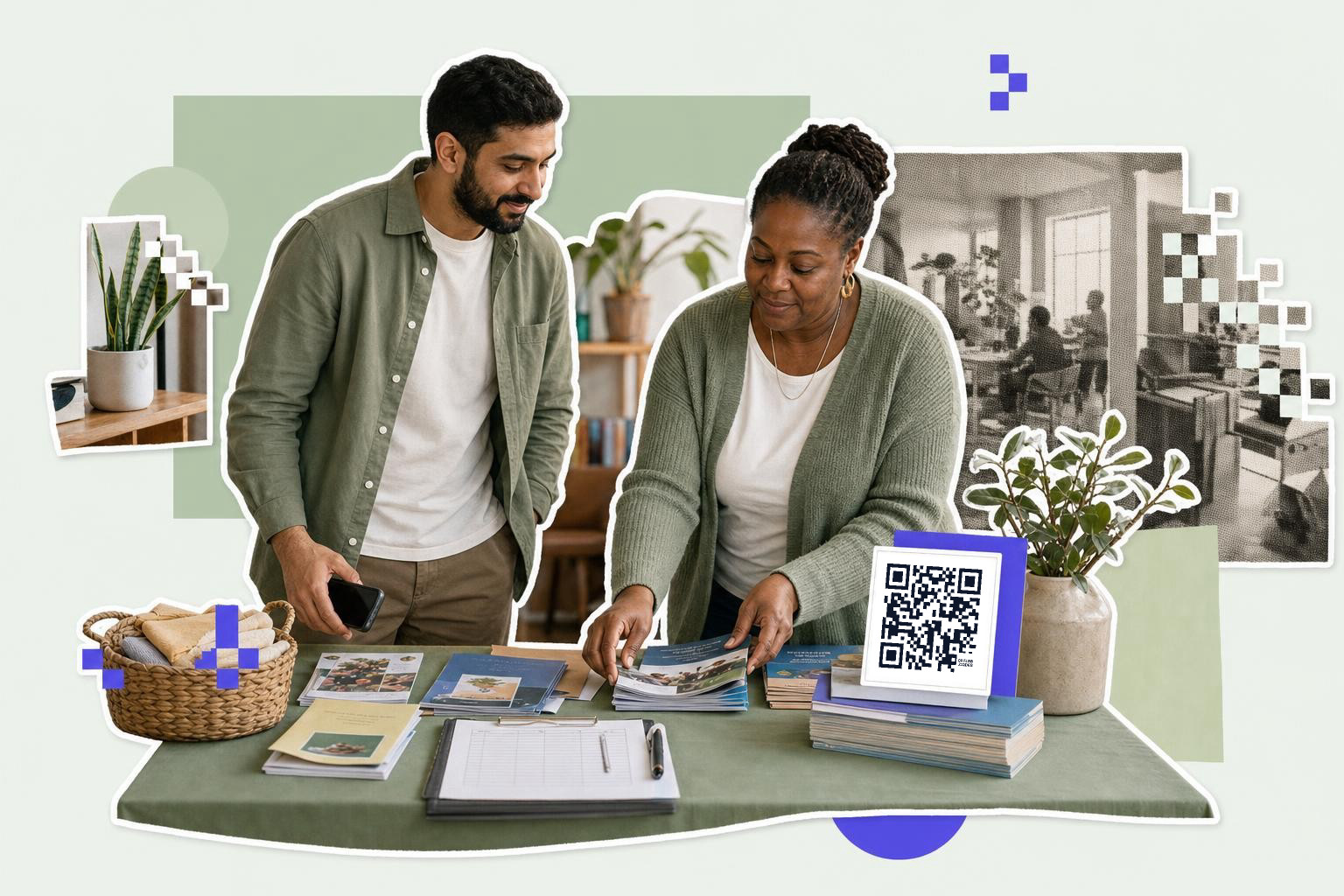
QR code use in nonprofits works best when each code does one clear job, like taking a donation, opening event registration, or collecting feedback, and the landing page should load in one tap on a phone.
If you run programs, events, or fundraising, QR codes can take a lot of little jobs off your team. The trick is not putting them everywhere. The smart move is putting them where people already want the next step.
1. QR code use in nonprofits for donations#

Donation codes work best at the exact moment someone is ready to give. That means gala tables, lobby counters, printed mailers, volunteer shirts, or a speaker slide at the end of a community event.
A donation code should open the payment page directly, not your homepage, and not a menu of five options. If someone scans during a live appeal, every extra tap loses people. A small nonprofit table tent might say, “Give $10 to stock 20 meals,” and the code goes straight to that campaign page. That is much better than sending people to a general site nav.
Tip: print a second, tiny fallback URL under the code for people who want to type it instead. If you need a payment-specific setup, start with a payment QR code or see our guide to QR code for fundraising.
2. Use event registration codes on flyers, doors, and partner tables#
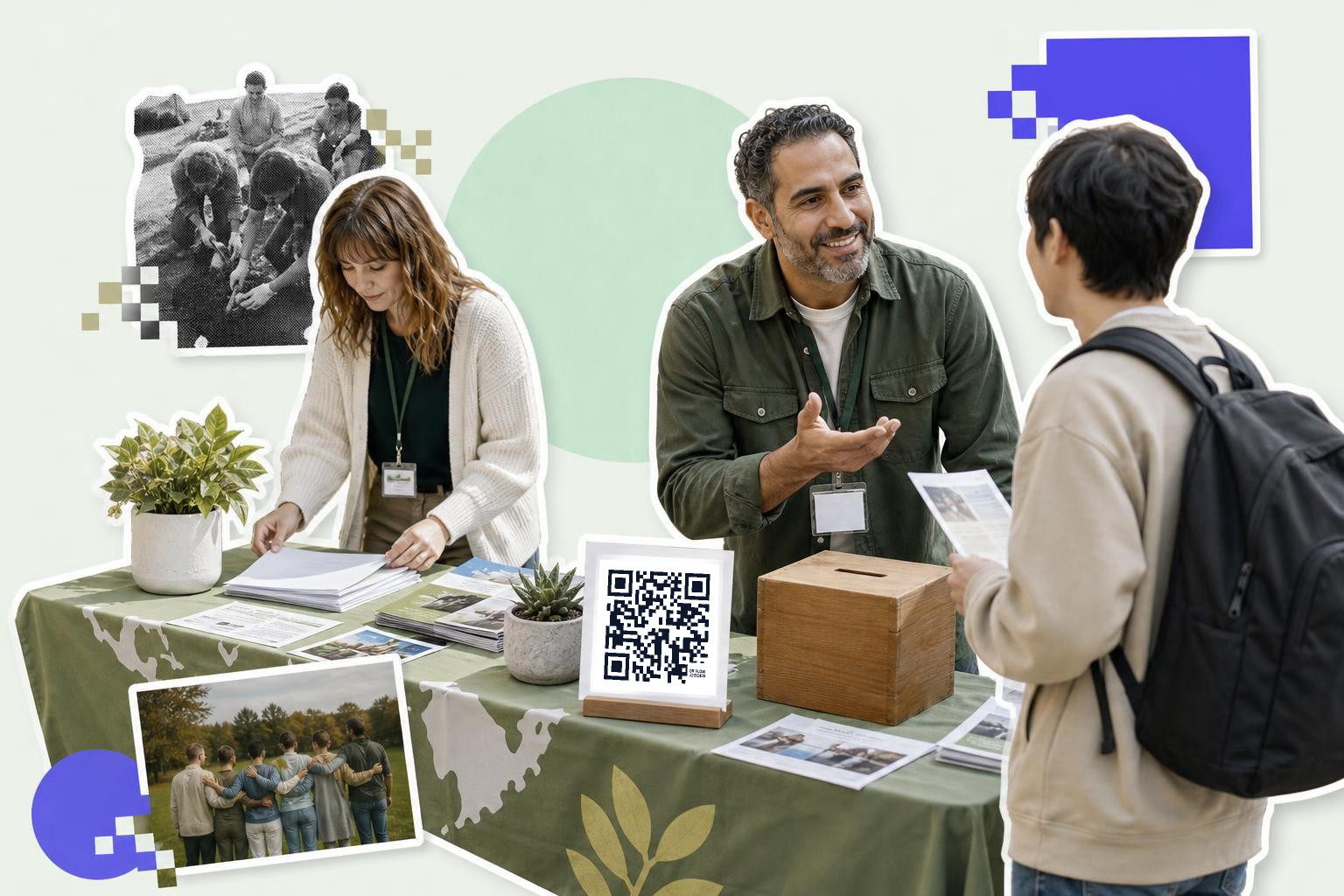
Event registration codes save your team from answering the same “where do I sign up?” question all week. They belong on posters, postcards, social graphics, lobby signs, and any handout a partner organization gives out.
For a free workshop, the code should open the registration form or event page, not your organization homepage. If the room changes after you print, this is where dynamic matters. With an editable code, you can keep the same printed flyer and change the destination later. QRFLOW.codes lets you edit where one code points after printing, which is genuinely useful for event pages that keep changing.
Tip: if seats are limited, send scanners to a page that says “Register” in the first screenful, with the date and time visible before they scroll. If events are a big part of your work, the QR code for events page has more setup ideas.
A simple tool is often enough. You can make and download a clean code from the free QR code generator, then add it to your flyer or table sign.
3. Make volunteer sign-ups feel like a yes, not paperwork#
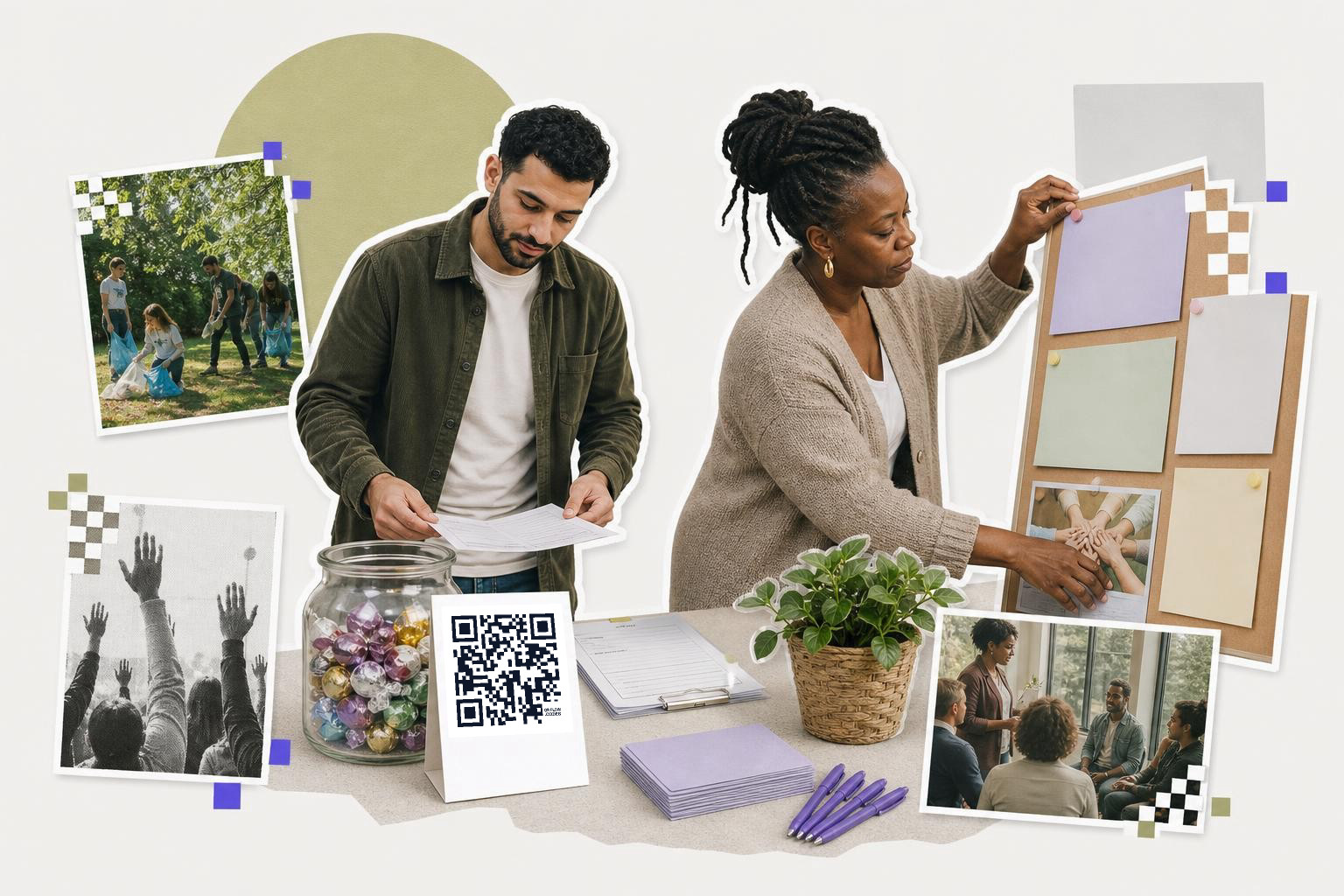
Volunteer sign-up forms should open a short form with the next shift, role, or interest form already clear. Volunteer recruiting drops off fast when the scan leads to a long page with no obvious place to start.
A food pantry, tutoring program, or neighborhood cleanup can use separate codes for separate jobs. One code for “weekday packing,” one for “Saturday setup,” one for “become a mentor.” That way, your form can ask only what matters for that role. If everyone scans one general code, you usually get a pile of vague responses and extra follow-up work.
Tip: Keep the first form to five fields or fewer if you can. Name, email, phone, availability, and interest is enough for many first contacts. For inspiration on direct, single-purpose links, see QR code example for every situation.
4. Share resources when paper handouts are too much, or not enough#

Resource distribution is one of the most practical uses because the code can carry more than the paper can. A one-page handout can send people to a full benefits guide, a translated PDF, a school supply list, or a calendar of upcoming services.
This works well at intake desks, outreach booths, community fridges, classrooms, and clinic waiting rooms. A housing nonprofit might print one sheet with three short sections, then use the code to open the full tenant rights packet in English and Spanish. If you host a file online, make sure the linked file name is clear and the page tells people what will open.
Tip: pair the code with a short plain label like “Open the full resource list” or “Get the Spanish version.” If your destination is a document, use a QR code for a PDF instead of burying the file in a crowded web page.
5. Collect QR code feedback before people forget#
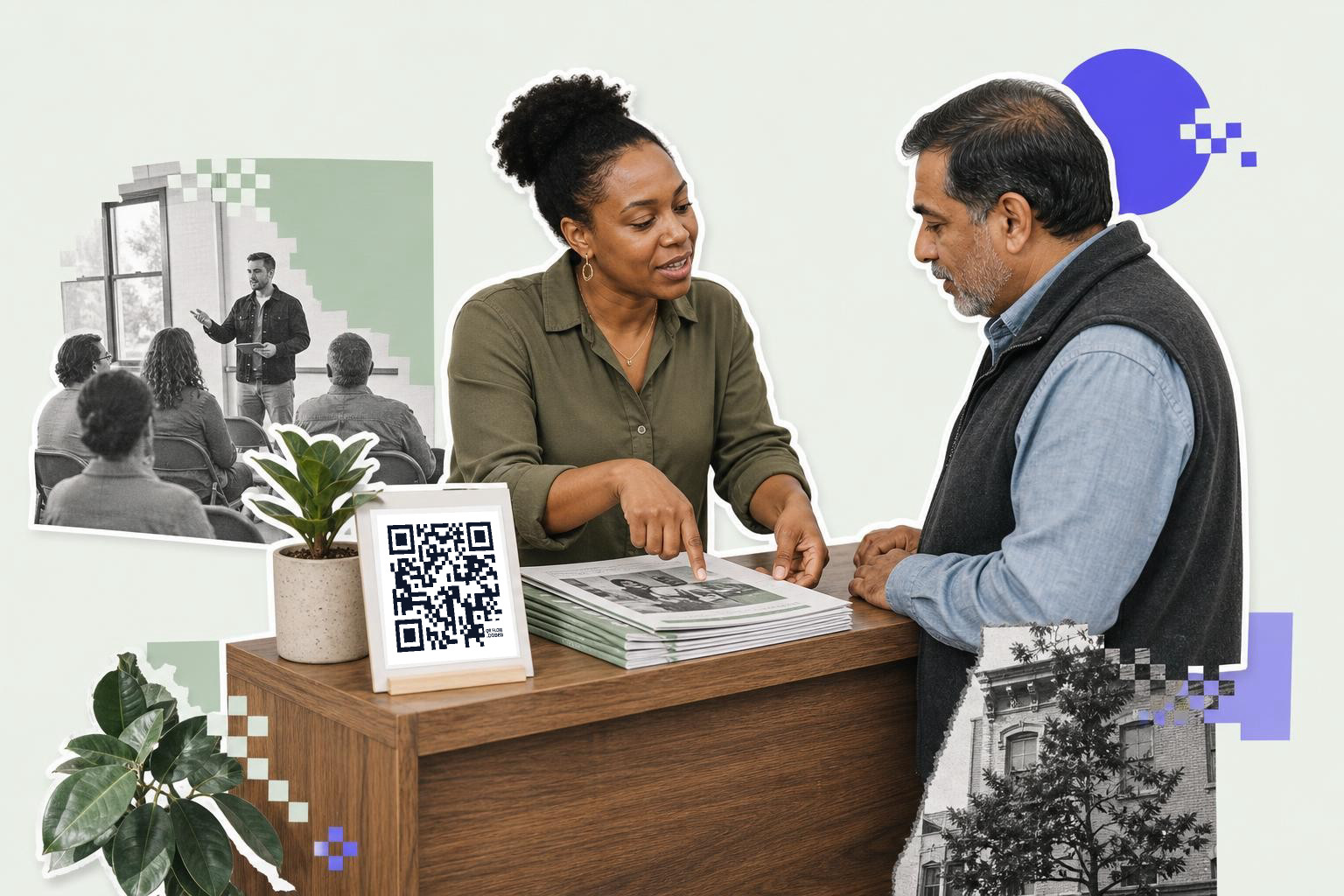
QR code feedback works best right after the experience, while people still remember what helped and what did not. Put the code at the exit, on chair backs, on a final slide, or on take-home cards handed out as people leave.
The form should be short. Three to five questions is usually enough for post-event or post-program feedback. A legal clinic, youth workshop, or food distribution day does not need a 20-question survey. A better setup is one rating question, one open comment box, and one question about what the person wants next.
Tip: tell people how long it takes before they scan. “60-second survey” gets more honest responses than a vague “Tell us what you think.” If you want better completion, use a form that opens cleanly on mobile and does not require sign-in.
6. Add one code to print outreach, but give it one job#
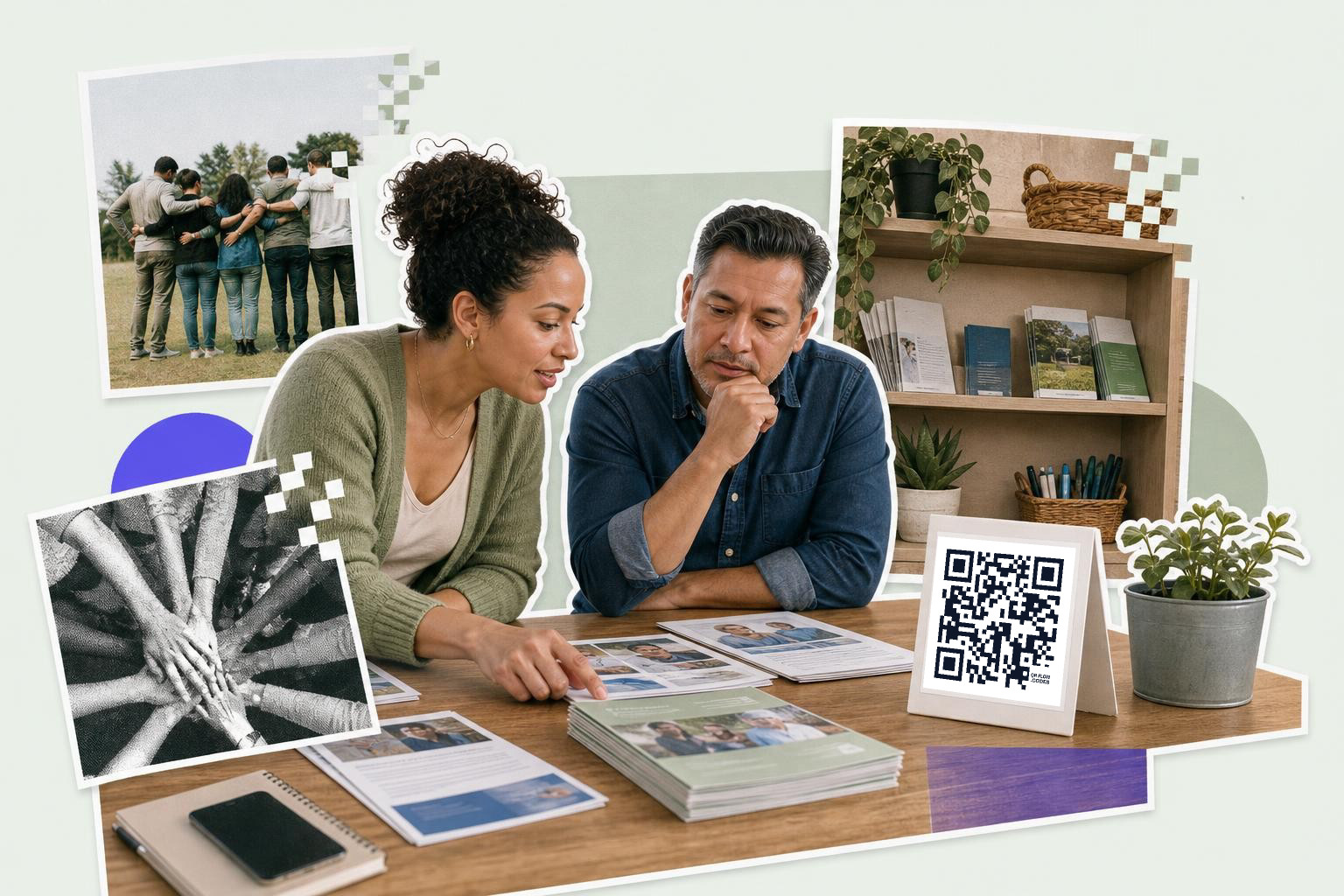
Outreach materials often fail because one flyer tries to do three things at once. A QR code on a brochure, poster, rack card, or leave-behind should have one goal: donate, register, get help, join the mailing list, or contact your team.
A domestic violence support group, job training nonprofit, or after-school program may hand out materials in several places. That does not mean every print piece needs the same destination. One brochure at a partner clinic might open a referral form. A postcard at a community fair might open your services page. Different placements can carry different codes, and scan analytics on paid plans can show which location got action by hour, place, and referrer.
Tip: if you run several campaigns at once, name each saved code by location, like “clinic brochure” or “summer fair table,” so you can tell them apart later in your dashboard.
7. Use program-specific codes instead of one catch-all homepage code#
A homepage code is easy to make, but it is usually the weakest option for nonprofit work. Program-specific codes beat general codes because they match the reason the person scanned.
Think about the real moments. A parent at a backpack drive wants school supply details. A donor at a banquet wants the giving page. A retiree at a volunteer fair wants the signup form. A case manager at a partner office wants the referral packet. Those are four different jobs, and one homepage handles none of them well.
Tip: make a small set of codes by audience, not one giant catch-all. If a link might change later, compare static vs dynamic QR code before you print hundreds of cards.
8. 10 practical placements nonprofit teams can test first#
1. Donation table tents#
A small table tent works well at dinners, receptions, and board events because people are already seated and have a minute to act. Put the code next to one clear ask, not a full campaign story. For example, a dinner card that says “Fund one week of rides” gives the scan a purpose. Tip: keep the code large enough to scan from arm’s length, around 1 inch (2.5 cm) or more on a printed card.
2. Lobby signs and front desks#
Front desks are perfect for recurring questions like hours, intake forms, or current program calendars. A visitor waiting in line can scan without needing a staff member to walk them through the next step. A clinic-style waiting area might use one sign for “Open today’s resource list.” Tip: place the sign where people naturally pause, not low on a counter where bags and clipboards cover it.
3. Event slides before and after a talk#
A projected code gives people an easy next action when attention is already focused forward. This is especially useful for workshop check-in, resource downloads, or post-event giving. A speaker can leave the final slide up for a minute so late scanners are not rushed. Tip: test the code from the back of the room before the event, because a code that looks sharp on a laptop may fail on a projector.
4. Volunteer shirts and badges#
Shirts and badges can work for quick mobile actions at festivals, drives, and neighborhood events. Someone chatting with a volunteer may be more likely to scan a badge for “Join the next shift” than take a flyer they will lose later. Tip: avoid putting the code on wrinkled fabric across the stomach, and use a flat badge or back print instead.
5. Printed mailers and thank-you cards#
Mail still earns attention when the next step is fast. A postcard can send past donors to a campaign page, and a thank-you card can point new supporters to volunteer options or program updates. One clean code beats a long URL every time. Tip: leave some white space around the code, at least 0.2 inches (0.5 cm), so phone cameras can read it without interference from nearby text.
6. Partner location posters#
Libraries, cafes, schools, and shared community spaces can extend your reach if the message matches the location. A poster at a school pickup area might open your tutoring signup page, while the same design would be wrong for a food pantry line. Tip: make a separate code for each partner location so you can tell which placements actually get scans later.
7. Resource packets and intake folders#
Packets often contain too much paper and not enough clarity. One code on the cover can open the latest forms, translated materials, or a short orientation page. That helps when printed copies go out of date. A family services packet, for example, can link to a page with current office hours and required documents. Tip: say exactly what opens after the scan so people know whether it is a PDF, form, or webpage.
8. Booth backdrops and retractable banners#
Large displays are good for awareness, but they should still point to one next action. At a health fair or street market, a banner can send people to a screening signup page or a service directory instead of your homepage. Tip: if people will scan from 3 to 6 feet (1 to 2 m) away, make the code much larger than you would on a handout.
9. Exit cards for surveys#
Feedback rates rise when you make the ask as people leave, not the next day. A small card handed out at the door can say “Tell us how today went” and lead to a three-question form. That works for workshops, support groups, and community trainings. Tip: if you promise a short survey, keep it short, because trust drops fast when a 60-second survey turns into ten screens.
10. Staff email signatures and digital handouts#
Not every good placement is physical. A code inside a PDF handout or a simple image in an email signature can route people to scheduling, referral forms, or a current campaign page. For example, a partnership coordinator might add a code to a one-page leave-behind PDF used in meetings. Tip: in digital formats, always include the plain link nearby too, because some people read on the same device they would otherwise use to scan.
Nonprofit teams usually do better with fewer codes, each tied to one action. You can make those codes, save them, and download PNG or SVG files from QRFLOW.codes. If you need editable links, analytics, custom domains, or team access for a larger program, the details are on the pricing page.